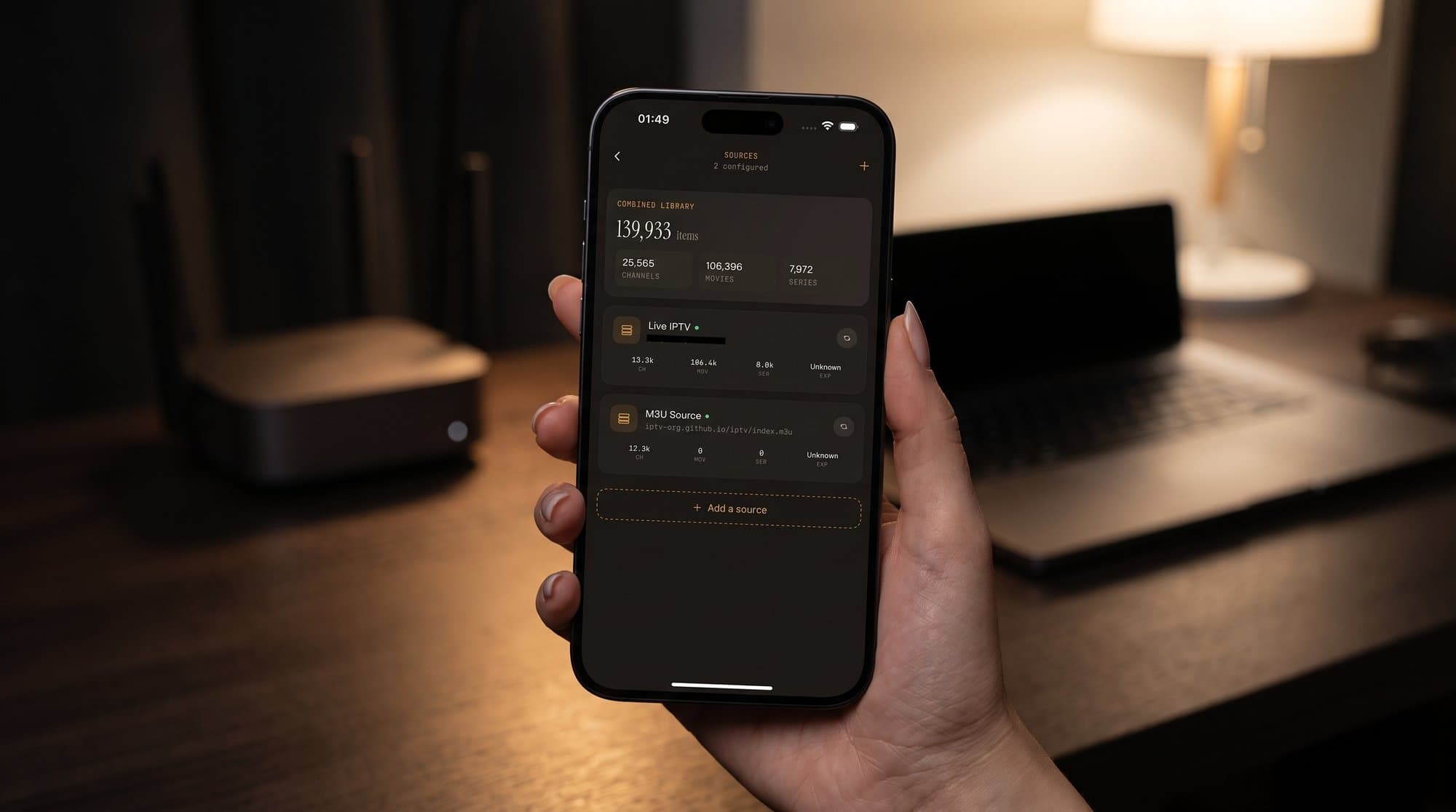
Do You Need a VPN for IPTV? A Practical Guide
When a VPN actually helps with IPTV, when it's overhead you don't need, and how to pick one that won't turn your stream into a buffering mess.
Maximus IPTV PlayerVPN for IPTVdo I need a VPN for IPTV
Guides & resources
Tips, guides, and insights on IPTV streaming for iOS & Android devices.
When a VPN actually helps with IPTV, when it's overhead you don't need, and how to pick one that won't turn your stream into a buffering mess.
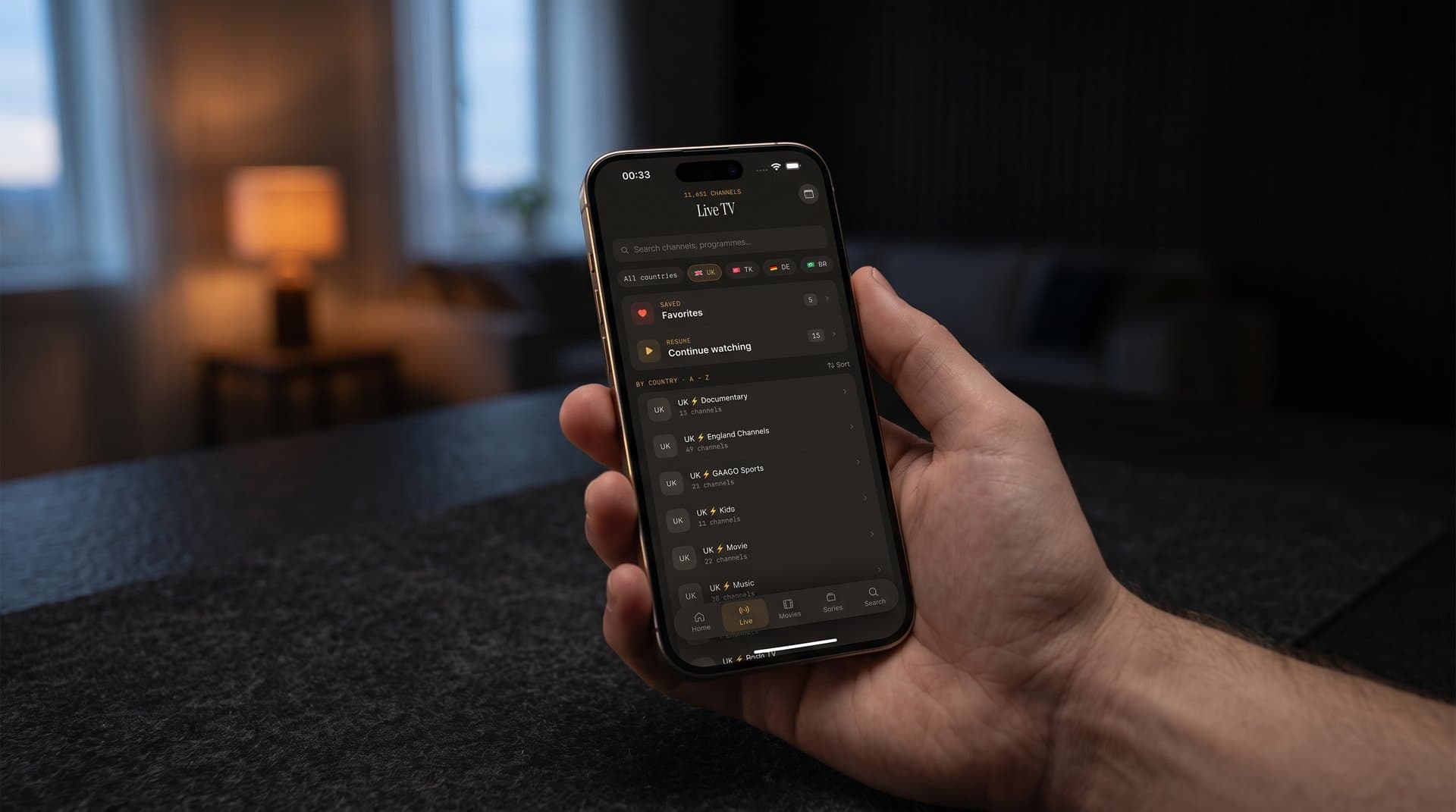
How much data does IPTV use in 4K, HD and SD? Approximate numbers, Wi-Fi vs mobile data tips, and how offline downloads in Maximus IPTV Player protect your data plan.
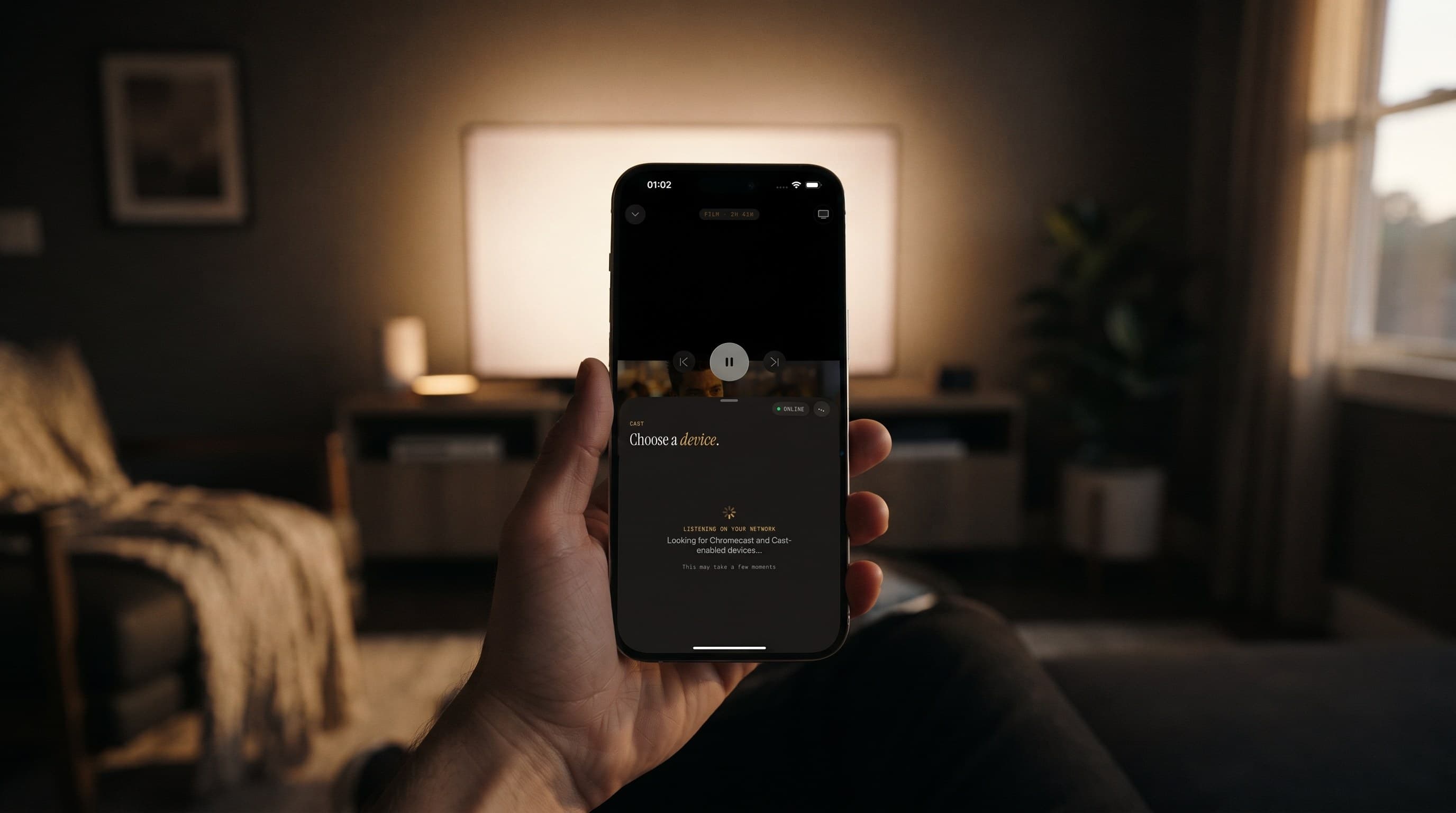
Cast icon spinning and nothing on your TV? Here's why AirPlay and Chromecast fail in Maximus IPTV Player on iPhone and iPad, and the steps that fix it.
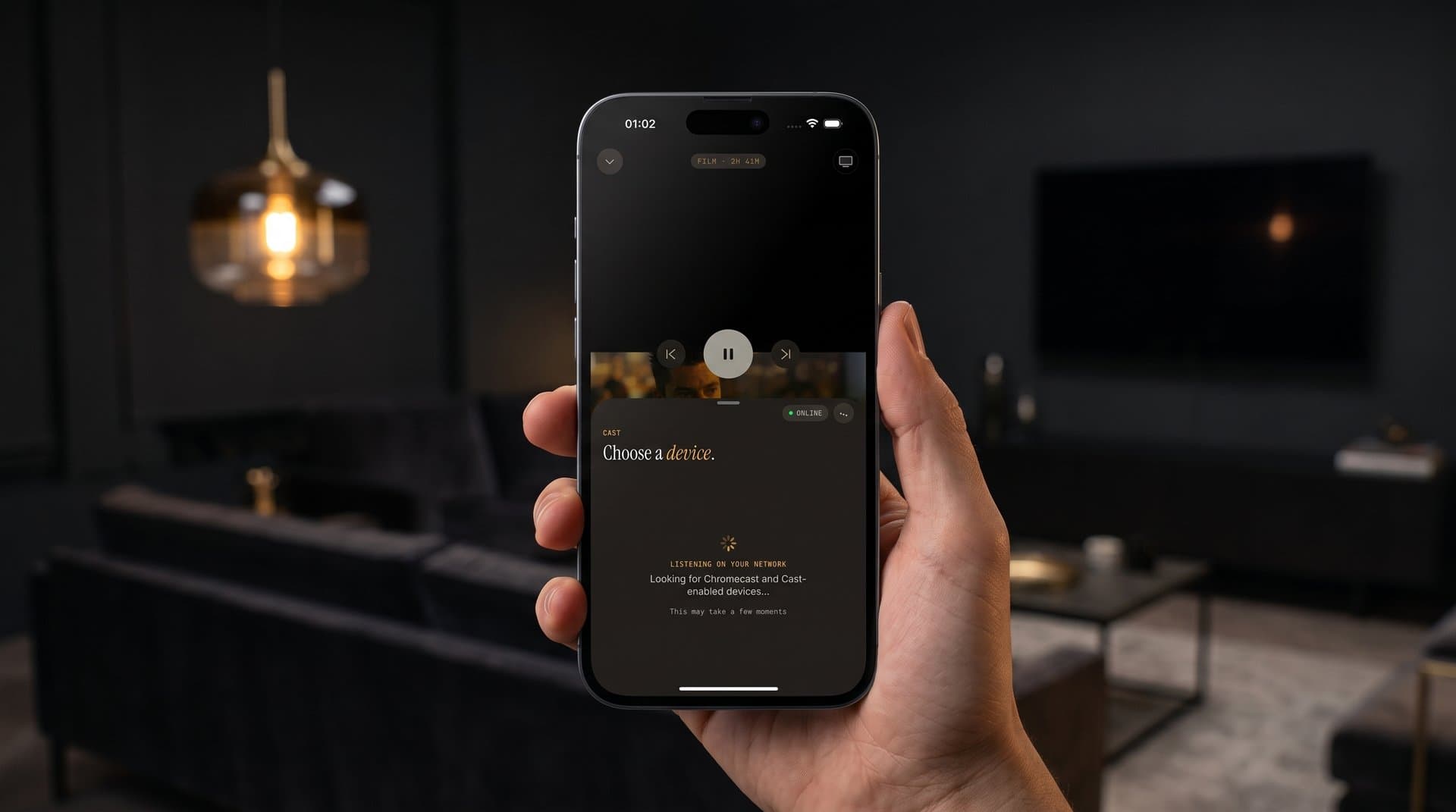
Sharp 4K IPTV depends on four things lining up: your provider's stream, your connection, your device and your screen. Here's what each one needs.
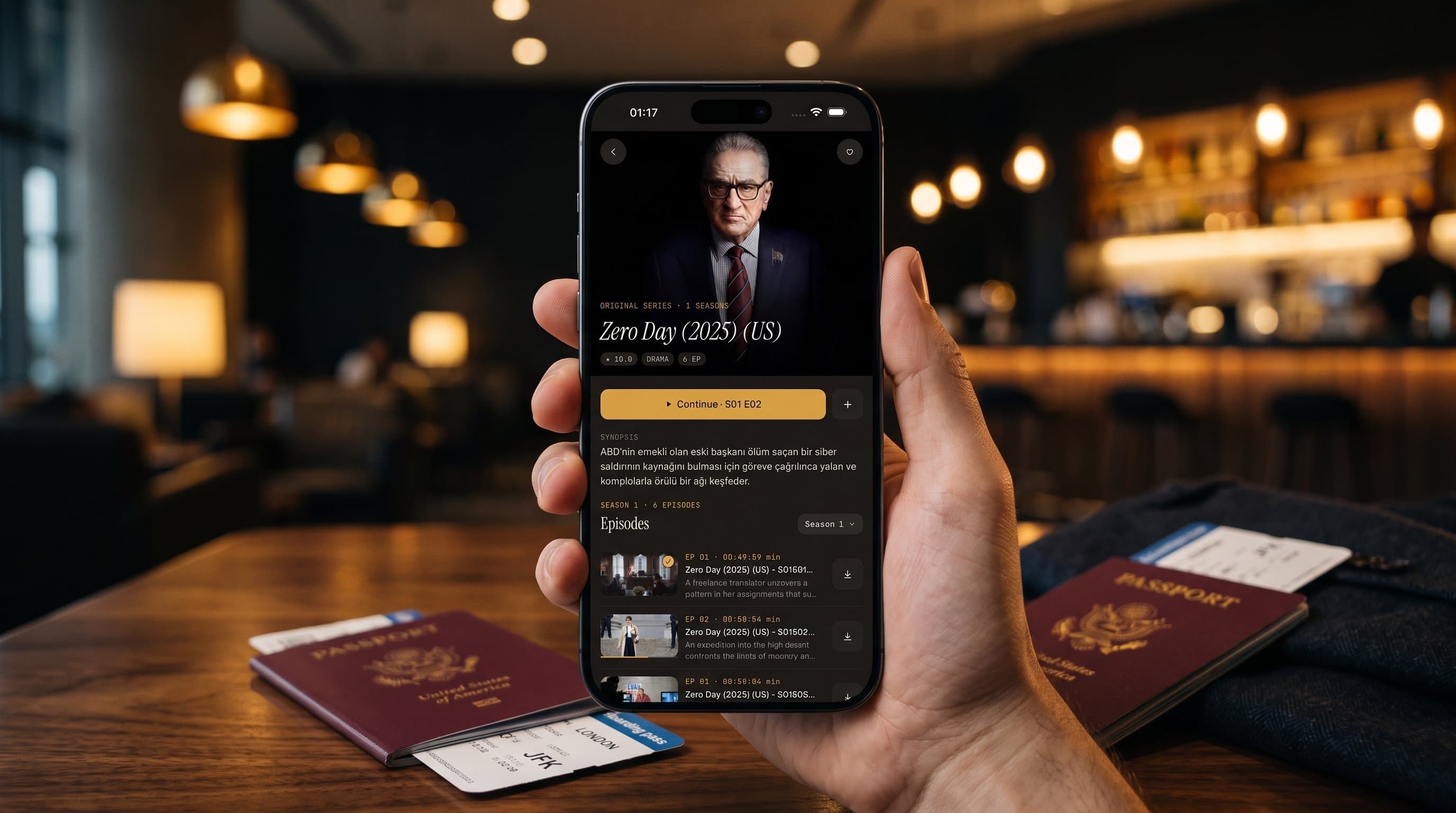
Hotel Wi-Fi, locked room TVs and flights without signal break most IPTV setups. Here's how to prepare Maximus IPTV Player so you keep watching on the road.

What makes a great IPTV player for iPad, and how Maximus IPTV Player uses the bigger screen: sidebar navigation, a wide TV guide, Face ID lock and AirPlay.
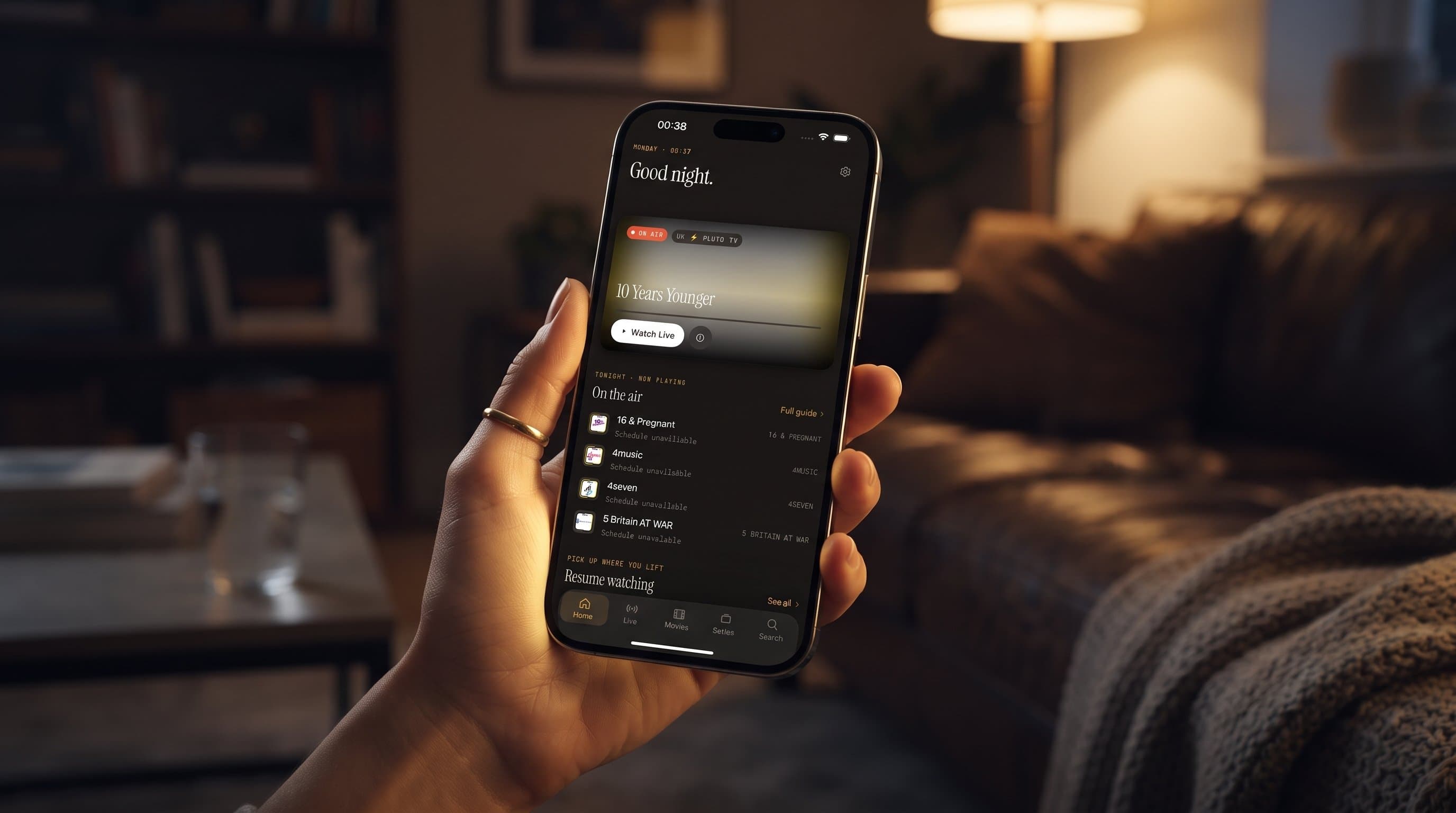
A step-by-step plan for your first week with Maximus IPTV Player: add your source, learn the Home screen and TV guide, get it on your TV and set a parental PIN.
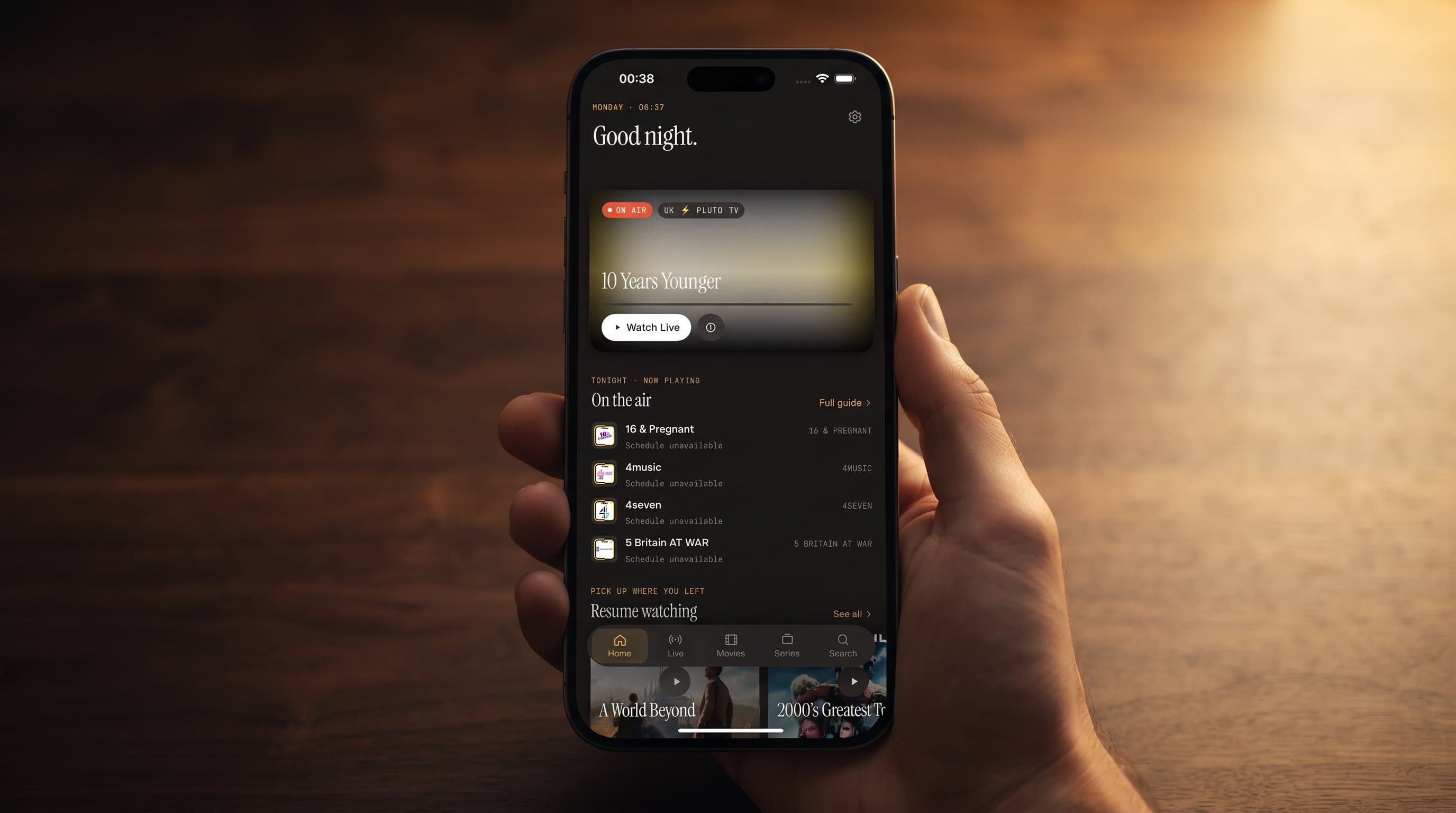
Maximus IPTV Player has no ads and no tracking on iPhone, iPad and Android, and your source logins stay on your device. Here's how that privacy-first design works.
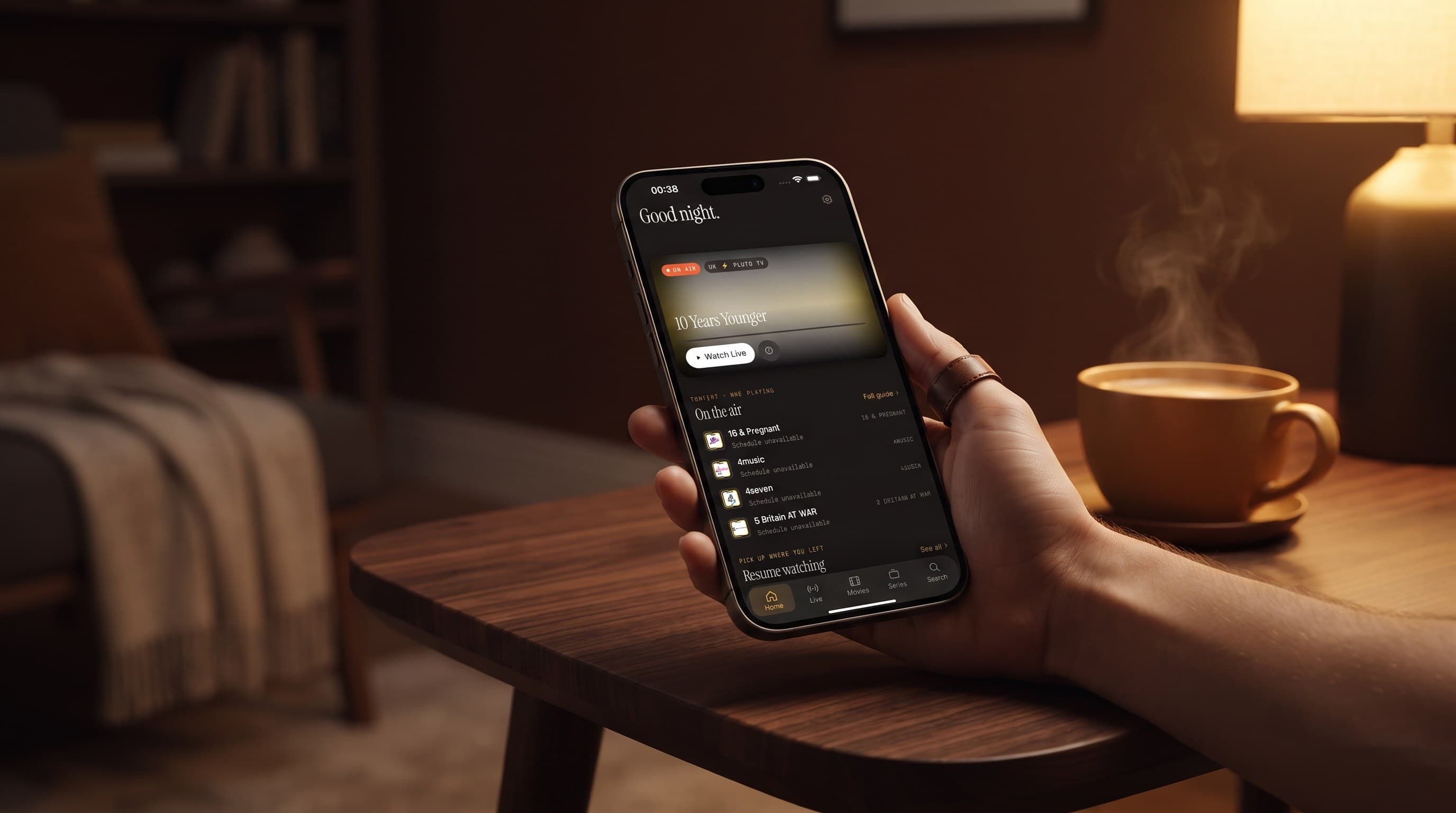
How Favorites and Continue Watching keep your regular channels and half-watched shows one tap away in Maximus IPTV Player on iPhone, iPad and Android.
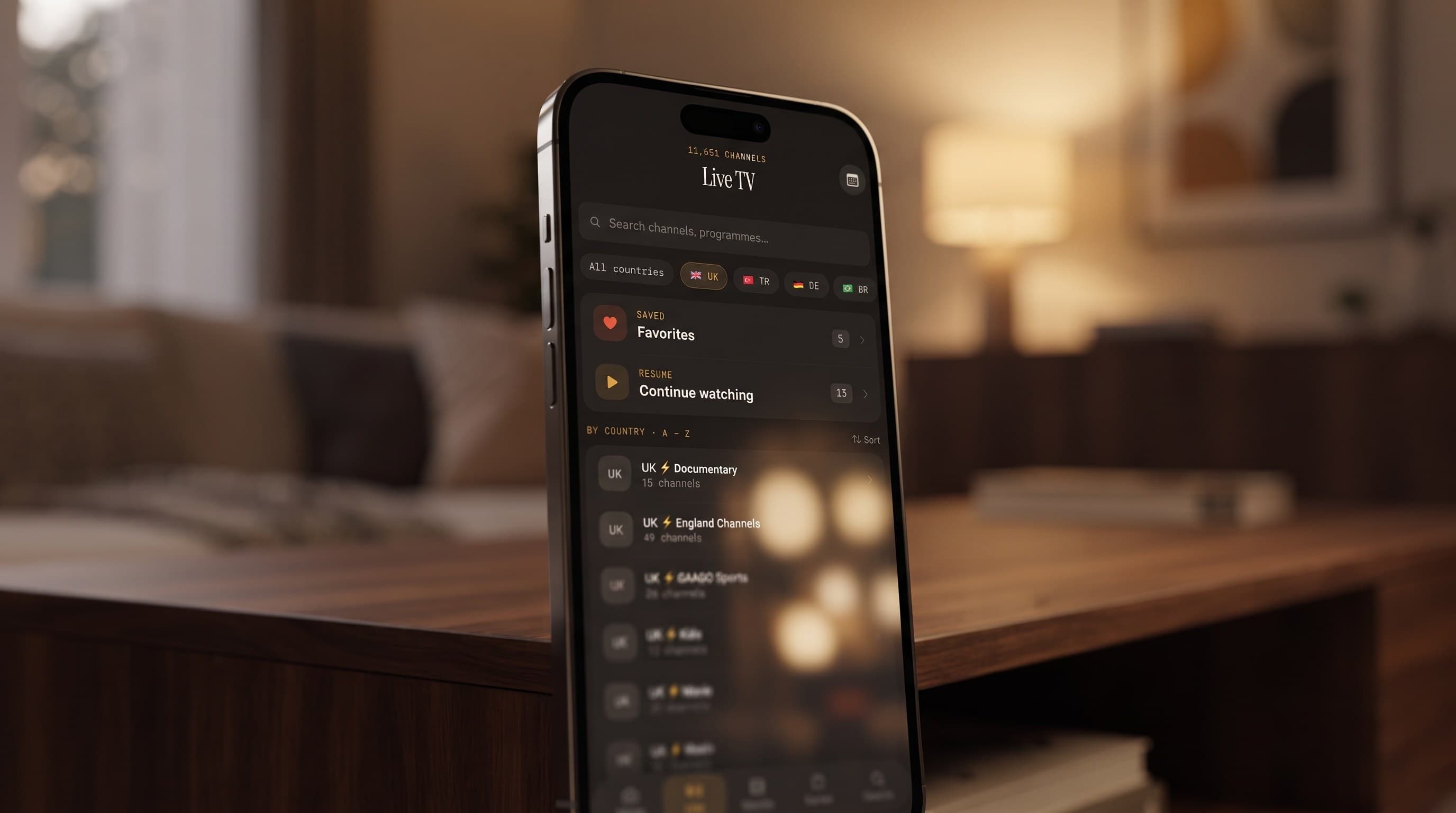
Maximus IPTV Player groups live channels by country, so a multi-country playlist stops being one endless scroll. Here's how country filters, the TV guide and Favorites work together.
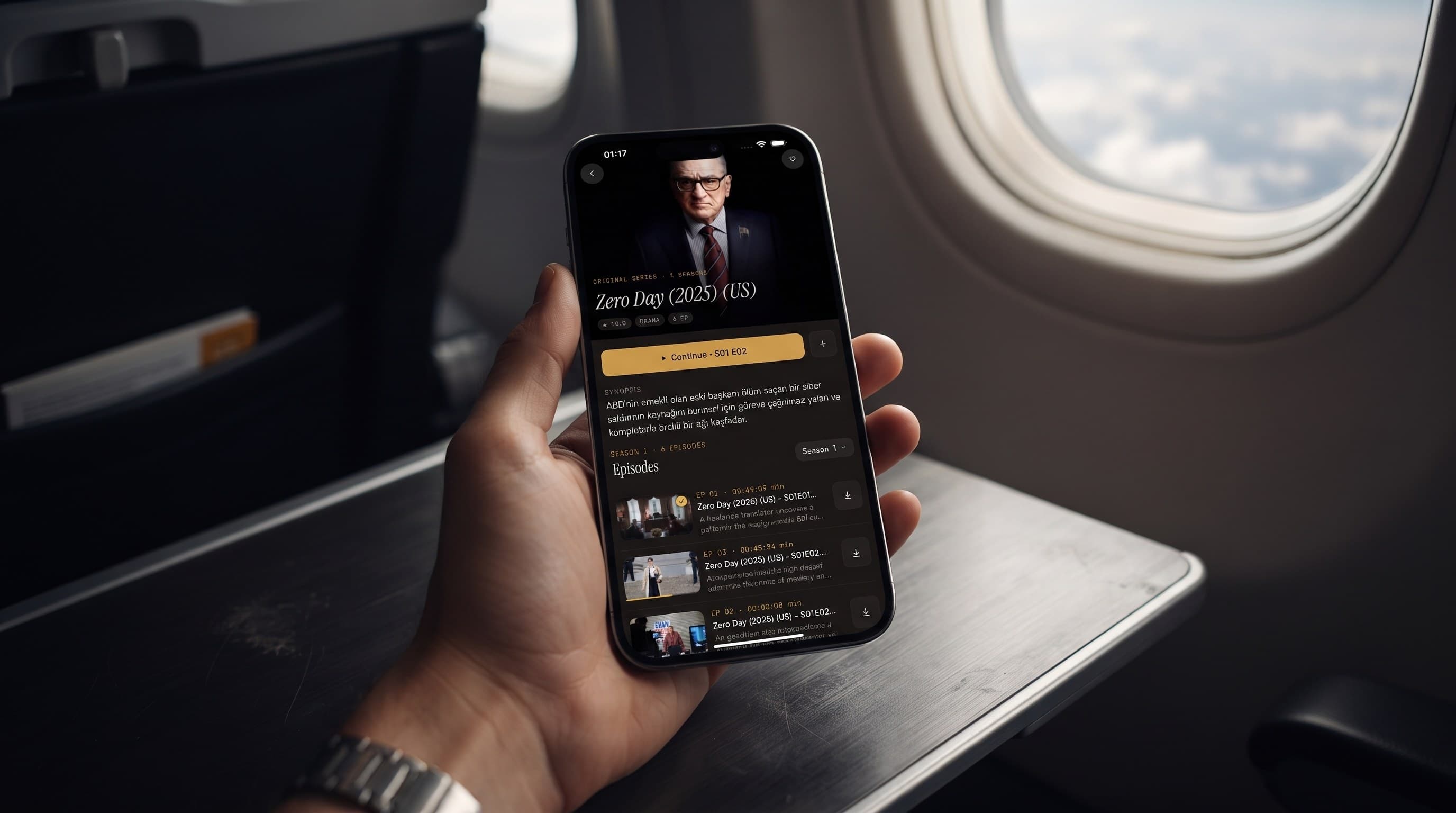
Save movies and episodes in Maximus IPTV Player on Wi-Fi, then watch them on flights, commutes and dead zones with no connection at all.
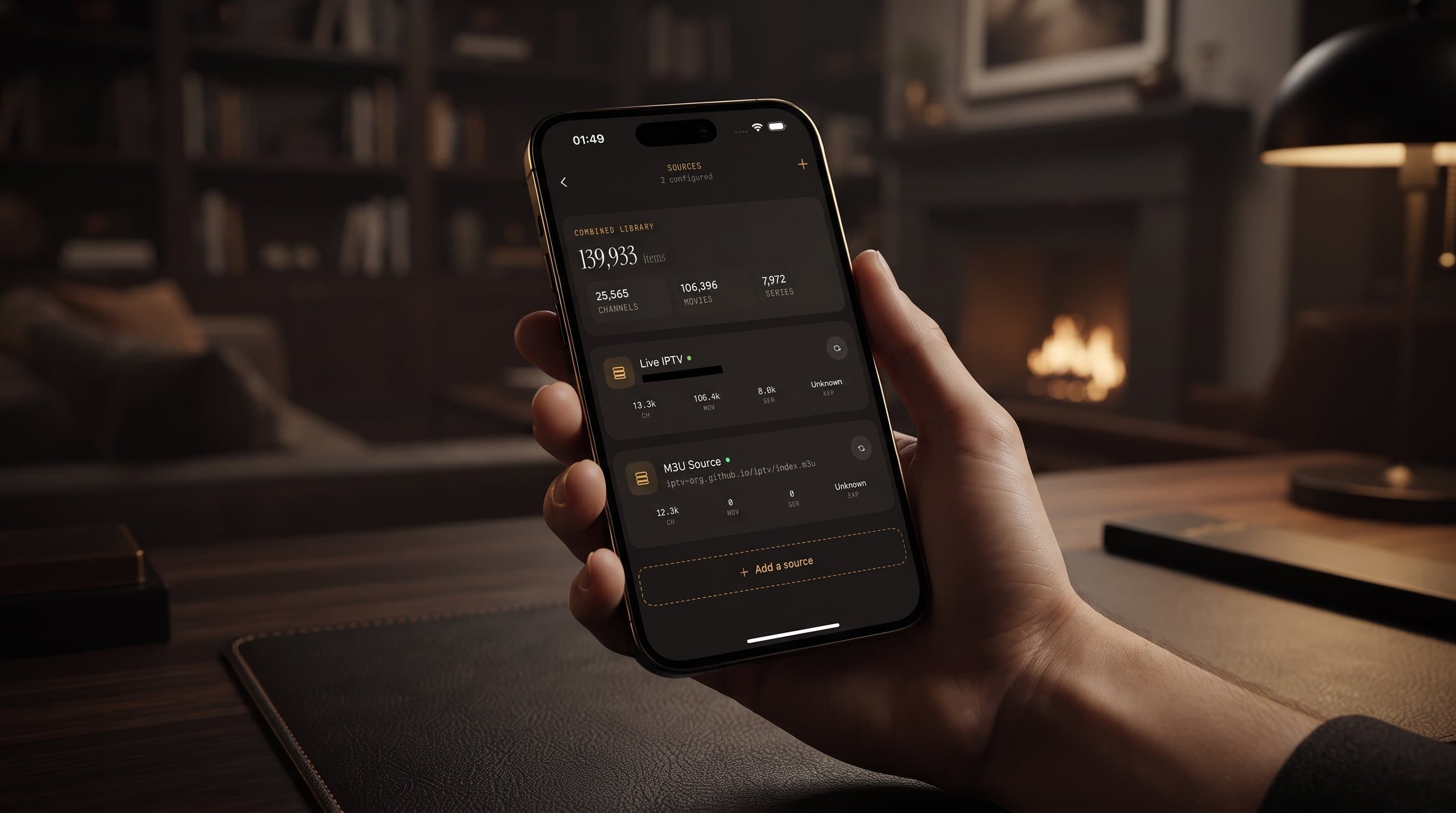
Xtream Codes login, M3U playlist, a second provider: Maximus IPTV Player combines them into one library with one search, one guide and one set of Favorites.