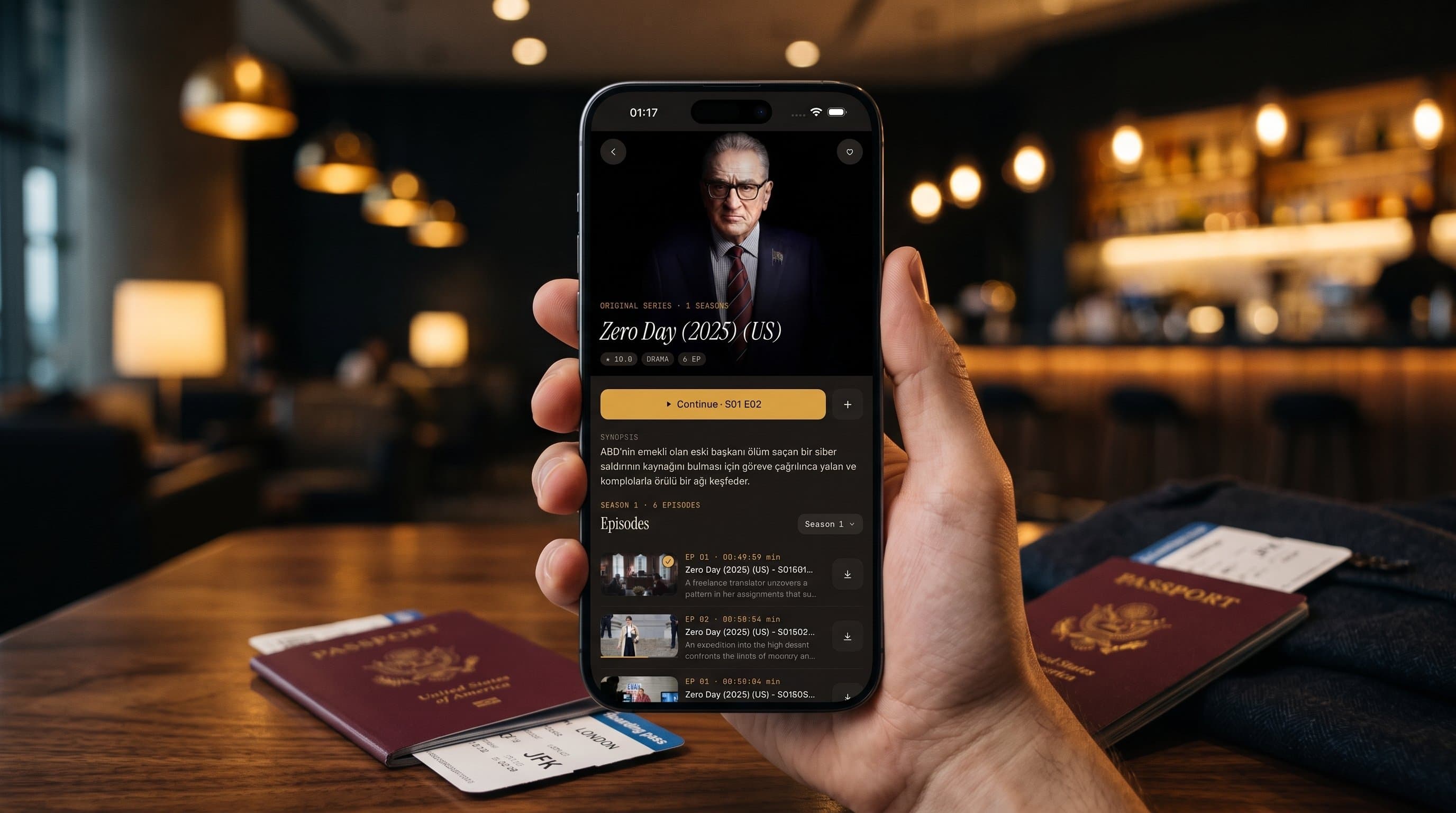
Traveling With IPTV: How to Keep Watching Abroad
Your flight lands, you check into the hotel, and all you want is to unwind with a show from home. Then the hotel Wi-Fi stutters, the room TV is locked down, and a playlist that worked perfectly at home suddenly won't load half its channels. Maximus IPTV Player runs on iPhone, iPad, Android phones and tablets, and Android TV, and a few of its features matter far more on the road than on the couch. This guide covers what to set up before you leave, what to download for flights, how to survive hotel Wi-Fi, when casting to a room TV works, and where a VPN fits in.
To be clear up front: Maximus is a player app, not a content source. It plays your own legal IPTV subscription. Nothing here is about finding streams, only about watching the ones you already have more reliably while you're away.
Key Takeaways
- Test your source on mobile data before you leave home. It catches problems that only show up outside your home network.
- Download movies and episodes for flights and dead zones. Offline downloads need no connection at all.
- Hotel Wi-Fi is shared and often congested. Off-peak viewing, the 5 GHz band and a phone hotspot test solve most buffering.
- From iPhone and iPad you can cast with AirPlay or Chromecast, but only if the room TV exposes a receiver on the same network. The Android app doesn't cast.
- A VPN can protect you on public Wi-Fi, but it won't speed up a slow connection, and VPN rules vary by country.
Why Does Travel Break Most IPTV Setups?
At home, IPTV (Internet Protocol Television, meaning live channels and on-demand video delivered over the internet) runs on a network you control: steady bandwidth, a router you've already tuned, and a TV that's set up the way you like. Travel changes all of that at once. Hotel networks are shared across many guests, airport Wi-Fi is often rate-limited per device, airplane Wi-Fi may not handle video at all, and a hotel TV is a device you can't install apps on.
Most IPTV streams use HLS (HTTP Live Streaming), a protocol that splits video into short chunks, typically a few seconds each. That's why a weak network usually shows up as stuttering, buffering or a softer picture rather than a hard crash: the player keeps fetching chunks as fast as the connection allows. No player can invent bandwidth that isn't there, though, so preparation beats troubleshooting.
What Should You Set Up Before You Leave Home?
A little prep the week before a trip saves hours of frustration later.
- Test your source on mobile data. Turn off Wi-Fi on your phone, open Maximus, and play a few channels. This catches a source that only works on your home connection and a stream that's too demanding for a mobile network.
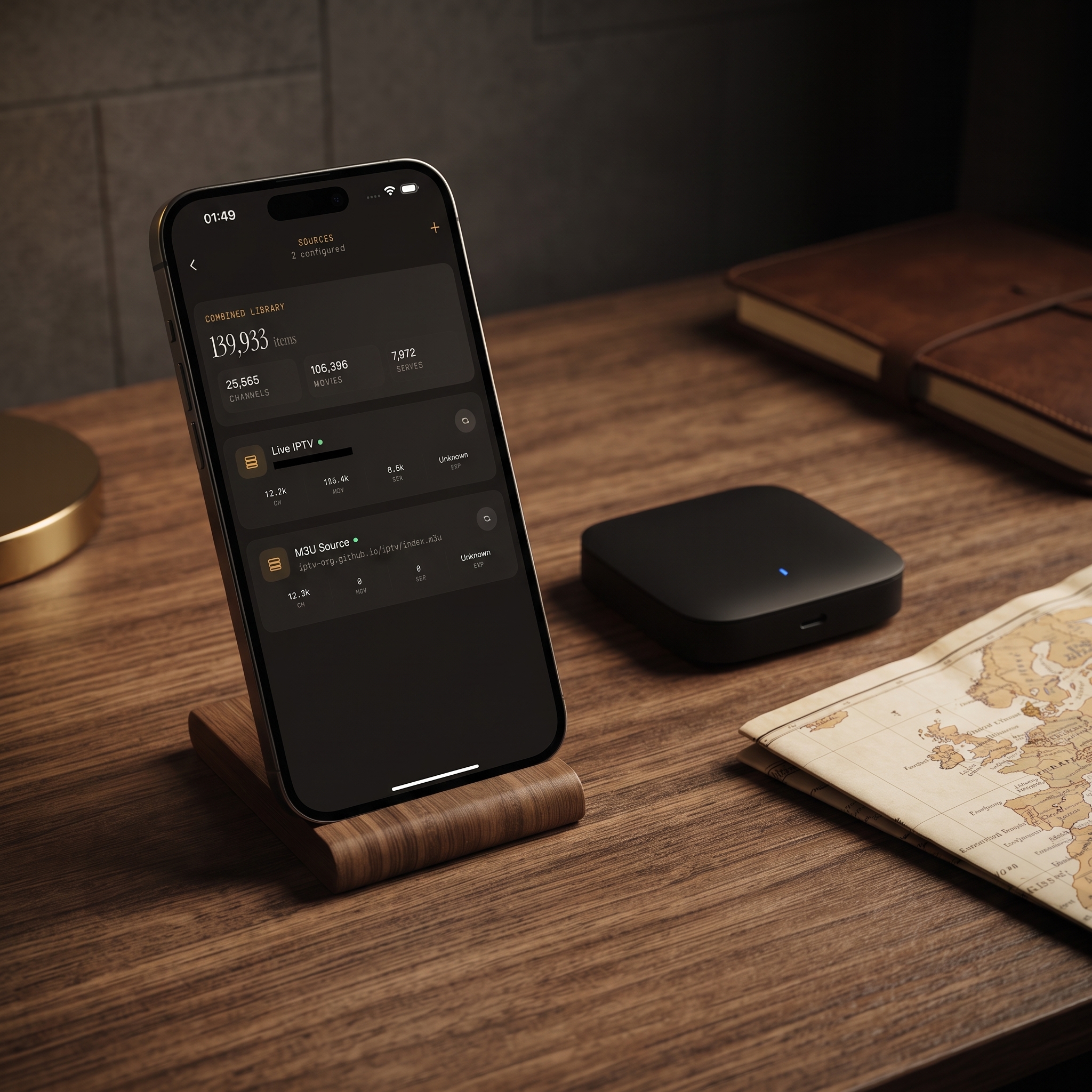
- Add a backup source if you have one. Maximus combines multiple sources into one library, so if your main provider struggles on an unfamiliar network, you can switch without changing apps. On Android, multiple sources are part of the optional Premium subscription.
- Download what you'll watch in transit. More on this below.
- Star your Favorites. A short list of your must-watch channels means less scrolling and less wasted data on slow connections.
- Set the parental lock if kids will use the device. It hides adult content behind a PIN, and since it's a setting on the device, it works on any network.
- Check your provider's rules. Some providers limit how many locations or connections you can use, or restrict access from other countries. It's better to know before you land.
How Do You Download Shows for Flights and Dead Zones?
For a long flight, a train through the mountains or a rural stretch of road, downloads are the only truly reliable option. Maximus IPTV Player can save movies and series episodes to your device for offline viewing, so playback needs no live connection. Live channels, of course, can't be downloaded.
A few habits help:
- Download on your home Wi-Fi the night before, not on hotel Wi-Fi the morning of your flight.
- Pick episodes, not whole seasons. Video files are large, so grab what you'll realistically watch and check your free storage first.
- Download on the device you're actually carrying. If you're taking an iPad on the plane, download there rather than on your phone.
- Clear watched episodes as you go to free space for the return trip.
On iPhone and iPad, iCloud syncs playback progress between the two, so you can start an episode on the iPad on the plane and pick up at the same spot on your iPhone later. On Android, offline downloads are part of Premium, which comes with a 7-day free trial on the monthly and annual plans. The full walkthrough is in the offline IPTV downloads guide.
How Do You Watch on Hotel Wi-Fi Without Buffering?
Hotel and rental Wi-Fi is the most common failure point for any streaming app because many guests share the same connection. As a rough guide, stable HD streaming needs about 5 Mbps and 4K needs about 25 Mbps of sustained bandwidth, and a congested hotel network often can't deliver that in the evening.
What helps:
- Use the 5 GHz network if the property offers one. It's usually less crowded than 2.4 GHz.
- Watch or download earlier in the day. Hotel networks are busiest in the evening, when everyone is streaming at once.
- Choose a lower-quality version of a channel if your provider offers SD or HD variants. A smooth HD picture beats a 4K stream that stalls every minute.
- Test with your phone's hotspot. If a channel fails on hotel Wi-Fi but plays fine over your hotspot, the hotel's network is likely blocking or throttling the stream, not your subscription.
- Try your backup source if one provider is struggling while the network itself seems fine.
Can You Cast to a Hotel or Airbnb TV?
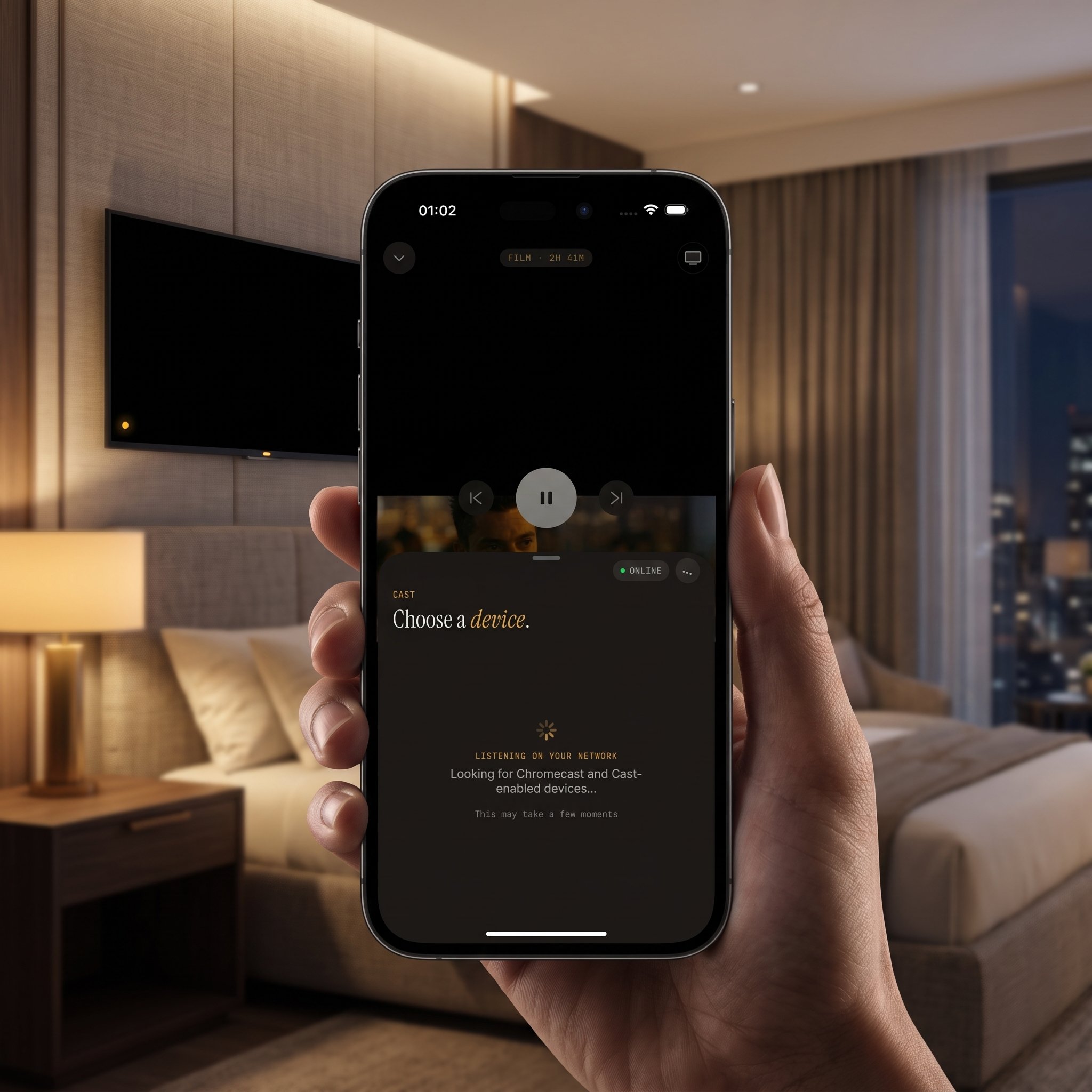
Sometimes. It depends on the TV and the network more than on the app. From an iPhone or iPad, Maximus IPTV Player supports two casting systems:
- AirPlay: Apple's wireless streaming system. It works with Apple TV boxes and AirPlay-compatible smart TVs, which you'll find in some newer hotels and many short-term rentals.
- Chromecast: Google's casting system, built into many smart TVs and available as a plug-in stick. It covers a wide range of non-Apple TVs.
For either to work, your phone and the TV must be on the same Wi-Fi network, and the network must allow devices to see each other. Many hotel networks isolate guests from one another for security, which blocks casting entirely. If your phone can't find the TV, check that both are on the same network name before giving up. Plenty of hotel TVs are locked-down sets with no casting receiver at all, so check before you plan a movie night around the room TV. The casting troubleshooting guide has step-by-step fixes.
The Android app doesn't cast. Android travelers can still watch comfortably on the device itself: Android phones and tablets support Picture-in-Picture, so a match can keep playing in a small window while you check maps or messages, plus background playback. If you're bringing an Android TV stick along, Maximus runs natively on Android TV.
Should You Use a VPN While Traveling?
A VPN (Virtual Private Network) routes your internet traffic through an encrypted tunnel to a server elsewhere. On public hotel or airport Wi-Fi, that's a sensible security habit, because it keeps other people on the same network from seeing your traffic.
What a VPN won't do:
- It won't speed up a congested connection. The extra encryption and routing can occasionally make things slightly slower.
- It won't change what your subscription covers. Use one for privacy and security, not to get around your provider's terms.
- It isn't built into Maximus. A VPN runs at the device or network level, and Maximus doesn't need one to work.
Some countries restrict or ban VPN use, so check the rules at your destination before you rely on one. The practical VPN guide for IPTV goes into more detail.
How Do You Keep Watching Content From Home Abroad?
If your source works from abroad, Maximus plays it exactly as it does at home; the app doesn't restrict playback by location. If a channel stops loading in another country, the provider is usually restricting access by region, and that's a question for them.
Once you're connected, a few features make home content easier to follow from anywhere:
- Country filters group live channels by country, so your home channels are one tap away. See filtering international channels by country.
- Subtitle and audio track selection lets you switch languages when a stream includes more than one track.
- The TV guide shows a real timeline of what's on, which helps when you're watching home-country channels from a different time zone.
- Continue Watching keeps the series you started at home within easy reach.
FAQ
Does Maximus work without internet?
Only for movies and episodes you downloaded in advance. Live TV, the TV guide and search all need an active connection.
Will my playlist stop working if I change countries?
Not because of the app. If a source stops loading abroad, the provider is typically restricting access by region or IP address. Confirm with them before you travel.
Does streaming abroad use a lot of mobile data?
It can. Video uses far more data than browsing, and 4K uses the most. Roaming data is often expensive, so download over Wi-Fi in advance or pick a lower-quality channel variant when you're on mobile data.
Can I use Maximus on an iPad and an Android tablet on the same trip?
Yes, but set up each one separately. Install from the App Store on the iPad and from Google Play on the Android tablet. Progress syncs between iPhone and iPad through iCloud, but not between iOS and Android.
Will parental controls still work while traveling?
Yes. The parental lock is a setting on the device, not tied to your home network, so it stays active wherever you connect. On iPhone and iPad you can unlock with Face ID, and on Android the lock re-arms automatically.
Does casting drain my phone's battery faster?
Usually not. When you cast, the TV or receiver does the heavy work of playing the video, so your iPhone or iPad mostly acts as a remote. That's typically lighter on battery than watching on the phone screen.
Pack Your Setup Before You Pack Your Bag
Travel is where IPTV setups usually fall apart: shared Wi-Fi, unfamiliar TVs and long stretches without signal. Test your source before you go, download for the flight, keep a backup source handy and check the room TV before you count on casting, and Maximus IPTV Player will spend far less of your trip on a loading spinner.
Maximus IPTV Player is free to download, with an optional Premium subscription. Get it on the App Store for iPhone, iPad and Apple silicon Macs, or on Google Play for Android phones, tablets and Android TV, and set up your sources before your next trip rather than mid-layover.
Written by
Maximus IPTV Team