Do You Need a VPN for IPTV? A Practical Guide
Streaming your own channel lineup shouldn't come with a side of worry about who else can see your traffic, especially on hotel Wi-Fi or an airport network. It's one of the most common questions from people who've just set up Maximus IPTV Player: do you need a VPN (Virtual Private Network, a service that encrypts your internet traffic and routes it through a server run by the VPN company) to stream safely, or is that leftover advice from the early days of IPTV? The honest answer is "it depends on where you're watching," and this guide covers when a VPN earns its place on your phone, tablet or TV, and when it's just overhead you don't need.
Key Takeaways
- A VPN encrypts the connection between your device and the VPN server. It doesn't change what you're entitled to watch, and Maximus IPTV Player is a player for your own legal IPTV subscription, not a content source.
- Public Wi-Fi in hotels, airports and cafes is the strongest reason to use one, because you don't control who else is on the network.
- On a password-protected home network, a VPN is optional. There it mostly hides your activity from your internet provider.
- Encryption and distance add overhead. Pick a fast server close to you, especially for HD and 4K streams, which need a steady, high bitrate.
- Some IPTV providers restrict or block VPN connections, so check your provider's terms before relying on one.
- App privacy and network privacy are different layers: Maximus has no ads and no tracking and keeps your source credentials on your device, while a VPN protects the path your data travels.
What Does a VPN Actually Do When You're Streaming?
A VPN sits between your device and the wider internet, wrapping every request inside an encrypted tunnel. That includes everything the app does: loading your channel list, pulling EPG (Electronic Program Guide, the on-screen schedule of what's on now and next) data, and fetching the video itself. To anyone else on the same network, whether that's a shared office router or a hotel access point, your traffic looks like scrambled data instead of a readable record of what you're watching and when.
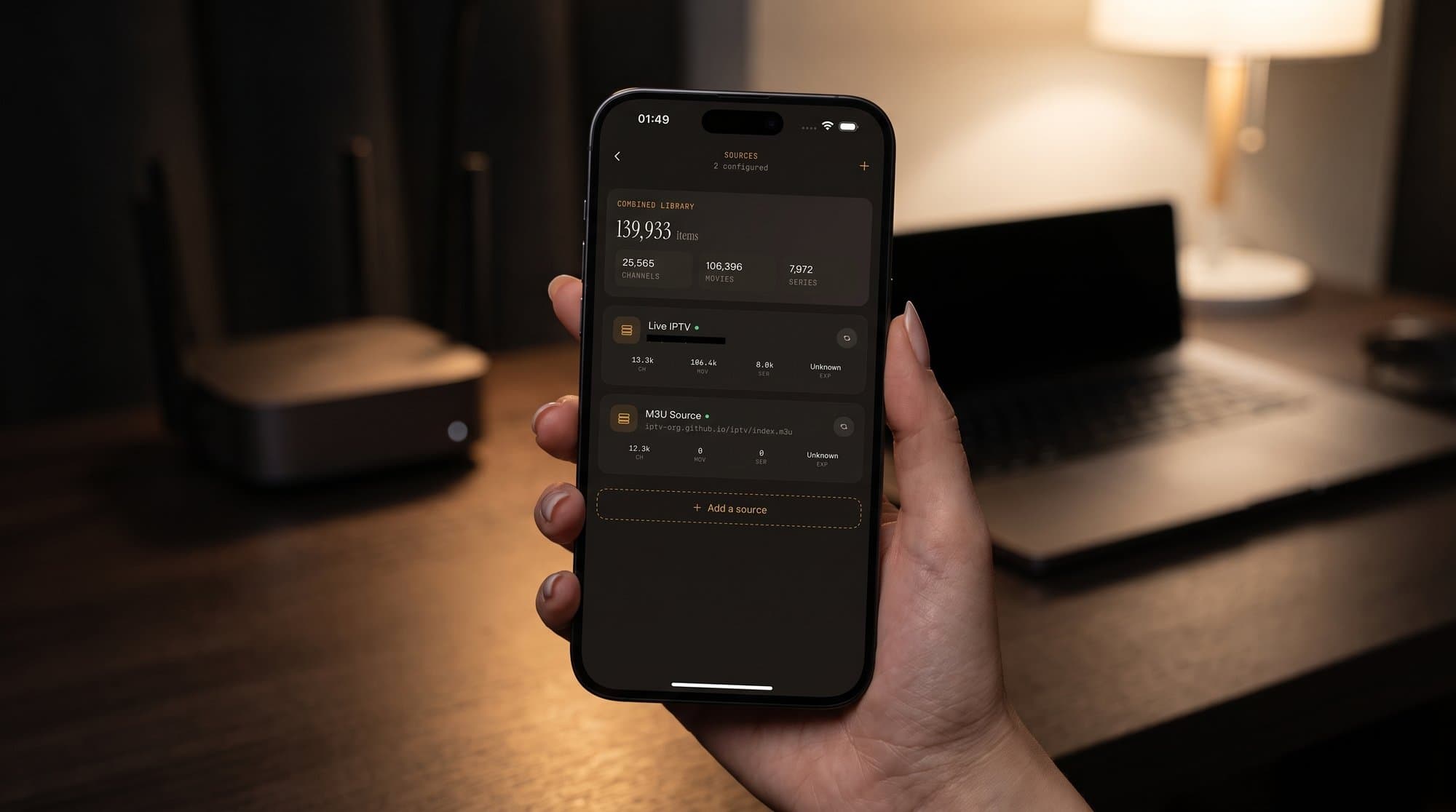
What a VPN does not do is change your sources. Maximus connects to what you add yourself: an Xtream Codes login (a server address, username and password from your provider) or an M3U or M3U8 playlist (plain-text files listing stream addresses and channel details). A VPN changes how that traffic travels, not what it contains.
Is It Legal to Use a VPN for IPTV?
In most countries, yes. VPNs are the same technology businesses use to let staff connect securely to company networks, and millions of people use them for banking or email on public Wi-Fi. A handful of countries restrict or ban VPN use, so if you're traveling, check the local rules.
What a VPN can't do is make unlicensed content legal. Watching pirated streams is illegal in most places with or without a VPN, and using one to reach content you haven't legitimately subscribed to isn't something Maximus or this guide supports. The app plays the legal subscriptions and playlists you bring, and a VPN is simply an extra privacy layer on top.
When Does a VPN Actually Help?
On public Wi-Fi and hotel networks
The clearest case is a familiar one: you're in a hotel room, on the same Wi-Fi as dozens of strangers, catching up on a series before bed. Hotel, airport and cafe networks are shared, often lightly secured, and rarely monitored. Unsecured hotspots are a common setting for man-in-the-middle attacks, where someone on the same network tries to intercept traffic. A VPN closes that gap by encrypting everything before it touches the local network.
When you travel
Travel means a string of unknown networks, and a VPN keeps your connection private across all of them. Be aware that some IPTV providers limit where their service can be used, so read your provider's terms before counting on a VPN abroad. Our guide to traveling with IPTV covers downloads, data and other ways to keep watching away from home.
When your internet provider slows down video
Some internet providers manage busy networks by slowing down video traffic, a practice known as throttling. Because a VPN hides what kind of traffic you're sending, it can sidestep that kind of targeted slowdown. It won't help if your plan is simply slow overall, and the VPN's own overhead can cancel out the gain, so test with and without it.
When you want privacy from your internet provider
At home, your internet provider can see which servers you connect to. A VPN hides that from them, though the VPN company can now see it instead. That's why a VPN's logging policy matters, which we'll come back to below.
When Can You Skip the VPN?
- At home on a secured network. A password-protected router is already a private, encrypted network, so a stranger in a cafe isn't a concern.
- When your provider blocks VPNs. Some IPTV services block well-known VPN server addresses or prohibit VPN use in their terms. If channels stop loading the moment you connect, that's a likely cause.
- During live sports, if every second counts. Routing through an extra server adds latency (delay). It's usually small, but you may notice it if you're following a match alongside friends or a live score app.
- When your connection is already borderline. If streams barely hold up without a VPN, extra encryption overhead can tip them into buffering.
Will a VPN Slow Down Your Streams?
It can, and this is where people get caught out. Most live IPTV is delivered over HLS (HTTP Live Streaming), a format that breaks video into small chunks and can switch quality to match your connection. Encryption adds a little processing overhead, and routing through a server that's far away or crowded with other users adds latency on top. When throughput drops, the stream steps down to a lower quality or pauses to buffer.
For a sense of scale, an HD stream typically needs somewhere around 5 to 8 Mbps and a 4K stream around 15 to 25 Mbps, with 4K using roughly 7GB of data per hour depending on the source. That's a lot of steady data to push through a VPN tunnel. The fix isn't avoiding VPNs altogether; it's picking a fast provider and a server near your actual location. If you're still fighting stutters, our guide to IPTV buffering walks through the other usual suspects.
How Do You Choose a VPN That Won't Wreck Your Stream?
A few practical filters matter far more than marketing claims:
- Servers near you. The shorter the hop between your device and the VPN server, the less delay you add. For everyday use, choose a server in your own country or region.
- No bandwidth caps. Some budget and free VPNs throttle heavy users, and streaming video is exactly the kind of sustained traffic that gets throttled first.
- A clear no-logs policy. A VPN sees your traffic instead of your internet provider, so pick one that states it doesn't keep activity logs, ideally backed by an independent audit.
- Enough simultaneous connections. Many paid plans allow somewhere between 5 and 10 devices at once. Count every screen in the house: iPhones, iPads, a Mac, Android phones and tablets, and any Android TV or Google TV device.
- A kill switch. This cuts your internet if the VPN drops, instead of quietly falling back to an unencrypted connection mid-stream.
- Modern protocols like WireGuard or OpenVPN. WireGuard in particular tends to add less overhead, which helps keep playback smooth.
- Split tunneling, if you want it. Many Android VPN apps let you choose which apps go through the VPN, so at home you could protect browsing and leave streaming on your normal connection. This option is much less common on iPhone.
Be wary of free VPNs for streaming. Beyond speed limits, some use weak or outdated encryption, and a service that isn't charging you has to make money somehow, sometimes from your data.
How Do You Set Up Maximus IPTV Player With a VPN?
The order of operations is simple:
- Install your VPN app and connect to a nearby server. Many major VPN providers also offer apps for Android TV and Google TV.
- Confirm the VPN shows as connected.
- Open Maximus and add your source as usual: an Xtream Codes login or an M3U/M3U8 playlist. On iPhone and iPad you can also add a source by QR code or file.
- Let your channels and TV guide load, then start watching. If you use more than one source, the app combines them into one library on your device either way.
What about casting from iPhone or iPad?
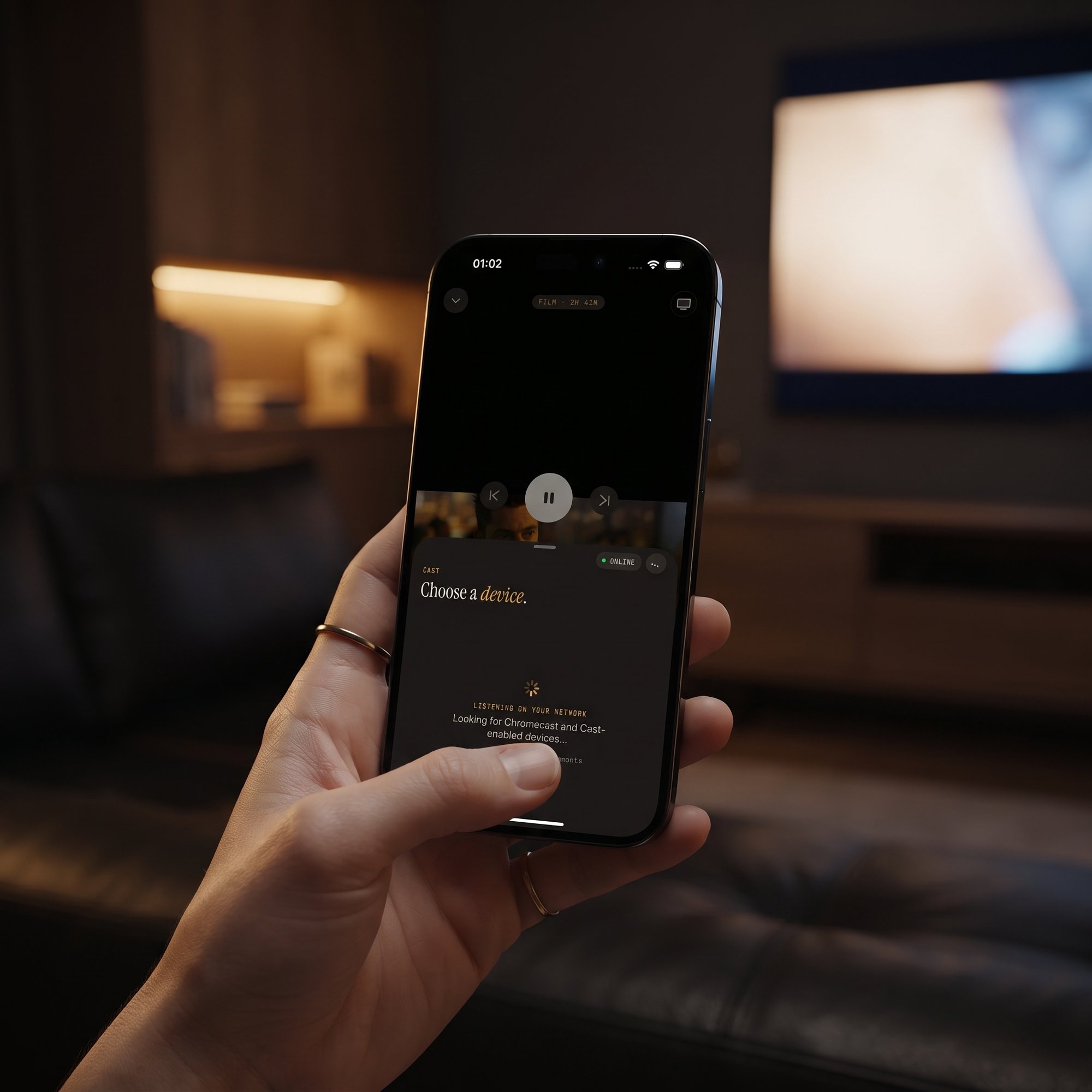
The iPhone and iPad app can send video to a TV with AirPlay (Apple's wireless streaming technology) and Chromecast (Google's equivalent, also called Google Cast). Both rely on finding your TV on the local network, and some VPN apps block local network traffic by default. If your TV doesn't appear in the device list, look for a setting such as "allow LAN access" or "local network sharing" in the VPN app. The Android app doesn't cast, so this isn't a concern there. Our casting troubleshooting guide has more fixes.
If something feels off
If channels won't load or the guide stays empty, turn the VPN off for a minute. If everything works without it, the cause is the VPN server or a provider block, not your source. Try a different server location or protocol before digging any deeper.
FAQ
Does Maximus have a built-in VPN?
No. Maximus is a playback and organization app for your own IPTV sources. A VPN is a separate, optional app you run alongside it.
Will a VPN unlock more channels?
No. The app only plays what your Xtream Codes login or playlist provides. A VPN changes how your traffic travels, not what you're entitled to watch.
Can using a VPN get my IPTV account suspended?
It can, if your provider's terms prohibit VPN use. Some providers also block VPN servers outright. Check the rules before you connect.
Is a free VPN good enough for streaming?
Usually not for video. Free services often cap bandwidth or overload their servers, which causes buffering, and some have weaker privacy practices.
Do I need a VPN if I only stream at home?
Not necessarily. A secured home network is already private. A VPN adds the most value on networks you don't control.
Does a VPN affect the TV guide or my combined library?
No. Your library is organized locally in the app. The VPN only affects the network path your data takes.
Will a VPN delay live sports?
It adds a little latency. On a nearby, uncrowded server it's usually hard to notice; on a distant one, you may fall slightly further behind the live action.
Watch Smarter, Wherever You Are
A VPN isn't a requirement for Maximus IPTV Player, but it's a genuinely useful tool the moment you step off your own network. Pick a fast, nearby server with a no-logs policy, keep an eye on data during 4K sessions, and remember that privacy starts in the app too: no ads, no tracking, and credentials that stay on your device, as explained in our privacy overview.
Maximus IPTV Player is free to download with an optional Premium subscription. Get it on the App Store for iPhone, iPad, Macs with Apple M1 or later and Apple Vision, or on Google Play for Android phones, tablets and Android TV / Google TV.
Written by
Maximus IPTV Team