No Ads, No Tracking: How Maximus Handles Your Privacy
Most "free" apps pay their bills with your attention or your data: banner ads between every tap, background trackers quietly logging what you watch and when. Maximus IPTV Player takes a different approach. It's a free-to-download IPTV player for iPhone, iPad and Android with no ads and no tracking, built on a simple idea: a media player's job is to play your media, not mine your habits. If you've ever closed an app because a pop-up interrupted a match at the worst possible moment, this post is for you.
Key Takeaways
- No ads, no tracking. Maximus IPTV Player carries no advertising and no tracking on iOS or Android.
- Your logins stay on your device. The credentials for your IPTV sources aren't sent off to build a profile.
- Two stores, one promise. It's free on the App Store (iPhone, iPad, Macs with Apple M1 or later, Apple Vision) and on Google Play (Android phones, tablets and Android TV / Google TV), with an optional Premium subscription.
- You bring your own source. Maximus plays your legal IPTV subscription via Xtream Codes or an M3U/M3U8 playlist, so it has no catalog of its own to monetize.
- Parental controls without an account. A PIN lock hides adult content right on the device.
Why does an IPTV app need ads or tracking at all?
Most consumer apps are free because something else pays for them. Usually that's advertising, and advertising works best with data: what you watch, how long, at what time of day, on which device, sometimes even where you are. For an app that plays video for hours at a stretch (sports, movies, international news), that adds up to a very detailed picture of someone's evenings.
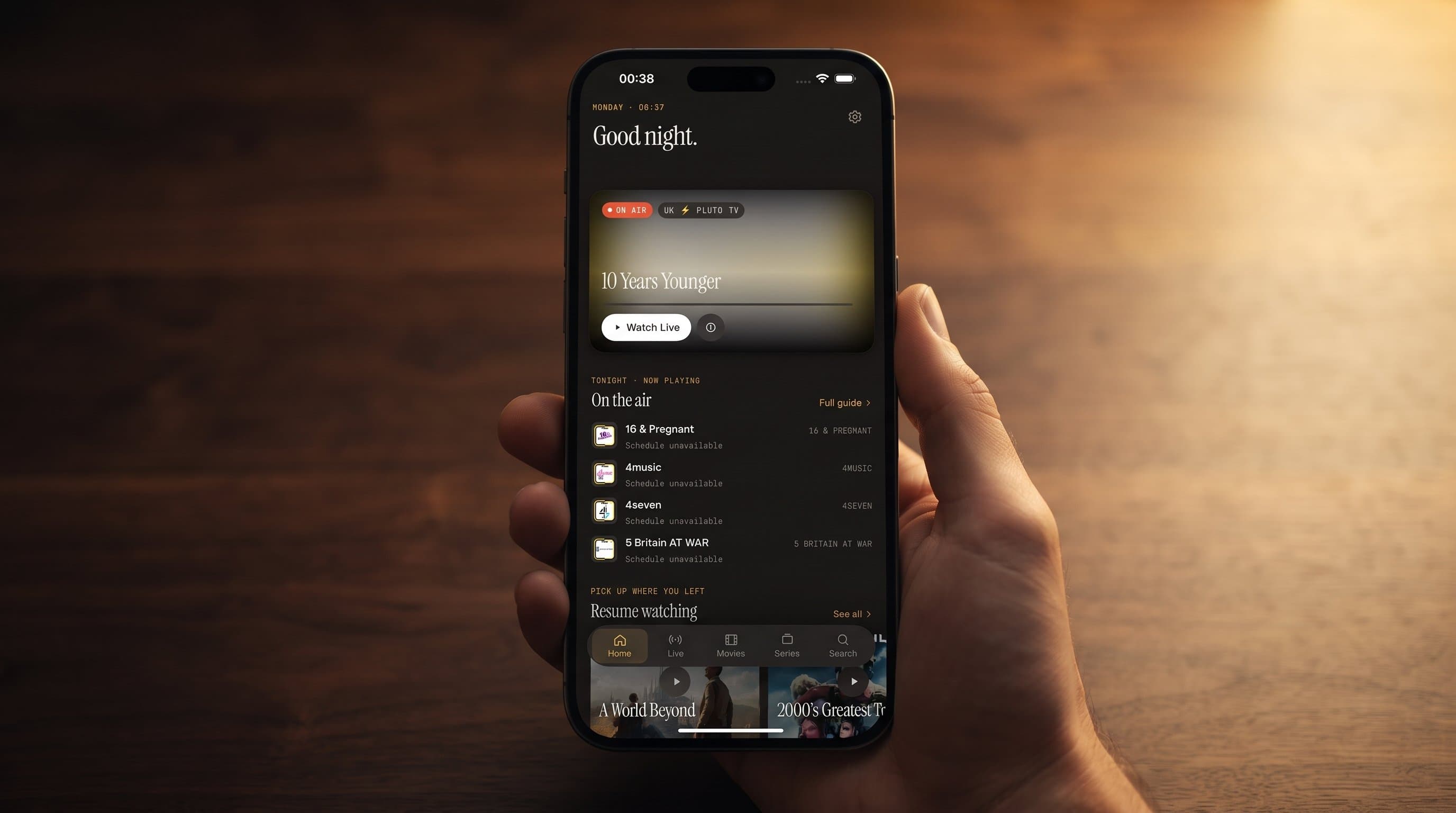
Maximus IPTV Player sidesteps that model. The app is free to download, with an optional Premium subscription for people who want more, and the free experience isn't subsidized by selling attention or behavioral data. That's a different relationship from the typical ad-supported streaming app, and it shows in the product: no banner ads over your EPG (Electronic Program Guide, the on-screen schedule of what's airing now and next), no pre-roll ads before you press play, and no "recommended for you" modules quietly built from a tracking profile.
How does "bring your own source" reduce tracking exposure?
Here's a detail that's easy to miss: Maximus isn't a content service. It's a player. You connect it to your own legal IPTV subscription in one of two ways:
- Xtream Codes: a login (server address, username and password) that your provider gives you.
- M3U or M3U8 playlist: a plain-text file listing stream addresses. M3U8 is the UTF-8 version, often used with HLS (HTTP Live Streaming), the adaptive streaming standard most modern providers use.
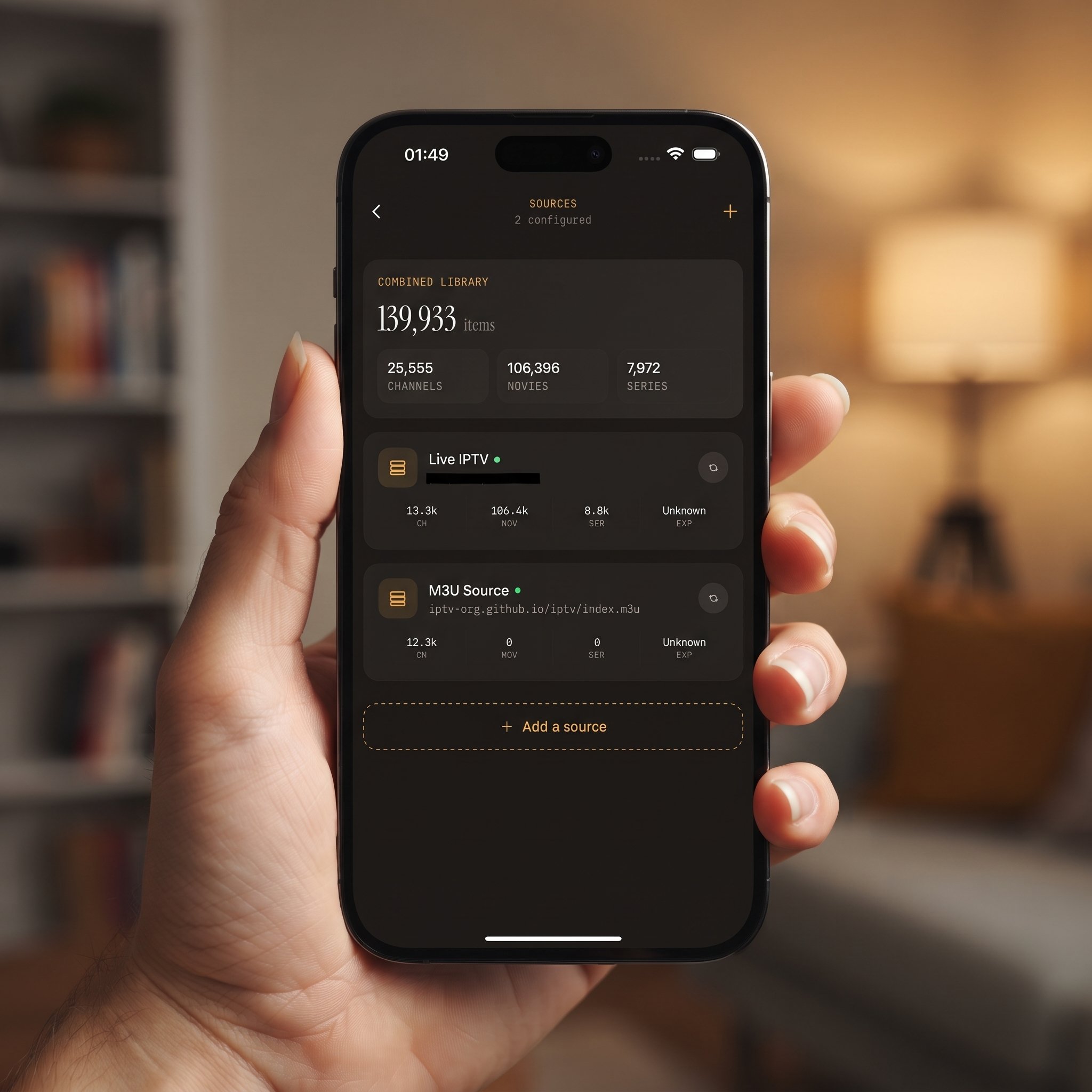
On iPhone and iPad you can also add a source by scanning a QR code or importing a file. You can add several sources and Maximus combines them into one library. Those login details stay on your device.
Because Maximus doesn't run the content catalog, it has no built-in reason to log what you watch in order to sell that data onward. Its job is to present your sources cleanly: a real TV guide, live channels grouped by country, a movies and series library, subtitle and audio track selection, and a universal search that works across everything you've added. Compare that with an all-in-one streaming service that owns the catalog and needs to justify a free tier; the incentives are completely different, before you even open a privacy policy. For more on what free apps typically trade away, see Free IPTV Apps for iPhone: What You Give Up.
Does "no tracking" mean no parental controls?
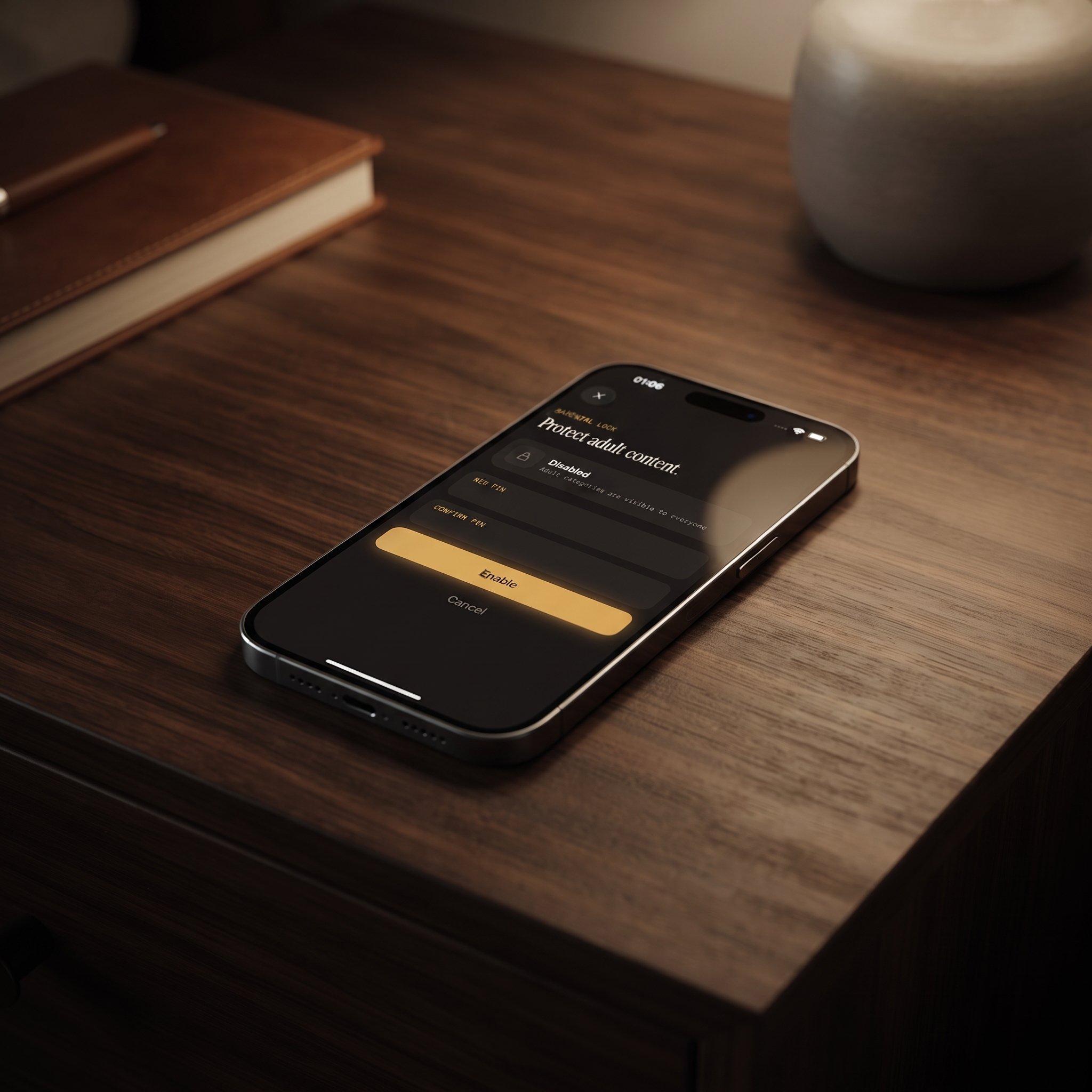
No, and it's worth being precise here because the two often get conflated. Parental controls in Maximus are local: a PIN lock that a parent sets in the app to hide adult content. There's no account to create, no cloud-synced child profile and no third-party service checking in. On iPhone and iPad you can also unlock with Face ID, and on Android the lock re-arms automatically so nobody forgets to switch it back on. Keeping the control on the device is a more privacy-respecting design than a system that phones home every time a child opens the app. IPTV Parental Controls: How the PIN Lock Works covers setup step by step.
What does "no ads, no tracking" look like day to day?
In practice, it's mostly about what you don't notice. The Home screen shows what's on now and a Continue Watching row built from your own viewing, there for your convenience rather than an ad profile. On iPhone and iPad, that playback progress syncs between your devices through your own iCloud account.
Casting from iPhone and iPad works over AirPlay (Apple's wireless streaming technology) or Chromecast (Google's casting technology), with no ad interrupting the handoff. The Android app doesn't cast; on the big screen, Android households use the native Android TV / Google TV app instead. Favorites, offline downloads and your channel organization all stay with you, and none of it is interrupted by ads.
Do you still need a VPN for privacy?
It depends on what you're protecting. A VPN (virtual private network) encrypts and reroutes your internet connection, which some people use to protect their traffic between the device and their IPTV provider. Maximus doesn't include a VPN, and its no-ads, no-tracking design solves a different problem: what the player app itself does with your activity once you're inside it.
They're separate layers, and it's worth evaluating them separately. Maximus handles the app side; a VPN handles the network side. Our practical VPN guide for IPTV explains when one actually helps.
Is the privacy experience the same on iOS and Android?
Yes. The iOS app on the App Store runs on iPhone, iPad, Macs with Apple M1 or later and Apple Vision. There's no Apple TV app, but you can AirPlay to an Apple TV from an iPhone or iPad. The Android app on Google Play covers phones, tablets and Android TV / Google TV from a single listing, with a native remote-driven interface for the TV.
Whichever store you use, the core promise is identical: no ads, no tracking, and credentials that stay on the device. The feature details differ a little by platform (for example, Picture-in-Picture and background playback are Android features), but the privacy model underneath doesn't change.
FAQ
Does Maximus IPTV Player cost anything?
It's free to download on the App Store and Google Play, with an optional Premium subscription. On Android, the monthly and annual plans include a 7-day free trial. The app isn't ad-supported on either tier.
Does Maximus collect data about what I watch?
Maximus has no ads and no tracking. It's a player for your own legal IPTV sources, not a content service building advertising profiles around your viewing.
Where are my IPTV login details stored?
On your device. The Xtream Codes login or playlist details you add stay local rather than being uploaded to build an account profile.
Do I still need my own IPTV subscription?
Yes. Maximus is a player app, not a content provider. You connect your own legal Xtream Codes or M3U/M3U8 source, and Maximus handles playback, the TV guide and organization on top of it.
Can I use parental controls without creating an account?
Yes. The PIN-based parental lock is set and stored on the device, with no account or cloud profile required.
Ready to try it?
If ad-cluttered, data-hungry streaming apps have worn you out, Maximus IPTV Player is worth a look. Download it free on the App Store for iPhone and iPad, or on Google Play for Android phones, tablets and Android TV / Google TV. Same privacy promise on every screen.
Written by
Maximus IPTV Team