Free IPTV Apps for iPhone: What You Give Up
Search for an IPTV app for iPhone free of charge and you'll find dozens of options, from polished players to apps that look abandoned. The price tag is the same, but what you give up is not. Some free apps pay their bills with ads and tracking, some lock the useful features away, and some promise channels they have no right to show. This guide explains the real trade-offs, what a paid tier actually adds, and how Maximus IPTV Player handles free versus Premium, so you can choose with your eyes open.
Key Takeaways
- "Free IPTV app" can mean a free player or a free source of channels. Only the first is worth looking for; free channel bundles are usually unlicensed.
- Free players typically make money through ads, data collection or upgrades, and each one changes your experience differently.
- The hidden costs are interruptions, tracking, missing guide data, limited features and apps that stop getting updates.
- Paying for a player doesn't fix a poor provider stream; it pays for development, features and a business model that doesn't rely on ads.
- Maximus IPTV Player is free to download, with no ads and no tracking, and offers an optional Premium subscription.
Is a free IPTV app for iPhone really free?
The download is free; the question is what the app does to earn money. Before comparing apps, it helps to separate two things that often get blurred together.
An IPTV player is software that plays streams you already have access to. You give it a source, usually an M3U playlist (a plain-text list of stream addresses and channel names) or an Xtream Codes login (a server address, username and password from your provider), and it turns that into a channel list, a guide and a library.
An IPTV provider is the service that actually delivers channels and holds the rights to show them. That's who you pay for content.
Players are legitimate tools, and many are free to download. Apps that claim to include thousands of free channels are a different story: those streams are usually unlicensed, which puts you at legal and security risk and tends to vanish without warning. Maximus IPTV Player is a player only. It doesn't include or point you to any channels; you bring your own legal IPTV subscription.
How do free IPTV players make money?
Every app has costs: development, updates for each new iOS release, and support. A free player covers them in one of a few ways:
- Advertising. Banners in menus, video ads when you change channels, or pop-ups that interrupt playback.
- Data collection. Analytics and tracking tools that record how you use the app, sometimes shared with advertising partners.
- Freemium upgrades. The basic app is free and extra features sit behind a one-time purchase or subscription.
- Nothing at all. Hobby projects with no income can be great, until the developer moves on and the app stops being updated.
None of these is automatically bad. Freemium in particular can be a fair deal if the free experience is clean and the paid tier adds real value. The point is to know which model you're signing up for.
What do you give up with a free IPTV player?
Ads that interrupt what you're watching
On a phone, a banner across the bottom of the screen is annoying. A video ad that plays every time you switch channels during a live match is worse. Ads also use bandwidth and processing power that your stream could be using, which matters on a busy home network.
Your privacy and your login details
An IPTV source often comes with credentials: an Xtream Codes username and password, or a playlist link with your account details built into it. Ask where those go. Some apps sync them to their own servers or pass usage data to third parties. On the App Store, check the App Privacy section of the listing, which shows what data an app says it collects and whether it's used to track you. For a closer look at how this works in practice, read how Maximus handles your privacy.
A proper TV guide
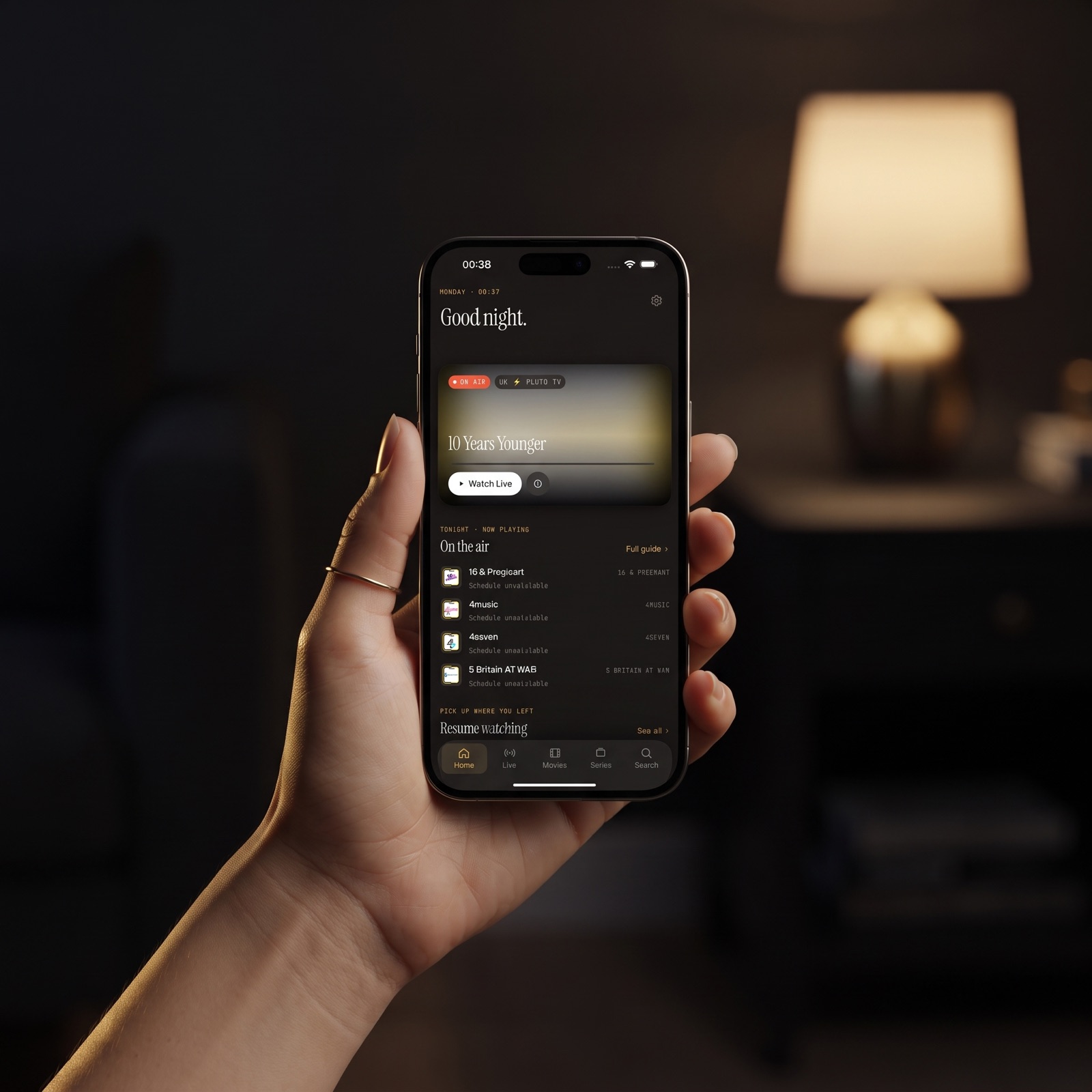
An EPG (Electronic Program Guide) is the on-screen schedule showing what's on now and next. Some free players show a flat list of channel names with no guide, or a guide so slow it's easier to channel-surf blind. With a few thousand channels, a real timeline guide is the difference between planning your evening and scrolling for ages.
Features that make a big playlist usable
A basic player might play a stream and little else. The features that make IPTV feel like a finished product are often missing from free apps or reserved for paid tiers:
- Search across live channels, movies and series at once
- Favorites and Continue Watching
- Subtitle and audio track selection
- Parental controls with a PIN
- Offline downloads of movies and episodes
- Several sources combined into one library
Our smart IPTV player features checklist explains why each one matters.
Updates and reliability
Apple releases a major iOS update every year, and apps that aren't maintained eventually break or crash. Scroll to the Version History on the App Store listing before you commit: regular updates in the last few months are a good sign; a single release from years ago is not.
Getting the picture onto your TV
On iPhone and iPad, the two common ways to reach a TV are AirPlay (Apple's wireless streaming technology, for Apple TV and AirPlay-compatible TVs) and Chromecast (Google's casting standard, also called Google Cast). Plenty of free players support neither, which leaves you watching on a small screen.
What does a paid IPTV player actually add?
It's worth being honest here: paying for a player doesn't make streams magically sharper. Picture quality and buffering depend mostly on your provider's servers and your network, and no player can fix a slow source. If that's your main problem, start with our guide to why IPTV buffering happens.
What a paid or Premium tier usually buys you instead:
- A business model that doesn't depend on ads or selling data. When users pay, the app doesn't need to monetize their attention.
- Ongoing development. Regular updates for new iOS versions, bug fixes and new features.
- The features above. Full guides, downloads, parental controls and multi-source libraries are expensive to build and maintain.
- A trial before you commit. Many subscription apps let you try paid features first, which is the best way to judge whether they're worth it.
How do free, freemium and paid IPTV players compare?
- Upfront cost: Free players cost nothing. Paid apps charge once or by subscription. Freemium apps are free to start with an optional upgrade.
- Ads: Common in free players. Rare in paid apps. Freemium apps vary, so check before you download.
- Privacy: Free apps are more likely to rely on tracking. Check the App Privacy label on any app, paid or not.
- TV guide: Often basic or missing in free players; usually a full timeline in paid and freemium apps.
- Features: Free players tend to stop at playback. Paid tiers add downloads, parental controls, multiple sources and more.
- Updates: Free hobby apps are the most likely to be abandoned. Apps with paying users have a reason to keep improving.
- Stream quality: About the same across all three, because it's set by your provider and network, not the price of the player.
For a head-to-head look at specific apps, see our IPTV player comparison for 2026.
How does Maximus IPTV Player handle free vs. Premium?
Maximus IPTV Player is free to download, with an optional Premium subscription, and it has no ads and no tracking. Your source credentials stay on your device.
On iPhone and iPad, the app includes:
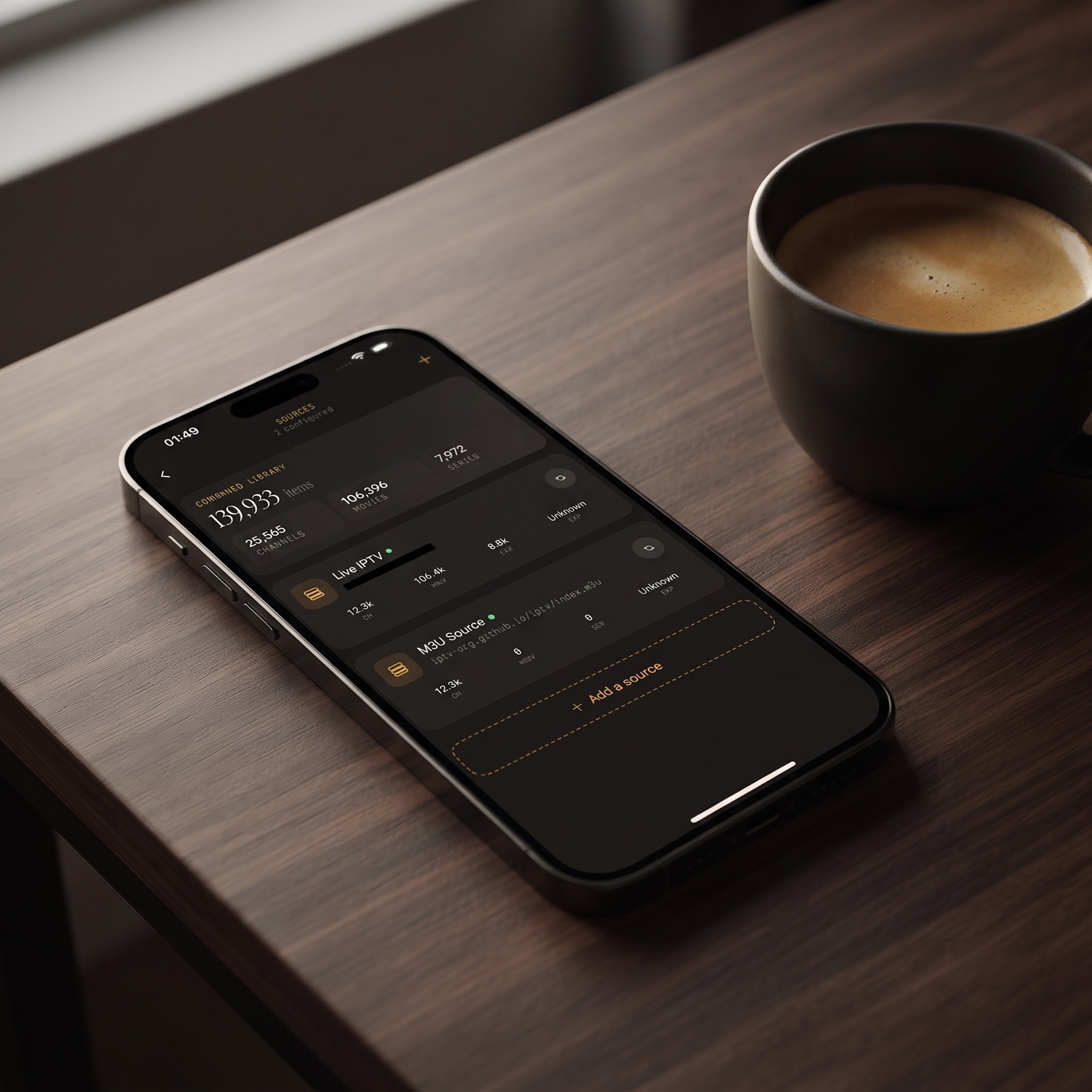
- Xtream Codes and M3U/M3U8 sources, added by link, QR code or file.
- A real EPG timeline with Sports, Movies, Kids and Favorites filters.
- Live TV grouped by country, plus a movies and series library.
- Universal search, Favorites and Continue Watching.
- Subtitle and audio track selection, offline downloads and a parental lock with PIN or Face ID.
- AirPlay and Chromecast for watching on the TV.
- Playback progress synced between your iPhone and iPad through iCloud.
The iPad app also runs on Macs with Apple M1 or later and on Apple Vision. The same player is on Google Play for Android phones, tablets and Android TV / Google TV. On Android, Premium unlocks the full TV guide, offline downloads, parental lock, source refresh and multiple sources, and the monthly and annual plans come with a 7-day free trial. On iPhone and iPad, the App Store listing and the app itself show the current Premium options.
What should you check before choosing any IPTV app for iPhone?
- Read the App Privacy label. Look for "Data Used to Track You" and decide whether you're comfortable with it.
- Look for ads in screenshots and reviews. Recent reviews often mention mid-stream ads.
- Confirm your source type is supported. Make sure the app accepts the M3U link or Xtream Codes login your provider gave you.
- Check for a real guide. If you watch live TV, an EPG is essential.
- Scan the Version History. Recent, regular updates suggest the app will keep working.
- Avoid apps that bundle channels. A legitimate player never needs to supply content.
- Use a trial. If there's a paid tier, try it before paying for a full period.
FAQ
Is there a good free IPTV app for iPhone?
Yes. Several players are free to download. Look for one with no ads, a clear privacy label, a real TV guide and recent updates. Maximus IPTV Player is free to download, has no ads and no tracking, and offers an optional Premium subscription.
Are free IPTV apps safe?
Free players from the App Store can be perfectly safe, but check what data they collect and where your login details are stored. Apps or services offering free channels are a different matter: they're usually unlicensed and best avoided.
Do paid IPTV players have better streaming quality?
Not by themselves. Stream quality depends mainly on your provider's servers and your internet connection. Paid players tend to offer better features, updates and privacy, not a sharper stream from the same source.
Does Maximus IPTV Player come with channels?
No. It's a player only. You add your own legal IPTV subscription using an Xtream Codes login or an M3U/M3U8 playlist.
Can I try Premium before paying?
On Android, the monthly and annual Premium plans include a 7-day free trial. On iPhone and iPad, check the App Store listing or the app for the current options.
Choosing the right free IPTV app for your iPhone
Free is a great price for a player, as long as you know what's paying for it. Skip apps that fill the screen with ads, track you or bundle unlicensed channels, and look for a clean player with a real guide, solid privacy and regular updates. If a paid tier adds features you'll actually use, a trial will tell you quickly whether it's worth it.
Download Maximus IPTV Player free on the App Store for iPhone and iPad, or on Google Play for Android phones, tablets and Android TV, and bring your own legal IPTV subscription.
Written by
Maximus IPTV Team