Best IPTV Player App 2026: Maximus, TiviMate, Smarters
If you searched for an IPTV player comparison and landed on a listicle, there's a good chance it was written years ago and quietly re-dated. That matters this year, because the landscape has shifted in ways many of those articles haven't caught up with: one long-recommended app appeared not to have been updated in years when we checked, another was no longer available from Google Play, and a third still has no iPhone version despite being recommended to iPhone users all the time.
Maximus IPTV Player is our app, so weigh our conclusion accordingly. What we can do is show our work. The details about other apps below come from the developers' own App Store and Google Play listings as we found them in July 2026, and where we couldn't verify something, we say so instead of guessing.
Key Takeaways
- GSE Smart IPTV showed no recent updates when we checked, with its last builds dating from 2022, yet it's still recommended in many "best of 2026" lists.
- OTT Navigator wasn't available as a Google Play listing when we checked; it's distributed by sideloading. A similarly named app on Google Play comes from a different developer.
- TiviMate has no official iPhone, iPad or Apple TV app. It's Android TV software, and it's well regarded for that.
- "IPTV Smarters" now covers apps from more than one company, and their current listings say very little about IPTV features.
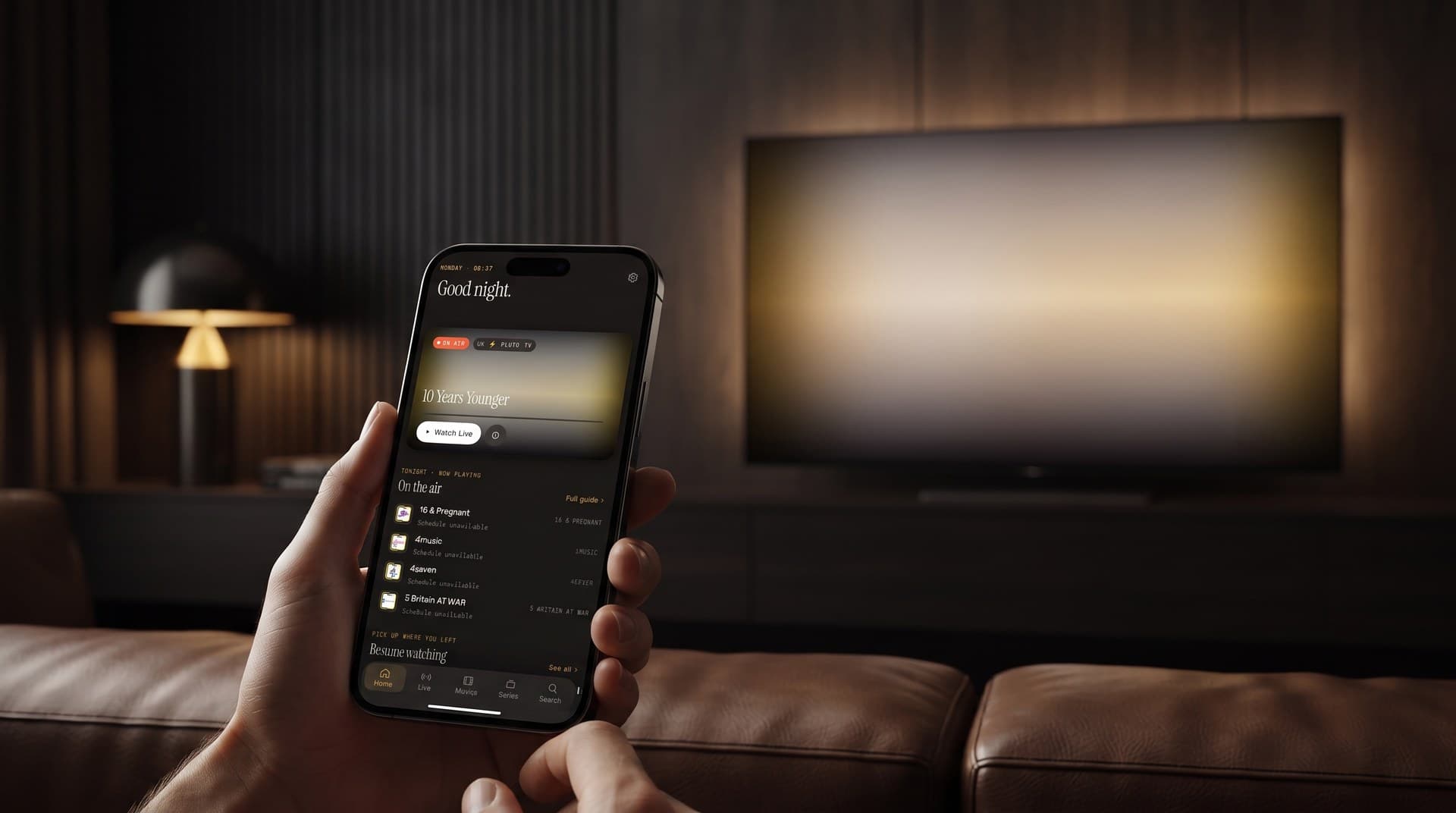
- Maximus IPTV Player is free to download on both stores, carries no ads, and runs on iPhone, iPad, Apple Silicon Macs, Apple Vision, Android phones, tablets and Android TV. It has no Apple TV app; on Apple TV you watch via AirPlay from an iPhone or iPad.
How did we check, and what does "not advertised" mean?
Comparison tables usually show a wall of ticks and crosses with no hint of where any of it came from. Ours is based on the developers' own store listings, because that's the one source each company controls and is accountable for.
That creates an honesty problem worth naming. If an app's listing doesn't mention a feature, that does not prove the app lacks it; it may simply be undocumented. So where something is absent from a developer's own materials, this article says "not advertised" rather than "no". Store listings also change, so treat anything here about other apps as a snapshot, not a permanent verdict.
Which apps run on which devices in 2026?
This is where the biggest surprises are, and it's the question most people actually need answered. "Not advertised" means we didn't find it in the developer's own listing, not that we confirmed it's missing.
- Maximus IPTV Player — iPhone and iPad: yes. Apple TV: no app; watch via AirPlay from iPhone or iPad. Android phone and tablet: yes. Android TV and Google TV: yes, with a remote-friendly TV interface.
- TiviMate — iPhone and iPad: no official app. Apple TV: no official app. Android phone and tablet: installable, but the developer describes it as not optimized for touch. Android TV: yes, and that's what it's built for.
- Smarters Pro — iPhone and iPad: yes. Apple TV: not advertised in the listing we checked. Android phone and tablet: yes. Android TV: yes.
- GSE Smart IPTV Pro — iPhone and iPad: yes, but the builds we saw were from 2022. Apple TV: not advertised. Android phone and tablet: yes, also an older build. Android TV: not advertised.
- OTT Navigator — iPhone and iPad: no Apple version that we could find. Apple TV: no. Android phone and tablet: yes, by sideloading. Android TV: yes, by sideloading.
Look at the Apple side of that list. Maximus doesn't have an Apple TV app either, and the options that do run on iPhone differ a lot in how actively they're maintained. That gap on iPhone and iPad is a big part of why we built Maximus.
TiviMate deserves a fair hearing, because it's genuinely well regarded. Its Google Play listing describes it as designed for Android TV and remote-control navigation and not optimized for phones or tablets. That isn't a weakness, it's a deliberate focus, and on an Android TV box it shows. But recommending TiviMate to iPhone owners is simply wrong: there's no official App Store version, and similarly named apps there come from other developers.
That leads to the most practical advice in this article, and it has nothing to do with which app you pick.
How do you avoid copycat IPTV apps?
Search a well-known IPTV player's name in either store and you'll often find several apps with near-identical names from unrelated developers. Some are harmless, some are full of ads, and some push expensive in-app purchases.
Before installing any IPTV player, including ours, check the developer name, not just the app name and icon. Maximus is published by AegonTech. For any other app, compare the developer name in the store with the one on the developer's official website. If they don't match, it's a different app, however familiar it looks.
What about the apps everyone still recommends?
GSE Smart IPTV was, for years, the default answer for iPhone users, and its listing still describes a broad feature set. The concern is age. When we checked, the store listings showed no updates since 2022, and the free versions were no longer listed. An IPTV player that hasn't been updated for several years has missed multiple iOS and Android releases, and that's worth weighing before you rely on it.
OTT Navigator is powerful software with wide source support and a loyal following among technical users. But when we checked, it wasn't available as a regular Google Play listing, and the app was obtained by sideloading, meaning you download and install the app package (an APK file) yourself instead of through a store. For technical users that's manageable; for most people, an app you can't install from a store isn't really an option. Be careful here too: a similarly named app on Google Play comes from a different developer.
Smarters is the most confusing case. More than one company now ships apps under that lineage, and the current store listings say little about IPTV playback features. The software may still do everything it used to; we simply couldn't find the developers' own listings saying so.
What is the best IPTV player app for iPhone?
On iPhone and iPad the field is narrower than most lists suggest: TiviMate has no iOS version, and GSE Smart IPTV showed no updates since 2022 when we checked. The apps worth comparing are IPTVX, UHF, iPlayTV AIO, Smarters Player Lite and Maximus, and the right one depends on whether you bring an Xtream Codes login, an M3U playlist or a media server such as Plex. Our best IPTV player for iPhone in 2026 comparison goes through each one by its own App Store listing, including where Maximus falls short.
What is the best IPTV player app for Android?
On Android the field is wider, and TiviMate is a serious option if an Android TV is your only screen. On phones and tablets, look for Xtream Codes and M3U support, a real program guide and a clean Google Play install rather than a sideloaded APK. Our best IPTV player for Android in 2026 comparison scores the main options on sources, guide, playback, privacy and TV support.
Where does Maximus IPTV Player stand?
We built Maximus because good IPTV options on iPhone and iPad were thin, and we wanted the same library to work on Android too. Here's what it offers:
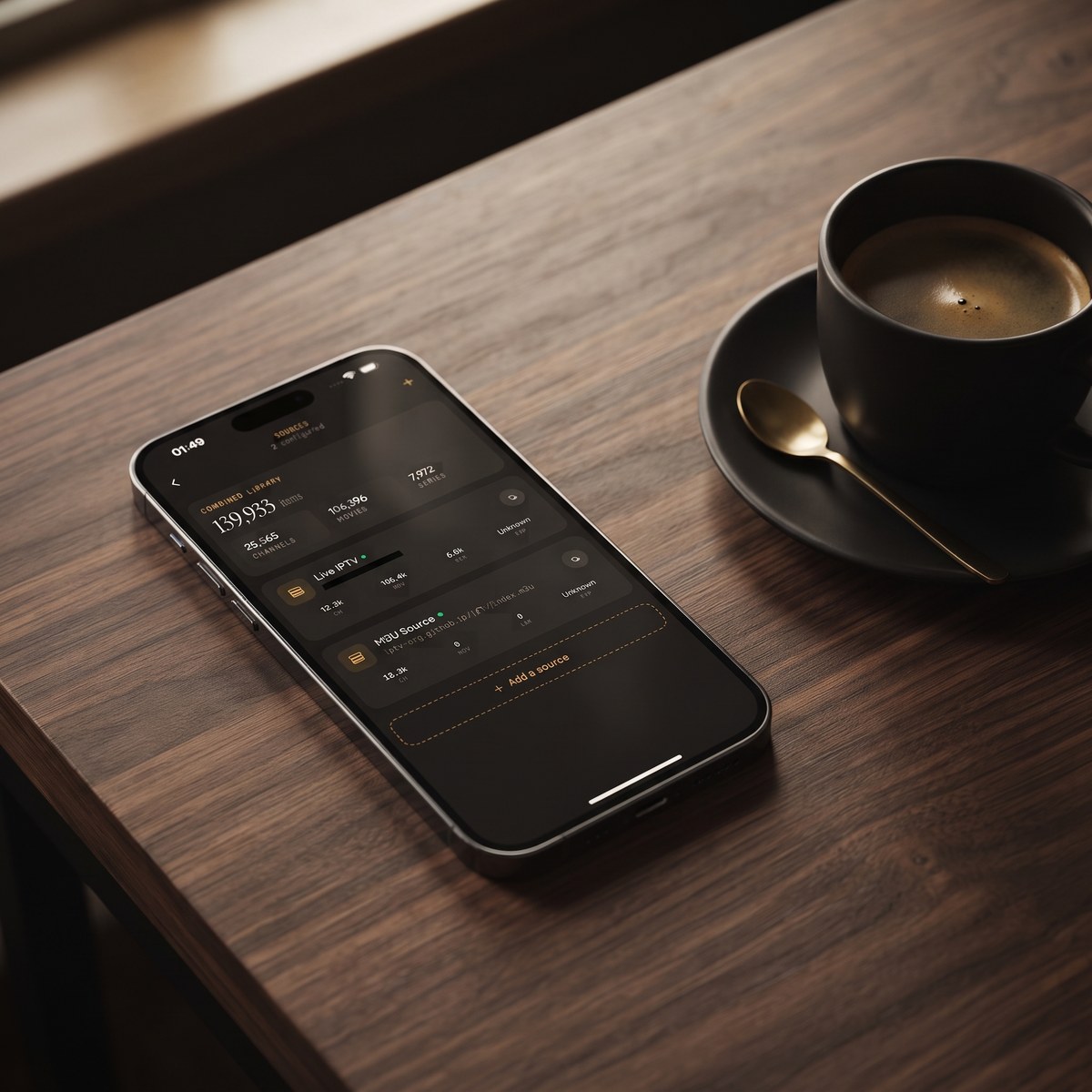
- Sources: Xtream Codes logins (a server address, username and password from your provider) and M3U/M3U8 playlists (text files listing stream addresses), on both platforms. On iOS you can also add a source by QR code or file. Multiple sources combine into one library.
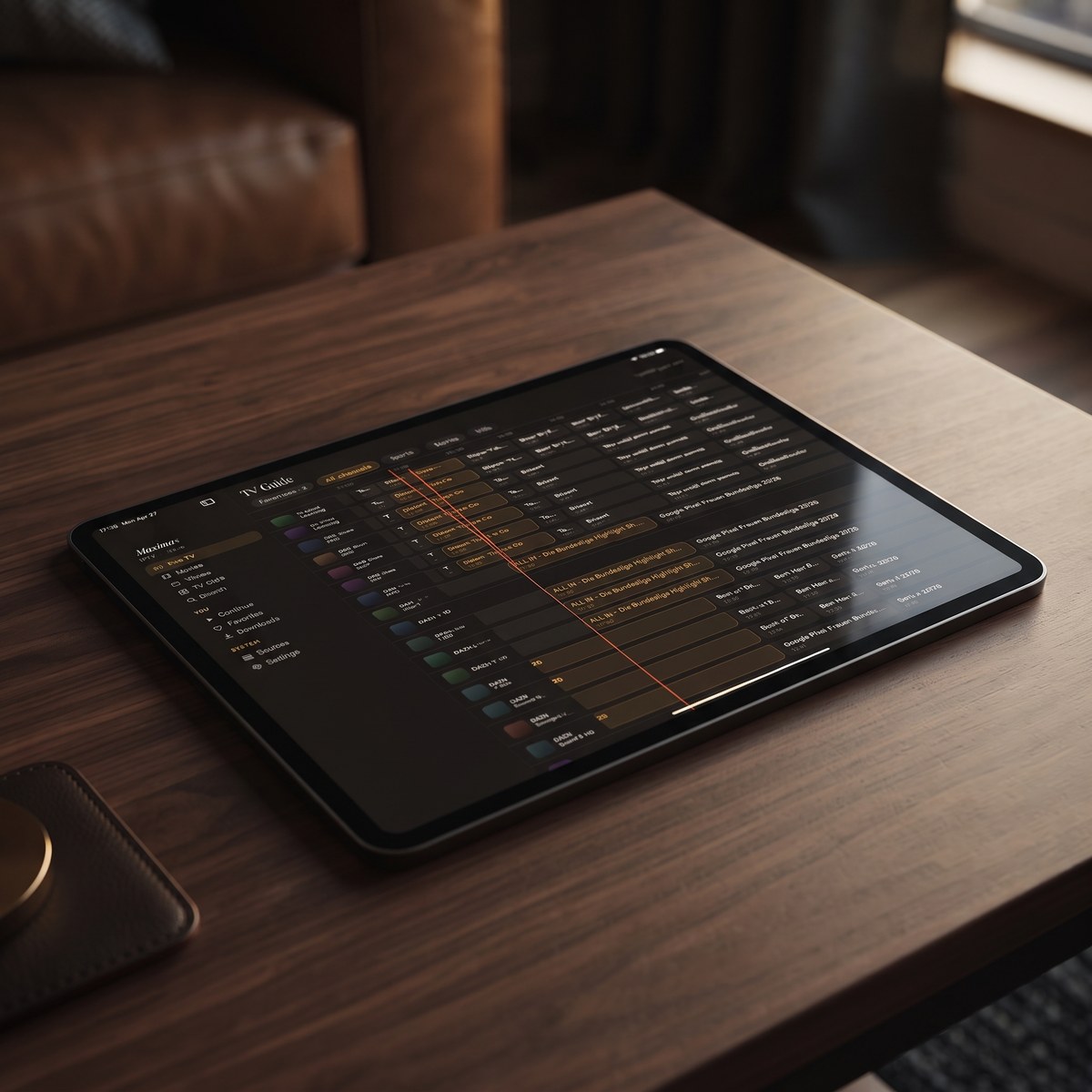
- Program guide: a real EPG (Electronic Program Guide) timeline, filtered by Sports, Movies, Kids and Favorites.
- Browsing: live TV grouped by country with country filters, a movies and series library, and universal search across all of it, plus Favorites and Continue Watching.
- Playback: subtitle and audio track selection, and offline downloads for movies and episodes.
- Casting from iPhone and iPad: AirPlay (Apple's wireless streaming) and Chromecast (Google's casting). The Android app doesn't cast; on Android TV you watch in the native TV app instead.
- Picture-in-Picture and background playback: available on Android phones and tablets. Picture-in-Picture isn't available on iPhone or iPad.
- Parental lock that hides adult content behind a PIN, with Face ID on iOS.
- iCloud sync of playback progress between iPhone and iPad. Progress doesn't sync between iOS and Android.
- No ads and no tracking, with your credentials kept on your device. This is the part we'd most like you to check rather than take on faith.
- Free to download on both stores, with an optional Premium subscription.
The honest comparison: on Android TV specifically, TiviMate is mature, focused software with years of refinement, and if that's your only screen it's a serious option. What Maximus offers instead is one actively developed app with a consistent library across iPhone, iPad, Android phones, tablets and Android TV. For a closer look at how that plays out by device, see iPhone vs Android for IPTV.
FAQ
Is there an IPTV player that works on both iPhone and Android TV?
Yes. Maximus IPTV Player runs on iPhone and iPad from the App Store and on Android phones, tablets and Android TV from Google Play. If Apple TV is your big screen, you'd use AirPlay from your iPhone or iPad; our IPTV on Apple TV guide explains how.
Is TiviMate available for iPhone?
No. There's no official TiviMate app on the App Store. Apps with similar names there come from unrelated developers.
Is GSE Smart IPTV still safe to use?
It still works for some people, but when we checked, its listings showed no updates since 2022 and the free versions were gone. Long gaps without updates are worth weighing.
Can I cast from Maximus IPTV Player to my TV?
From iPhone and iPad, yes: the app supports both AirPlay and Chromecast. The Android app doesn't include casting. Our AirPlay vs Chromecast guide covers the iOS setup.
Do any of these apps supply channels?
No, and be wary of any app that claims to. These are players. You bring your own legal IPTV subscription, M3U playlist or Xtream Codes login. Maximus supplies no content of any kind.
Will this article be updated?
It reflects what the developers' own listings showed in July 2026. App availability changes, so check the current listing before you install.
The Bottom Line
There's no single best IPTV player for everyone. If you live on Android TV alone, TiviMate is a strong, focused choice. If you want one maintained app that covers your iPhone, iPad, Android phone and Android TV with the same features and no ads, Maximus is built for exactly that. Whichever you choose, check the developer name and the last update date before you install.
For iPhone, iPad, Apple Silicon Macs and Apple Vision, download Maximus from the App Store. For Android phones, tablets, Android TV and Google TV, get it on Google Play. Then add your Xtream Codes login or M3U playlist and judge it against everything above, including the parts where we said a rival does something well.
Written by
Maximus IPTV Team