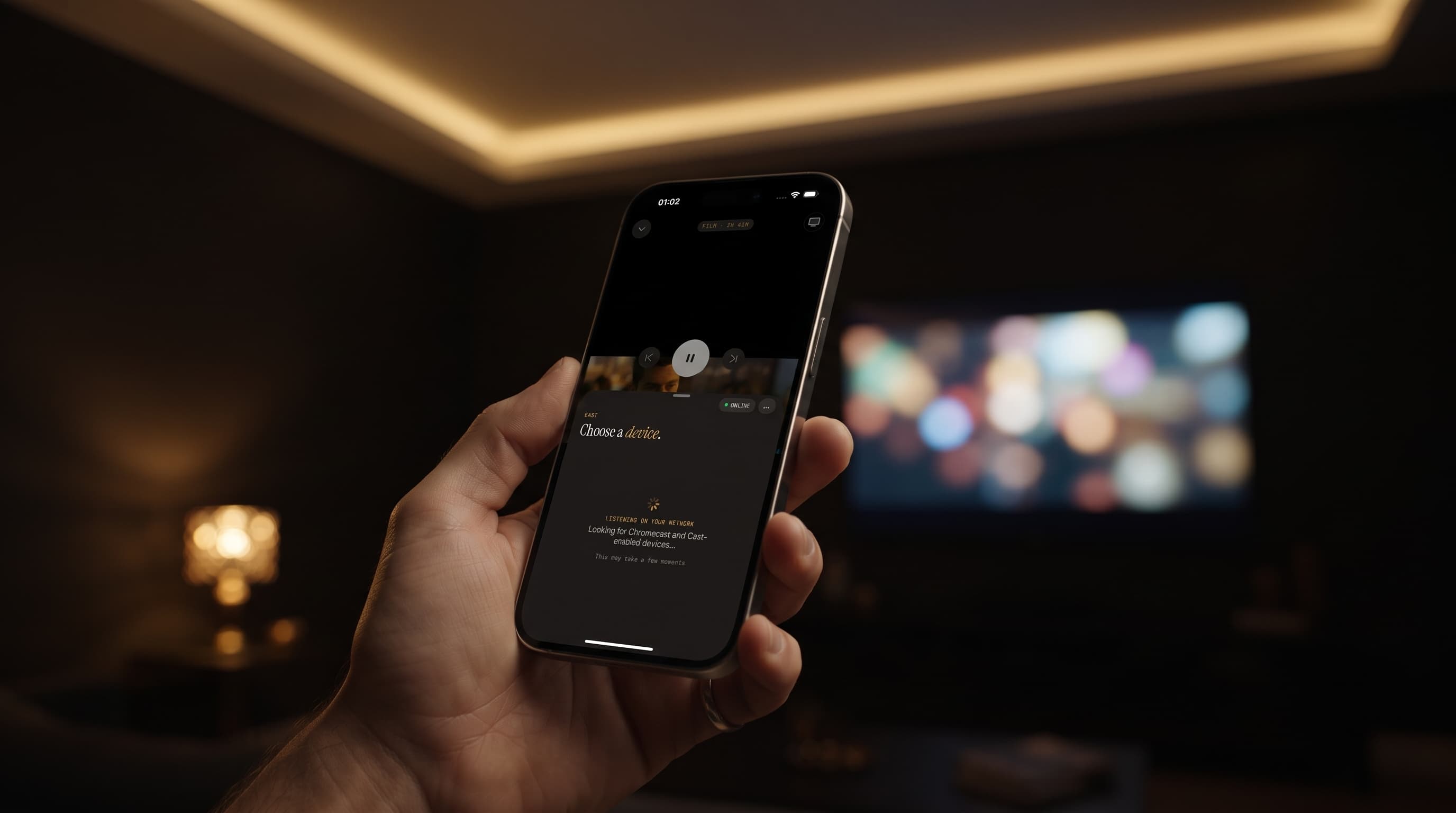
AirPlay vs Chromecast: How to Cast Maximus IPTV to Your TV
Watching IPTV on a 6-inch screen is fine for checking a score. Nobody wants to sit through a whole match or a two-hour movie squinting at a phone, though. Casting fixes that, and Maximus IPTV Player has it built into the player on iPhone and iPad. If you stream your own legal IPTV subscription or M3U playlist through the app, this guide covers both ways to cast: Apple's AirPlay and Google's Chromecast. You'll see how they differ, which one fits your TV, and what to do when a cast won't connect.
One thing to know before you start: casting in Maximus happens from the iOS app. The Android app doesn't cast. It doesn't need to on a television, because on Android TV and Google TV Maximus runs natively with its own remote-friendly interface.
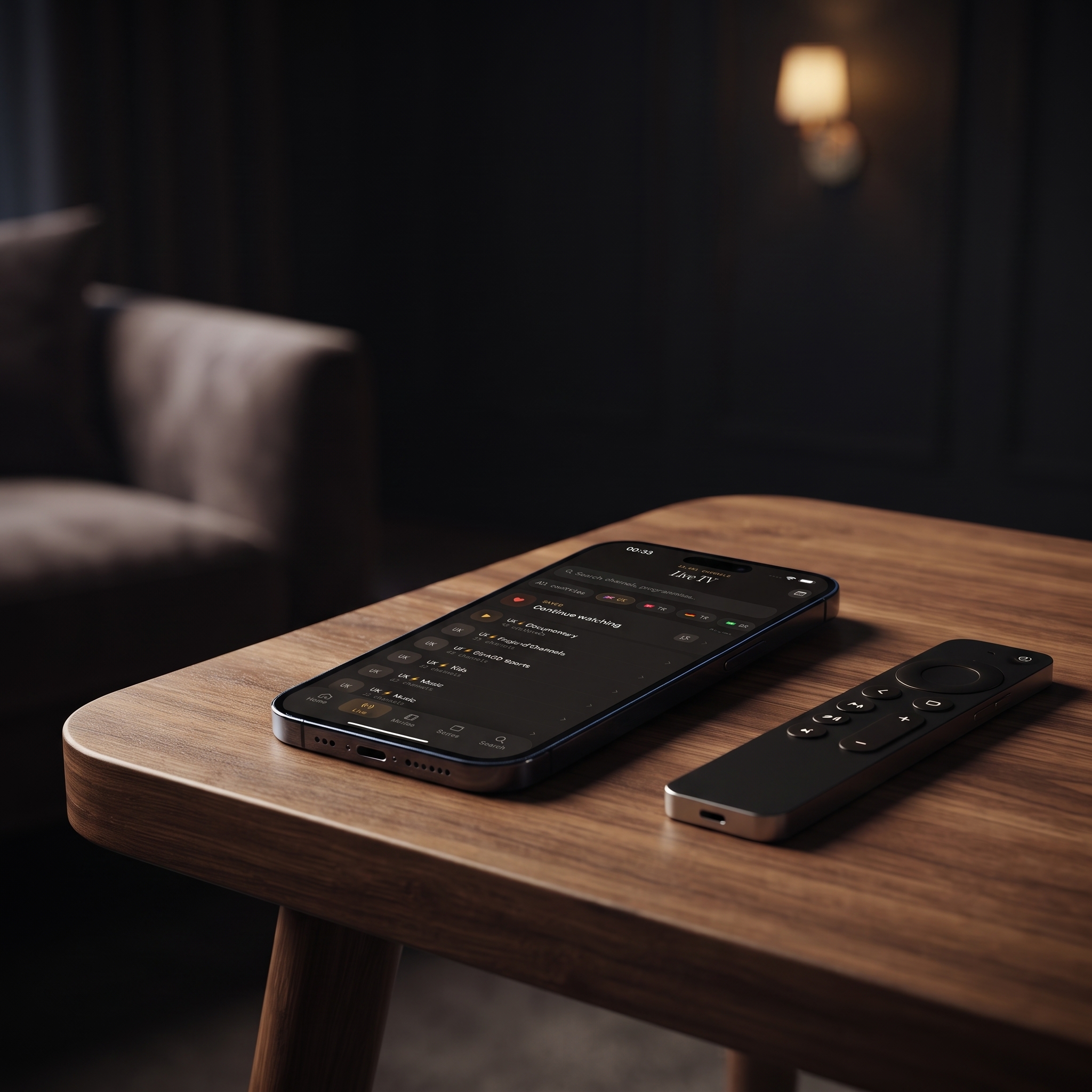
Key Takeaways
- Maximus on iPhone and iPad supports both AirPlay (to Apple TV and AirPlay 2 smart TVs) and Chromecast (to Chromecast devices and TVs with Google Cast built in).
- AirPlay only works with Apple gear. Chromecast doesn't care what TV you have, and an iPhone casts to a Chromecast-equipped TV just fine.
- There's no Maximus app for Apple TV. To get Maximus onto an Apple TV, you AirPlay it from an iPhone or iPad.
- The Android app has no casting. On an Android TV or Google TV, you install Maximus from Google Play and watch it on the TV directly.
- Your iPhone or iPad and the TV must be on the same Wi-Fi network. When the TV doesn't show up, that's usually why.
What Are AirPlay and Chromecast?
AirPlay is Apple's wireless streaming technology, built into iOS and iPadOS. It sends video and audio from an iPhone or iPad to an Apple TV or to a smart TV certified for AirPlay 2, which many recent sets from major TV brands are. Chromecast, also called Google Cast, is Google's version. It's used by Chromecast dongles, Google TV streamers and a long list of smart TVs that have Cast support in their firmware.
Neither one needs cables. Both use your local Wi-Fi network so your phone can find the TV and set up a connection.
This matters for IPTV because most IPTV channels are delivered over HLS (HTTP Live Streaming). HLS splits video into short segments that the player downloads and joins together in real time. When you cast a stream rather than mirror your whole screen, your phone usually passes that stream to the TV or streaming device, which then plays it itself. Your phone turns into a remote. That's why the Wi-Fi between your router and your TV matters just as much as your internet speed.
How Do You Cast Maximus IPTV Player With AirPlay?
AirPlay is the simplest option if you have an Apple TV or an AirPlay 2 TV. Here's how to cast:
- Turn on your Apple TV or AirPlay TV and make sure it's on the same Wi-Fi network as your iPhone or iPad.
- Open Maximus and start a live channel, movie or series episode.
- Tap the cast icon in the player controls.
- Choose your Apple TV or AirPlay TV from the device list.
- The video moves to the TV within a few seconds. You can keep pausing, seeking and changing the volume from your iPhone or iPad.
- To stop casting, tap the cast icon again and switch playback back to your device.
AirPlay works over your home Wi-Fi, not Bluetooth, so its range is the same as your router's. If the TV is two rooms away from the router and the picture keeps stuttering, look at your Wi-Fi coverage before blaming the app.
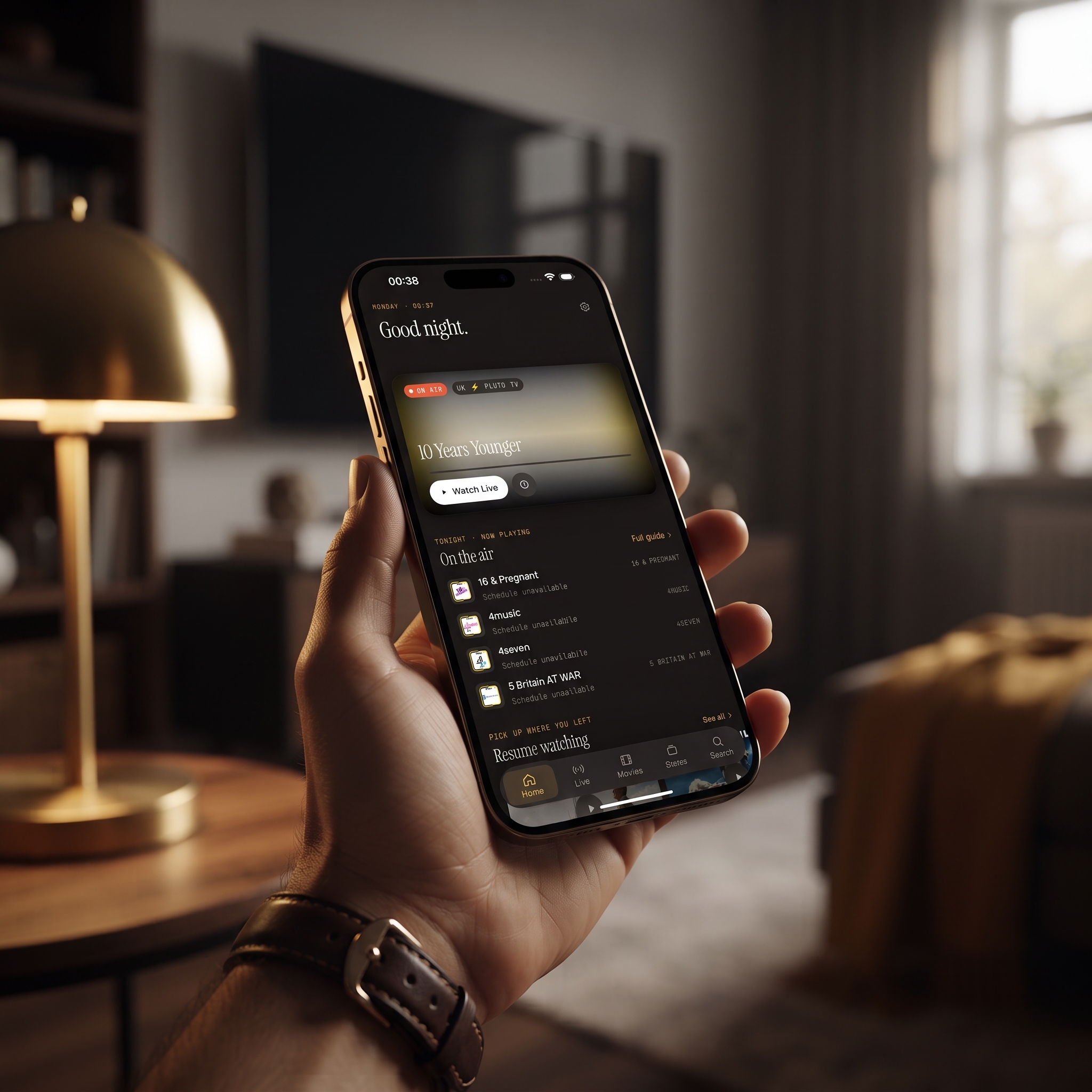
Can You Use Chromecast From an iPhone or iPad?
Yes, and a lot of people get this wrong. Chromecast isn't just for Android phones. In the iOS app, the same cast icon and device list show Chromecast devices too, whether that's a dongle plugged into an older TV or a newer smart TV with Google Cast built in. You don't install anything on the TV itself.
A few things are specific to Chromecast:
- Set up the Chromecast first. A new Chromecast dongle or Google TV streamer needs a one-time setup in the Google Home app so it joins your Wi-Fi. After that, Maximus finds it without any extra steps.
- Allow Local Network access. The first time an iOS app looks for Cast devices, iOS asks whether it can access your local network. If you tapped "Don't Allow," Chromecast devices won't show up in the list. Turn it back on in Settings under Privacy & Security, then Local Network.
- Give discovery a moment. It can take several seconds for Cast devices to appear, especially on mesh Wi-Fi.
This helps a lot in homes that mix brands, like an iPhone owner with a Chromecast in the living room. Being on iOS doesn't mean you have to buy Apple hardware.
AirPlay vs Chromecast: Which Should You Use?
In Maximus IPTV Player you don't have to pick one for good, because the app supports both. Here's how they compare:
- Works with: AirPlay needs an Apple TV or an AirPlay 2 smart TV. Chromecast works with Chromecast dongles, Google TV streamers and TVs with Google Cast built in.
- Setup: AirPlay is built into iOS, so there's nothing to set up on the phone. Chromecast receivers need a quick one-time setup in Google Home, plus Local Network permission on your iPhone.
- Casting from Maximus: Both are available only in the iPhone and iPad app. You start both the same way, from the cast icon.
- Picture quality: Both can carry HD, and 4K if your TV or streaming device supports it. In practice the limits are the stream your provider sends and the strength of your Wi-Fi.
- Best fit: AirPlay if your living room is built around an Apple TV. Chromecast if your TV runs Google TV or has Cast built in.
- If your TV supports both: Use whichever connects more reliably on your network. Some households use one in the living room and the other in the bedroom.
Two myths are worth clearing up. AirPlay doesn't always mirror your screen, because apps can send just the video to the TV. And Chromecast doesn't need extra apps on your iPhone to cast from Maximus. Google Home is only for setting up the Chromecast device itself.
Can You AirPlay to a Chromecast?
No, not directly. A Chromecast only receives Google Cast, and AirPlay only sends to AirPlay receivers such as an Apple TV or an AirPlay 2 smart TV, so a Chromecast never appears in the AirPlay list. Third-party mirroring apps claim to bridge the two, but they mirror your whole screen and add delay. With Maximus you don't need them: the iPhone and iPad app casts to a Chromecast directly. Start a channel, tap the cast icon and pick the Chromecast from the list.
Some smart TVs accept both AirPlay 2 and Google Cast. On those, either route works, and the comparison above helps you choose. The Maximus Android app has no casting at all, so this only applies to the iPhone and iPad app.
What About Apple TV and Android TV?
TV platforms are where people get confused most often, so here's the plain version.
Apple TV: Maximus doesn't have an Apple TV app. To watch on an Apple TV, you AirPlay from the iPhone or iPad app. For the full setup, see our guide to IPTV on Apple TV.
Android TV and Google TV: Maximus runs natively on these TVs. It comes from the same Google Play listing as the phone and tablet app, and the interface is built for a remote. If your TV runs Android TV or Google TV, install Maximus there so you don't need to cast. Since the Android app has no casting, a native install is the only way to get the Android version onto a big screen. An iPhone can still cast to a Google TV device with Chromecast if you'd rather drive playback from your phone.
For a wider look at how the two platforms compare across phone, tablet and TV, read iPhone vs Android for IPTV.
What Do You Need Before You Start Casting?
- The same Wi-Fi network. Your iPhone or iPad and your receiver need to be on the same network. A guest network on one of them, or the TV on a separate "-5G" network name, will stop them from finding each other.
- A receiver. For AirPlay, an Apple TV or AirPlay 2 TV. For Chromecast, a Chromecast device, a Google TV streamer or a TV with Google Cast built in.
- A source loaded in Maximus. Add your provider's Xtream Codes login (a server address, username and password) or an M3U/M3U8 playlist (a text file or link that lists your channel streams). On iOS you can also add a source by scanning a QR code or importing a file.
- Decent Wi-Fi to the TV. A 5 GHz connection with a good signal makes a big difference for live channels.
Why Does Casting Sometimes Fail or Buffer?
Most casting problems come down to a few causes:
- Different networks. Your phone is on the home Wi-Fi and the TV is on a guest network or a different band. Or you're on a VPN (Virtual Private Network, which sends your traffic through another server), which can hide local devices from your phone. Put both devices on the same network name and pause the VPN while you connect.
- Wi-Fi congestion. Streaming uses bandwidth nonstop, not in short bursts. As a rough guide, an HD stream needs about 5 to 8 Mbps and a 4K stream about 15 to 25 Mbps. That's on top of everything else your household is using at the same time. Moving the router closer or switching the TV to 5 GHz usually helps.
- An old device list. Sometimes the list just needs refreshing. Close the cast sheet and open it again, or restart the app, so it scans for devices again. Restarting the Apple TV or unplugging the Chromecast for ten seconds fixes receivers that got stuck.
- Blocked permission. For Chromecast on iOS, check that Local Network access is turned on, as described above.
If a channel won't play even on your phone, the problem is your source, not casting. Check with your provider. For step-by-step fixes, see Casting Not Working? Fix AirPlay and Chromecast on iPhone. For stutter that happens with or without casting, read why IPTV buffering happens and how to stop it.
Is Casting Different for Live TV and On-Demand Content?
You cast both the same way, but you'll notice a difference when your network slows down. Live TV has very little buffer, so a dip in your Wi-Fi shows up right away as stutter or a frozen frame. Movies and series episodes from your provider's library are more forgiving, because the TV can load a bit ahead before it starts playing.
If your network gets busy in the evening, it's worth saving the big live events for times when fewer devices are online. You can also move the TV onto a wired or 5 GHz connection before kickoff.
FAQ
Do I need to install anything on my Apple TV to cast?
No. AirPlay is built into every Apple TV and AirPlay 2 TV. Just make sure the Apple TV is on and connected to the same Wi-Fi as your iPhone or iPad. There's no Maximus app to install on the Apple TV.
Why is there no cast button in the Maximus Android app?
The Android app doesn't include casting at all, so there's no Chromecast button on Android phones or tablets. For TV viewing on Android, install Maximus on your Android TV or Google TV. There's no need to cast when the app runs on the TV itself.
Can I use AirPlay and Chromecast on the same TV?
Yes, if your TV supports both, or if it has an Apple TV and a Chromecast plugged into different HDMI ports. Both show up in the device list, and you cast to one at a time.
Does casting drain my iPhone's battery?
Usually less than watching on the phone does, because the TV or streaming device plays the stream itself. You can typically lock your iPhone after the cast starts and the video keeps playing on the TV.
Does casting use my mobile data?
Casting needs your iPhone or iPad on Wi-Fi so it can find the TV. The stream reaches your TV through your home internet connection, not your phone's cellular plan.
Is it legal to cast IPTV this way?
Casting is just a way to get the picture onto your TV. It doesn't change whether the content itself is legal. Maximus IPTV Player is a player for your own legal IPTV subscription or playlist, so always get your channels from a licensed provider.
Bringing It to the Big Screen
Casting turns Maximus from something you watch alone into something the whole room can enjoy. Most of the time, setup is just picking your TV from a list. When something does go wrong, it's almost always a Wi-Fi mismatch rather than the app. On iPhone and iPad, AirPlay and Chromecast both hand the video over in seconds. Download Maximus on the App Store to cast from your iPhone or iPad. If your TV runs Android TV or Google TV, get Maximus IPTV Player on Google Play and watch it natively on the TV.
Written by
Maximus IPTV Team