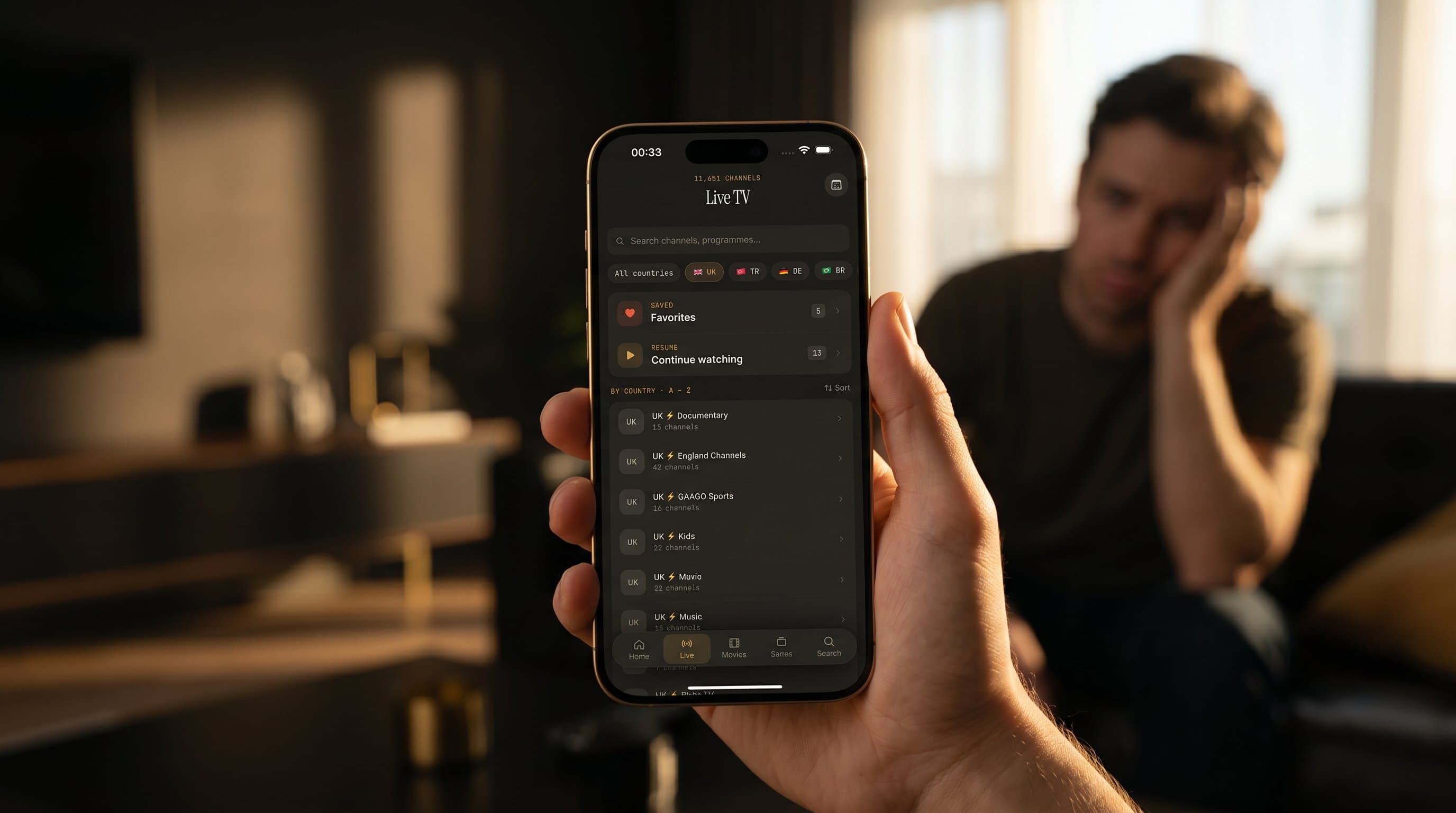
IPTV Buffering: Why It Happens and How to Make It Stop
You're eight minutes into a tied match. The striker is through on goal, and the spinner appears. The picture freezes, the audio cuts out, and the moment is gone. That's IPTV buffering, and it's the most common complaint from people watching live TV over the internet. The good news: it almost always traces back to a handful of causes you can check yourself. This guide explains what's really happening, how to tell which link in the chain is failing, and what to change, whether you watch in Maximus IPTV Player on an iPhone, iPad, Android phone or Android TV.
Key Takeaways
- Buffering happens when your device runs out of video to play before the next piece of the stream arrives.
- The usual culprits are your network, your provider's server, your device, and extra hops such as casting to a TV.
- If only one channel or one group buffers while the rest play fine, the problem is almost always on the provider's side.
- As a rough guide, steady 1080p needs around 5–8 Mbps and 4K needs about 25 Mbps or more, per stream.
- A player can't speed up a slow source, but one with no ads and no tracking keeps the app itself out of the way.
Why does my IPTV keep buffering?
IPTV buffers when your device runs out of video data before the next chunk of the stream arrives. Live IPTV isn't one big file. Most streams use HLS (HTTP Live Streaming), the Apple-developed format that has become the standard for live video online. HLS chops a broadcast into short segments, typically 2 to 10 seconds long, with 6 seconds being Apple's recommended default, and serves them one after another over ordinary web connections.
Your player downloads a segment, plays it, downloads the next one, and keeps a small cushion of upcoming video (the "buffer") in memory. When the next segment shows up late, the cushion empties, playback stalls, and the spinner appears.
IPTV is more fragile than Netflix or YouTube for a simple reason. Those services run on huge, globally distributed delivery networks tuned over many years. A typical IPTV source streams from a single server or a small cluster somewhere in the world, and your device has to reach it over the public internet in real time. That's why the same Wi-Fi that handles Netflix happily can still stutter on a live channel.
What actually causes IPTV to buffer?
Almost every case falls into one of four buckets. They overlap, so it helps to rule them out one at a time.
1. Is your network keeping up?
- Not enough bandwidth. A 1080p stream needs roughly 5–8 Mbps of steady throughput, and a 4K stream needs about 25 Mbps or more. A plan that's fast on paper but shared across a busy household can still come up short.
- Jitter and packet loss. A speed test can show 200 Mbps while actual delivery is bursty. Even a small amount of packet loss on a live stream causes visible stutter.
- Weak Wi-Fi signal. Watching two rooms away from the router, behind a thick wall, is one of the most common causes of buffering that looks like "slow internet" but isn't.
- Household congestion. Many homes now have a dozen or more connected devices. If a console download, a cloud backup and another 4K stream are all running at once, something has to give.
- Peak-hour throttling. Some internet providers slow video traffic during busy evening hours. If buffering lines up with peak times on every channel, this is worth investigating.
2. Is the problem your provider's server?
Your player is only as good as the stream it receives. Common source-side problems:
- Overloaded servers. Peak-time buffering, especially during big sports fixtures, is a classic symptom. When a server is swamped, everyone connected to it buffers, whatever app or device they use.
- Geographic distance. A server on another continent adds delay to every segment request.
- Inconsistent encoding. Channels in the same playlist are often encoded at different bitrates, so quality and stability can legitimately vary from channel to channel.
- Stale or dead links. Channels move and URLs change. A playlist that hasn't been refreshed in a while can include entries that simply don't load.
3. Is your device struggling?
- Heat and background load. A long 4K stream on a hot phone can trigger throttling and dropped frames. Close apps you're not using.
- Low Power Mode or battery saver. Great for battery life, less great for sustained high-bitrate video decoding.
- Outdated software. Keep iOS, iPadOS or Android up to date; video playback tends to improve with system updates.
- Nearly full storage. A device with almost no free space slows down in general. Clearing a few gigabytes helps.
4. Is casting adding a second hop?
When you cast, the video has further to travel. With AirPlay (Apple's wireless streaming technology) or Chromecast (Google's casting standard, also called Google Cast), your local Wi-Fi has to carry the stream on to the TV or streaming device as well. In Maximus IPTV Player, both options are available from iPhone and iPad, while the Android app doesn't offer casting at all: you watch directly on the phone, tablet or Android TV instead. If playback on your iPhone is smooth but casting stutters, the local link between phone and TV is the first thing to check. Our casting troubleshooting guide covers that in depth.
How do you tell which one is the culprit?
A few quick tests narrow it down faster than guessing:
- One channel buffers, everything else is fine. That points to the provider's server for that stream. Your home network is almost never the bottleneck in this case.
- Everything buffers, on every source. Start with the network: signal strength, other devices, the router.
- It only happens at peak hours. Try the same channel off-peak. If it plays cleanly then, it's server load or congestion, not your device.
- It started right after a network change. If playback froze just after switching Wi-Fi networks or restarting the router, the player may be stuck on a broken request. Back out to the channel list and reopen the stream so it asks for a fresh connection. A freshly rebooted router can also take a minute or two to get back to full speed.
- Direct playback is smooth, casting stutters. The weak point is the local Wi-Fi hop between your phone and the TV.
- A second network settles it. Playing the same channel over cellular data, or a different source on the same Wi-Fi, tells you within a minute which side the issue is on.
How do you fix IPTV buffering step by step?
Work through network, source, device and setup in that order, and stop as soon as playback stabilizes.
- Fix the network first. Run a speed test on the same Wi-Fi band the device is using, ideally at the moment playback stutters. Move closer to the router or switch to the 5 GHz band. Pause big downloads and backups. For a TV or streaming box, a wired Ethernet connection is the most reliable option.
- Audit your source. Try the channel at an off-peak hour. If your provider offers regional servers, pick the closest one. Refresh the playlist if your provider issues new links from time to time; our guide to fixing a playlist that won't load walks through the common errors.
- Tune the device. Update the operating system, turn off Low Power Mode while watching, free up some storage, and restart the app (and occasionally the device) before assuming the worst.
- Tidy your casting setup. Keep the Apple TV or Chromecast device close to the router, on 5 GHz or Ethernet, with fewer devices competing for the same connection.
- Think carefully about a VPN. A VPN (virtual private network) can help if your internet provider throttles video, but it adds another hop and can make buffering worse if its server is far away or busy. Our practical VPN guide explains when it's worth it.
- Test early for big events. Open the channel a few minutes before kickoff, not at kickoff, so you have time to troubleshoot before it matters.
How does Maximus IPTV Player help you avoid buffering?
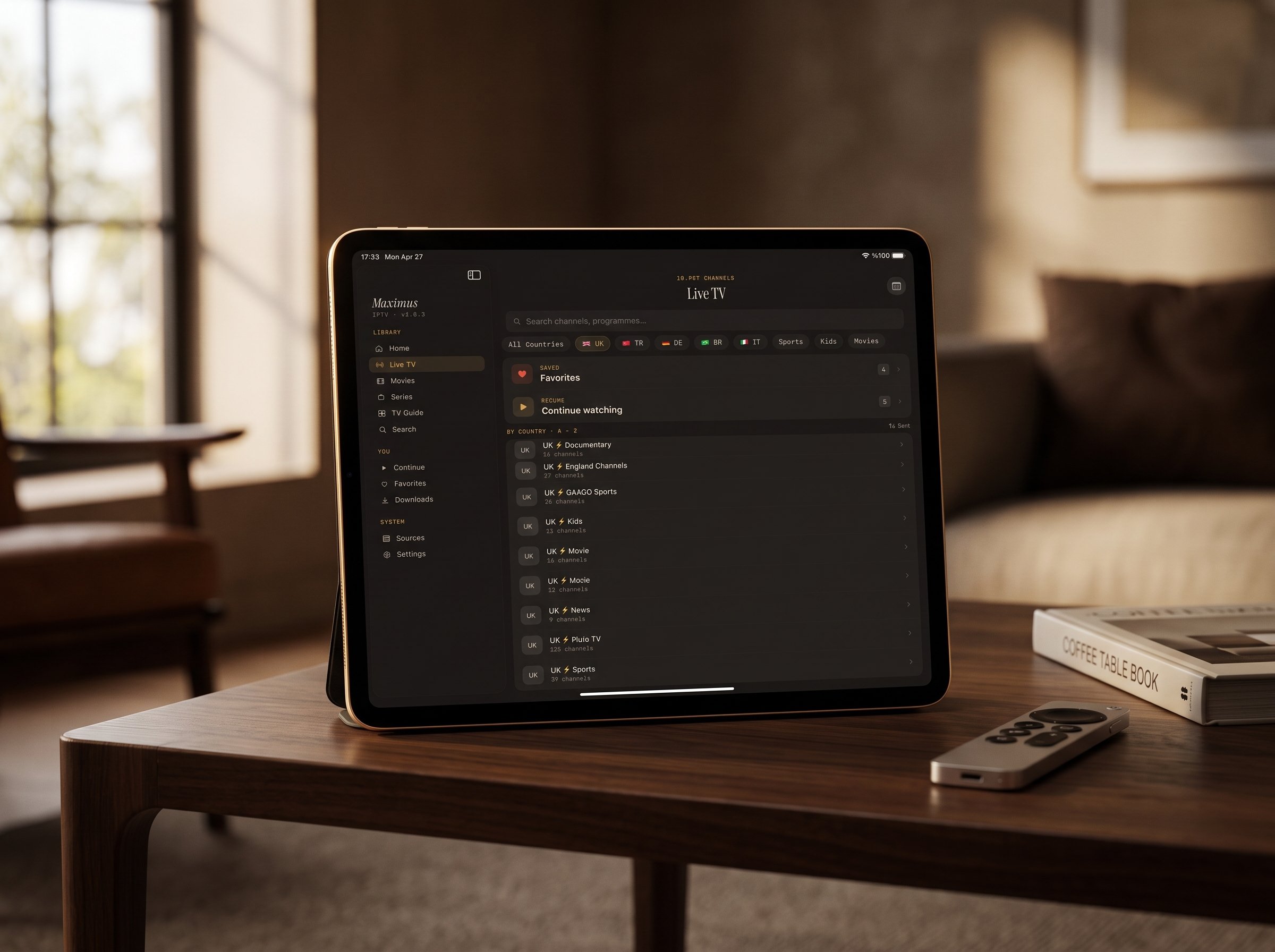
Maximus IPTV Player is a player, not a content provider: you bring your own legal IPTV subscription or playlist and the app plays it. It can't make a slow server faster, but several things about how it works make buffering easier to avoid and easier to diagnose.
- No ads and no tracking. There's no ad insertion or background analytics competing with your stream for bandwidth. If you ever see ad-style interruptions mid-stream, they're coming from the source.
- Multiple sources in one library. You can add more than one source and combine them into a single library. If you have a second legitimate source, comparing the same channel across both shows quickly whether the problem lives with one provider. (On Android, multiple sources are part of Premium.)
- Standard source formats. Maximus supports Xtream Codes logins and M3U/M3U8 playlists. M3U is a plain-text list of stream addresses and channel names; M3U8 is the UTF-8 version most often used with HLS streams. On iPhone and iPad you can also add a source by QR code or from a file.
- Offline downloads. Movies and series episodes can be downloaded ahead of time and watched with no stream to buffer at all, which is ideal for flights, commutes and patchy hotel Wi-Fi.
- A real TV guide. The EPG (Electronic Program Guide, the on-screen schedule of what's on now and next) comes from your provider on its own update schedule. If the guide looks out of sync while the stream plays fine, that's a guide-data delay, not a playback problem.
- A native Android TV app. On Android TV and Google TV, Maximus runs directly on the TV with a remote-friendly interface, so there's no extra wireless hop. For Apple TV there's no separate app: you reach the big screen by AirPlay from an iPhone or iPad.
FAQ
Why does only one IPTV channel buffer?
Usually because the server delivering that channel is overloaded, far away or poorly encoded. If other channels play smoothly on the same network, your connection is fine. Try the channel off-peak, or compare it with the same channel from another source if you have one.
How much internet speed do I need for IPTV without buffering?
Plan on roughly 5–8 Mbps of steady throughput for a 1080p stream and about 25 Mbps or more for 4K, per stream, with headroom for other devices in the house. Steadiness matters as much as raw speed. For monthly estimates, see how much data IPTV streaming uses.
Is Wi-Fi or cellular better for IPTV?
A strong home Wi-Fi signal, or Ethernet on a TV, is usually steadier than cellular. Mobile data varies with location, carrier and time of day, which is why a stream that's perfect at home can stutter on the go. That said, a strong cellular signal can beat weak Wi-Fi at the far end of the house.
Does Maximus IPTV Player cause buffering by itself?
Any app can hit a problem, but buffering far more often comes from the network or the provider's server. Maximus doesn't run ads or tracking that would compete for bandwidth. Testing the same channel on a different network, or a different source on the same network, quickly shows which side is at fault.
Can a bad M3U playlist cause buffering?
Yes. A stale, overloaded or distant source is one of the most common causes of buffering on any device. If the same channel buffers at off-peak hours too, the playlist or the server behind it is the likely problem, and the fix sits with your provider.
Why does my stream freeze after I restart the router?
The player may still be waiting on a request from the old connection. Go back to the channel list and reopen the stream. If it's still slow, give the router a minute or two to finish reconnecting.
So how do you stop the spinner for good?
Buffering feels like an app problem in the moment, but it nearly always comes down to bandwidth, a weak Wi-Fi signal, an extra casting hop, or a busy server on the provider's end. Run the quick tests above, fix the weakest link, and most of the time the spinner disappears.
Maximus IPTV Player is free to download, with an optional Premium subscription. Get it on the App Store for iPhone, iPad, Macs with Apple M1 or later and Apple Vision, or on Google Play for Android phones, tablets and Android TV. Bring your own legal IPTV subscription, and spend your evenings watching instead of waiting.
Written by
Maximus IPTV Team