4K IPTV Streaming: What You Need for a Sharp Picture
Ask any cord-cutter what makes an IPTV setup worth keeping, and the answer usually isn't the channel count. It's whether the picture holds up. 4K looks spectacular on a big television, but it's also the most demanding thing you can ask of your connection, your device and your provider. This guide breaks down what "4K IPTV" really requires, why a stream that should look sharp sometimes looks soft or stalls, and how to set up Maximus IPTV Player on iPhone, iPad, Android and Android TV so you get the cleanest picture your source can deliver.
Key Takeaways
- 4K (Ultra HD) is 3840×2160 pixels, four times the pixels of 1080p Full HD, and needs roughly 25 Mbps or more of steady bandwidth per stream.
- Your provider sets the ceiling. A player shows what the source sends and can't add detail that was never there.
- HEVC (also called H.265) is the video codec that makes 4K practical over the internet; recent iPhones, iPads and most 4K streaming devices decode it in hardware.
- Screen size decides whether you'll notice. On a phone, good 1080p and 4K look very similar; on a 4K TV they don't.
- Strong Wi-Fi or Ethernet beats cellular for sustained 4K, and offline downloads sidestep the network entirely for movies and episodes.
What does "4K IPTV" actually mean?
4K, or Ultra HD, is a resolution of 3840×2160 pixels, roughly four times the detail of a 1080p Full HD picture. But resolution is only half the story. Bitrate, the amount of data used for each second of video, decides how much of that detail survives compression. A 4K channel squeezed into a low bitrate can look worse than a well-encoded 1080p one, especially in fast motion like football, where starved streams smear and break into blocky artifacts.
So "4K IPTV" really means three things lining up at once:
- A source that is actually encoded in 4K at a healthy bitrate.
- A connection that can carry that stream continuously, not just in bursts.
- A device that can decode it in real time and a screen big and sharp enough to show the difference.
If any one of those is missing, you won't see true 4K, no matter what the channel name says.
What determines IPTV picture quality?
Picture quality stacks up in layers, and each layer can only pass on what the one before it provides.
- The source stream. Whoever encoded the channel or movie chose its resolution and bitrate. That's the ceiling.
- The delivery format. Most IPTV arrives as HLS (HTTP Live Streaming), the Apple-developed format that splits video into short segments listed in an M3U8 file. Many HLS streams offer several quality levels, so playback can step down when the connection dips and step back up when it recovers, instead of freezing outright.
- Your network. If throughput drops below what the stream needs, you get a lower quality level, or buffering if there isn't a lower level to fall back on.
- Your device and screen. The device has to decode the stream in real time, and the screen has to be large enough for the extra pixels to matter.
A player can't upgrade a low-bitrate source into something it isn't. What Maximus IPTV Player does is play the stream your provider sends, with no ads or tracking running on top of it.
How much internet speed do you need for 4K IPTV?
These are approximate, widely used figures for a single stream:
- SD (standard definition): about 3 Mbps
- 1080p HD: about 5–8 Mbps
- 4K Ultra HD: about 25 Mbps or more
Treat those as minimums for one stream on a steady line. If other people in the house are streaming, gaming or uploading at the same time, aim well above that; around 50 Mbps or more in total gives a comfortable cushion for a 4K stream alongside normal household use.
A speed test only helps if you run it where and when you watch. Test on the device you stream on, in the room you watch in, ideally in the evening when networks are busiest. A connection that shows high numbers in the morning next to the router can look very different at 9 p.m. on the sofa.
4K also uses a lot of data: roughly 7 GB per hour or more, depending on the bitrate. If you're on a capped plan or watching over mobile data, check our guide to how much data IPTV streaming uses.
Why does 4K buffer when 1080p plays fine?
A 4K stream typically needs three to five times the bandwidth of a 1080p stream, and your device has to decode a much larger picture in real time. If your 4K channels buffer while HD channels play smoothly, you're almost certainly bandwidth-limited or hardware-limited rather than looking at an app problem.
The fastest practical fix is to watch the HD version of the channel, if your provider offers one, while you work on the network. If everything buffers, not just 4K, the cause is broader; our guide to why IPTV buffering happens walks through the full troubleshooting order.
Which devices can handle 4K IPTV?
- iPhone and iPad. Recent models decode HEVC in hardware, so demanding streams play efficiently. Their screens have fewer pixels than a 4K image, though, so on a phone or tablet you'll notice cleaner detail from a high-bitrate stream rather than the full 4K difference.
- Mac and Apple Vision. The iPad version of Maximus IPTV Player also runs on Macs with Apple M1 or later and on Apple Vision.
- Android phones and tablets. Many recent models decode HEVC in hardware. Older or budget devices may drop frames or run hot on long 4K streams.
- Android TV and Google TV. Maximus runs natively on Android TV and Google TV with a remote-driven interface. Paired with a 4K television and a 4K-capable TV device, this is where 4K really shows.
- Apple TV. There's no Apple TV app. To watch on an Apple TV 4K, send the stream from your iPhone or iPad with AirPlay, Apple's wireless streaming technology.
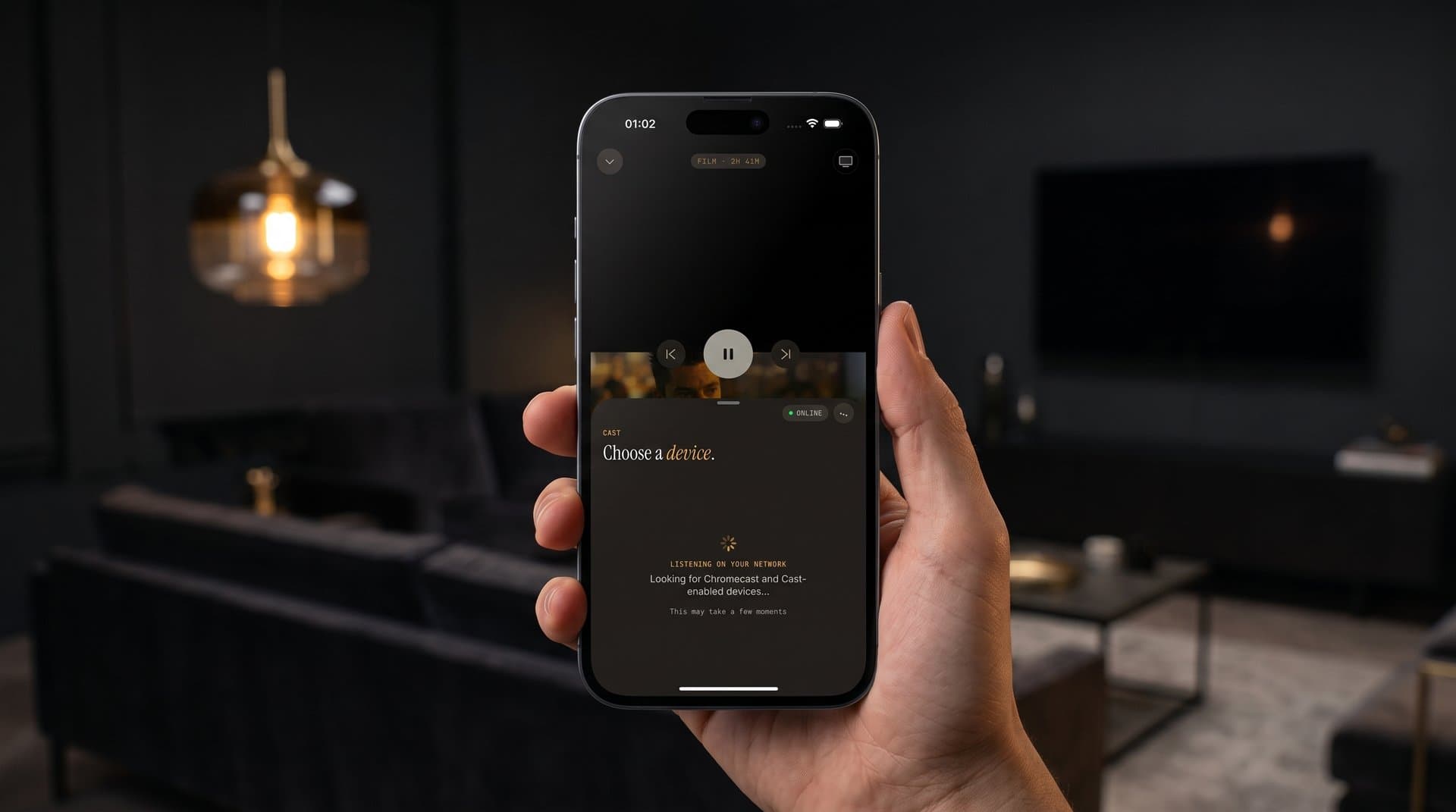
- Chromecast. From iPhone and iPad, Maximus can also send video to a Chromecast device or a TV with Google Cast built in. A Chromecast model that supports 4K is needed for a 4K picture.
Does casting affect 4K picture quality?
Casting adds a local Wi-Fi hop between your phone and the TV device, and that hop has to carry a lot of data for 4K. If playback on the iPhone is sharp but the TV picture stutters or drops quality, the local link is usually the weak point.
To keep casting clean:
- Put the Apple TV or Chromecast device on Ethernet if it supports it, or on the 5 GHz Wi-Fi band close to the router.
- Keep the iPhone or iPad on the same network, and pause big downloads while you watch.
- Update the TV device's software as well as your phone's.
If you watch mostly on the big screen, the most direct path is the native Android TV app, which plays on the TV itself with no phone in the middle. The Android app doesn't cast, so on the Android side the TV app is the way to get IPTV onto a television. For a side-by-side look at the two Apple-side options, see AirPlay vs Chromecast.
Does your playlist format affect picture quality?
No. The format is the map, not the terrain. Here's what each term means:
- M3U is a plain-text playlist that lists stream addresses and channel names. It's the oldest and most common way providers hand out a lineup.
- M3U8 is the UTF-8 encoded version of the same idea, and it's the playlist format HLS uses to describe stream segments and quality levels.
- Xtream Codes is a login-based method: instead of a playlist link, you enter a server address, username and password, and the provider's system hands back live channels, movies and series.
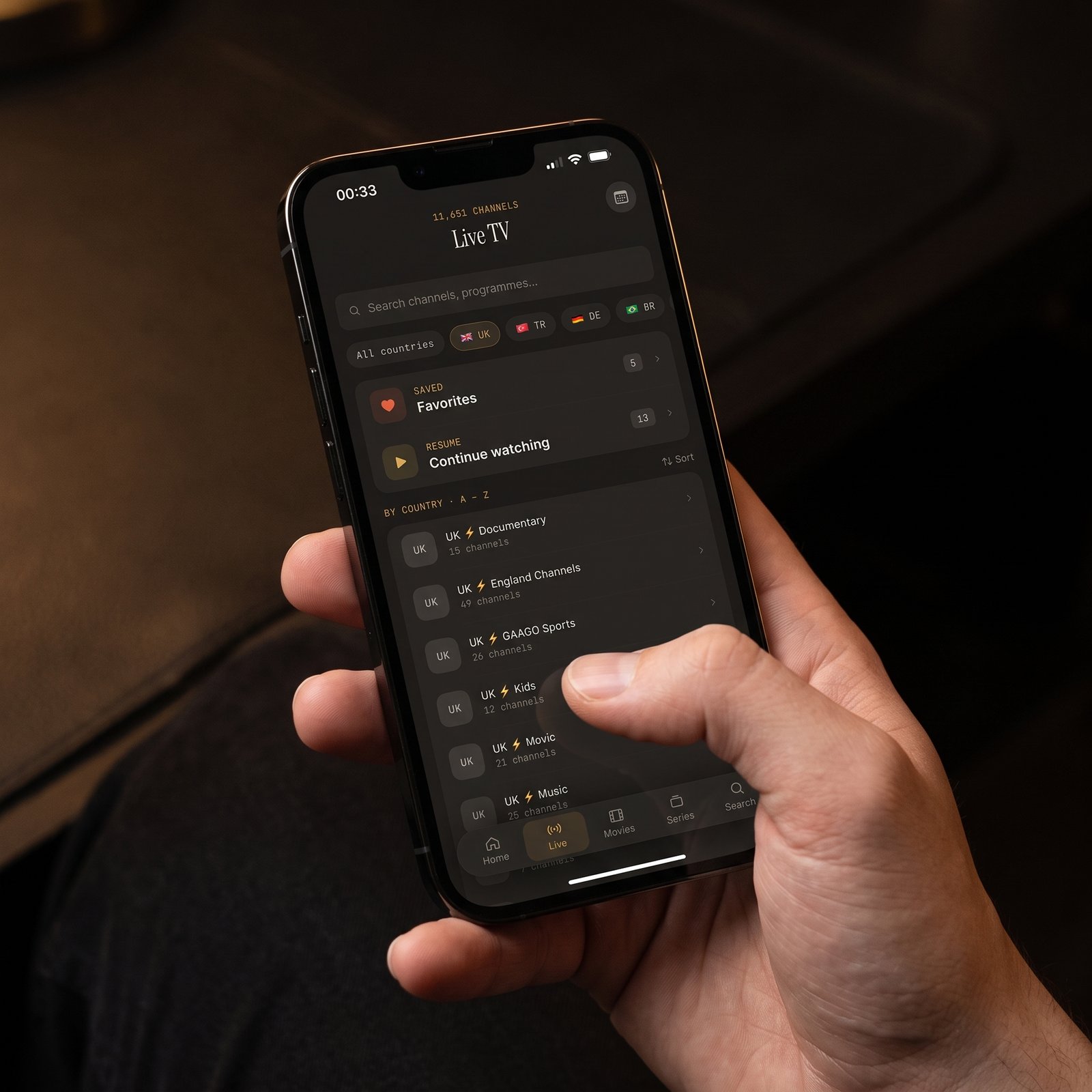
Maximus IPTV Player supports Xtream Codes logins and M3U/M3U8 playlists on both iOS and Android, and on iPhone and iPad you can also add a source by QR code or from a file. None of those choices changes resolution or bitrate; that's decided when the provider encodes each stream.
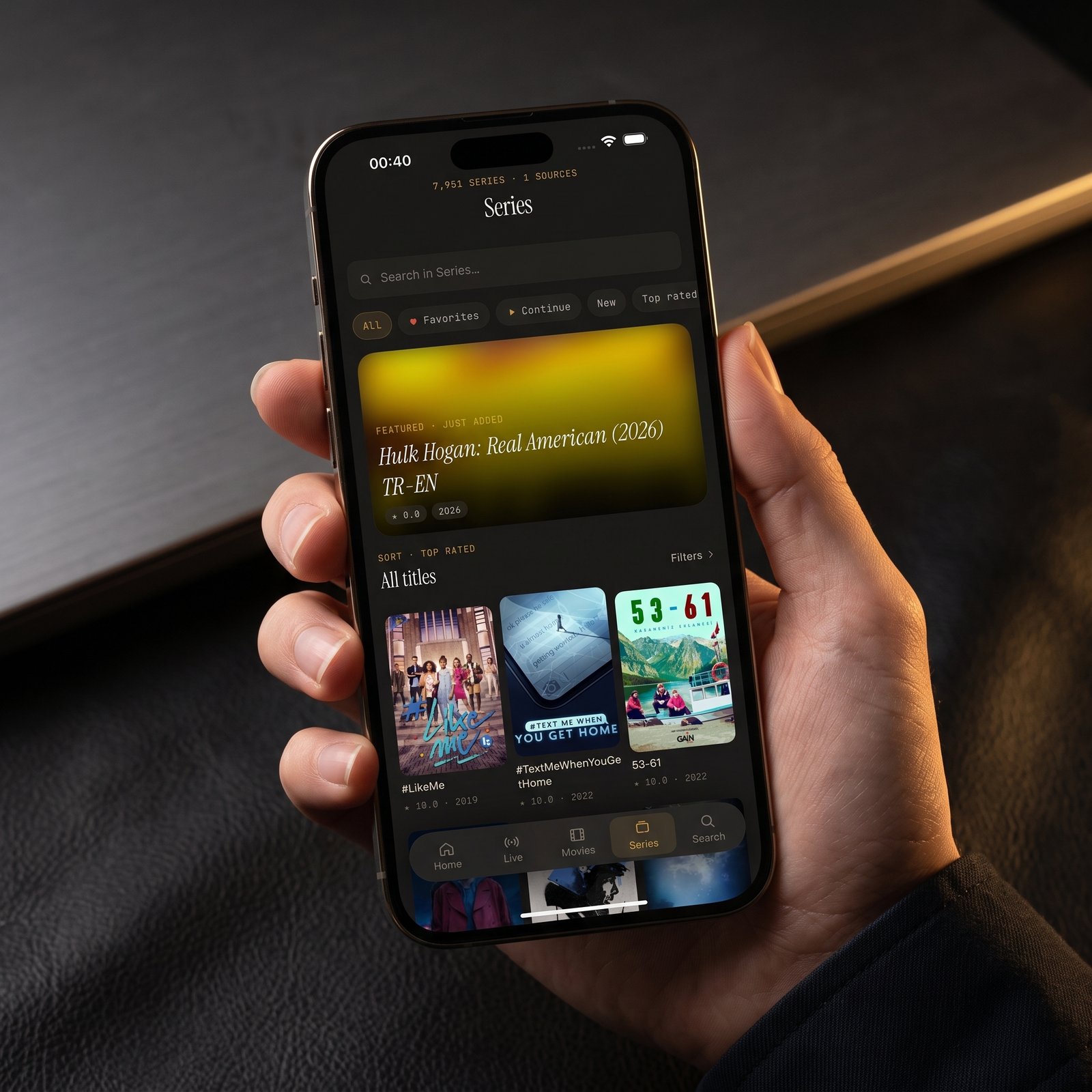
What can help is having more than one legitimate source. Maximus combines multiple sources into one library (on Android, multiple sources are part of Premium). If one source consistently looks sharper or holds up better at peak time, that's the one to use for a big game or a new film.
How do you get the sharpest picture? A quick checklist
- Connect the device you watch on to strong Wi-Fi, or Ethernet where available, before a 4K session.
- Close other bandwidth-heavy activity on the same network: large downloads, other 4K streams, video calls.
- Check whether the channel is really offered in 4K. Many providers list UHD versions as separate channels.
- Compare sources if you have more than one, and favor the one that performs best.
- For live sports, open the stream a few minutes before kickoff so you can catch problems early.
- Keep your operating system updated and turn off Low Power Mode or battery saver while watching.
- Before a trip, use offline downloads to save movies and episodes on Wi-Fi so hotel or cellular connections can't spoil the picture.
- Remember that Maximus has no ads and no tracking, so mid-stream ad breaks or quality drops tied to ads come from the source, not the app.
FAQ
Can an IPTV player upscale a stream to 4K?
No player can add detail that isn't in the source. A TV may scale a 1080p picture to fill a 4K screen, but that's not the same as a native 4K stream. The resolution and bitrate your provider sends are the ceiling.
What internet speed do I need for 4K IPTV?
About 25 Mbps or more of steady throughput for one 4K stream, with extra headroom if others in the house are online. Stability matters as much as the headline number.
Does 4K look better on an iPhone?
A high-bitrate stream will look cleaner, but the phone's screen can't show every pixel of a 4K image. The resolution difference is most obvious on a large 4K TV.
Can I watch 4K IPTV on Apple TV with Maximus IPTV Player?
There's no Apple TV app, but you can AirPlay from an iPhone or iPad to an Apple TV 4K. Put the Apple TV on Ethernet or strong 5 GHz Wi-Fi for the best results.
How much data does 4K IPTV use?
Roughly 7 GB per hour or more, depending on the bitrate your provider uses. HD streams use far less.
Is Maximus IPTV Player free?
Yes. It's free to download, with an optional Premium subscription.
Getting a cleaner picture wherever you watch
A sharp 4K picture isn't one feature. It's a good source, a steady connection, a capable device and a screen big enough to show the detail, all working together. Get those lined up and the difference is obvious.
Maximus IPTV Player is on the App Store for iPhone, iPad, Macs with Apple M1 or later and Apple Vision, and on Google Play for Android phones, tablets and Android TV. Bring your own legal IPTV subscription and enjoy the picture it was meant to have.
Written by
Maximus IPTV Team