Favorites and Resume Watching in Maximus IPTV Player
If you have a big IPTV library (a sports package, a movie catalog, maybe a second source for international channels), the hard part usually isn't finding something new. It's getting back to what you already watch. Maximus IPTV Player, available for iPhone, iPad and Android, including Android TV, solves that with two simple features: Favorites, the shortlist you build yourself, and Continue Watching (you'll also hear it called Resume Watching), the list the app builds for you. Neither is flashy, but together they're the difference between an app that feels organized and one that feels like a junk drawer of channels.
This guide explains how each feature works, where it shows up, how the two fit together, and how they behave across your devices.
Key Takeaways
- Favorites are manual. Tap the heart on a live channel, a movie or a series, and it lands on a shortlist you control.
- Continue Watching is automatic. Stop a movie or episode partway through and it waits for you at the point where you left off.
- One heart, every section. The same Favorites behavior works across Live TV, Movies and Series, and Favorites is also a filter in the TV guide.
- Multiple sources, one list. Maximus combines multiple sources into one library, so your favorites and progress aren't split per playlist.
- iPhone and iPad stay in step. On iOS, playback progress syncs through iCloud. There's no sync between iOS and Android.
What's the difference between Favorites and Continue Watching?
They're easy to mix up, but they solve different problems:
- Favorites is your choice. You decide what goes on the list, and it stays there whether you've watched it once or a hundred times.
- Continue Watching is automatic. The app remembers where you stopped in a movie or episode and lets you jump back in, with nothing to set up.
- Favorites suits live TV. A live channel is a continuous broadcast with no "halfway through" point, so a quick path back to the channel is what you really need.
- Continue Watching suits on-demand. Movies and series have a fixed runtime, so picking up at minute 47 makes sense.
In practice they complement each other. A series you're following often appears in both places: in Continue Watching because you're midway through an episode, and in Favorites because you want it one tap away after you finish the season and move on to something else.
How do Favorites work for live channels?
Your IPTV source, whether it's an Xtream Codes login (the server address, username and password many providers issue) or an M3U/M3U8 playlist (plain-text files that list a provider's channels and stream addresses), can bring in hundreds or even thousands of channels. Maximus groups live TV by country and gives you country filters, which helps a lot, but it's still far more than you need on a normal evening.
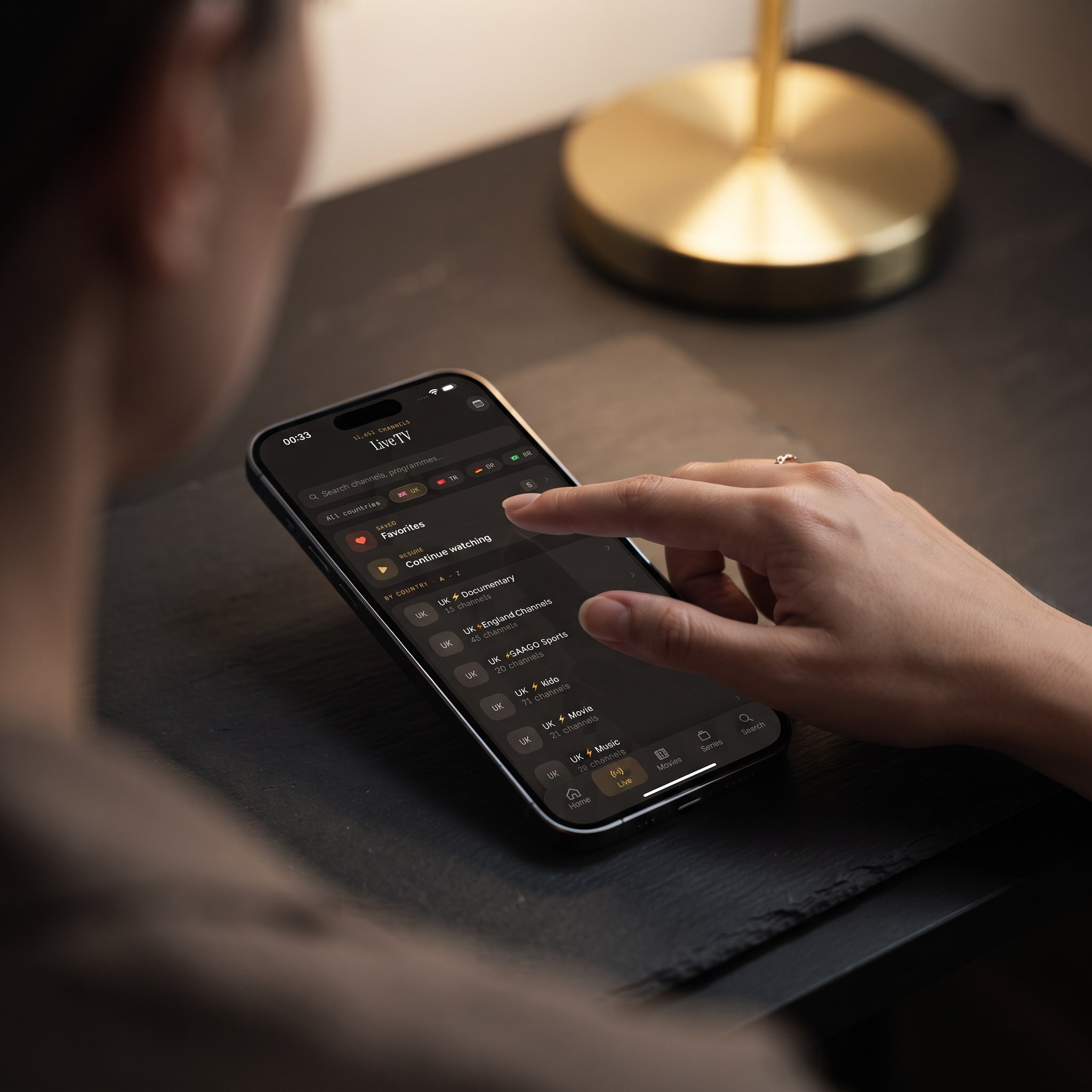
Favoriting fixes that. Tap the heart on the channels you actually watch, say your local news, two or three sports networks and a kids' channel, and they're collected in one place. Favorites also works as a filter in the EPG (Electronic Program Guide, the TV guide timeline that shows what's on now and next), alongside the Sports, Movies and Kids filters. Switch the guide to Favorites and you see the schedule for just your channels, so "what's on tonight?" becomes a single glance.
A few habits that keep the list useful:
- Keep it short. A shortlist of your real regulars is faster to scan than a second copy of the full lineup.
- Favorite as you go. The first time you track a channel down through the country filters, heart it so you never repeat the search.
- Prune now and then. Tap the heart again on channels you've stopped watching.
If your channel list feels overwhelming in general, How to Organize Thousands of IPTV Channels covers the bigger picture.
Do movies and series have Favorites too?
Yes, and the behavior is the same. Open a movie or a series detail page (the screen with the synopsis and episode list), tap the heart, and that title joins your Favorites in the movies and series library. Once you've learned how favoriting works in one section, you know how it works everywhere; there's no separate bookmarks feature for films and a different starred list for channels.
This matters most once your library grows. Universal search in Maximus looks across live channels, movies and series at once, so it's great for something you know the name of. Favorites solves a different problem: the handful of shows you're actively following and want in reach every time, no matter how many new titles your provider adds around them.
How does Continue Watching pick up where you left off?
Back out of a movie or episode partway through and Maximus saves your position. The next time you open the app, whether that's later tonight or next week, the title is waiting in Continue Watching, and tapping it resumes from that point instead of the beginning. There's no bookmark to set and no scrubbing through the timeline to find your place.
It's especially handy if you:
- Split long films across evenings, a common habit once the kids are in bed.
- Follow several series at once, since each one keeps its own spot.
- Share the app with family, where a cartoon and your drama can both be in progress without either losing its place.
On iPhone and iPad, playback progress syncs through iCloud, so you can start an episode on your iPhone during the commute and finish it on the iPad at home. On Android, progress stays with that device, and there's no sync between the iOS and Android apps.
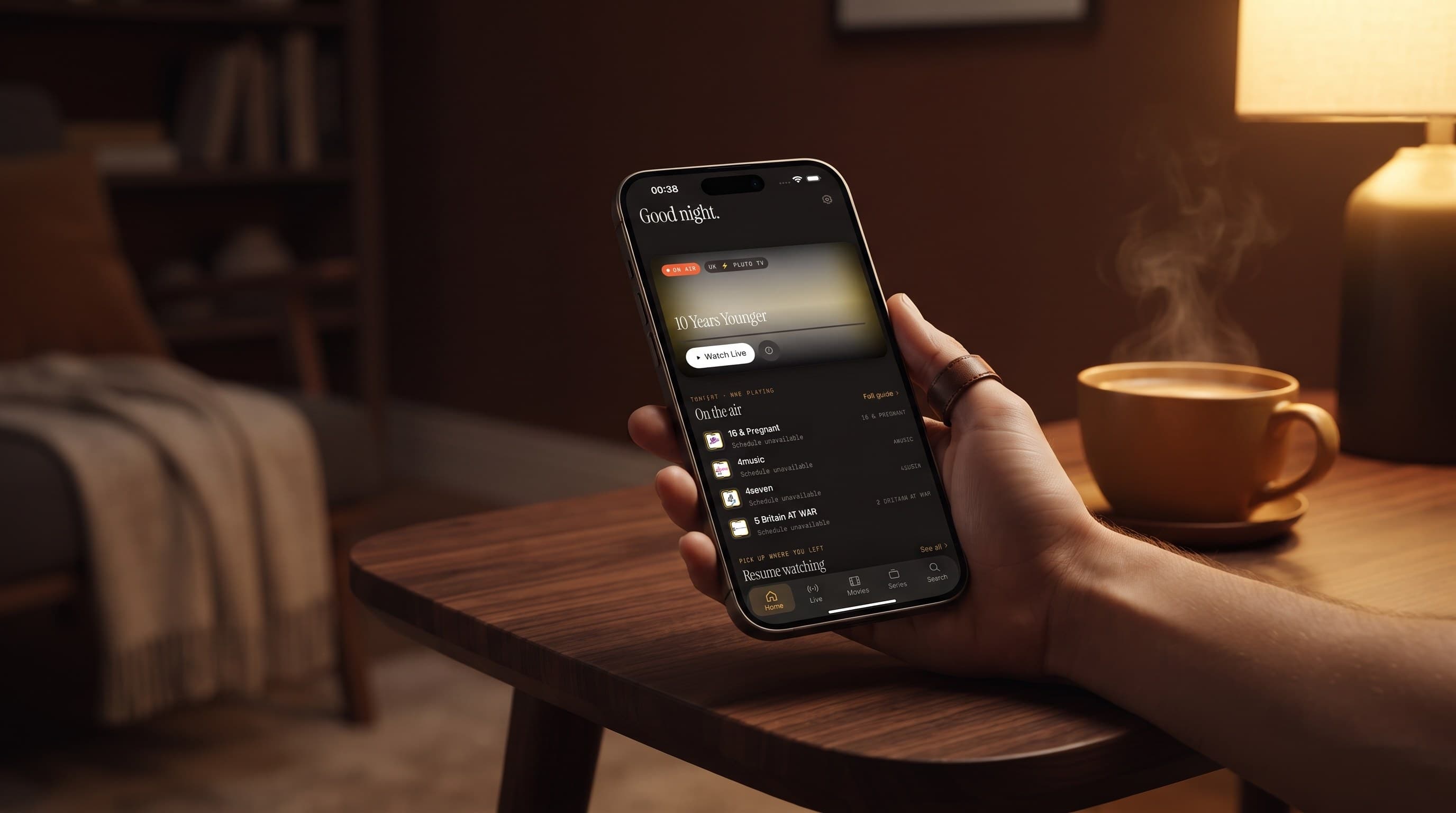
Continue Watching also appears on the Home screen, so the thing you were in the middle of is the first thing you see. For a full tour, see The Maximus Home Screen: What's On Now and Resume Watching.
How do Favorites and progress work with multiple sources?
Many viewers outgrow a single playlist, perhaps a main entertainment package plus a separate international or sports source. Maximus combines multiple sources into one library, so you don't maintain a separate set of favorites per provider. Heart a channel from your main subscription and a movie from your second one, and both sit in the same Favorites list. Continue Watching works the same way: a paused series stays paused no matter which source it came from.
That's the real payoff of combining sources: one Favorites list and one Continue Watching row instead of three apps' worth of organizing work. On Android, multiple sources are part of Premium. Setup details are in Multiple IPTV Sources in One App: How It Works.
Do Favorites work the same on every device?
The behavior is the same everywhere; the layout adapts to the screen:
- iPhone and Android phones: a compact, thumb-friendly layout.
- iPad and Android tablets: a wider layout that shows more channels and posters at once.
- Macs with Apple M1 or later, and Apple Vision: the iPad app runs there, with the same Favorites and Continue Watching.
- Android TV and Google TV: a native, remote-driven interface built for the couch rather than a stretched phone screen.
- Apple TV: there's no Maximus app for Apple TV. You reach it with AirPlay from an iPhone or iPad, and your Favorites stay on the device you're casting from.
On iPhone and iPad, a favorite is also a fast starting point for the big screen: open it, tap the cast icon and choose an AirPlay or Chromecast device. AirPlay is Apple's wireless streaming technology; Chromecast is Google's. The Android app doesn't cast, so Android households get the TV experience by installing Maximus on an Android TV or Google TV device.
Can Favorites help on a shared family screen?
When a whole household shares one tablet or one Android TV, Favorites becomes less about personal taste and more about household shortcuts: the two kids' channels, the morning news channel, the sports networks that get used on Sunday. Pair that with the parental lock, which hides adult content behind a PIN, and the shared screen shows what your family actually watches instead of everything every source brings in. On iPhone and iPad you can also unlock with Face ID, and on Android the lock re-arms automatically. IPTV Parental Controls: How the PIN Lock Works walks through the setup.
Does any of this cost you privacy?
No. Maximus has no ads and no tracking, and your source credentials stay on your device. Your Favorites and watch progress exist to make the app work for you, not to build an advertising profile. The only syncing is iCloud on iOS, which runs through your own Apple account.
FAQ
Does Continue Watching work for live TV?
It's most useful for movies and series episodes, where there's a position to return to. A live broadcast keeps moving while you're away, so for live channels, Favorites is the quicker route back.
Can I favorite channels from more than one source?
Yes. Because Maximus combines your sources into one library, channels and titles from different providers sit side by side in the same Favorites list.
Do Favorites and progress sync between iPhone and Android?
No, there's no cross-platform sync. On iOS, playback progress syncs through iCloud between your iPhone and iPad.
Is Favorites the same as Downloads?
No. Favorites is a shortcut for quick access, while offline downloads save a movie or episode to your device so you can watch without a connection. A title can be favorited, downloaded, both or neither.
How do I remove something from Favorites?
Tap the heart on the channel or title again, the same way you added it.
Is Maximus IPTV Player free?
It's free to download, with an optional Premium subscription. You bring your own legal IPTV subscription; Maximus is the player, not a content provider.
Stop hunting, start watching
Favorites and Continue Watching are small features with an outsized effect once you have more than a handful of channels and shows in rotation. Spend five minutes hearting your regular channels and let Continue Watching handle the rest, and opening the app stops feeling like a search mission.
Download Maximus IPTV Player free on the App Store for iPhone and iPad, or on Google Play for Android phones, tablets and Android TV.
Written by
Maximus IPTV Team