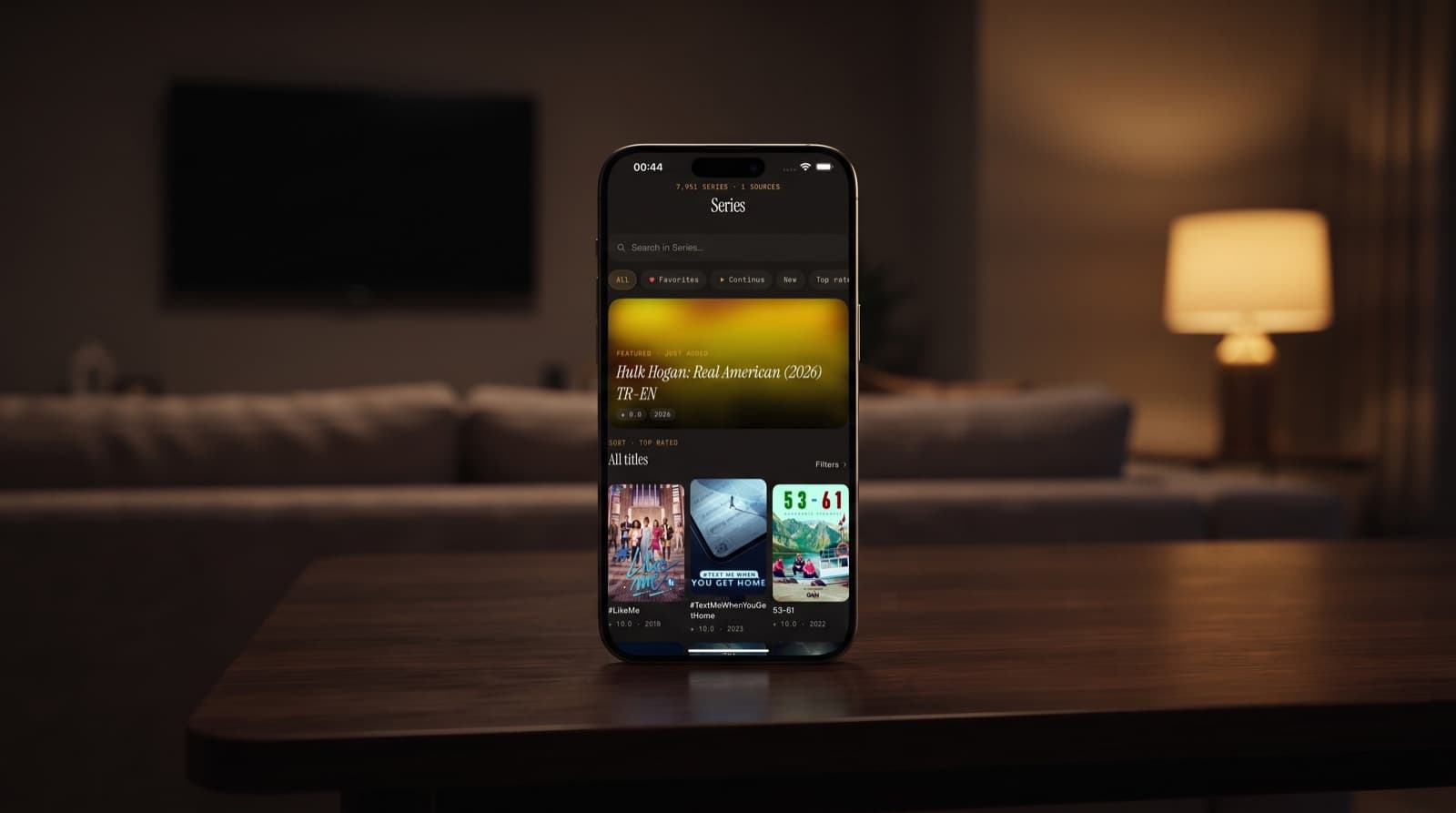
UHF IPTV vs Maximus IPTV Player: Which Fits Your Setup
If you have been reading about UHF IPTV and wondering how it stacks up against other players, the honest answer is that it depends on what you watch and where. UHF and Maximus IPTV Player both play the subscriptions and playlists you already have, but they are built around different setups. This guide compares them point by point. We make Maximus, so we describe UHF only by what its App Store listing says at the time of writing, and we are upfront about the cases where UHF may be the better choice for you.
Key Takeaways
- According to its App Store listing, UHF – Love your IPTV supports M3U8, Xtream, Plex, Jellyfin and Emby, and says core playback and content tools are free.
- Maximus IPTV Player supports Xtream Codes and M3U/M3U8 sources only, with QR code or file import on iPhone and iPad. It has no Plex, Jellyfin or Emby support.
- If you want IPTV and a home media server in one app, UHF's listing points to that use case.
- If you mainly watch live TV, Maximus offers an EPG timeline, channels grouped by country, offline downloads and a PIN parental lock with Face ID, with no ads and no tracking.
- Maximus runs on iPhone, iPad, Apple silicon Macs, Apple Vision and Android, including Android TV / Google TV. It has no Apple TV app; Apple TV works through AirPlay from an iPhone or iPad.
- Neither app provides channels. You bring your own legal subscription or playlist.
What Is UHF IPTV, According to Its App Store Listing?
UHF – Love your IPTV is published by Short Wavelength Applications Ltd. Its App Store listing describes a free app with in-app purchases and highlights:
- Sources: M3U8 playlists and Xtream logins.
- Media servers: Plex, Jellyfin and Emby.
- Experience: an Apple TV-style interface, as the listing describes it.
- Search: search across your playlists.
- Free tier: the listing says core playback and content tools are free.
At the time of writing it is rated 4.7 from roughly 2,300 ratings.
A few definitions help here. An M3U8 playlist (the UTF-8 version of M3U) is a file or URL listing stream addresses and channel names. Xtream Codes is a login, made of a server address, username and password, that lets a player load live channels, movies, series and guide data from a provider. Plex, Jellyfin and Emby are media-server apps: you run them on a computer or NAS at home to stream your own films and shows. EPG (Electronic Program Guide) is the schedule of what is on now and next.
What Is Maximus IPTV Player Built For?
Maximus IPTV Player is a focused IPTV player. It does not try to be a media-server client. Instead it concentrates on making provider content easy to browse and watch:
- Live TV: channels grouped by country, with Favorites and Continue Watching at the top.
- TV guide: an EPG timeline with a live "now" marker and category tabs.
- Library: movies and series with posters, synopses and episode lists.
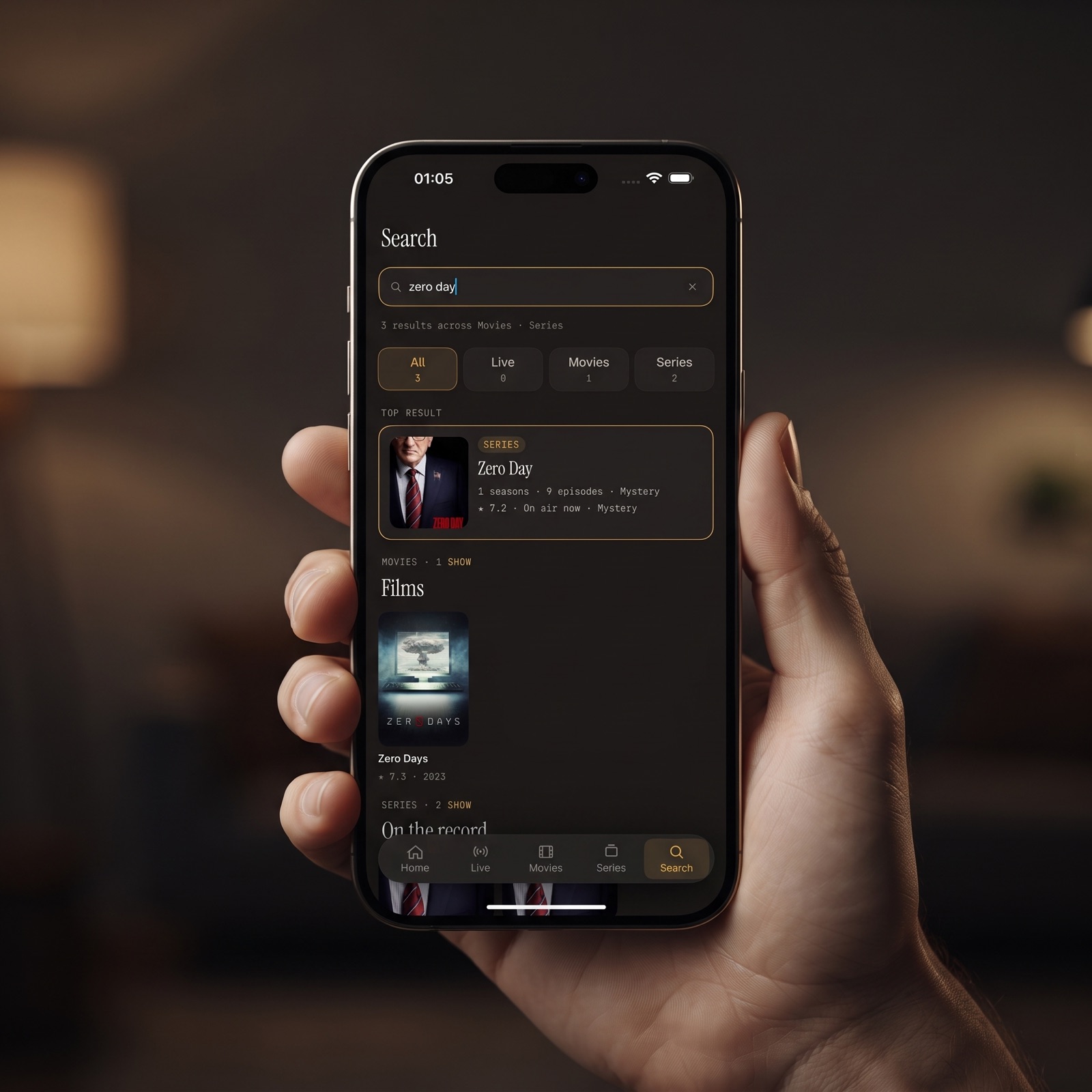
- Search: universal search across live channels, movies and series.
- Playback: subtitle and audio track selection, plus offline downloads.
- Household: a PIN parental lock, with Face ID on iPhone and iPad.
- Privacy: no ads, no tracking, and provider credentials that stay on your device.
How Do UHF and Maximus Compare Side by Side?
Here is the comparison broken into the questions that usually decide it.
Which sources can each app open?
- UHF: M3U8 and Xtream, according to its App Store listing.
- Maximus IPTV Player: Xtream Codes and M3U/M3U8 on every platform, plus QR code or file import on iPhone and iPad. You can add several sources and browse them as one combined library.
Do you need media-server support?
- UHF: Plex, Jellyfin and Emby, according to its App Store listing.
- Maximus IPTV Player: no media-server support of any kind, including Plex, Jellyfin, Emby and SMB network shares.
This is the clearest dividing line. If your home library lives on a media server and you want it next to your IPTV channels, UHF's listing describes exactly that.
How do search and browsing work?
- UHF: its listing highlights search across playlists and an Apple TV-style experience.
- Maximus IPTV Player: universal search, live TV grouped by country, and a full EPG timeline so you can see what is on across channels at a glance, without scrolling through hundreds of channel names.
What does free mean in each app?
- UHF: free with in-app purchases, and the listing says core playback and content tools are free.
- Maximus IPTV Player: free to download with an optional Premium upgrade.
Free tiers shift over time, so try each app with your own source. Our guide to free vs paid IPTV players on iOS covers what to look for.
Which devices are covered?
- UHF: check its App Store listing for the current device list.
- Maximus IPTV Player: iPhone, iPad, Macs with Apple M1 or later (the iPad app on macOS 15.2 or later) and Apple Vision on the App Store, plus one Android app on Google Play for phones, tablets and Android TV / Google TV.
What about privacy and family features?
- Maximus IPTV Player: no ads, no tracking, credentials stored on the device, and a PIN parental lock with Face ID on iOS. Read more in our guide to parental controls in IPTV apps.
- UHF: the listing details we compared do not cover these points, so check its store page directly rather than assuming either way.
How Do You Watch on a TV With Each App?
The living-room screen is where most IPTV gets watched, so this matters.
- UHF: its listing describes an Apple TV-style experience. For the devices it actually installs on, the App Store listing is the reliable, up-to-date source.
- Maximus IPTV Player on Apple TV: there is no Maximus app for Apple TV. Start playback on an iPhone or iPad and use AirPlay to send it to your Apple TV or an AirPlay-compatible TV. Our IPTV on Apple TV guide walks through it.
- Maximus IPTV Player with Chromecast: from iPhone or iPad you can also cast to Chromecast devices.
- Maximus IPTV Player on Android TV / Google TV: install the Android app directly on the television from Google Play.
If your big screen is actually an iPad, the layout adapts with a persistent sidebar and a wider guide; see our iPad big-screen guide.
Who Should Choose UHF, and Who Should Choose Maximus?
Neither app is the right answer for everyone. Match the app to your situation:
- You run Plex, Jellyfin or Emby at home: UHF's listing supports all three, and Maximus supports none, so UHF is the natural fit.
- You only have an Xtream Codes login or M3U playlist: both apps can open it. Try each and see which interface you prefer.
- Live TV with a proper guide is your priority: Maximus IPTV Player is designed around the EPG timeline and country-grouped channels.
- Your household mixes Apple devices and Android TV: Maximus has native apps for both, though progress syncs only between iPhone and iPad, not across to Android.
- You share the app with children: Maximus includes a PIN lock with Face ID on iOS.
- You travel a lot: Maximus supports offline downloads of movies and episodes.
- Your provider only offers a MAC-address portal login: Maximus does not support that login type, so ask your provider for Xtream Codes or M3U details.
For a wider field, including IPTVX and iPlayTV, see Best IPTV Player for iPhone in 2026: Compared, IPTVX alternatives on iPhone and iPlayTV alternatives for iPhone and iPad.
Can You Use UHF and Maximus With the Same Subscription?
Yes. Both are players, so the same provider details work in either app. Keep in mind that many providers limit how many streams can run at once, so check your plan before watching in two apps simultaneously.
Trying Maximus alongside UHF takes a few minutes:
- Find your provider details: the Xtream Codes server, username and password, or your M3U playlist URL.
- Add a source in Maximus: enter the login or URL, or scan a QR code or import a file on iPhone or iPad.
- Open the TV Guide: once the source loads, check the EPG timeline for your usual channels.
- Mark Favorites: pin the channels you watch most so they sit at the top of Live TV.
- Compare for a week: use both apps for your normal viewing before you decide.

FAQ
Is UHF IPTV free?
According to its App Store listing, UHF is free with in-app purchases and says core playback and content tools are free. Maximus IPTV Player is also free to download, with an optional Premium upgrade.
Does Maximus work with Plex or Jellyfin like UHF?
No. Maximus supports Xtream Codes and M3U/M3U8 sources only. It does not connect to Plex, Jellyfin, Emby or SMB shares.
Can I watch Maximus on Apple TV?
Yes, through AirPlay from an iPhone or iPad. Maximus has no native Apple TV version. For UHF, check its App Store listing for current device support.
Which app is better for live TV with a guide?
For live-TV-first viewing, Maximus IPTV Player is built around an EPG timeline, country-grouped channels and Favorites. UHF may suit you better if you also want your media server in the same app.
Does Maximus sync between iPhone and iPad?
Yes. Watch progress syncs between iPhone and iPad through iCloud. There is no sync between the iOS and Android apps.
Are UHF and Maximus legal to use?
Both are legal media players. What matters is your content: use a provider that holds the rights to the channels and films it offers.
The Bottom Line
UHF IPTV and Maximus IPTV Player overlap on Xtream and M3U playback but aim at different homes. UHF's listing leans into combining IPTV with Plex, Jellyfin and Emby. Maximus stays focused on a private, ad-free IPTV experience with a real TV guide, offline downloads and a parental lock across Apple devices and Android.
The simplest test is your own subscription in both apps. Download Maximus IPTV Player free on the App Store for iPhone, iPad, Mac and Apple Vision, or on Google Play for Android phones, tablets and Android TV.
Written by
Maximus IPTV Team