Xtream Codes API Explained: What Your Player Requests
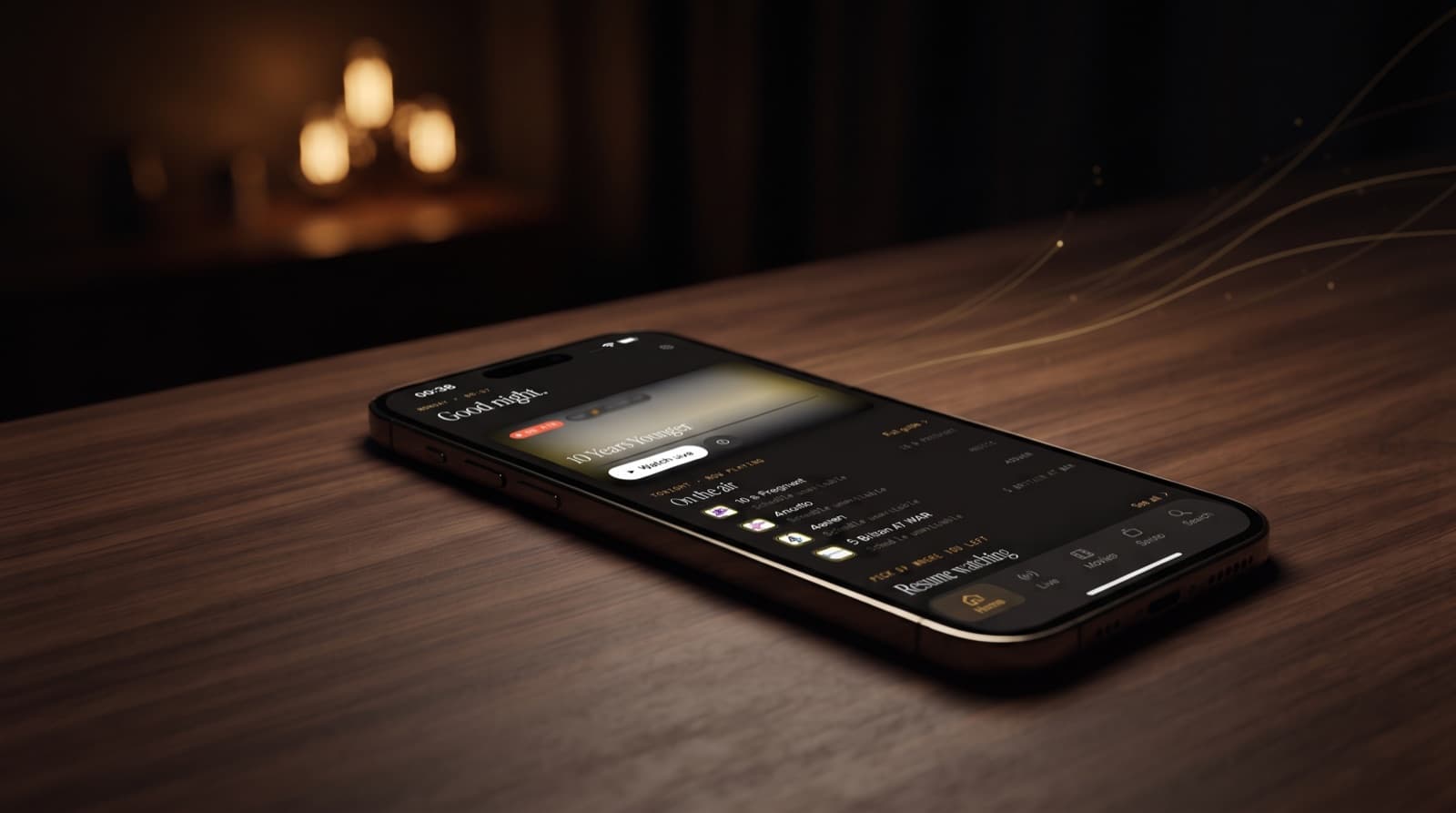
You type a server address, a username and a password into your IPTV player, and a few seconds later thousands of channels, films and series appear, neatly sorted. What happened in between is the Xtream Codes API at work. This article explains, in plain terms, what your player requests from your provider's server, what comes back, and why it matters for privacy and reliability. We use Maximus IPTV Player as the running example, but the pattern is the same for any Xtream-compatible player.
First, two definitions. Xtream Codes began as the name of a panel software that IPTV services used to manage accounts and streams; its login format became so widespread that "Xtream Codes" now simply describes that style of login. An API, or application programming interface, is a defined set of requests one program can send to another and the responses it can expect back.
Key Takeaways
- The Xtream Codes API is a set of web requests a player makes to your provider's panel, authenticated with your username and password.
- The login call is
player_api.php, which returns account and server details. Furtheraction=requests fetch live categories and streams, movies, series and series episodes. - The TV guide usually comes from
xmltv.php, and playable streams live at predictable addresses under/live/,/movie/and/series/. - Your username and password appear in almost every request and stream address, so treat them like a bank PIN and prefer HTTPS when your provider offers it.
- "Max connections" is the number of streams your account may play at the same time.
- An M3U playlist from
get.phpis the same content flattened into one file; the API version is faster to browse and better organised.
What is the Xtream Codes API?
When people say "Xtream Codes API", they mean the request format used by Xtream Codes panels and the many panels built to be compatible with it. The original company stopped operating in 2019, but the format outlived it, which is why so many services still offer an "Xtream Codes login" today. There is no single official public specification any more; the pattern described here is the one that is widely documented and implemented across compatible servers and players.
At its core it is ordinary HTTP. The player sends a request to an address on your provider's server, adds your username and password as parameters, and gets back structured data, usually JSON. Nothing is installed on your device beyond the player itself, and nothing about the API gives access to content you are not subscribed to: every request is checked against your own account.
If you are new to the terminology, our IPTV glossary covers the wider vocabulary.
Your Xtream Codes API account details: server, port, username and password
An Xtream Codes API account is the login your IPTV provider issues when you subscribe. It is three pieces of information, usually sent in a welcome email or shown in the provider's customer portal:
- Server URL — the address of the provider's panel, such as
http://example-server.com:8080. Whether it starts withhttporhttpsmatters. - Port — the number after the colon (
8080,80,25461are common). It is part of the server URL, not a separate login: leave it off and the player knocks on the wrong door. - Username — the name of your account on that panel, usually case-sensitive.
- Password — the password for that account, also usually case-sensitive.
Not sure the details still work? Our free Xtream Codes checker tests the account in seconds and shows whether it is active, when it expires and how many connections it allows. If the login is refused, why an Xtream username and password fail walks through the usual causes.
You cannot create this account inside a player, and no player can give you one. It belongs to your subscription with the provider, which is why the account's expiry date and connection limit come from the provider too. If you have lost the details, the provider's portal or support team is where to get them again.
To use the account in Maximus IPTV Player, open Sources, add an Xtream Codes login and enter the server URL, username and password exactly as your provider gave them. Pasting is safer than retyping, because a missing port or a wrong capital letter looks the same as a dead server. The app then sends the login request described in the next section and, if the account is active, builds your live TV, movies and series library from it.
What happens when your player logs in?
The first request goes to player_api.php with your username and password, in the form http://server:port/player_api.php?username=…&password=…. If the details are correct, the server answers with two blocks of information.
The user info block describes your account. The fields commonly returned include:
- auth — whether authentication succeeded.
- status — for example Active, Expired, Banned or Disabled.
- exp_date — when the subscription ends, as a timestamp.
- is_trial — whether it is a trial account.
- active_cons and max_connections — how many streams are playing now and how many are allowed.
- allowed_output_formats — which stream formats the account may use, such as
tsorm3u8.
The server info block describes the server: its address, the http and https ports, the protocol it prefers, its time zone and its current time. A player uses this to build correct stream addresses and to line up guide times with your clock.
This single response is why an Xtream login gives clearer errors than a playlist link. If auth comes back as failed, the details are wrong. If status says Expired, the account needs renewing. Our practical guide to adding an Xtream Codes login on iPhone turns those cases into a step-by-step fix list. To read these fields for your own account, enter your login in our free Xtream Codes checker.
Which requests load live TV, movies and series?
After login, the player makes a series of requests to the same player_api.php address, each with an action parameter. The widely documented actions are:
- get_live_categories — the list of live TV groups, such as countries or genres.
- get_live_streams — the live channels, optionally filtered with
category_idso the player loads one group at a time. Each channel has a stream ID, a name, a logo address and an EPG channel ID. - get_vod_categories — the groups in the movie library.
- get_vod_streams — the movies themselves, with a stream ID, title, poster, rating and file extension.
- get_vod_info — details for one film, such as plot, genre, release date and duration, requested with
vod_id. - get_series_categories — the groups in the series library.
- get_series — the list of shows, each with a series ID and cover art.
- get_series_info — one show in full, requested with
series_id, including its seasons and every episode with its own ID and extension.
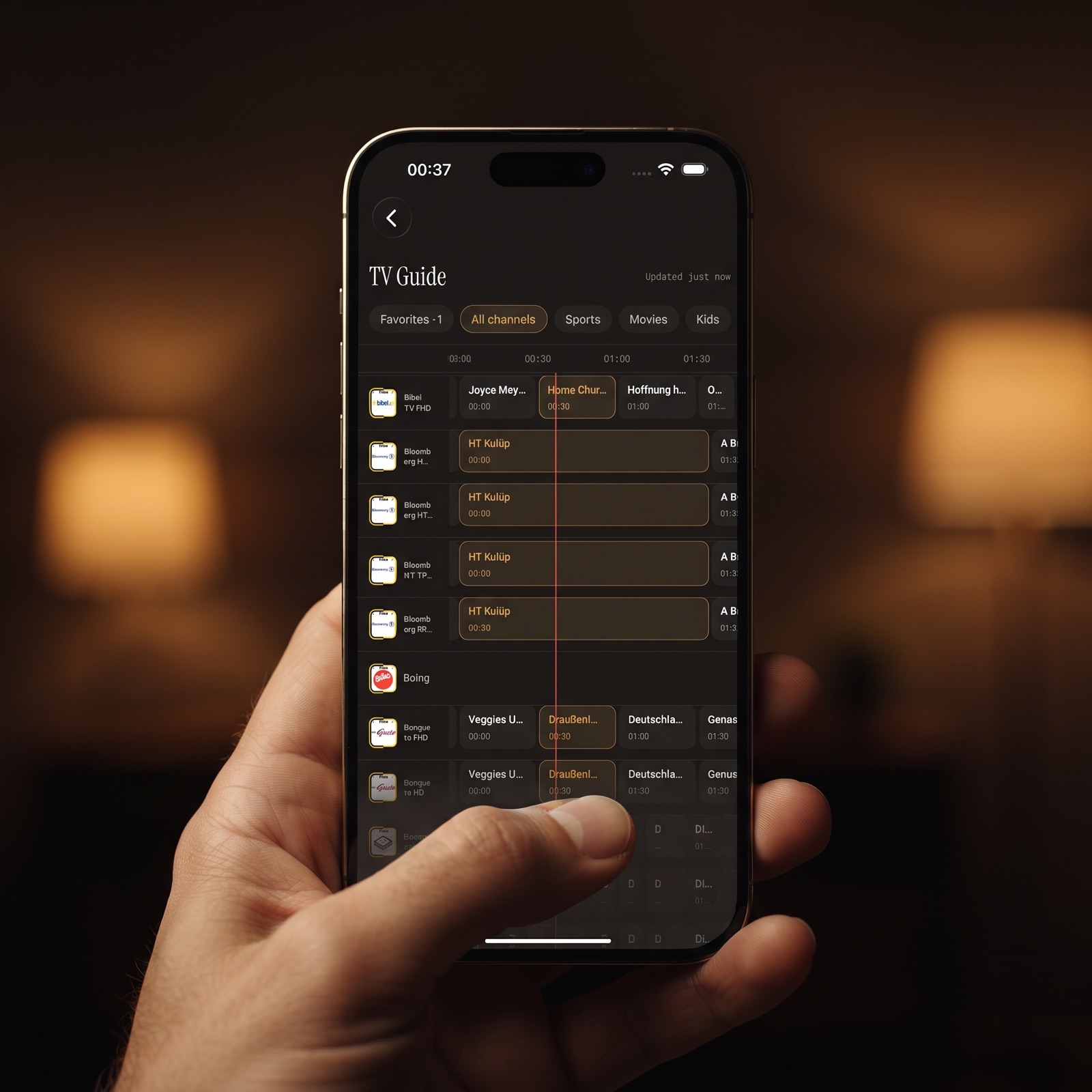
Because the data arrives already split into categories, channels, films, shows and episodes, a player does not have to guess structure from a flat list. That is what lets Maximus IPTV Player present live TV grouped by country, a movies and series library with seasons and episodes, and one universal search across all of it. The Google Play listing sums up the result: add your Xtream Codes login and everything is organised for you automatically.
How does the TV guide come through?
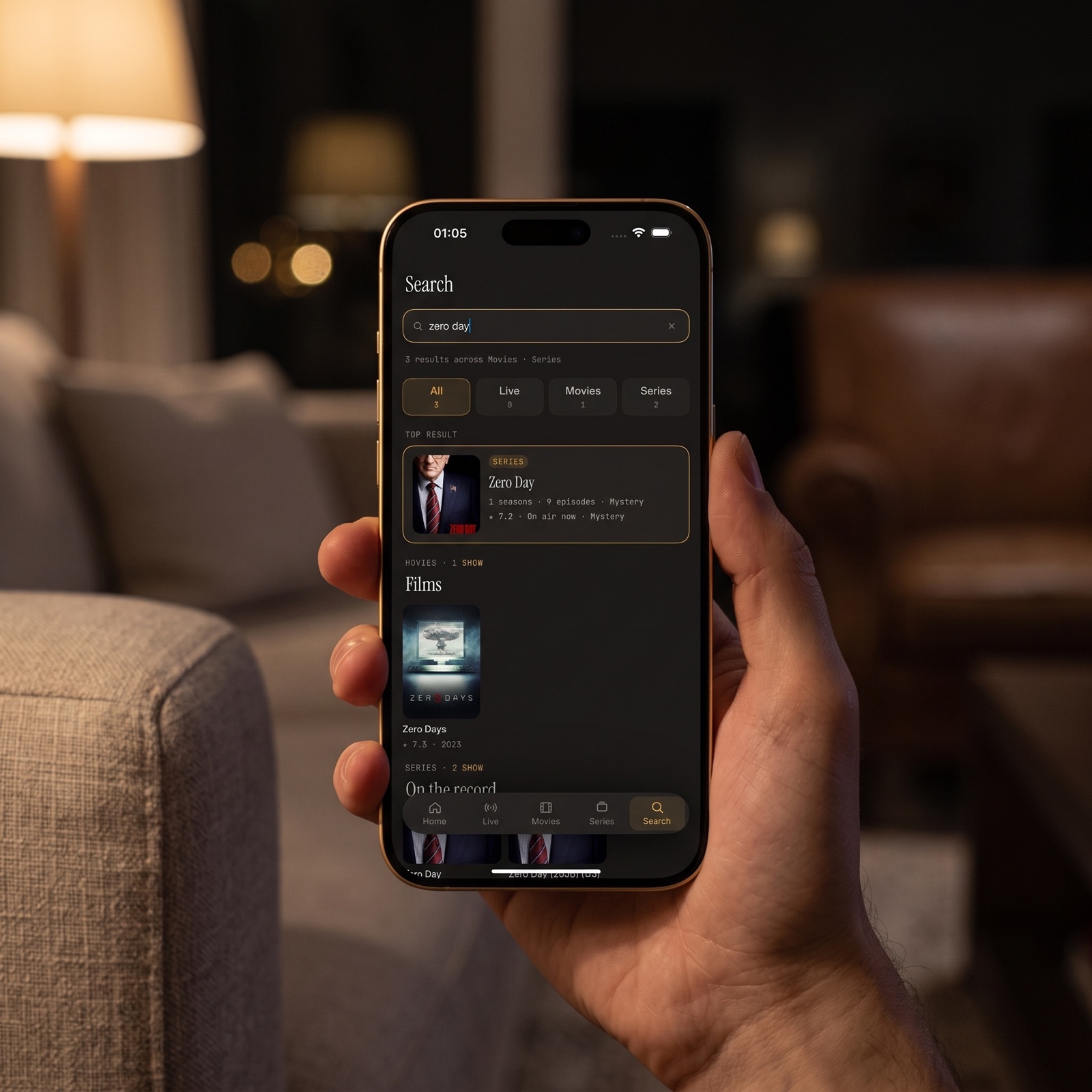
EPG stands for electronic programme guide: the schedule of what is on each channel, now and later. Xtream-compatible panels usually offer it in two ways.
xmltv.php— a full guide for your account in XMLTV format, an XML standard for TV listings, requested with your username and password. Each programme entry carries a channel ID, a start and end time, a title and often a description.- Short EPG actions —
player_api.phprequests such asget_short_epg, which return the next few programmes for a single stream ID. These are handy for a quick now-and-next view.
The player matches each channel's EPG channel ID from get_live_streams to the channels in the guide. When a channel shows no guide data, the usual cause is on the provider side: the IDs do not match or the guide has no listings for that channel. For more on why a good guide changes how you watch, read the hidden power of EPG in IPTV apps.
What do Xtream stream URLs look like?
Once the player knows a stream ID, it can build the playback address without asking the server again. The common patterns are:
- Live TV —
http://server:port/live/username/password/stream_id.ts, or.m3u8for HLS where the account allows it. - Movies —
http://server:port/movie/username/password/stream_id.extension, where the extension (for examplemp4ormkv) comes from the library data. - Series episodes —
http://server:port/series/username/password/episode_id.extension.
The .ts format is an MPEG transport stream delivered as one continuous flow. The .m3u8 format is HLS, which splits video into short segments listed in a small playlist file and tends to cope better with changing network conditions. Which one works best depends on your provider and your connection.
Notice what sits in the middle of each address: your username and password, in plain sight.
Why must your Xtream credentials stay private?
Because they are in every request and every stream address, anyone who sees one of those addresses has your login. That has practical consequences:
- Sharing a link shares your account. Pasting a stream address into a forum, a chat or a support ticket hands over your credentials.
- Screenshots and screen recordings can leak them. Check before you post an image of an error message or a settings screen.
- Unencrypted HTTP can be read in transit. On plain
http://, the addresses travel unencrypted, so someone on the same network could see them. Where your provider supports HTTPS, use thehttps://address and port it gives you. - Leaked logins use up your connections. If someone else streams on your account, you may hit your connection limit or have the account suspended by the provider.
If you think your details have leaked, ask your provider to change your password. In Maximus IPTV Player, your credentials stay on your device and are only ever sent to your own provider, and the app has no ads and no tracking. Our privacy overview explains what that means in practice.
What does max connections mean?
max_connections is the number of streams your account may play at the same moment, and active_cons is how many are playing right now. If your plan allows two connections and a TV and a tablet are both streaming, a third device will usually be refused, or one of the existing streams will stop.
A few things are worth knowing:
- Browsing is not usually streaming. Loading categories and the guide does not normally count; playing a channel, film or episode does.
- Closed streams can take a moment to clear. If you switch devices quickly, the server may briefly still count the old stream. Waiting a minute often solves it.
- Downloads can count too, since the download is a stream from the server while it runs.
If your household regularly needs more simultaneous streams, that is a plan question for your provider, not something a player can change.
How does the Xtream Codes API relate to M3U?
An M3U playlist is a plain text file that lists stream addresses, each with a name and optional details such as a logo and group. Xtream-compatible panels can export your account as a playlist through get.php, typically in the form get.php?username=…&password=…&type=m3u_plus&output=ts. The m3u_plus type includes extra tags like group titles and logos, and output chooses ts or m3u8 stream addresses.
The content is the same, but the experience differs:
- Structure — the API keeps series as seasons and episodes and exposes film details; a playlist is one flat list.
- Speed — the API lets a player load one category at a time; a large playlist has to be downloaded and parsed in full.
- Account status — the API reports expiry and connections; a playlist says nothing about your account.
- Portability — a playlist is a single link that almost any player understands, which is its main strength.
Maximus supports both Xtream Codes logins and M3U or M3U8 playlists on iOS and Android, and you can combine several sources in one library. For the playlist side of things, see M3U playlists explained for iOS users.
FAQ
Is the Xtream Codes API still used?
Yes. Although the original company stopped operating in 2019, compatible panels continue to use the same request format, which is why most IPTV services still offer an Xtream Codes login.
Is using the Xtream Codes API legal?
The API is just a way for a player to talk to a server. Using it with an account you pay for is ordinary use. Whether a service holds the rights to the channels it offers is the provider's responsibility, so choose a licensed one. No player or tool can legitimately give you access to a service you have not subscribed to.
Can I check my Xtream login in a web browser?
You can open the player_api.php address with your own details to see whether auth succeeds and what status and exp_date say. Be aware that the full address, password included, is saved in your browser history, so clear it afterwards on a shared computer. Our Xtream Codes checker reads the same response for you and shows the status, expiry date and connection limit, with nothing left in your browser history.
Why does my player say my login is wrong when the details look right?
Check for extra spaces or hidden characters from copying, the wrong port, or http versus https. An expired account or a full connection limit can look like a login failure too.
Does Maximus IPTV Player work with any Xtream Codes provider?
Maximus works with Xtream Codes compatible logins that your provider supplies. It does not include any channels or subscriptions of its own.
Does the Xtream Codes API support HTTPS?
The format works over HTTPS, but only if your provider's server is set up for it. The server info returned at login often lists an https port. Use it when available.
Put your Xtream login to work
Knowing what your player asks for makes problems easier to solve: a failed auth means wrong details, an Expired status means renewal, a stream that will not start may mean a connection limit, and a missing guide usually points back to the provider's EPG. Keep your credentials private, prefer HTTPS, and let the player handle the rest.
Maximus IPTV Player turns an Xtream Codes login into an organised library on iPhone, iPad and Apple silicon Macs through the App Store, and on Android phones, tablets and Android TV through Google Play.
Written by
Maximus IPTV Team