IPTV Glossary: M3U, EPG, HLS and Other Terms Explained
If you've spent any time researching IPTV apps, you've probably run into a wall of acronyms that nobody bothers to explain: M3U, M3U8, EPG, HLS, VPN and more, all tossed around as if everyone already knows what they mean. Maximus IPTV Player was built to make cord-cutting simple, but the vocabulary around IPTV (Internet Protocol Television, the technology that delivers live channels and on-demand video over the internet instead of cable or satellite) hasn't caught up. This glossary fixes that. Whether you're setting up Maximus IPTV Player for the first time on an iPhone, iPad, Android phone, tablet or Android TV, you'll walk away knowing what every term on the setup screen means and why it matters to how well your streams play.
Key Takeaways
- IPTV is TV delivered over the internet. An IPTV service supplies the channels; an IPTV player such as Maximus only plays them.
- M3U and M3U8 are playlist formats that tell an IPTV player where to find your channels; M3U8 is the UTF-8 encoded version used for HLS streaming.
- Xtream Codes is a login-based way to connect: a server address, username and password instead of a playlist link.
- EPG (Electronic Program Guide) is the schedule that shows what's airing now and next across your channels.
- HLS (HTTP Live Streaming) is the delivery method that lets streams adapt to your connection instead of freezing.
- Maximus is free to download, with an optional Premium subscription, on the App Store (iPhone, iPad, Mac, Apple Vision) and Google Play (Android phones, tablets and Android TV / Google TV).
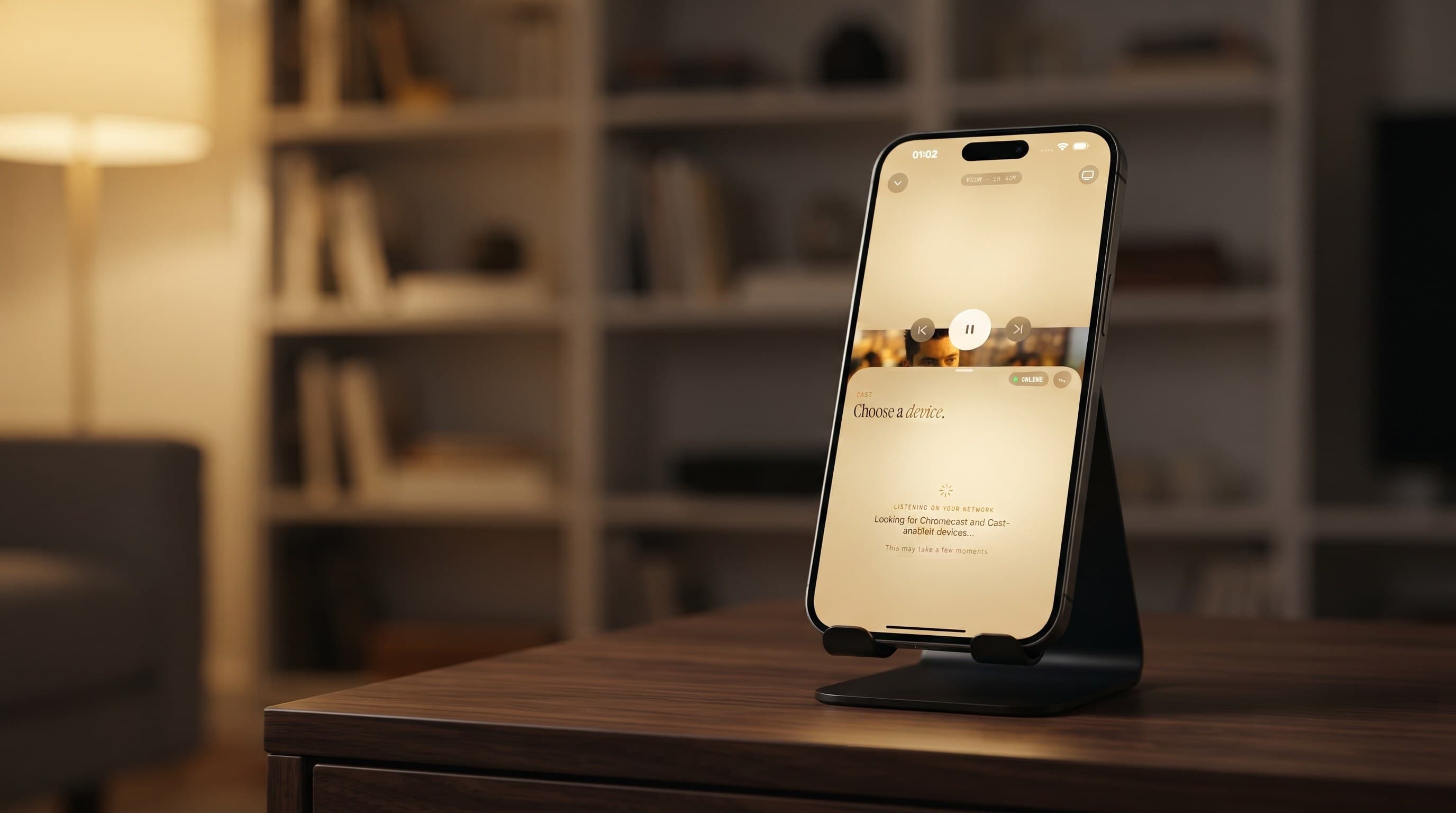
- Casting depends on the device: AirPlay and Chromecast (Google Cast) are available from iPhone and iPad, while the Android app has no casting and runs natively on Android TV instead.
What is IPTV?
IPTV stands for Internet Protocol Television: live TV channels, films and series delivered over an internet connection instead of through an aerial, a satellite dish or a cable box. You watch it in an app on a phone, tablet, computer or smart TV, and the video arrives the same way a web page does, as data over your broadband or mobile connection. Many broadcasters and TV services now deliver at least part of their output this way.
Two different things get called "IPTV", and mixing them up is the most common source of confusion. An IPTV service (or provider) is the company that supplies the channels and sells the subscription. An IPTV player is the app that plays them. Maximus IPTV Player is a player only: it has no channels of its own and plays the service or playlist you already have.
What is Maximus IPTV Player, and which screens does it run on?
Before decoding the acronyms, it helps to know what app you're decoding them for. Maximus is a cross-platform IPTV player: it plays live channels, movies and series from sources you already have, rather than supplying any content itself. You bring your own legal IPTV subscription or playlist. It's free to download, with an optional Premium subscription for extra features.
On Apple devices, one App Store listing covers iPhone and iPad, and the iPad app also runs on Macs with Apple M1 or later and on Apple Vision. There's no Apple TV app; to get the picture onto an Apple TV, you use AirPlay from an iPhone or iPad. On Android, a single Google Play listing covers phones, tablets and Android TV / Google TV, with a remote-driven interface built for the TV. The core vocabulary in this glossary applies on every one of those screens: the same source types, the same guide, the same library.
What do M3U and M3U8 actually mean?
M3U is a plain-text playlist file format. It was originally built for audio players in the 1990s and later adopted almost universally by IPTV services because it's simple: a list of stream URLs, one per entry, often with channel names, groups and logos attached. When you add an M3U link to Maximus, you're handing it a text file's worth of addresses and letting the app organize them into a proper channel list, with country filters, favorites and groups you can actually use.
M3U8 is the same idea with one important difference: it's explicitly UTF-8 encoded, and it's the playlist format used by HLS (more on that below). In practice, many IPTV providers hand out M3U8 links today, and Maximus treats both formats the same way at setup: you paste the link and the app does the parsing. On iPhone and iPad you can also add a playlist by scanning a QR code or importing a file. For a deeper walkthrough, see M3U playlists explained.
What is Xtream Codes, and how is it different from M3U?
Xtream Codes is a different way of connecting to a provider. Instead of a single playlist link, you enter three details your provider gives you: a server address, a username and a password. The provider's system then hands back your live channels, movies and series, usually already sorted into categories, and often with guide data attached.
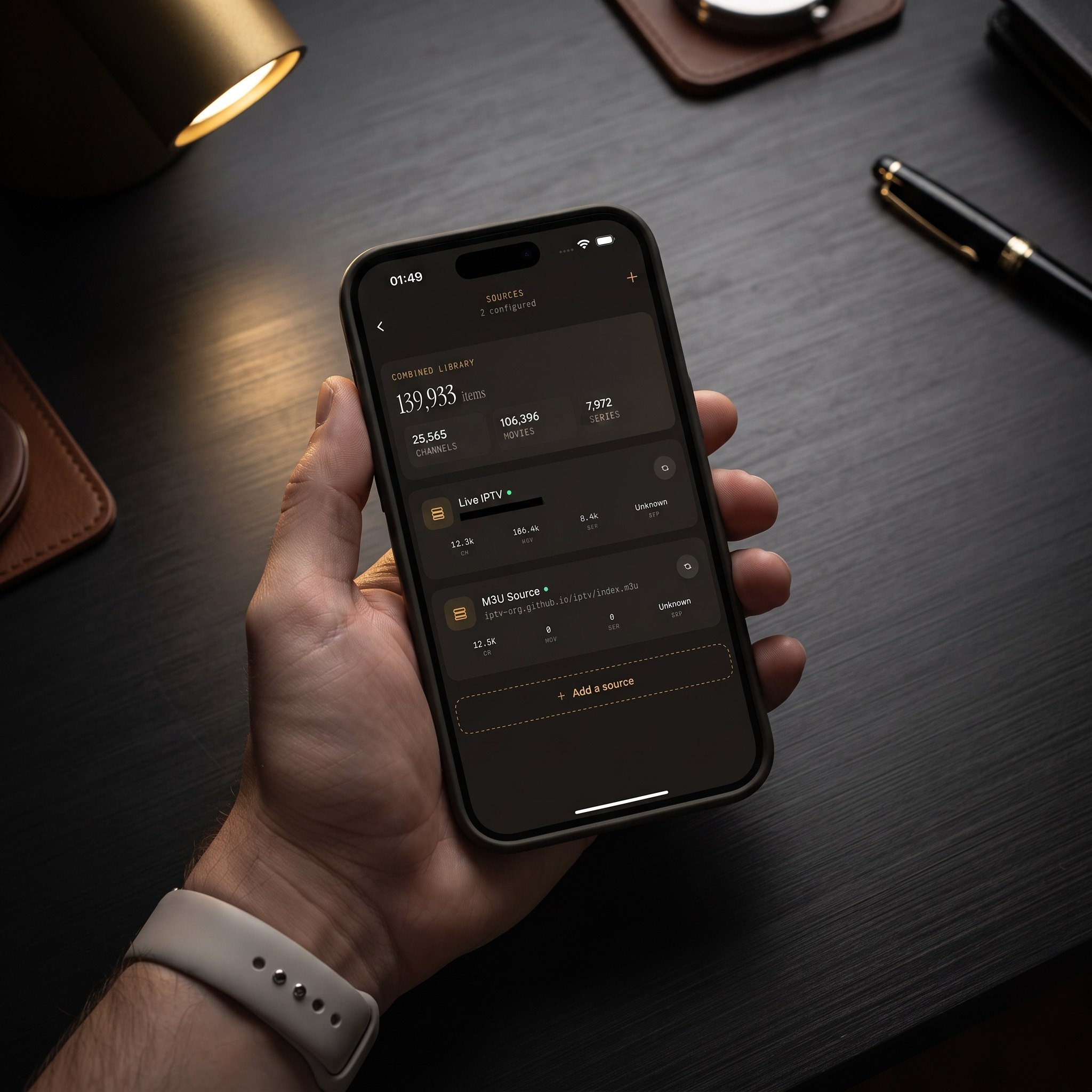
The practical difference is convenience. With a playlist link, you're working from a static list that has to be reloaded when it changes. With an Xtream Codes login, the provider can update your lineup on its side without sending you a new link. Maximus supports both Xtream Codes and M3U/M3U8 on iOS and Android, and you're not locked into one. You can add sources of different types and combine them into a single library: one home screen, one search, one set of favorites, regardless of how each channel is delivered behind the scenes. (On Android, multiple sources are part of Premium.)
What does EPG stand for, and why does it matter?
EPG stands for Electronic Program Guide: the on-screen schedule that tells you what's airing now and what's coming up next, channel by channel, hour by hour. Without an EPG, an IPTV channel list is just names with no context; you'd have to tune in and hope. With one, Maximus shows a real timeline guide that you can filter by Sports, Movies, Kids or Favorites, so a wall of channels becomes something you can actually plan around.
Not every source includes reliable EPG data. It depends on what your provider supplies alongside the playlist or login, and guide data is updated on its own schedule, separate from the video. When it's available, it's one of the most useful parts of any IPTV setup. Our guide to how the IPTV TV guide works goes further.
What is VOD in IPTV?
VOD stands for video on demand: movies and series episodes you start whenever you like, rather than live channels that follow a broadcast schedule. Many IPTV subscriptions include a VOD catalog alongside live TV. In Maximus, that content lives in a movies and series library, with universal search across live channels, movies and series, plus Continue Watching so you can pick up where you left off. Movies and episodes can also be downloaded for offline viewing.
What is HLS, and why does it matter for buffering?
HLS stands for HTTP Live Streaming, a delivery method originally developed by Apple. It breaks video into short segments, commonly around 6 seconds and usually somewhere between 2 and 10, and streams them one after another over standard web connections. The practical benefit is resilience: many HLS streams come in several quality levels, so if your connection dips, playback can step down to a lower quality instead of freezing entirely. HLS is also why M3U8 playlists exist in the first place, since M3U8 is the manifest format HLS uses to describe which segments to play and in what order.
You don't need to manage any of this yourself. But knowing HLS exists explains why playback quality can vary by provider and connection, even when the app on your device is working fine.
Do I need a VPN to use Maximus IPTV Player?
VPN stands for virtual private network: a service that routes your internet traffic through another server, which can add privacy on public or restrictive networks. Maximus doesn't require a VPN, and using one is a personal networking choice rather than something the app depends on. A VPN can also add an extra hop, so it can slow streams down if its server is far away or busy. Whether you use one comes down to your own network, your provider's recommendations and your comfort level. All guidance here assumes you're connecting to your own legal IPTV subscription or playlist. For more detail, read our practical VPN guide.
AirPlay vs. Chromecast (Google Cast): what's the difference?
Both are ways to send video from a phone or tablet to a TV, but they're not interchangeable. AirPlay is Apple's wireless streaming technology: it works from Apple devices to AirPlay-compatible displays such as Apple TV, and it isn't available on Android. Chromecast, also known as Google Cast, is Google's casting standard, and it isn't limited to Android phones either; it works from iPhone and iPad too.
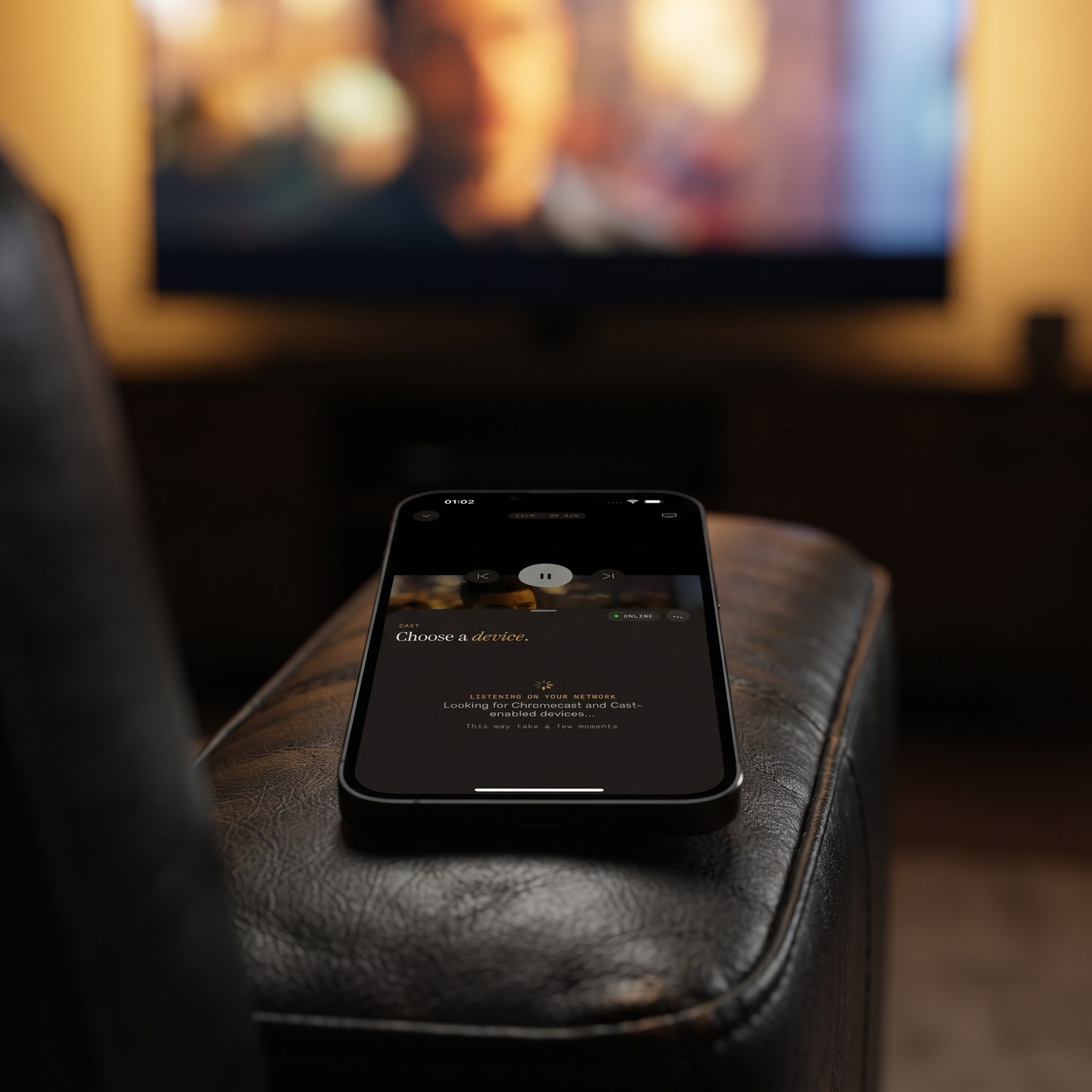
In Maximus, both AirPlay and Chromecast are available from iPhone and iPad. The Android app doesn't include casting. Instead, Android users who want IPTV on the TV install the app directly on Android TV or Google TV and watch natively with the remote. If you've wondered why the options differ depending on the device in your hand, this is why. Our AirPlay vs Chromecast guide compares the two in detail.
What do "4K" and "buffer-free playback" really mean?
4K refers to video resolution, specifically 3840×2160 pixels, roughly four times the pixel count of 1080p Full HD. You only get a true 4K picture when your source sends a 4K stream, your connection can sustain it (roughly 25 Mbps or more), and your screen is big enough to show the difference. No player can turn a lower-resolution channel into real 4K; it can only play what's delivered.
"Buffer-free" is a common marketing phrase, and it's worth reading carefully. No app can guarantee that buffering never happens, because that depends on your internet connection and your provider's servers. What a good player can do is stay out of the way: Maximus has no ads and no tracking competing for your bandwidth, so the stream you see is limited by your source and network, not by extra clutter in the app.
FAQ
Is Maximus IPTV Player free?
Yes. It's free to download on both the App Store and Google Play, with an optional Premium subscription for users who want it.
Which source types does Maximus IPTV Player support?
Xtream Codes logins and M3U/M3U8 playlists, on both iOS and Android. On iPhone and iPad you can also add a source by QR code or from a file.
What's the difference between M3U and M3U8?
M3U8 is the UTF-8 encoded version of the M3U playlist format, and it's the manifest type used by HLS streaming. Otherwise, Maximus handles both the same way.
Can I cast from an iPhone to my TV?
Yes, using either AirPlay or Chromecast; both are available from iPhone and iPad.
Does Maximus IPTV Player work on Android TV or Google TV?
Yes. Android TV and Google TV are supported natively from the same Google Play listing as Android phones and tablets.
Do I need to understand all these terms to use the app?
No. Maximus handles the technical parsing automatically. This glossary is here so the setup screens make sense, not because you need to configure anything by hand.
Putting the vocabulary to work
None of these terms are complicated once they're defined; they're just rarely explained in one place before you're staring at an "add a source" screen wondering whether to paste a link or type in a username. Now you know an M3U8 link is an HLS-flavored playlist, Xtream Codes is a login-based alternative, EPG is the guide, and AirPlay and Chromecast are two different routes to the TV from an iPhone or iPad, so setup should feel a lot less like guesswork.
Maximus IPTV Player is available on the App Store for iPhone, iPad, Mac and Apple Vision, and on Google Play for Android phones, tablets and Android TV / Google TV. Download it free and put this glossary to use with your own legal sources.
Written by
Maximus IPTV Team