Switching Android IPTV Apps? How to Move to Maximus
If you already use an IPTV app on Android, switching can feel risky. You've got your playlists set up and your favorites saved, and you don't want to lose all that just to try something new. Maximus IPTV Player makes the move easy. It's free to download on Google Play, and one listing covers Android phones, tablets and Android TV / Google TV. There's also an iOS version on the App Store. Your existing setup comes along without starting over, whether that's an Xtream Codes login, an M3U or M3U8 playlist, or several providers at once. This guide covers what to gather first, how the switch works, and what changes (and what doesn't) once you've moved.
Key Takeaways
- Moving to Maximus doesn't mean signing up for anything new. You're pointing a new player at the IPTV subscription you already have.
- Maximus accepts Xtream Codes logins and M3U/M3U8 playlists. For most people, adding a source takes just a few minutes.
- One Google Play listing covers phones, tablets and Android TV / Google TV. The TV version has a native interface built for your remote.
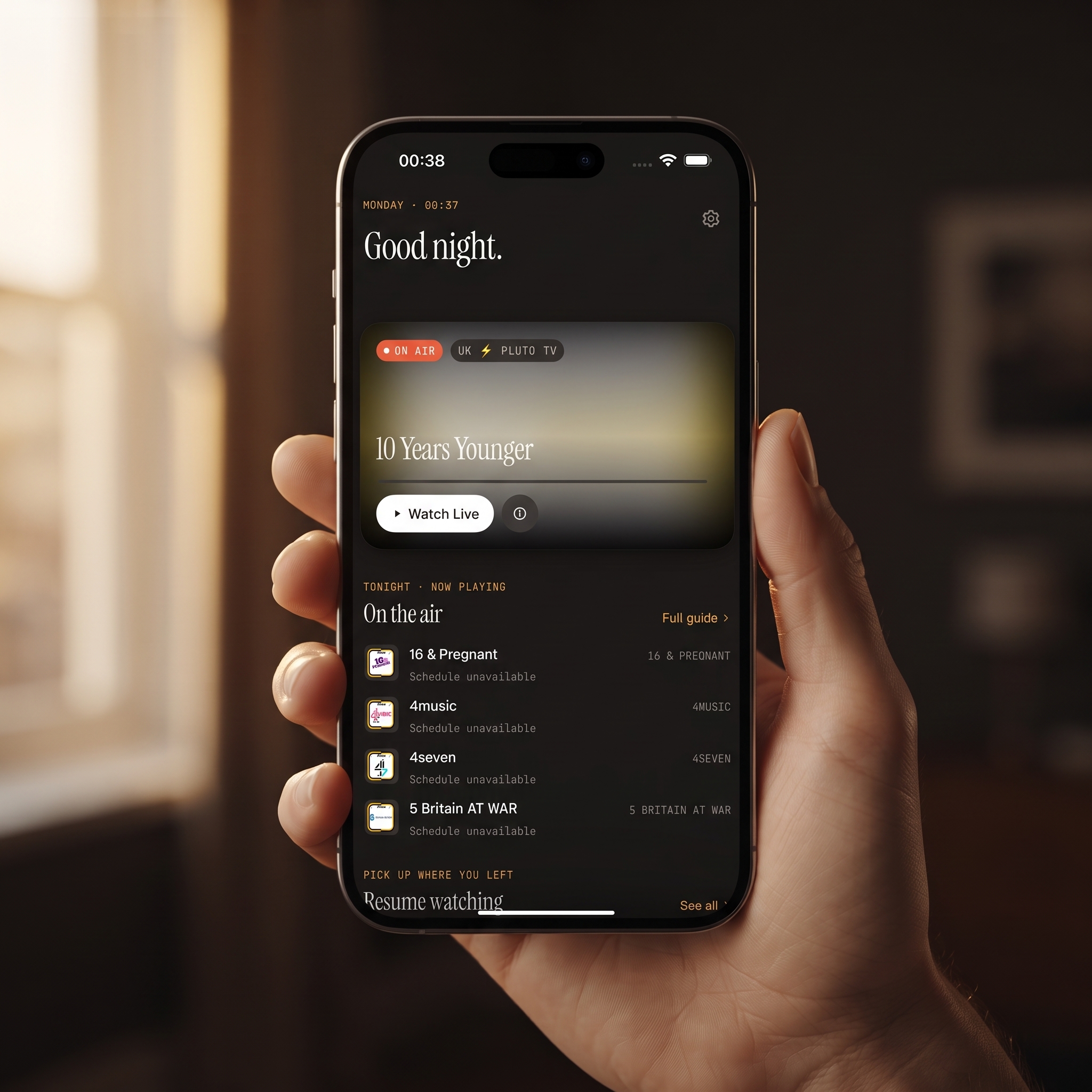
- You get a real EPG timeline, live channels grouped by country, universal search, Favorites, Continue Watching, offline downloads and a PIN parental lock. There are no ads and no tracking.
- The Android app doesn't cast to TVs. For the big screen, install Maximus on your Android TV or Google TV.
- The app is free to download. Premium on Android unlocks the full TV guide, offline downloads, parental lock, source refresh and multiple sources, and the monthly and annual plans start with a 7-day free trial.
Why Switch IPTV Players at All?
Most people don't switch because their app stopped working completely. It's usually a pile of small annoyances. The program guide loads slowly. The home screen is full of promo tiles. You can't combine two providers. Or finding tonight's match takes way too many taps.
None of that means your IPTV subscription is the problem. Usually the weak link is the player, the app that shows you that subscription. Maximus IPTV Player is only a player. It doesn't sell or supply channels. It gives your existing legal subscription or playlist a cleaner, easier app to live in.
What Do You Need Before You Switch?
Before you open Maximus, find the details your current app uses to load your channels. Most providers use one of two types:
- Xtream Codes login. This is a server address plus a username and password. Providers that use it usually email all three when you sign up. Your old app's account or source settings often show them too.
- An M3U or M3U8 link. This is a playlist URL, a plain text list of channel streams. M3U is the original format. M3U8 is the UTF-8 version that's common with HLS (HTTP Live Streaming), the protocol most live TV providers use today. If your current app has a "playlist" or "source" settings screen, you can usually copy the URL from there.
If you have a separate EPG link (an XMLTV guide URL), keep that handy too. You don't need to contact your provider or sign up again. You're just giving the same details to a different app.
How Do You Add Your Existing Source to Maximus?
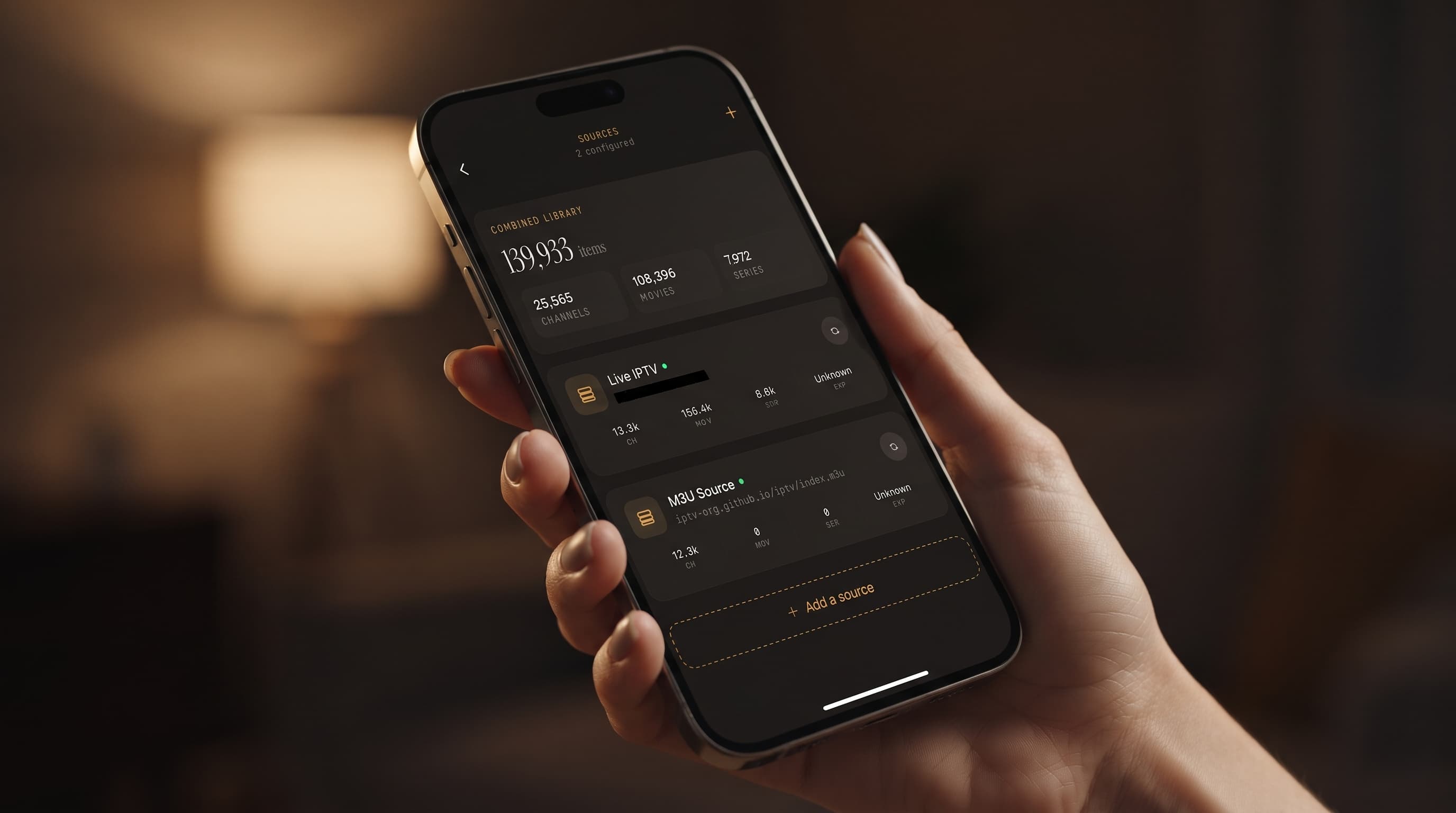
Once you've installed Maximus from Google Play, there are only a few steps:
- Open the Sources screen and choose to add a source.
- Pick Xtream Codes or M3U/M3U8, then enter the details you gathered.
- Give the source a name so it's easy to spot later if you add more.
- Let Maximus load your channels, movies and series.
That's the whole switch. You don't retype channels one by one, and there's nothing to rebuild by hand. If you want a screen-by-screen walkthrough, follow our Android phone setup guide.
Will My Existing Playlist Actually Work?
In almost every case, yes. Maximus reads the same standard formats that nearly every IPTV provider uses. If your current Android app plays your list, Maximus can usually load the same login or URL. Your relationship with your provider doesn't change either. Your subscription and your rights to that content stay exactly as they were.
If a source won't load, the cause is usually on the provider's side: an expired account, a typo in the server address, or a playlist link that's been changed. Checking those before you blame the new app will save you time.
What Happens If You Have More Than One Source?
For a lot of people, this is the biggest upgrade. Maybe you've been using two apps, one for your main provider and another for international channels. Maximus combines every source you add into one library. Search, Favorites and Continue Watching work across all of them, so you don't have to remember which app has which channel.
On Android, using multiple sources is a Premium feature. If you run two or three providers, like a lot of sports fans and international viewers do, it's often what makes switching worth it. Learn more about managing multiple IPTV sources in one app.
Does Maximus Have a Real Program Guide?
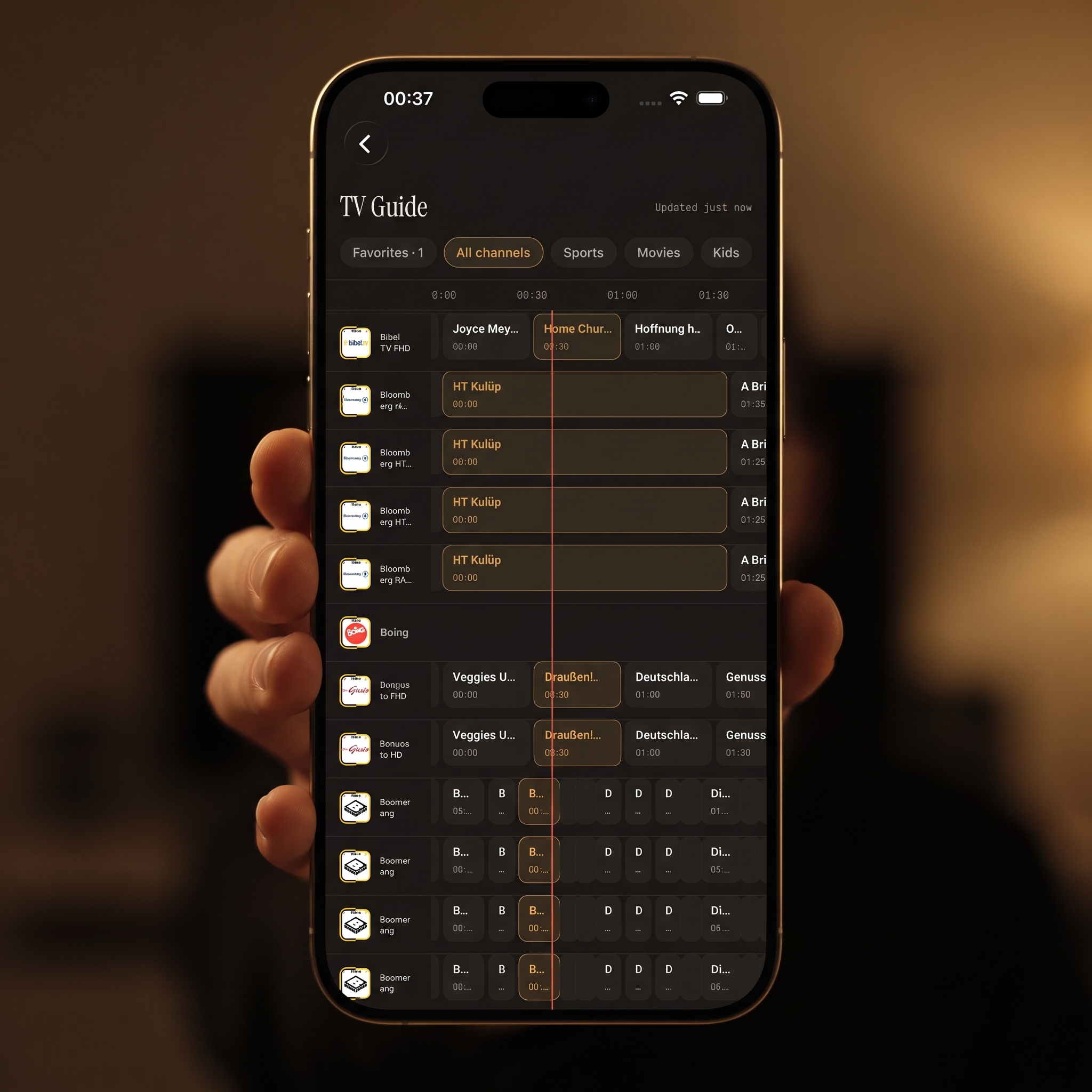
Yes. Maximus has a full EPG (Electronic Program Guide), a timeline that shows what's on now and what's next across your channels, like a cable TV guide. Many basic Android IPTV apps skip it or do it badly. In Maximus you can filter the guide by Sports, Movies, Kids and Favorites, so you don't have to scroll past hundreds of channels to plan your evening. On Android, the full TV guide is part of Premium. For more on how guide data works, read how the IPTV TV guide actually works.
What Features Will You Notice Day to Day?
Once your source is loaded, these are the changes you'll notice most:
- Live TV by country: Live channels are grouped by country, with country filters, so international lineups are easy to browse.
- Universal search: One search box covers live channels, movies and series across every source you've added.
- Favorites and Continue Watching: Save the channels you like and pick up movies or episodes where you stopped.
- Subtitles and audio tracks: Choose subtitles or a different audio language when your stream includes them.
- Picture-in-Picture and background playback: On Android phones and tablets, you can keep a stream playing in a small floating window, or keep the audio going while you use other apps.
- Offline downloads: Download movies and episodes to watch without a connection, which is handy for flights (Premium on Android).
- Parental lock: A PIN hides adult content, and on Android the lock turns itself back on automatically so you don't have to remember (Premium on Android).
- No ads, no tracking: Nothing interrupts playback, and your login details stay on your device.
Does It Work the Same on Phone, Tablet and TV?
Yes, and it's worth saying clearly because many people switch to get one app on every screen. Maximus runs on Android phones, tablets and Android TV / Google TV, all from the same Google Play listing. On TVs, you get a native interface you use with your remote, not a phone layout stretched across a big screen. If your last TV app felt like a blown-up phone app, you'll notice the difference.
Why Is There No Cast Button in the Android App?
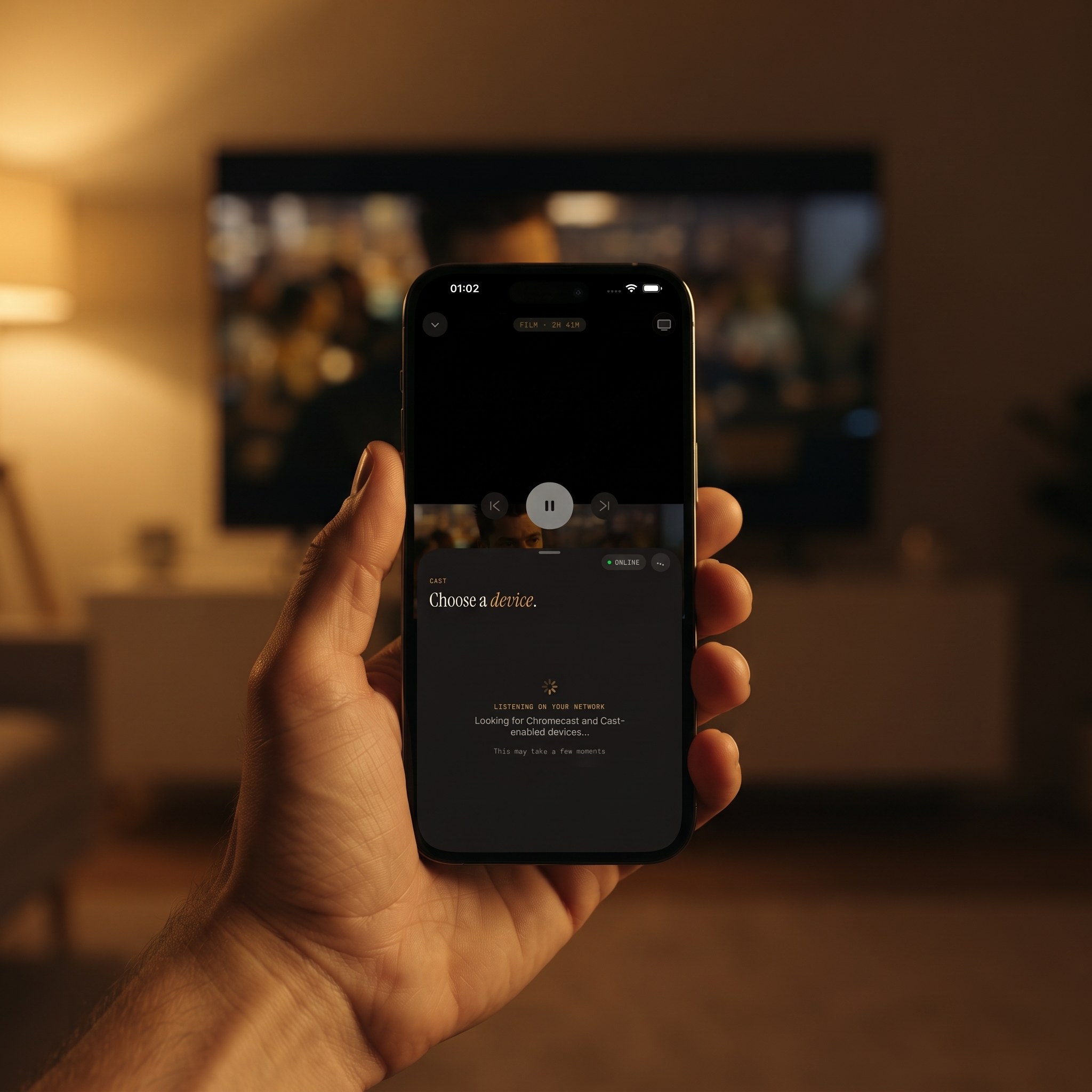
This catches some switchers off guard. The Maximus Android app doesn't include casting, so it won't send video to a Chromecast from your phone or tablet. To watch on a TV, install Maximus on the TV if it runs Android TV or Google TV. There's no need to cast when the app runs there natively.
If someone in your home has an iPhone or iPad, the iOS app can cast with AirPlay and Chromecast. Our AirPlay vs Chromecast guide explains how that works.
What Do You Lose or Rebuild When You Switch?
Being upfront about this helps:
- Favorites and watch history are stored inside each app, so they don't come over from your old player. You'll need to add your favorites again in Maximus, which only takes a few minutes.
- Casting from Android isn't available. If you've been casting from your phone, plan on the native TV app instead.
- No syncing between iOS and Android. If you also use Maximus on an iPhone, set up your sources separately on each platform.
- Premium features on Android. The free app covers the basics. The full TV guide, offline downloads, parental lock, source refresh and multiple sources need Premium, and the monthly and annual plans start with a 7-day free trial.
FAQ
Do I lose my IPTV subscription if I switch apps?
No. Your subscription is with your provider, not the app. Maximus IPTV Player just needs the same Xtream Codes login or M3U link your old app was using.
Can I keep my old app while I test Maximus?
Yes. Adding a source to Maximus doesn't remove it anywhere else. Many people keep both apps installed for a few days before they delete the old one. Keep in mind that some providers limit how many devices or streams can play at the same time.
Is Maximus free on Android?
It's free to download from Google Play. An optional Premium subscription unlocks the full TV guide, offline downloads, parental lock, source refresh and multiple sources. The monthly and annual plans include a 7-day free trial.
What if my provider only gives me a portal login with a MAC address?
Maximus supports Xtream Codes and M3U/M3U8, not MAC-address portal logins. Ask your provider for an Xtream Codes login or an M3U link. Many providers can give you one of these for the same subscription.
Does Maximus work on Android TV?
Yes. Android TV and Google TV are supported through the same Google Play listing as the phone and tablet app, with a native interface built for your remote.
Is switching players legal if I keep my current subscription?
Maximus is a player, not a content provider. It plays streams from sources you already have legal access to, and switching players doesn't change your subscription or your rights to that content.
Getting Started
Switching IPTV apps sounds like more work than it is. Really, you're just entering the same login or link in a new player. If your current app lacks a combined library, a real EPG, parental controls or a proper TV interface, moving your Xtream Codes or M3U source into Maximus takes a few minutes. Get Maximus IPTV Player free on Google Play for your Android phone, tablet or TV. If you're also on iPhone or iPad, it's on the App Store too.
Written by
Maximus IPTV Team