M3U vs M3U8 vs Xtream Codes: IPTV Source Types Explained
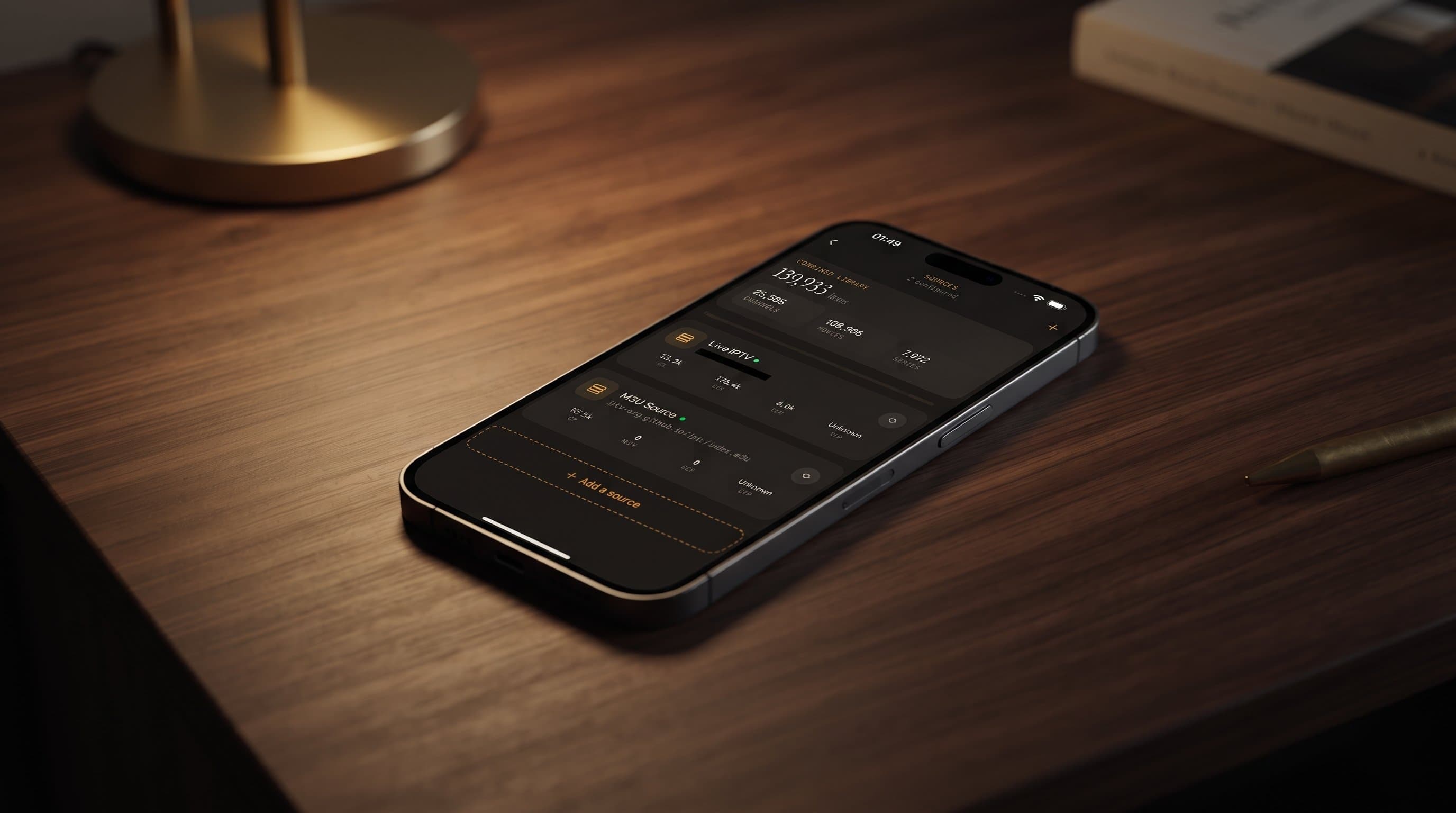
If you've ever added a playlist to an IPTV app and ended up staring at a blank channel list, you've probably run into the alphabet soup of IPTV source types. Maximus IPTV Player is a free-to-download IPTV player for iPhone, iPad, Apple Silicon Macs and Apple Vision on the App Store, and for Android phones, tablets and Android TV / Google TV on Google Play. It works with the two source types that cover most IPTV providers: M3U/M3U8 playlists and Xtream Codes logins. This guide explains M3U, M3U8 and Xtream Codes in plain language, shows you how to tell which one your provider gave you, and walks through adding, combining and troubleshooting sources so your channels and guide data show up the way they should.
Key Takeaways
- M3U and M3U8 are playlist formats: plain-text files, usually delivered as one long link, listing every channel and stream your provider bundled together.
- M3U8 is M3U saved as UTF-8 text. It's also the playlist format behind HLS streaming, which is why modern providers and Apple devices use it so often.
- Xtream Codes is a login, not a file: a server address plus a username and password that let the player fetch live TV, movies, series and guide data straight from the provider.
- Maximus supports both on iOS and Android, and combines multiple sources into one library.
- If your provider offers both, Xtream Codes is usually the tidier choice for movies, series and guide data, while an M3U link is the simplest fallback.
What do M3U, M3U8 and Xtream Codes actually mean?
Before you add anything, it helps to know what you're holding. These terms cover the vast majority of legal IPTV setups people bring to the app from their own subscription.
M3U is a plain-text playlist format that dates back to early desktop music players like Winamp. In IPTV, an M3U playlist is a list of channel names paired with stream URLs and extra details such as a logo, a group or category label, and sometimes a link to guide data. It's the oldest, most widely supported playlist format, and almost every IPTV provider can export one.
M3U8 is M3U's modern sibling. Structurally it's the same kind of list, but the "8" means the text is encoded in UTF-8, the character encoding that handles every alphabet correctly, from accented European names to Arabic and Cyrillic. M3U8 is also the playlist format used by HLS (HTTP Live Streaming), the adaptive streaming method Apple introduced and that is now an industry standard. HLS delivers video in small chunks and can switch quality on the fly as your connection changes, which is why HLS streams often cope better with patchy Wi-Fi or mobile data.
Xtream Codes works differently. Instead of a single playlist link, your provider gives you three things: a server URL (often with a port number, like http://example-server.com:8080), a username and a password. The player signs in to the provider's server and requests the content in organized pieces: live channel categories, the movie library, series with seasons and episodes, and program guide data. The name comes from an old IPTV panel software, but "Xtream Codes" is still the common label for this style of login.
None of these formats decides what you watch. Maximus IPTV Player is a player, not a content provider, and every source type assumes you're using your own legal IPTV subscription.
What is the real difference between M3U and M3U8?
This is the question people search most, and the honest answer is that for IPTV purposes they're nearly the same thing. The practical differences:
- Encoding: M3U files may use older text encodings, which can garble channel names outside plain English. M3U8 is always UTF-8. If you see "Français" instead of "Français", you're looking at an encoding mismatch.
- Streaming context: M3U8 is the playlist format used by HLS, so a
.m3u8address can be either a full channel playlist or the manifest for a single HLS stream. - Naming habits: many providers still say "M3U link" even when they send an M3U8 playlist. The terms get used interchangeably.
Maximus reads both, and you add them the same way. For a deeper, iOS-focused look at the format itself, see M3U playlists explained for iOS users.
How is Xtream Codes different from an M3U link?
Here's a detail that surprises many people: an M3U link and an Xtream Codes login from the same provider often point at the same account. A typical provider playlist URL looks something like http://provider-domain.com:8080/get.php?username=xxxx&password=xxxx&type=m3u_plus. That's the server address, your username and your password baked into one link, asking the server to export everything as an M3U playlist.
The difference is in what the player receives:
- M3U link: one big file with every channel, movie and episode flattened into a list. The player has to sort it using whatever group labels the provider included, and the whole list is downloaded again when it refreshes.
- Xtream Codes login: the player asks the server for specific sections, such as live categories, the movie catalog or a series with its seasons. Movies and series usually arrive better organized, with posters and descriptions, and guide data is typically available without adding a separate guide link.
Neither is more secure by default. Both rely on the same account credentials, and how safe they are depends on how your provider runs its service. What matters on your side is keeping the details private. Maximus keeps your credentials on your device.
Which source type should you use?
There's no universally "best" format; the right choice depends on what your provider gives you. Here's how they compare in practice:
- M3U — Setup: paste one URL or import a file. Best for: providers that only offer a basic playlist export. Watch out for: garbled international channel names if the encoding is off.
- M3U8 — Setup: same as M3U. Best for: providers that hand you an
.m3u8link, especially with HLS streams and international channel names. Watch out for: long, token-based links that can expire. - Xtream Codes — Setup: three fields (server URL, username, password). Best for: anyone who wants a well-organized movie and series library with guide data included. Watch out for: a missing port number or a mistyped password, which blocks sign-in entirely.
If your provider gives you a choice, try Xtream Codes first and keep the M3U link as a backup. Both work in Maximus, and you can even add both while you compare.
How do you tell which source type your provider gave you?
This trips up more new users than anything else in IPTV setup. The quick check:
- You have one long URL and nothing else. It's M3U or M3U8. Look for
.m3u,.m3u8,get.phportype=m3uin the address. - You have a server address, a username and a password as separate items. That's an Xtream Codes login.
- Your provider's instructions mention "Xtream Codes", "XC" or "API login". Use the Xtream Codes option.
- You have a
get.phplink that containsusername=andpassword=. You can use it as an M3U link, or take the server part (everything before/get.php) plus the username and password and enter them as an Xtream Codes login. Paste the whole link into our Xtream Codes checker and it splits it into the three fields and tests the login for you.
If you genuinely can't tell, ask your provider which type they issue. A legitimate provider can answer that in one line.
How do you add a new source in Maximus IPTV Player?
Adding a source follows the same basic pattern on every device: choose to add a source, pick the playlist (M3U/M3U8) or Xtream Codes option, and enter the details from your provider. The app connects, loads the channels and content, and adds them to your library.
On iPhone and iPad you have two extra shortcuts: scan a QR code instead of typing a long link, or import a playlist file saved on your device. On Android TV, where typing with a remote is slow, it's worth double-checking every character before you save.
Practical tips that save the most headaches:
- Copy and paste instead of retyping. A single dropped character in a long M3U8 link is one of the most common reasons a source fails to load.
- Watch for invisible extras. Links copied from emails often carry a trailing space or line break.
- Include the port for Xtream Codes. If your provider's server URL has
:8080or similar, keep it. - Give a large source a moment. Big playlists with thousands of channels and a full movie library can take a little longer to load the first time.
For step-by-step setup on a new phone, our first-week setup guide covers the rest of the app too.
What happens after you add a source?
Once a source is active, its content flows straight into the same Live TV, Movies and Series areas as everything else. There's no separate "M3U mode" or "Xtream mode" to navigate.
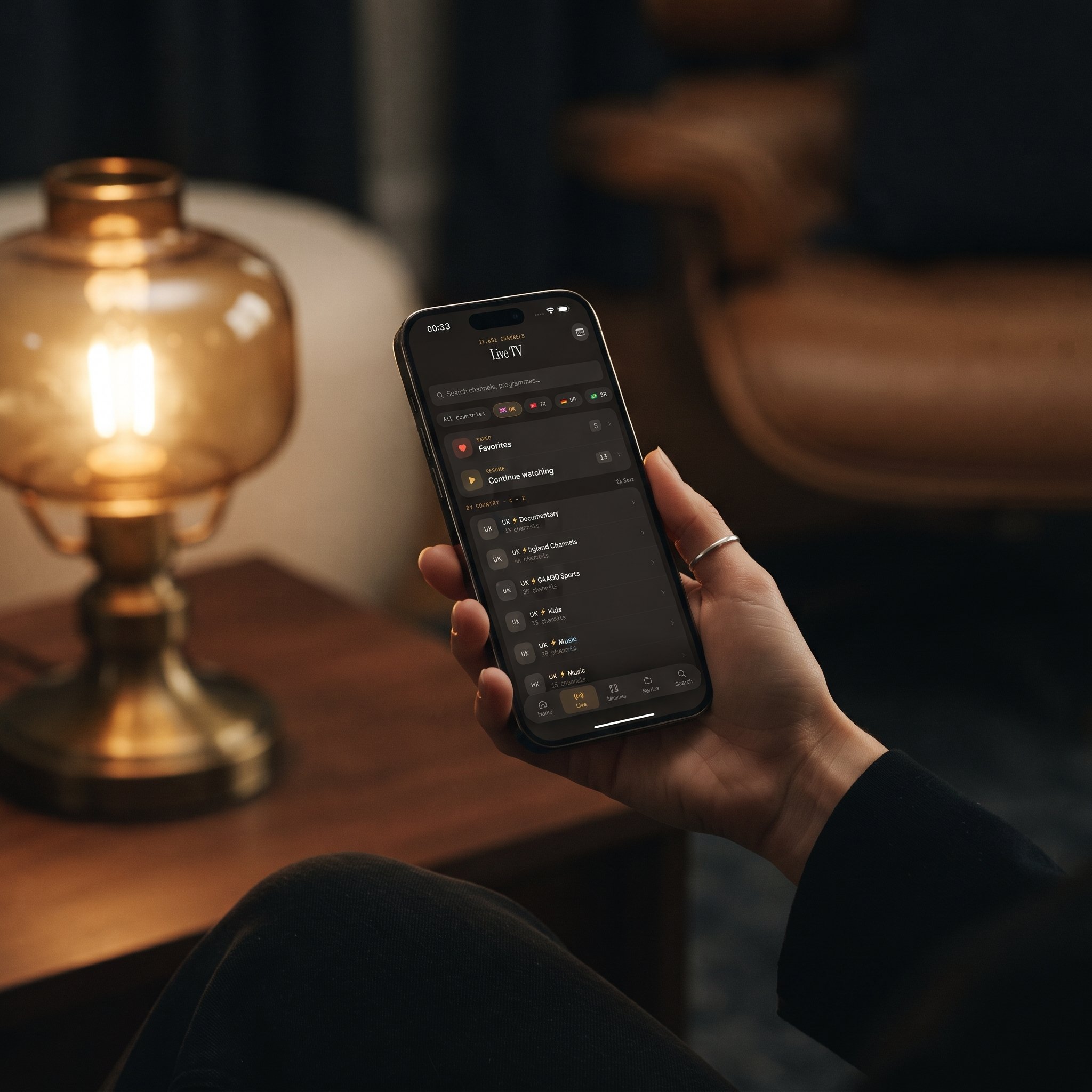
- Live TV fills in with channels grouped by country, with country filters, so a source covering several countries becomes easy to browse.
- The EPG (Electronic Program Guide), the scrollable schedule showing what's airing now and later, builds its timeline from the source's guide data, with filters for Sports, Movies, Kids and Favorites.
- Movies and series appear in the library, ready for Favorites, Continue Watching, subtitle and audio track selection, and offline downloads.
If channels show up but the guide stays empty, the provider's source includes stream links but not full guide data. That's a limitation of the source, not something wrong with the app. Our guide to how the IPTV TV guide works explains where that data comes from.
Can you combine and search across multiple sources?
Yes. Maximus IPTV Player combines multiple sources, whether M3U, M3U8 or Xtream Codes, into one library instead of separate silos you switch between. Someone with a main Xtream Codes subscription and a second M3U8 playlist for international channels can add both and browse them together. On Android, multiple sources are part of Premium.
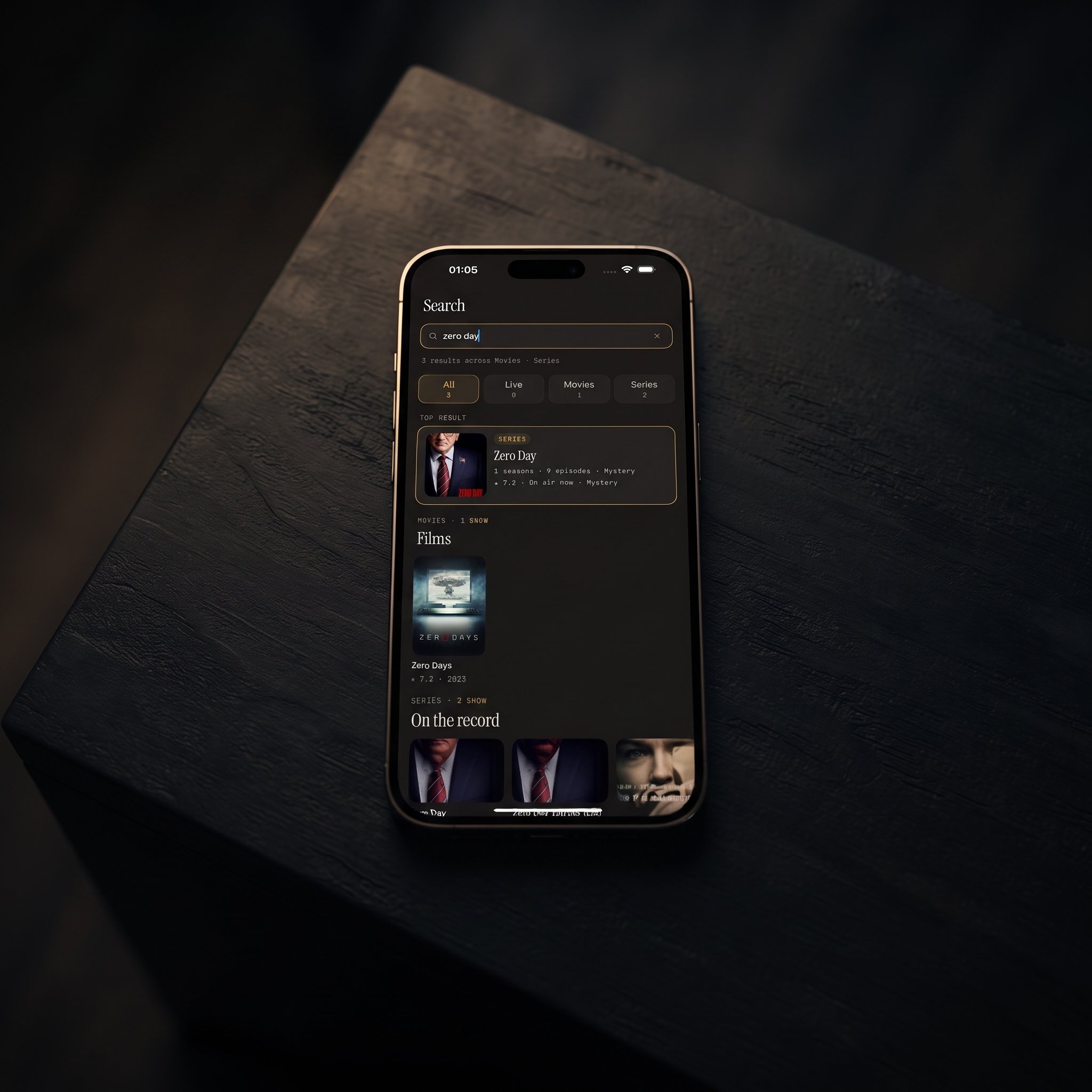
Universal search then runs across live TV, movies and series from every source at once. If you've ever forgotten which playlist carries a particular channel or show, one search saves you checking each source by hand. Having a second source already set up also means a provider outage doesn't leave you with nothing to watch.
Why isn't my source loading?
Most source problems, in Maximus or any other player, come down to a handful of causes:
- Wrong source type selected. Pasting a playlist link into the Xtream Codes fields (or entering Xtream details as a playlist) won't work, because each option expects a different kind of information.
- Expired or incorrect credentials. M3U8 links and Xtream Codes logins are tied to an active subscription. An expired account fails even when everything is entered correctly.
- A stale playlist URL. Providers occasionally change links. If a source worked last month and now returns nothing, get the current details from your provider.
- Network restrictions. If a source loads on Wi-Fi but not on mobile data (or the reverse), a network block is likely. Ask your provider whether a VPN (Virtual Private Network, a service that routes your connection through another server) is recommended for their service.
For a full diagnostic walkthrough, see how to fix an IPTV playlist that isn't working.
FAQ
Is M3U8 better than M3U?
For IPTV they're functionally the same. M3U8 is the UTF-8 version, which handles international channel names reliably and is the format HLS uses. Most current providers send M3U8 even if they call it "M3U". Maximus reads both.
Is Xtream Codes better than an M3U playlist?
Often, yes, for everyday use. An Xtream Codes login usually gives a better-organized movie and series library and includes guide data, while an M3U link is a single flat list. If your provider offers both, try Xtream Codes first.
Can I use more than one source type at the same time?
Yes. You can add M3U, M3U8 and Xtream Codes sources together, and the app combines them into one library. On Android, multiple sources are a Premium feature.
Do I need different sources for iOS and Android?
No. The same M3U, M3U8 or Xtream Codes details work on iPhone, iPad, Android phones, tablets and Android TV. Just remember that your provider may limit how many devices can stream at the same time.
Why does my EPG show some channels but not others from the same source?
The provider's guide data covers some channels but not all of them. It's a common limitation of the source rather than a setting you can change in the app.
Can I switch from an M3U link to Xtream Codes later?
Yes. Sources are added and removed independently, so you can add the Xtream Codes login, check that it loads, and then remove the old playlist without affecting any other source.
Getting the Most Out of Your Sources
Knowing the difference between M3U, M3U8 and Xtream Codes isn't just trivia. It's the difference between a five-minute setup and an evening of guessing why a channel list won't fill in. M3U and M3U8 are playlist files, Xtream Codes is a login, and once you know which one you're holding, adding it is straightforward.
Maximus IPTV Player handles all three inside one combined library, with a real TV guide, live TV grouped by country, universal search, no ads and no tracking. It's free to download with an optional Premium subscription on the App Store for iPhone, iPad, Apple Silicon Macs and Apple Vision, and on Google Play for Android phones, tablets and Android TV / Google TV.
Written by
Maximus IPTV Team