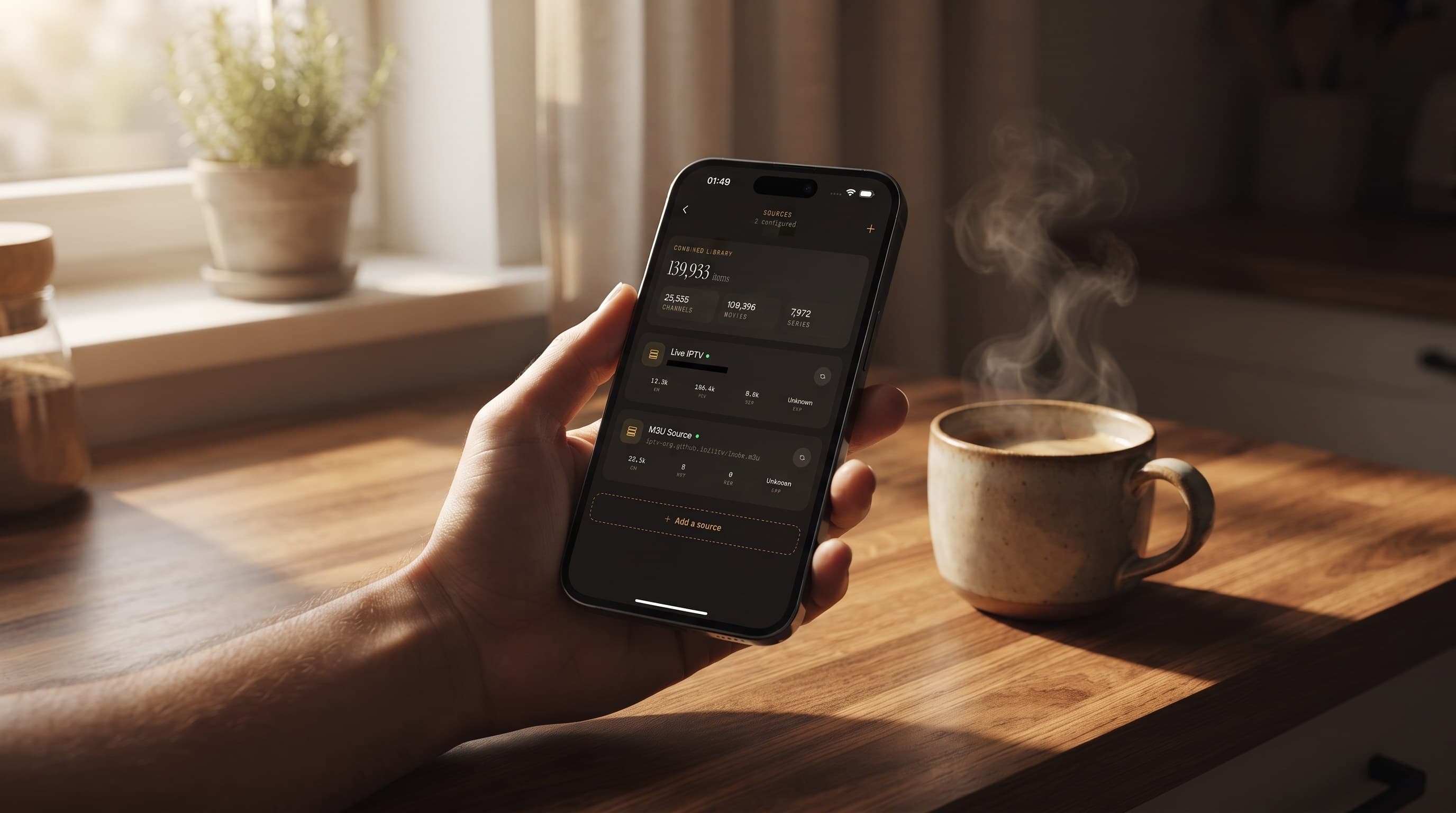
Multi-Room IPTV: Watching in Every Room of the House
Most households don't watch TV in just one room anymore. The morning news plays on a phone in the kitchen, a match goes on the living room TV at lunch, and the night ends with an episode on a tablet in bed. Maximus IPTV Player is built for that routine. It's a free-to-download IPTV player for iPhone, iPad and Android devices, including Android TV, and you bring your own legal IPTV subscription.
The catch is that "multi-room" works differently on Apple and Android devices. This guide explains both, room by room, so every screen in the house is useful.
Key Takeaways
- Multi-room on iOS means casting. From an iPhone or iPad, send video to an Apple TV or AirPlay TV with AirPlay, or to a Chromecast-equipped TV with Chromecast. There is no Apple TV app.
- Multi-room on Android means one install per screen. The Android app does not cast, so you run the app on each phone, tablet and Android TV / Google TV device.
- Every device needs its sources added. Your login details stay on the device, so add your Xtream Codes or M3U source on each screen you set up. iOS can add a source by QR code or from a file to speed this up.
- Your provider sets the stream limit, not the app. Check how many connections your provider allows before three rooms start watching at once.
- Offline downloads fix weak-signal rooms, and a PIN parental lock can be set on each device that children use.
What Does "Multi-Room IPTV" Actually Mean?
IPTV (Internet Protocol Television) delivers live channels and on-demand content over your internet connection instead of a cable or satellite line. Multi-room IPTV simply means that content is available on screens around the house, not just on one TV.
For most homes, that isn't a wired whole-house AV system. It's a couple of phones, a tablet and one or two TVs, each used at different times of day. The goal is for any of those screens to reach your channels and library without a fight.
A multi-room setup with Maximus is built from three pieces:
- Where the app runs, meaning which devices can install it.
- How video reaches the TV, by casting from iOS, or with a native TV app on Android, which doesn't cast.
- What each device knows, meaning its sources, favorites, progress and lock settings.
Which Devices Can You Use in Each Room?
Maximus comes as two apps, one per store.
The iOS app (App Store) runs on:
- iPhone, for the kitchen, the commute or the garden
- iPad, for the bedroom, the sofa or a child's room
- Macs with Apple M1 or later, which run the iPad app and suit a home office
- Apple Vision
The Android app (Google Play, one listing) runs on:
- Android phones
- Android tablets
- Android TV and Google TV, with a native interface built for the remote
There is no Apple TV app. An Apple TV still works as a multi-room screen, but video gets there with AirPlay from an iPhone or iPad. The next section explains how.
If your household mixes platforms, that's fine. Each person installs the version for their device and adds the same IPTV source. For a full side-by-side, see our iPhone vs Android comparison.
How Does Multi-Room Work on iPhone and iPad?
On Apple devices, the phone or tablet in your hand is the hub. You browse there and send the picture to whichever TV you're near.
The iOS app supports two casting technologies:
- AirPlay, Apple's wireless streaming technology, sends video to an Apple TV or an AirPlay-compatible smart TV.
- Chromecast (also called Google Cast), Google's equivalent, sends video to a Chromecast device or a TV with Google Cast built in.
The flow is quick. Start something playing, tap the cast icon, pick the TV from the device list, and the stream moves to the big screen while your iPhone acts as the remote.
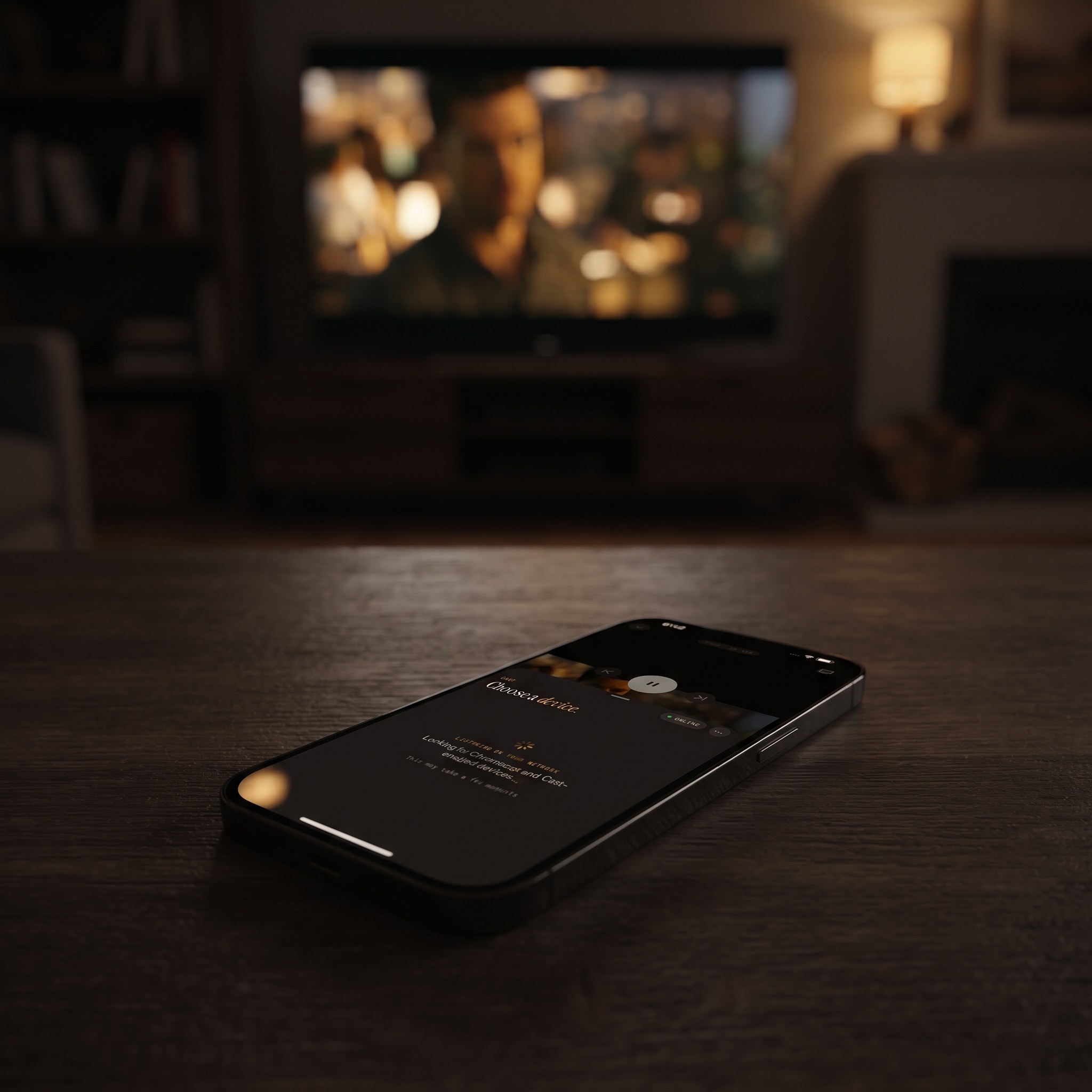
In an Apple home, that can look like this:
- Living room with an Apple TV: AirPlay from whichever iPhone or iPad is on the sofa.
- Bedroom TV with a Chromecast: cast from the iPad on the bedside table.
- Kitchen: watch straight on the iPhone propped against the wall.
Casting keeps a family flexible, because every TV can be reached from every iPhone and iPad. If a TV doesn't show up in the list, make sure the iPhone and the TV are on the same Wi-Fi network.
How Does Multi-Room Work on Android?
Android takes a different route. The Android app has no casting, so you don't throw a stream from a phone to the TV. Instead, you install Maximus IPTV Player on each screen and use each one independently.
- Living room Android TV or Google TV: install the app on the TV itself. It has a native interface you move around with the remote, so no phone is needed.
- Bedroom tablet: install the app on the tablet for late-night viewing or downloads.
- Kitchen phone: install the app on the phone for news while you cook.
This setup has a real benefit. Every screen stands on its own. The TV keeps playing when your phone leaves the house, and nobody's phone battery is tied up running the living room.
Android phones and tablets also get two features that help around the house:
- Picture-in-Picture (PiP) shrinks the video into a floating window, so a match stays visible in the corner while you follow a recipe.
- Background playback keeps the audio going when you switch apps, which suits news channels you mostly listen to.
Both are Android phone and tablet features, not iPhone or iPad ones.
How Do You Add Your Sources on Every Device?
A source is the connection to your IPTV subscription. Maximus supports two types on both platforms:
- Xtream Codes, a login made up of a server address, username and password.
- M3U / M3U8, a playlist link or file listing your channels and where each stream lives. M3U8 is the UTF-8 version, which handles non-Latin channel names correctly.
Your credentials stay on the device, which is good for privacy. It also means each new screen needs the source added, including the Android TV in the living room and the tablet in the bedroom.
A few tips make this painless:
- Keep your details handy. Save the server address, username, password or playlist link in a password manager so you aren't hunting through old emails.
- Use QR codes on iOS. The iOS app can add a source by QR code or from a file, which beats typing a long URL on a small keyboard.
- Tailor each room. Each device has its own sources, so a child's tablet doesn't need every subscription the living room TV has. Add only what suits that room.
- Multiple sources are welcome. If you have more than one subscription, both apps combine them into one library.
A note for Android households: multiple sources, the full TV guide, offline downloads and the parental lock are part of Premium on Android, and monthly and annual plans include a 7-day trial.
How Many Rooms Can Watch at the Same Time?
This is the question that trips people up most, and the answer doesn't come from the app. Your IPTV provider decides how many connections your subscription allows at once. Some plans allow a single connection, while others allow several.
If your plan allows one connection, the bedroom tablet may stop when the living room TV starts. Before building a multi-room setup, check how many connections your provider allows and upgrade the plan with them if your household needs more.
Your home internet matters too. As an approximate rule of thumb, an HD stream uses around 5 to 8 Mbps and a 4K stream around 15 to 25 Mbps, depending on the provider's encoding. Three rooms watching at once can add up quickly, so check your broadband speed too.
What Follows You from Room to Room?
It's worth being precise here so nobody is surprised.
- iPhone and iPad: playback progress syncs through iCloud. Pause an episode on the iPhone in the kitchen and resume it on the iPad in bed at the same point.
- Everything else: Favorites, Continue Watching, sources and settings live on each device. Your Android TV and Android tablet each keep their own lists.
- Between iOS and Android: nothing syncs. A show you started on an iPad won't appear in Continue Watching on the Android TV.
Here's a practical approach. If your pattern is "start on the phone, finish on the TV", casting from iOS or reopening the title on the Android TV both work well. If it's "different people, different shows, different rooms", separate Continue Watching lists per device are a plus, because nobody's queue gets mixed up with anyone else's.
How Do Offline Downloads Help in a Weak-Signal Room?
Wi-Fi rarely covers every corner of a house evenly. Basements, garden rooms, garages and back bedrooms are common dead zones. Offline downloads let you save movies and episodes to a device while you have a good connection, then watch them anywhere without buffering.
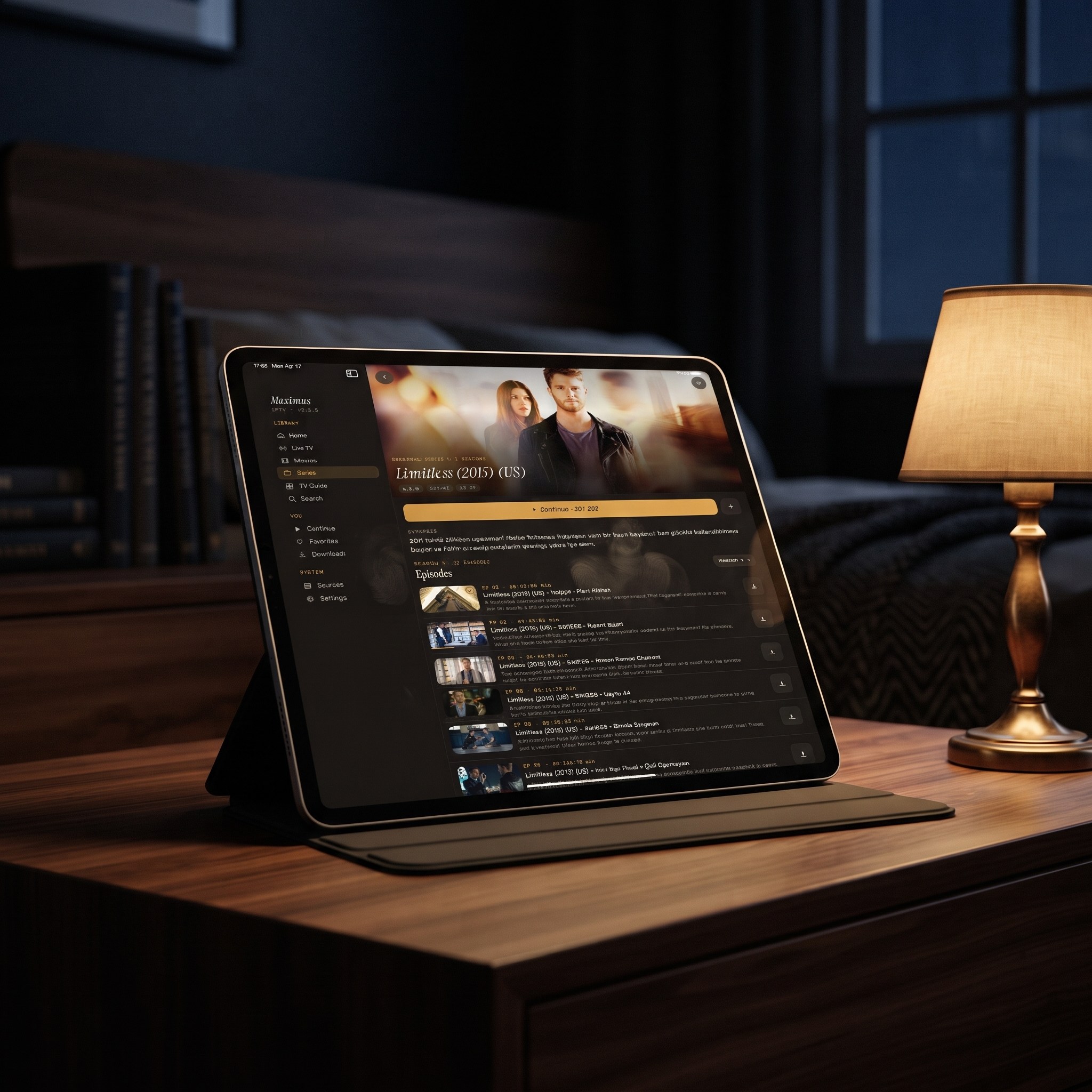
A few habits help:
- Download near the router and carry the tablet to the weak room afterwards.
- Downloads stay on the device that saved them, so plan which tablet goes where.
- They also work in the car or on holiday, which saves mobile data.
For storage and management tips, see our offline downloads guide.
How Do Parental Controls Work Across the House?
Multi-room homes are usually multi-person homes, so the parental lock matters. Both apps include a PIN lock for adult content. Because settings live on each device, set it up on every screen a child can reach, not just the first one.
- iPhone and iPad: unlock with the PIN or with Face ID, so parents don't have to type a code every time.
- Android phones, tablets and TVs: the lock re-arms automatically after you unlock it, so a shared living room TV doesn't stay open by accident.
Maximus IPTV Player also has no ads and no tracking, so no cross-device viewing profile is being built as the family moves between screens. For a wider look, read our parental controls guide.
What Does a Complete Room-by-Room Plan Look Like?
Here are two example setups you can copy.
An Apple household:
- Living room: Apple TV, reached with AirPlay from any iPhone or iPad
- Bedroom: iPad with a few episodes downloaded, progress synced from the iPhone
- Kids' room: iPad with only a family-friendly source and the PIN lock on
- Home office: a Mac with Apple M1 or later running the app
An Android household:
- Living room: the Maximus app installed on the Android TV or Google TV
- Kitchen: Android phone with Picture-in-Picture for news while cooking
- Bedroom: Android tablet with downloads for the weak-signal corner
- Kids' room: Android tablet with the automatically re-arming lock
A mixed household simply combines the two, with each device running its own version and the same IPTV source added to each.
FAQ
Is there a Maximus app for Apple TV?
No. There's no Apple TV app. Apple TV works as a multi-room screen through AirPlay from an iPhone or iPad running the iOS app.
Does casting work from an Android phone, or only from iOS?
No. The Android app doesn't cast. Install the app directly on an Android TV or Google TV device, or cast from an iPhone or iPad.
Do I have to add my playlist on every device?
Yes. Your credentials stay on each device, so add your Xtream Codes or M3U source on every screen. On iOS you can speed this up with a QR code or a file.
How many devices can stream at the same time?
That depends on your IPTV provider, not the app. Check how many connections your provider allows at once.
Will my Continue Watching list follow me between rooms?
Between iPhone and iPad, playback progress syncs through iCloud. Other devices keep their own lists, and nothing syncs between iOS and Android.
Do downloads move between devices?
No. Downloads stay on the device that saved them, so download on the tablet or phone you plan to watch on.
Do I need Premium for a multi-room setup?
The app is free to download on both stores. On Android, Premium unlocks the full TV guide, offline downloads, the parental lock, source refresh and multiple sources, with a 7-day trial on monthly and annual plans.
Bringing It Together
A good multi-room setup is mostly about choosing the right route for your devices. On Apple devices, the iPhone or iPad is the hub, casting to whichever TV is nearby. On Android, each phone, tablet and Android TV runs its own copy of the app. In both cases, add your source on each device, check how many connections your provider allows, and set the parental lock wherever children watch. For casting details, our AirPlay and Chromecast guide is the next stop.
Download Maximus IPTV Player for iPhone, iPad, Mac and Apple Vision from the App Store, or for Android phones, tablets, Android TV and Google TV from Google Play. Start with the room you use most, then repeat for every screen in the house.
Written by
Maximus IPTV Team