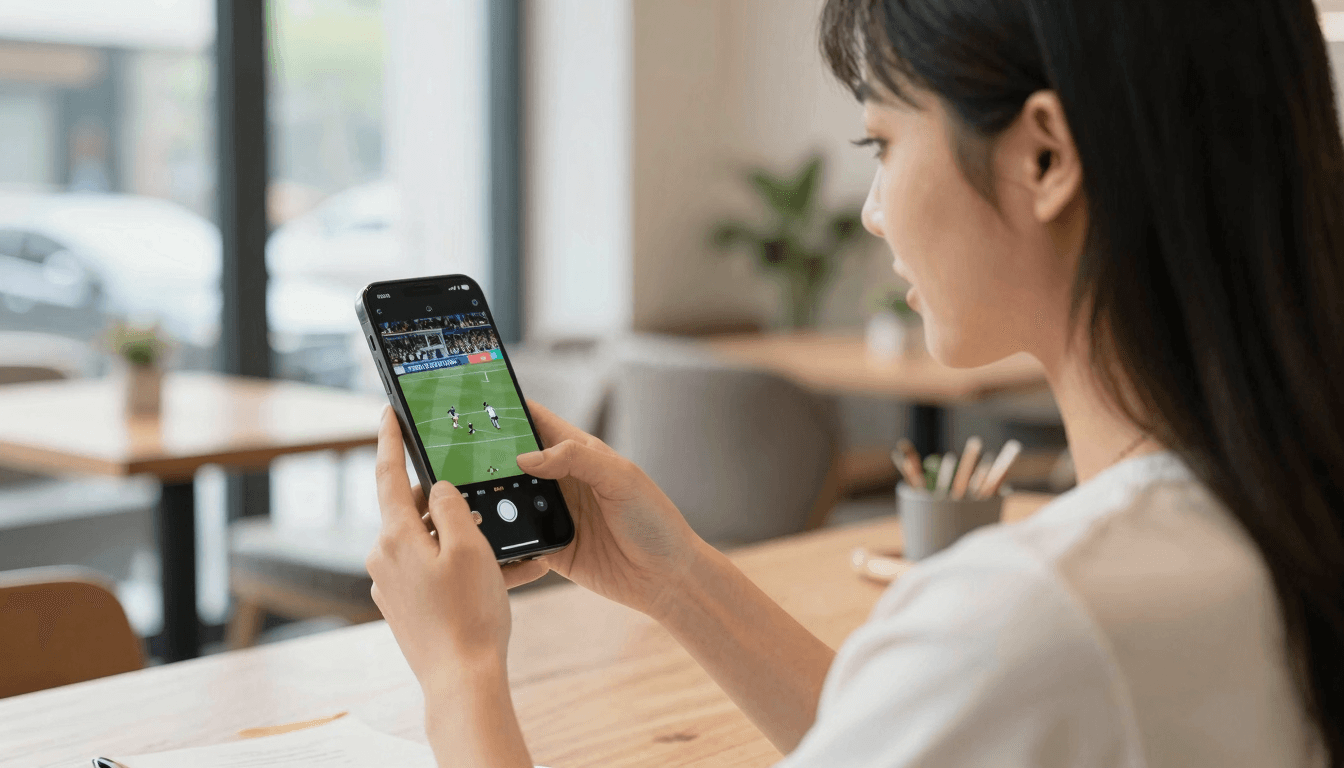
Picture-in-Picture for IPTV: Android Yes, iPhone Not Yet
You're following a match on your phone when a message comes in that needs a proper reply. Close the stream and you might miss the goal. Ignore the message and you're that person. Picture-in-Picture exists for exactly this moment. Here's the straight answer for Maximus IPTV Player: Picture-in-Picture works on Android phones and tablets, and it is not available in the iPhone and iPad app today. Earlier articles on this blog said otherwise, and they were wrong. This guide replaces them with what actually works on each platform, plus practical options for iPhone users.
Key Takeaways
- Picture-in-Picture (PiP) shrinks a playing video into a small floating window so you can use other apps at the same time.
- Maximus IPTV Player supports PiP on Android phones and tablets, and Android also offers background playback.
- PiP is not available in the iPhone and iPad app today, and we won't guess at a release date.
- iPhone and iPad users can still multitask in other ways: casting to a TV with AirPlay or Chromecast, using a second screen, running the app in a window on a Mac, or leaning on Continue Watching and offline downloads.
- PiP is a phone and tablet feature. The Android TV / Google TV app uses a full-screen interface built for a remote.
What Is Picture-in-Picture, Exactly?
Picture-in-Picture is an operating system feature that lets a video keep playing in a small window that floats above everything else on screen. You can move the window around, change its size, and tap it to jump back into the full app. Meanwhile, you're free to open a chat, check your email, or look up a recipe.
Android added PiP for phones with Android 8.0 (Oreo). Apple has a similar system feature on its own devices, but in both ecosystems it only works in apps that build support for it. That last point matters: owning a phone that can do PiP doesn't mean every video app on it does.
For IPTV (Internet Protocol Television, meaning live channels and on-demand video delivered over the internet rather than cable or satellite), PiP is especially handy because so much of what people watch is live. You can't pause a live match the way you pause a film, so keeping it visible while you do something else is the next best thing.
Which Devices Get PiP in Maximus IPTV Player?
Here's the device-by-device picture:
- Android phones: Picture-in-Picture is supported, along with background playback.
- Android tablets: Picture-in-Picture is supported, along with background playback. On a big tablet screen, a floating window still leaves plenty of room for a second app.
- Android TV and Google TV: PiP isn't part of the TV app, which uses a native interface designed for a remote and a full screen.
- iPhone and iPad: Picture-in-Picture is not available in the Maximus app today.
- Mac (Apple M1 or later) and Apple Vision: these run the iPad version of the app, so PiP isn't available there either. Both do let you place the app's window next to other apps, though.
How Do You Use Picture-in-Picture on Android?
The exact gestures vary a little between Android versions and phone makers, but the flow looks like this:
- Open Maximus IPTV Player and start a live channel, a movie, or an episode.
- While the video is playing, go to your home screen with the Home gesture or Home button. If the player shows a Picture-in-Picture button, tapping it does the same job.
- The video continues in a floating window. Drag it to whichever corner covers the least of what you're doing.
- Pinch the window, or double-tap it, to change its size (supported on most recent Android versions).
- Tap the window once to show its controls. From there you can pause, expand back to full screen, or close it.
- To dismiss the window quickly, drag it toward the bottom of the screen.
If the video stops instead of shrinking, check that PiP is allowed for the app. Android lets you switch it on or off per app, usually under Settings, then Apps, then Special app access, then Picture-in-picture. The exact menu names depend on your phone's manufacturer.
What Does Background Playback Add on Android?
Background playback keeps a stream going when Maximus isn't the app in front of you, without a floating window on screen. It's the better choice when you mostly want the sound: a news channel while you cook, match commentary while you answer emails, or a music channel while you tidy up.
A simple rule of thumb:
- Use PiP when you want to keep an eye on the picture, like a live match where you don't want to miss a replay.
- Use background playback when audio is enough and you'd rather have the whole screen for another app.
Why Isn't PiP in the iPhone and iPad App?
The short answer is that it hasn't been built into the iOS version of the app. We'd rather say that plainly than let you find out after installing. There's no release date to share, so we won't promise one. If that changes, the App Store release notes are the most reliable place to see it.
In the meantime, older posts describing a PiP button in the iPhone player were simply not accurate. If you went looking for it and couldn't find it, that's why.
What Can iPhone and iPad Users Do Instead?
No single option perfectly replaces a floating window, but these get you most of the way, depending on why you wanted it in the first place.
Put the stream on your TV with AirPlay or Chromecast
AirPlay is Apple's wireless streaming technology, and Chromecast (also called Google Cast) is Google's. The iPhone and iPad app supports both. Send a live channel to an Apple TV or an AirPlay-compatible TV, or to a Chromecast device or a TV with Google Cast built in, and the big screen does the watching while your phone acts as the controller.
For live sport, this is often better than a thumbnail anyway: the match fills the TV, and you're no longer staring at your phone to follow it. How playback behaves if you switch to another app can depend on the receiver, so give it a quick test before kickoff. Our AirPlay vs Chromecast guide walks through setup for both.
Use a second device
If you have both an iPhone and an iPad, let one be the TV and the other be the phone. Prop the iPad up with the channel playing and keep your iPhone free for messages. For movies and episodes, iCloud syncs playback progress between iPhone and iPad, so you can start on one and pick up on the other.
Run it in a window on a Mac
The iOS version of Maximus IPTV Player runs on Macs with Apple M1 or later, where it's the iPad app running on macOS. On a Mac, the app lives in a normal window you can size and park beside your browser or email, which gets close to what a floating video window offers, on a bigger screen. Apple Vision works in a similar spirit: the app appears as a window you can place alongside other apps.
Save it for later with downloads and Continue Watching
Sometimes the best fix is not splitting your attention at all. Offline downloads let you save movies and episodes to watch later without a connection, and Continue Watching remembers where you stopped in a film or episode, so stepping away to deal with something doesn't cost you your place. The offline downloads guide explains how that works.
Use the TV guide to time your return
For live TV, the EPG (Electronic Program Guide, the on-screen schedule of what's on now and next) is your friend. Check when the programme you care about starts, deal with your other task, and come back on time. The Sports, Movies, Kids and Favorites filters make it quick to find the right row.
How Do iPhone and Android Compare for Multitasking?
- Picture-in-Picture: Android phones and tablets have it. iPhone and iPad don't have it today.
- Background playback: available on Android.
- Casting: iPhone and iPad can send video to a TV with AirPlay and Chromecast, while the Android app has no casting.
- The living-room TV: Android TV and Google TV run a native Maximus app. There's no Apple TV app, but you can reach an Apple TV with AirPlay from an iPhone or iPad.
- Syncing: iCloud syncs playback progress between iPhone and iPad. There's no syncing between iOS and Android.
For the full platform breakdown, read iPhone vs Android for IPTV.
How Do You Get Smooth PiP Viewing on Android?
- Keep your Wi-Fi strong. A smaller window doesn't necessarily mean a smaller stream, so plan for roughly the same data use as full screen.
- Watch your battery. Streaming video while another app runs keeps the processor and screen busy. On a long match, keep a charger nearby.
- Mind the audio. If the other app plays sound, like a video in your social feed or a voice note, it may pause or quieten the stream.
- Lock it down for kids. On a shared tablet, parental lock hides adult content behind a PIN, and on Android the lock re-arms automatically.
- Try a tablet. On an Android tablet, a floating window plus a second app feels far less cramped than on a phone.
FAQ
Can I use Picture-in-Picture on iPhone yet?
No. PiP is not available in the iPhone and iPad app today. It's supported on Android phones and tablets, which also get background playback.
Is there a date for PiP on iPhone yet?
There's no announced date, and we won't promise one. The App Store release notes are the place to check for changes.
Does Picture-in-Picture work on Android tablets too?
Yes. Android tablets get the same Picture-in-Picture and background playback as Android phones, and the extra screen space makes multitasking more comfortable.
Can I use PiP on Android TV or Google TV?
No. The TV app uses a native, remote-driven interface designed for full-screen viewing, so PiP is a phone and tablet feature.
What if I want Maximus on a TV from Android?
The Android app doesn't cast to other screens, so the best route is installing Maximus IPTV Player directly on an Android TV or Google TV device from the same Google Play listing.
What's the best alternative on an iPhone?
For live TV, send the stream to your TV with AirPlay or Chromecast. For films and series, use a second device, a Mac window, or Continue Watching to pick up later.
The Bottom Line
If a floating video window is a must-have, Android phones and tablets are where you'll find it in Maximus today, together with background playback. On iPhone and iPad, casting, a second screen, a Mac window and Continue Watching cover most of the same needs, even if they're not quite the same thing.
Maximus IPTV Player is free to download with an optional Premium subscription. Get it on Google Play for Android phones, tablets and Android TV / Google TV, or on the App Store for iPhone, iPad, Macs with Apple M1 or later and Apple Vision.
Written by
Maximus IPTV Team