IPTV vs Cable: What You Gain and Lose by Switching
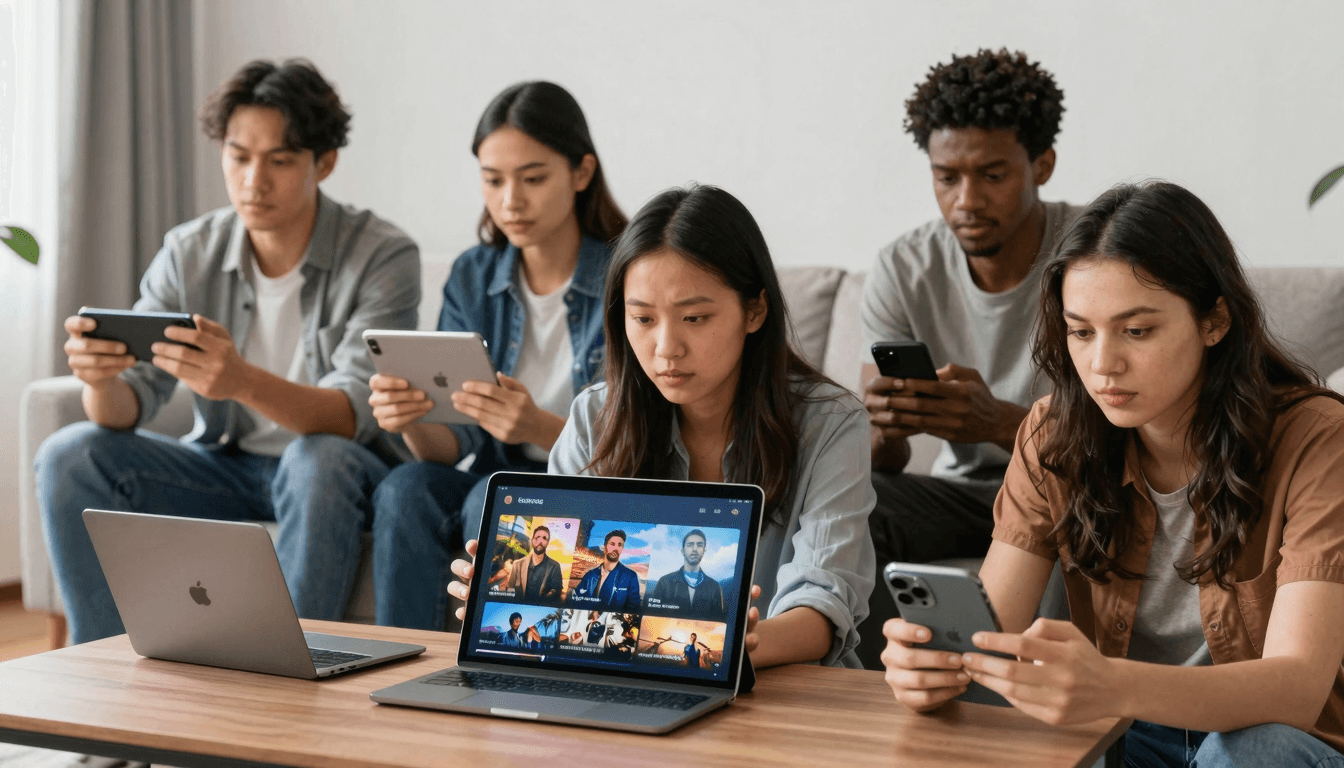
Sooner or later, most cable customers look at the bill and ask the same thing: am I paying for hundreds of channels just to watch a handful? That question is why so many households are looking at IPTV. With a player app like Maximus IPTV Player, the TV you already watch can follow you to your phone, tablet and television.
Switching isn't all upside, though. Cable does a few things well, and it's better to know them before you cancel. This guide weighs both sides honestly and ends with a practical plan for making the move.
Key Takeaways
- IPTV delivers TV over your internet connection instead of a cable line, so your broadband quality matters more than ever.
- You gain flexibility: watch on almost any screen, add international channels, and browse live TV and on-demand content in one app.
- You give up some simplicity: no single company handles everything, and provider quality varies a lot.
- Legality depends on the provider. A player like Maximus IPTV Player doesn't supply channels. You bring your own legal subscription.
- Switch gradually. Try a legal IPTV service alongside cable before you cancel.
What Is IPTV, and How Is It Different From Cable?
IPTV stands for Internet Protocol Television. Instead of arriving through a coaxial cable and a rented set-top box, channels and videos stream over the internet, the same way any streaming service works. Most live IPTV uses HLS (HTTP Live Streaming), a format that sends video in small chunks and can adjust quality to match your connection.
There are two separate pieces in an IPTV setup, and mixing them up causes most beginner confusion:
- The provider is the service that holds the rights to the channels and sends you access details. That's usually an Xtream Codes login (a server address, username and password) or an M3U playlist (a plain-text file listing channel names and stream addresses).
- The player is the app that turns those details into a watchable TV experience with a guide, search and favorites. Maximus IPTV Player is a player. It doesn't sell or include any channels.
With cable, one company is both provider and player: it owns the line, the box and the channel lineup. With IPTV, you choose each piece separately.
What Do You Gain by Switching to IPTV?
- Any screen in the house (and outside it). Cable is tied to the box under your TV. IPTV plays on phones, tablets, computers and TVs, so the match can move from the living room to the kitchen to the train.
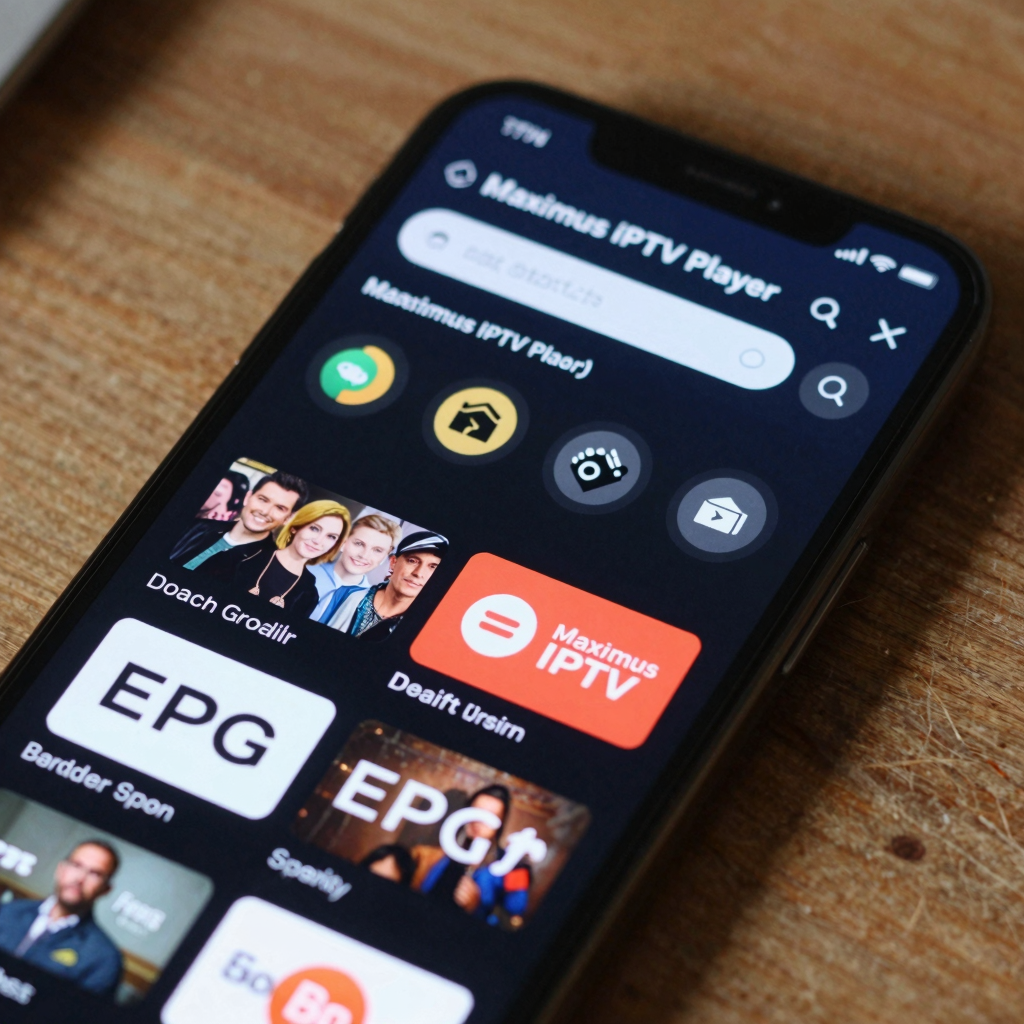
- More international choice. Many IPTV services carry channels from around the world. Maximus groups live TV by country with country filters, so a large international lineup stays manageable.
- Live and on-demand in one place. Along with live channels, most providers include movies and series. Maximus puts them in one library with universal search across live TV, movies and series.
- A guide that works like an app. An EPG (Electronic Program Guide, the timeline of what's on now and next) with filters for Sports, Movies, Kids and Favorites is quicker to scan than scrolling a cable box one channel at a time.
- More flexible commitments. Many IPTV services don't lock you into the long contracts and equipment rentals common with cable. Check the terms before you sign up.
- Viewing that fits real life. Favorites, Continue Watching, subtitle and audio track selection, and offline downloads of movies and episodes are hard to get from a traditional cable box.
What Do You Lose When You Leave Cable?
This is the part most "IPTV is better" articles skip.
- A dedicated network. Cable TV runs on infrastructure built just for video. IPTV shares your home internet with everything else, so a weak router or busy evening connection can show up as buffering.
- One company to call. With cable, one support line covers the signal, the box and the channels. With IPTV, your internet provider, your IPTV provider and your player app each handle their own part.
- Consistent quality. Cable picture quality is fairly predictable. IPTV quality depends on your provider's servers, so it can vary a lot from one service to the next.
- Some local extras. Depending on where you live, local channels or regional programming may not be part of an IPTV lineup. Check before you cancel.
- The traditional DVR. If you rely on recording live shows, plan around it. Maximus offers offline downloads of movies and series episodes from your library, and the Continue Watching row helps you pick up on-demand titles later.
- A little setup time. Adding a source, picking favorites and learning the guide takes an evening, not a technician visit.
None of these are deal-breakers for most people, but each is worth a moment's thought.
How Much Internet Speed Do You Need for IPTV?
Your connection is now your "cable line," so it's worth checking. Rough, widely used guidelines per stream:
- Standard definition: about 3 Mbps
- HD (720p to 1080p): about 5 to 8 Mbps
- 4K: about 25 Mbps
Those numbers add up when several people watch at once. For big games and 4K, a wired connection or a strong 5 GHz Wi-Fi signal makes a real difference. If you're on a capped mobile or home plan, see how much data IPTV streaming uses. If you've already had trouble, our guide to why IPTV buffers and how to stop it walks through the fixes.
Is IPTV Legal?
The technology is completely legal, and many broadcasters, telecom companies and streaming services deliver TV this way. What matters is the provider. A legitimate service has the rights to the channels it sells.
A few signs you're dealing with a legitimate service:
- Clear company details, terms of service and customer support
- A lineup that makes sense for the rights it claims to hold
- Normal payment methods and a real refund policy
Maximus plays whatever legal source you add. It doesn't include, recommend or link to any channels, so choosing a lawful provider is up to you.
Which Devices Work Best After You Cut the Cord?
One of IPTV's biggest wins over cable is device choice. Here's how Maximus fits in:
- iPhone and iPad: The App Store version runs on both. It also runs on Macs with Apple M1 or later and on Apple Vision. On iOS, iCloud keeps playback progress in sync between iPhone and iPad.
- Android phones and tablets: The Google Play version adds Picture-in-Picture and background playback.
- Android TV and Google TV: The same Google Play listing installs a native TV interface built for the remote, which is the closest thing to a cable-box experience.
- Apple TV: There's no Apple TV app. You watch on Apple TV by using AirPlay (Apple's wireless streaming) from an iPhone or iPad. Our Apple TV IPTV guide covers the setup.
- Chromecast TVs: From an iPhone or iPad you can also cast with Chromecast (Google's casting technology).
What Should You Look For in an IPTV Player?
A good player is what makes IPTV feel like an upgrade over cable instead of a hobby project. Look for:
- Easy source setup: Xtream Codes and M3U/M3U8 support on both platforms. On iOS you can also add a source by QR code or from a file.
- A real TV guide: An EPG timeline with Sports, Movies, Kids and Favorites filters.
- Organization at scale: Live channels grouped by country, plus universal search across live TV, movies and series.
- Multiple sources, one library: Combine more than one subscription without switching apps.
- Family features: A parental lock that hides adult content behind a PIN, with Face ID on iPhone and iPad.
- Privacy: No ads, no tracking, and your login details stay on your device.
Maximus covers all of these. It's free to download, with an optional Premium subscription.
How Do You Switch From Cable Without Missing Anything?
- List what you actually watch. Write down your must-have channels, sports and shows. This becomes your checklist for choosing a provider.
- Test your internet. Run a speed test in the room where you watch most, at the time of day you usually watch.
- Pick a legal IPTV provider that carries your must-haves, ideally one with a trial.
- Install Maximus on the devices you'll use and add your source.
- Run both side by side for a couple of weeks. Watch your usual shows and a big live event over IPTV before you cancel cable.
- Set it up for the household. Add favorites, turn on the parental lock if you have kids, and show everyone the guide.
- Cancel cable once you're confident nothing important is missing.
If live sports are the main reason you kept cable, read the best IPTV setup for sports fans before step 5.
FAQ
Do I need a set-top box for IPTV?
No. A phone, tablet, Android TV or Google TV device can play IPTV directly. On Apple TV, you stream from an iPhone or iPad over AirPlay.
Can IPTV handle live sports?
Yes, if your provider carries the events and your connection is solid. Live sports are where a wired connection and a quality provider matter most, because fast motion is hardest to stream smoothly.
Will IPTV buffer more than cable?
It can, because it depends on your home internet and your provider's servers. A strong connection, a good router and a reputable provider solve most buffering.
Is Maximus an IPTV provider?
No. It's a player. You add your own legal subscription using an Xtream Codes login or an M3U/M3U8 playlist, and Maximus organizes and plays it.
Can I use one app on both iPhone and Android?
Yes. Maximus is on both the App Store and Google Play. Progress syncs between iPhone and iPad through iCloud, but not between iOS and Android.
Is Switching Right for You?
If you mostly watch a few favorite channels, want TV on more screens, or care about international programming, IPTV is usually a better fit than cable. If you depend on a DVR, have unreliable internet, or want one company to handle everything, take the gradual route above and switch only when it's working for you.
When you're ready, download Maximus IPTV Player on the App Store for iPhone, iPad and Apple Silicon Macs, or on Google Play for Android phones, tablets and Android TV. Then bring your own legal subscription and give it a proper trial run.
Written by
Maximus IPTV Team