iptv-org Playlists: How to Load Them in an IPTV Player
If you have spent any time searching for free IPTV channels, you have probably landed on a GitHub project called iptv-org. People find it, see a long list of links ending in .m3u, and then wonder what to do with them. This guide explains what iptv-org is, how its playlists work, and how to load one into Maximus IPTV Player on your iPhone, iPad or Android device. One thing first: Maximus IPTV Player is a player app. It does not provide channels, playlists or subscriptions. It plays the sources that you add yourself, and what you add is your responsibility.
Key Takeaways
- iptv-org is a community-maintained collection of publicly listed stream links, published as M3U playlists on GitHub. It is not a service and it is not a provider.
- An M3U playlist is just a text file that lists channel names and stream addresses. Any M3U-capable player can read it, and Maximus IPTV Player supports M3U and M3U8 on both iPhone/iPad and Android.
- Loading a list takes about 3 steps: copy the playlist URL, add it as a source, wait for the channel list to build.
- Public lists change constantly. Streams go offline, move or get blocked in your region, so expect some channels to fail, and don't judge a player by a dead link.
- Check what you are allowed to watch. Availability and rules differ by country, so you are responsible for the content you load.
What is iptv-org, exactly?
iptv-org is an open-source project hosted on GitHub. Volunteers collect links to streams that broadcasters make publicly available, then organize them into playlists. The project describes itself as a collection of publicly available channels, and it gives you the lists, not the content. That distinction matters. Nothing in the repository is hosted by Maximus, and nothing in it is a subscription you can buy from us or anyone else through this app.
The playlists are grouped in several ways: one big index, and then smaller lists split by country, by language and by category such as news or sports. The main index is a single file, and the grouped ones are the practical choice because you can load only the countries you care about instead of everything at once.
A quick glossary, since the jargon is where most people get lost:
- IPTV means Internet Protocol Television: TV delivered over an internet connection instead of an antenna or cable box.
- M3U is a plain-text playlist format. Each entry has a channel name and a stream address.
- M3U8 is the same idea in UTF-8 text encoding, and it is commonly used with HLS streams.
- HLS (HTTP Live Streaming) is a streaming method that delivers video in short chunks, so a player can adapt to your connection speed.
- EPG (Electronic Program Guide) is the schedule data that powers a TV-guide grid with what is on now and next.
Does iptv-org give you channels or just links?
Just links. This is the point that confuses the most people, so it is worth being blunt. A playlist is a list of addresses. Whether a given address still works depends entirely on the broadcaster who runs the stream, not on the player and not on the people who maintain the list.
That has a few practical consequences:
- Some streams are free-to-air channels that a broadcaster offers online. Others may only work inside one country.
- A link that worked last week can be dead today. A public list of thousands of entries will always contain a share of broken ones.
- Quality varies. Some streams run in HD, plenty run in SD, and a few are low-bitrate feeds meant for a small player window.
- Most public lists carry no schedule data, so do not expect a full TV guide for every channel.
Treat a public list the way you treat a bookmark folder: useful, but it needs occasional cleaning.
How do you add an iptv-org playlist to Maximus IPTV Player?
The process is the same idea on both platforms. Here is the short version.
- Pick a list. Open the iptv-org project page on GitHub and find the playlist you want. For a first try, choose a single country list rather than the full index. A smaller file loads faster and is easier to check.
- Copy the playlist URL. It will end in .m3u. Copy the address itself, not the web page that shows the text.
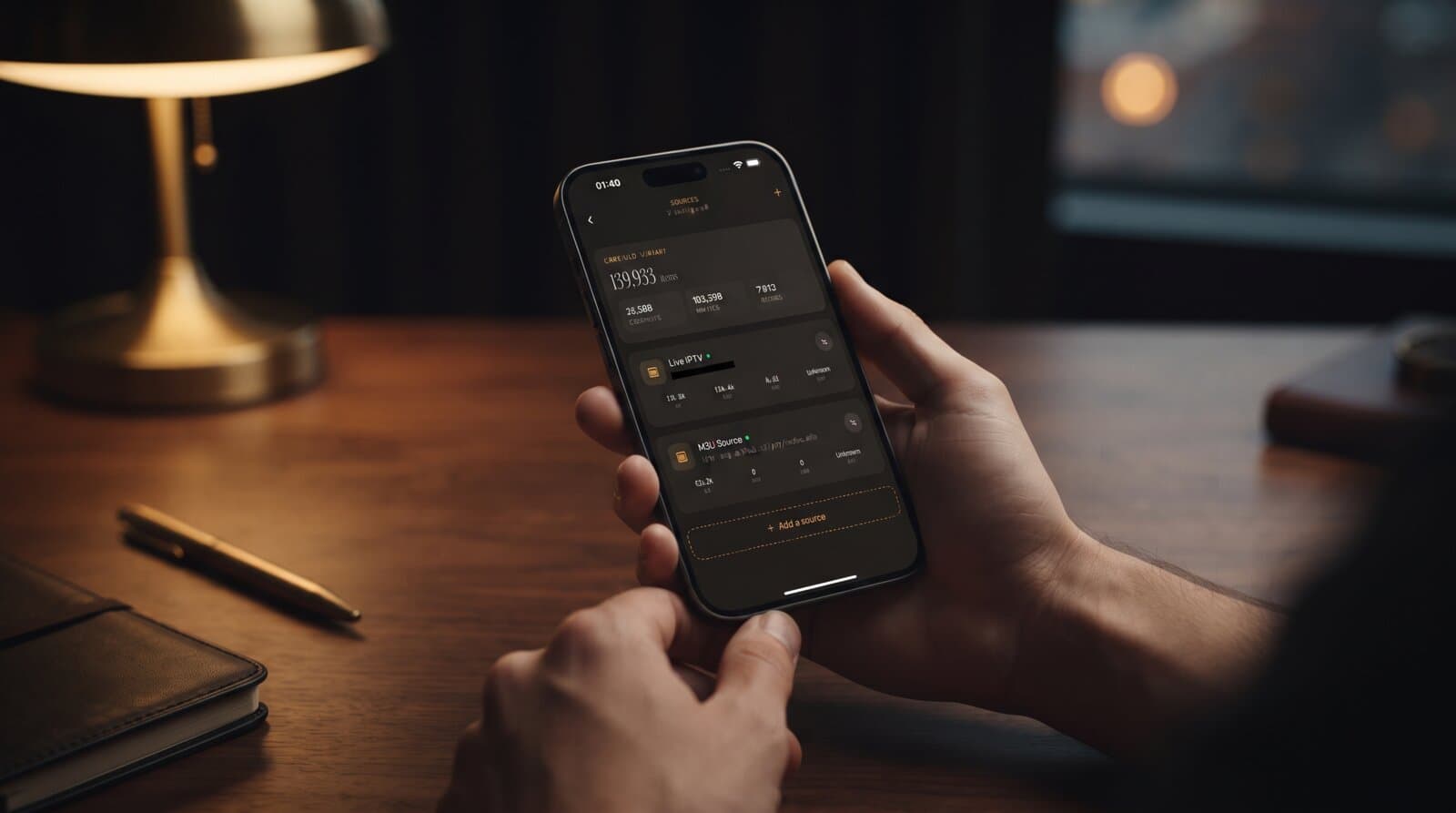
- Add it as a source. In Maximus IPTV Player, open the Sources screen and choose Add a source, then pick the M3U option and paste the address. On iPhone and iPad you can also add a source from a file or a QR code, which helps if you downloaded the list to your device.
- Wait for the library to build. The app reads the file and groups channels. Large lists can take a moment, so give a big file a minute before you decide something is wrong.
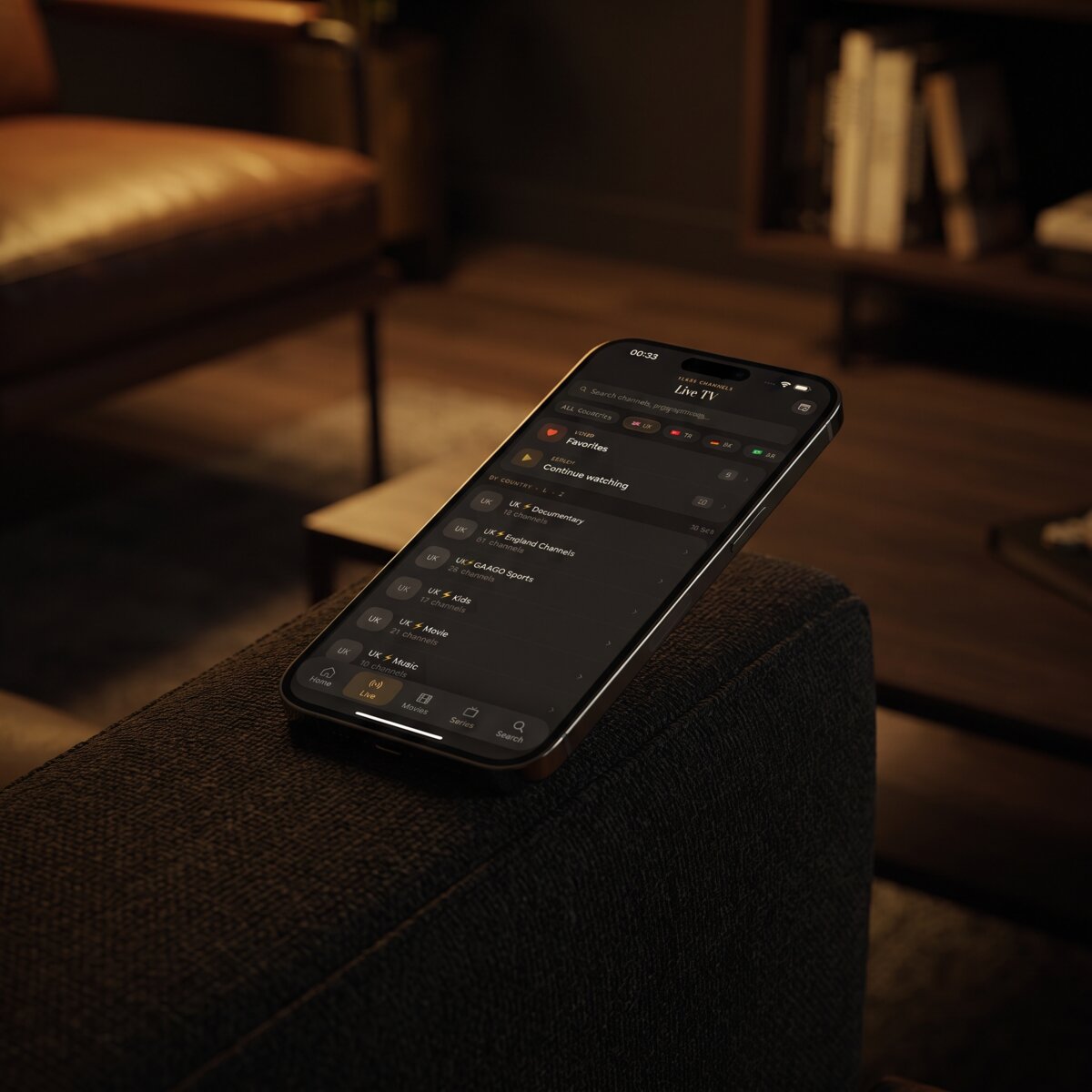
After that, your channels appear in Live TV, grouped by country where the list provides that information, and you can mark favorites as usual.
Why do some channels in a public M3U list not play?
Almost every first-timer hits this, so here is a checklist of the common reasons, roughly in order of how often they cause trouble:
- The stream is offline. The broadcaster moved or removed it. Nothing in your player can fix that.
- Geo-restriction. Some broadcasters only allow viewers in a specific country. A stream may work for a viewer in one place and fail in another.
- A format the stream does not serve to everyone. Some links require specific headers or a particular app, and a plain player cannot use them.
- A weak connection. Live video at HD needs a steady connection. As a rough rule, plan for several megabits per second per stream; our data usage guide goes into the numbers.
- A stale copy of the list. If you imported a file weeks ago, many entries may have changed since. Refreshing the source from its URL is better than keeping an old download.
If a whole list fails, and not just a handful of channels, the problem is usually the URL. Make sure you copied the raw playlist address and not the GitHub page that displays it. If that was not the issue, our guide to playlists that stop working walks through the rest.
Should you load the full list or a country list?
Load a smaller one. A huge index can contain thousands of entries, and most of them will be channels you will never open. That makes the channel list slow to scroll and hard to search. Here is a simple way to decide:
- Country list — best for a first test, and for anyone who wants local-language channels.
- Category list — useful if you only want one kind of channel, such as news.
- Full index — only worth it if you like to browse and do not mind a long, messy list.
You can also add more than one list, because Maximus IPTV Player supports multiple sources in one library. That means you can keep a public list next to your own sources without mixing the two up. If you want to understand how that works, read about multiple IPTV sources in one app.
How do you keep a public playlist usable over time?
A public list is a moving target, so a little routine saves a lot of frustration:
- Favorite what works. When you find a channel you actually watch, add it to Favorites. The ones you rely on are then a tap away, and you do not have to scroll past dead entries.
- Refresh from the URL now and then. Adding the list by its address, not as a one-time file, lets the app pull the current version. On Android, source refresh is part of Premium, which you can try free for 7 days on the monthly and annual plans.
- Prune what never loads. If a channel has been dead three times in a row, it is probably gone.
- Expect no guide data. If you want a full TV-guide timeline, you need a source that provides schedule data. Our page on the EPG in IPTV explains how that works.
Is it legal to use iptv-org lists?
The honest answer is: it depends on what is in the stream and where you live. The project's own position is that it lists publicly available channels, and a player app simply plays the address you give it. But a link being public does not make every use of it allowed everywhere. Rules about retransmission, regional licensing and what you may watch differ between countries.
So keep it simple:
- Use sources you have the right to watch.
- Do not load playlists that claim to unlock paid channels for free.
- If you are unsure about a stream, leave it out.
Maximus IPTV Player is built for your own legal subscriptions and playlists. We do not provide, sell or endorse any playlist, and we do not recommend any provider. That is also why the app collects no tracking data and shows no ads: your credentials and sources stay on your device.
Frequently Asked Questions
Is iptv-org the same as Maximus IPTV Player? No. iptv-org is an independent open-source project that publishes playlists. Maximus IPTV Player is an app that can play an M3U playlist. The two are not affiliated.
Does Maximus IPTV Player include any channels? No. The app has no channels of its own. You bring the source, whether that is a playlist URL, an M3U file or an Xtream Codes login, and the app plays it.
Why does the app show the playlist as loaded but some channels will not open? Loading only means the file was read. Each stream still has to be live and reachable from where you are. Dead or region-locked streams are normal in any public list.
Can I use the same list on iPhone and Android? Yes. The same URL works on both, because M3U is a standard format. Your library does not sync between an iPhone and an Android phone, though, so you add the source on each device.
Is the app free? It is free to download. On Android, Premium unlocks the full TV guide, offline downloads, parental lock, source refresh and multiple sources, with a 7-day free trial on the monthly and annual plans.
Conclusion
iptv-org is a handy starting point if you want to test a player with public M3U lists: pick a country list, paste its address, and see how the app handles a real source. Just remember what it is. It is a list of links, not a channel service, and some of those links will always be broken. Start small, favorite what works, and only load content you are allowed to watch.
Ready to try it? Download Maximus IPTV Player from the Apple App Store for iPhone and iPad, or from Google Play for Android phones, tablets and Android TV.
Written by
Maximus IPTV Team