IPTV on VLC: When It Works and When You Need a Player
If you already have an M3U link and a copy of VLC on your laptop, it is tempting to stop there. Plenty of people do, and for a quick test it works. This guide shows exactly how IPTV on VLC works, where it starts to feel clunky, and what a dedicated app like Maximus IPTV Player adds on iPhone, iPad and Android. Maximus is a player only: it does not provide channels or playlists, and you bring your own legal subscription or source.
Key Takeaways
- VLC can open an M3U playlist, so it is a fair way to check that a link is alive.
- VLC is a general media player. It has no Xtream Codes login, so you need the playlist URL itself.
- Long channel lists, a TV guide timeline and quick channel switching are where a dedicated IPTV player pulls ahead.
- Maximus IPTV Player supports Xtream Codes logins and M3U/M3U8 playlists on both iOS and Android.
- Neither app supplies content. You need a legal source of your own.
Can VLC play IPTV at all?
Yes. VLC is a free, open-source media player from the VideoLAN project, and it can open network streams. An IPTV channel is, at bottom, a stream address, and a playlist is a text file that lists many of them. VLC understands that file format.
Two terms are worth defining before we go on. M3U is a plain-text playlist format: a list of stream addresses, usually with a name and a group for each channel. M3U8 is the same idea saved in UTF-8 text, and it is also the extension used for HLS streams. HLS (HTTP Live Streaming) is a method of delivering video as many short chunks, typically a few seconds each, so a player can adapt to your connection.
Because VLC treats an M3U like any other playlist, you can load it and click through the entries. That is a perfectly good way to answer one question: is this link working at all?
How do you open an M3U playlist in VLC?
The steps are short on a desktop.
- Open VLC and choose Media, then Open Network Stream.
- Paste the full playlist URL, which usually ends in .m3u or .m3u8, and press Play.
- Open the playlist view and double-click a channel.
If you saved the playlist as a file, you can also drag it into the VLC window. VLC mobile apps work in a similar way, although where the menus sit depends on the version you have.
If nothing plays, the cause is almost always the link, not the player. Check that the URL is complete, that your subscription is active, and that you have not exceeded the number of devices your provider allows. Our guide on playlists that stop working walks through the usual suspects in order.
What happens when the playlist has thousands of channels?
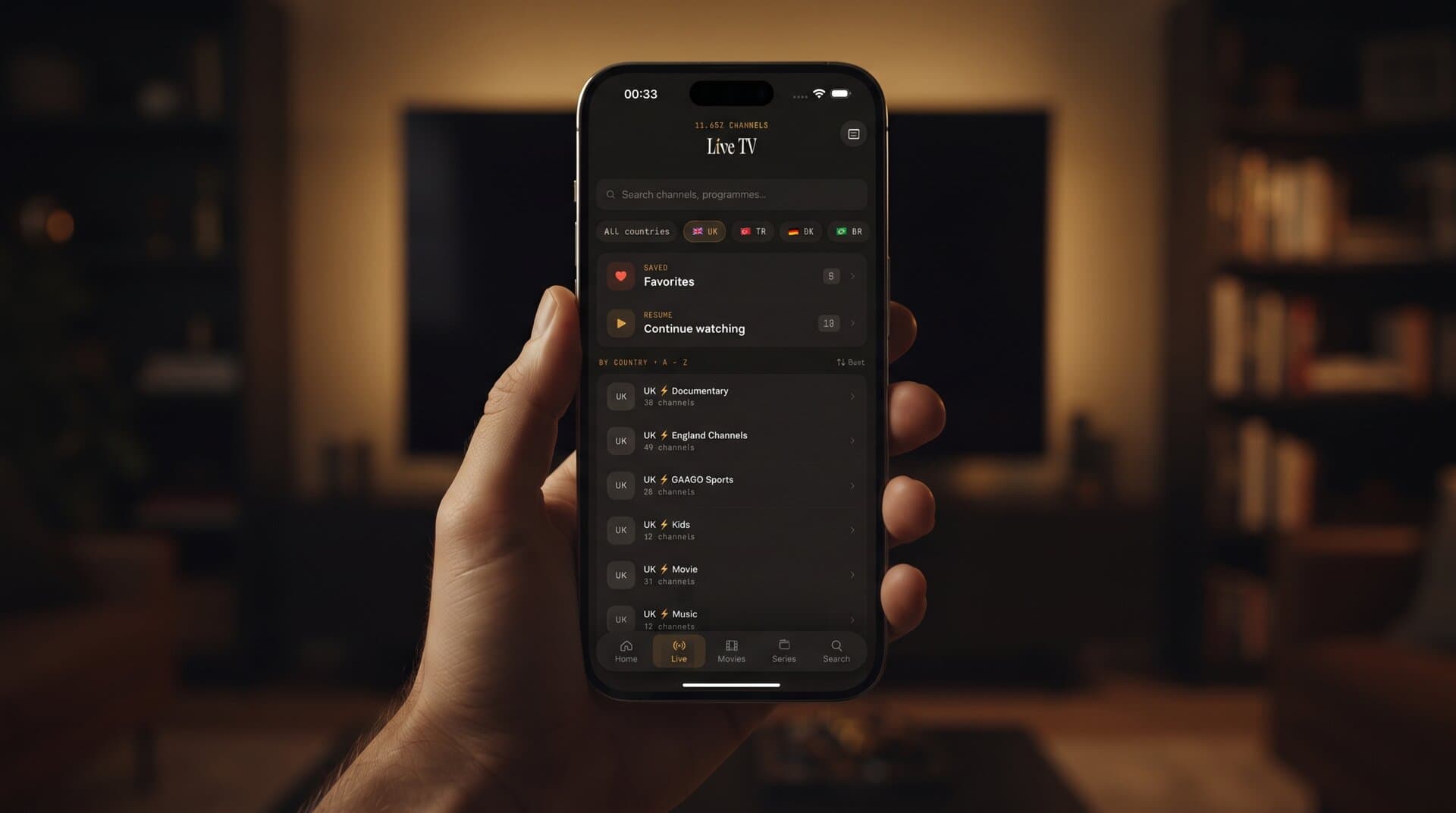
This is the first place VLC starts to feel like the wrong tool. A single IPTV subscription can contain well over 10,000 live channels, plus tens of thousands of movies and episodes. A media player's playlist panel is a flat list built for songs and video files, not for browsing a television lineup.
You can search it, and that helps. But you do not get country filters, favourite shelves or a guide that shows what is on right now. For a few channels that is fine. For a whole subscription it turns into scrolling and guessing.
Does VLC give you a TV guide?
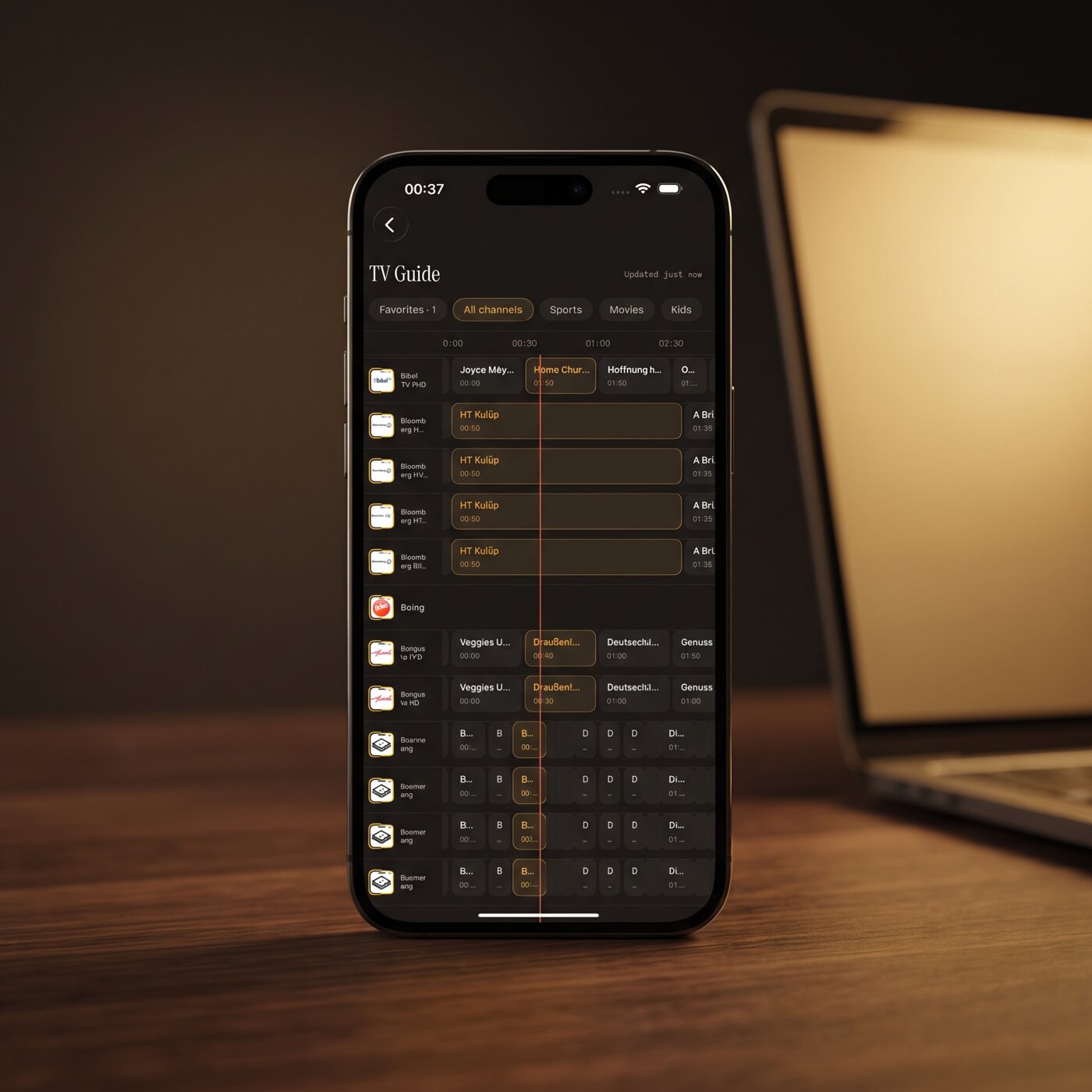
An EPG (Electronic Program Guide) is the grid that shows what is on each channel now and next, laid out along a timeline. It comes from guide data supplied with your source. VLC is not built around that grid. You can see what a stream is currently labelled, but you will not get the browsable timeline you know from a cable box.
Maximus IPTV Player includes a real EPG timeline on iPhone, iPad and Android, with Sports, Movies, Kids and Favorites filters. If you want to know how to find what is on tonight, that is the difference you will feel most.
What about Xtream Codes logins?
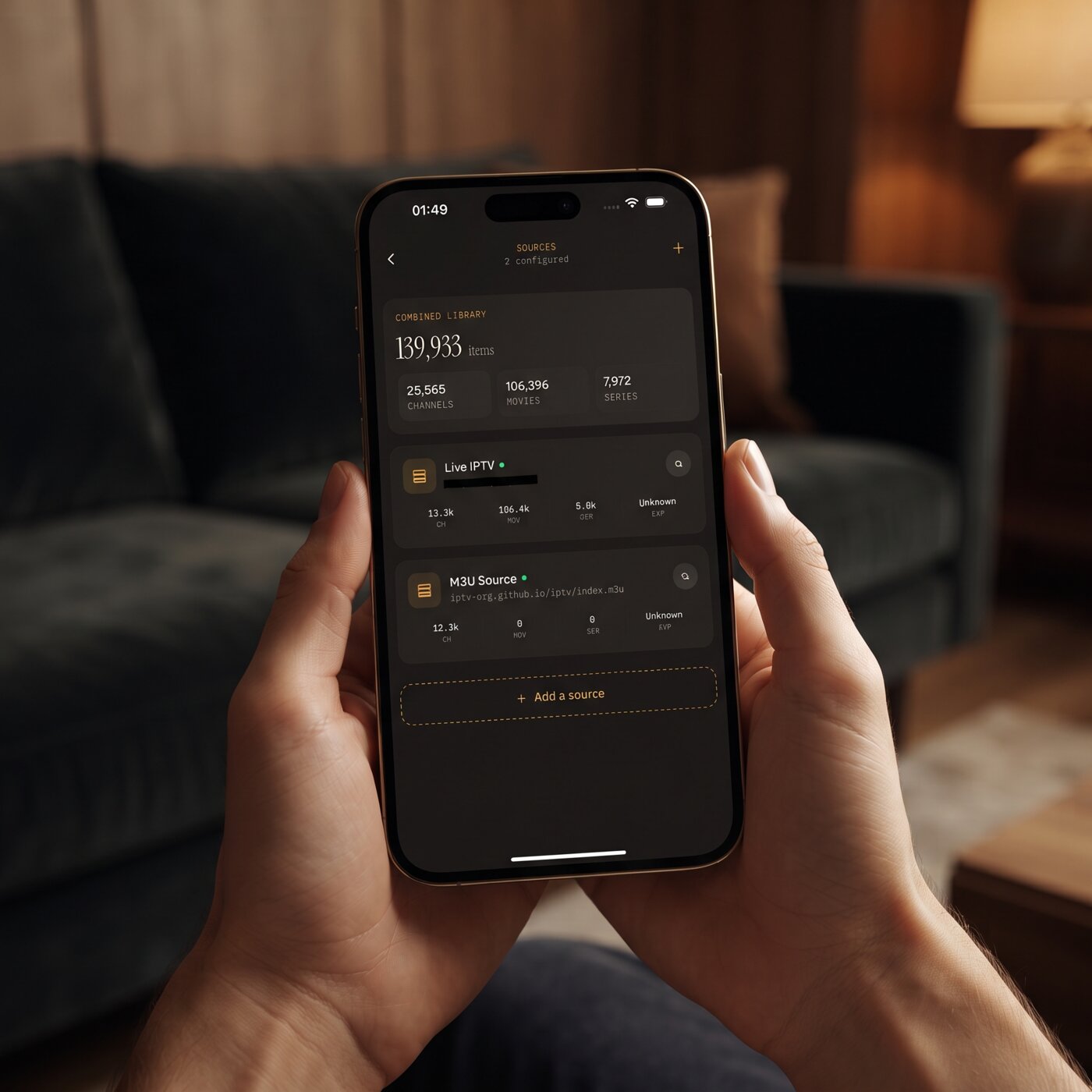
Many providers hand you a server address, a username and a password instead of a playlist link. That is the Xtream Codes login format. A dedicated player can use those three values directly and pull in live TV, movies, series and guide data for you.
VLC has no Xtream Codes login screen. Some people build a playlist URL by hand from the three values, but that is fiddly and easy to get wrong. In Maximus IPTV Player you enter the details once, and the app does the rest on iPhone, iPad and Android. If you want the background, read what an Xtream Codes API actually does or our step-by-step on adding an Xtream login on iPhone.
Where does VLC fall short for everyday viewing?
None of these is a flaw in VLC. It simply was not designed for living-room TV. Here is what you tend to miss after the first week:
- Browsing. Country groups, favourites and a home screen are absent. You live in a long list.
- Guide data. There is no timeline of what is on and what is next.
- Resume. Live channels have no "continue watching" shelf, so you go looking for what you were watching yesterday.
- Multiple sources. If you have two providers, you juggle two playlists instead of one library.
What does a dedicated IPTV player add?
Here is the short version, for an iPhone or iPad user who already has a playlist or Xtream login.
- A real library. Live TV grouped by country, a movies and series section, and universal search across them.
- Favorites and Continue Watching. The channels you actually use are one tap away.
- Several sources in one place. Maximus lets you combine more than one source into a single library.
- Subtitle and audio track selection, and playback in 4K, HD or SD as your stream and device allow.
- Offline downloads of movies and episodes where your source permits it.
- A PIN parental lock for adult content.
- No ads and no tracking. Your credentials stay on your device.
You can see the multi-source idea in practice in our post on multiple IPTV sources in one app.
Is VLC still worth keeping?
Absolutely. Keep it as your testing tool. When a channel will not play in your IPTV app, opening the same URL in VLC tells you whether the stream itself is dead or whether something is wrong in your player. It is a neutral second opinion, and it costs nothing.
On a Mac or PC it is also handy for checking a stream's codec or resolution. Think of VLC as the multimeter and a dedicated player as the television.
How do you move from VLC to Maximus IPTV Player?
If you already have a working playlist or Xtream login, the move takes a couple of minutes.
- Install Maximus IPTV Player on your iPhone or iPad from the App Store, or on your Android phone, tablet or Android TV from Google Play.
- Add your source. On both platforms you can enter an Xtream Codes login or an M3U/M3U8 playlist URL. On iOS you can also add a source by QR code or file.
- Let the library load, then star a few favourites.
- Open the TV Guide and try the Sports or Movies filter.
The app is free to download. On Android, Premium unlocks things like the full TV guide, offline downloads, parental lock and multiple sources, with a 7-day free trial on the monthly and annual plans.
FAQ
Can VLC play IPTV on iPhone? VLC has mobile versions and can open network streams, so a working playlist link may play. You will still be missing the guide, country grouping and favourites that an IPTV-focused app provides.
Does VLC support Xtream Codes? Not as a login. You would need a playlist URL, and a dedicated app handles the three Xtream values for you.
Why does a channel play in VLC but not in my app? Possible causes include a different network, a limit on simultaneous connections, or a setting in the app. Test again on the same network and check your provider's device limit.
Does Maximus IPTV Player include channels? No. Maximus is a player. You supply your own legal playlist or subscription.
Can I cast from Maximus? On iPhone and iPad you can use AirPlay and Chromecast. The Android app does not cast; on Android TV it plays natively.
Conclusion
VLC is a dependable way to prove a playlist works, and every IPTV user should know the Open Network Stream trick. For watching every day, though, a player designed around live TV saves a lot of scrolling. Maximus IPTV Player is free to download: get it on the Apple App Store for iPhone and iPad, or on Google Play for Android phones, tablets and Android TV.
Written by
Maximus IPTV Team