Maximus IPTV Player on Google Play: What Android Users Get
If you've been watching your IPTV subscription on an iPhone or iPad and wishing your Android devices had the same experience, the wait is over. Maximus IPTV Player started out on the Apple App Store and is now on Google Play too. One listing covers Android phones, tablets and Android TV / Google TV. It's the same player with the same core features, and now you can watch in even more places.
This isn't a stripped-down "lite" version. The Android app includes a real program guide, live TV organized by country, a movies and series library, universal search, offline downloads and a PIN parental lock. It also has a couple of features the iOS app doesn't. If you've put off IPTV on Android because the players felt clunky or unfinished, here's what you get, what's different, and how to get started.
Key Takeaways
- Maximus is on Google Play for Android phones, tablets and Android TV / Google TV, all from a single listing.
- Android TV and Google TV get a native interface built for your remote, so you watch on the TV itself.
- Both Android and iOS support Xtream Codes logins and M3U/M3U8 playlists, an EPG timeline, subtitle and audio tracks, Favorites, Continue Watching, offline downloads and a parental lock.
- Android phones and tablets add Picture-in-Picture and background playback. The Android app doesn't cast, though. Casting with AirPlay and Chromecast is only in the iPhone and iPad app.
- The app is free to download. Premium on Android unlocks the full TV guide, offline downloads, parental lock, source refresh and multiple sources, and the monthly and annual plans start with a 7-day free trial.
What Just Changed for Android IPTV Fans?
For a long time, Maximus was an Apple-only app. That was great if you had an iPhone or iPad, but no help if your everyday phone was a Samsung, a Pixel or another Android device. Now you can install it like any other app: search Google Play, tap install, add your own legal IPTV subscription or playlist, and start watching.
The Android release also reaches the living room. Android TV and Google TV are on the same listing, with an interface designed for your remote rather than a phone layout blown up to TV size. If you've been looking for one IPTV player for your phone, your tablet and your smart TV or streaming box, the Android version covers all three.
What Does Maximus Actually Do?
Maximus IPTV Player plays and organizes IPTV content you already have legal access to. It doesn't sell streams, provide channels or endorse any source. It connects to your provider in one of two ways:
- Xtream Codes: a login made up of a server address, username and password, which many providers email when you sign up.
- M3U/M3U8 playlists: simple text files or links that list stream addresses. M3U8 is the UTF-8 version of M3U, and both are standard ways to deliver a channel lineup.
Maximus then turns that into something that feels like a modern streaming app instead of a raw list of files.
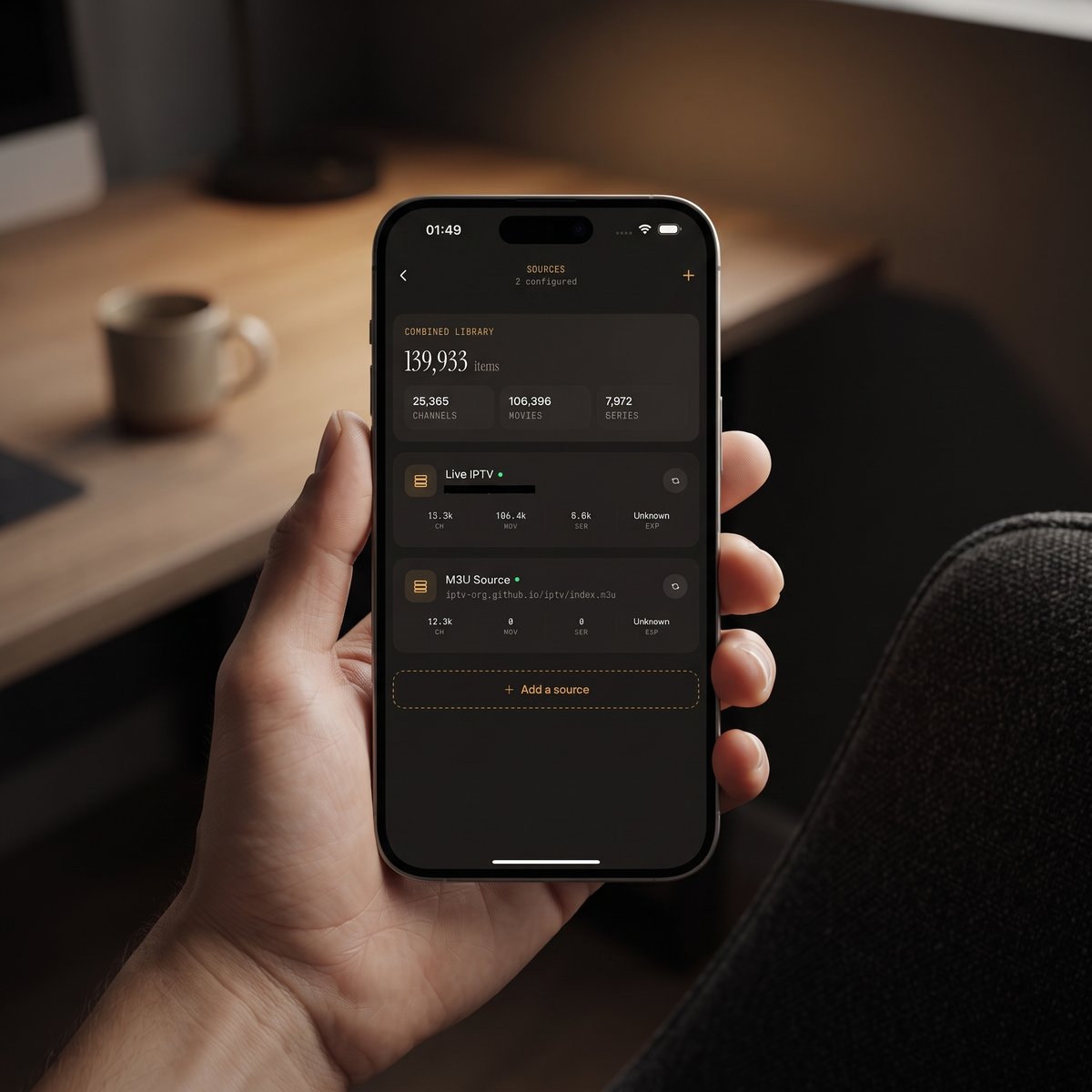
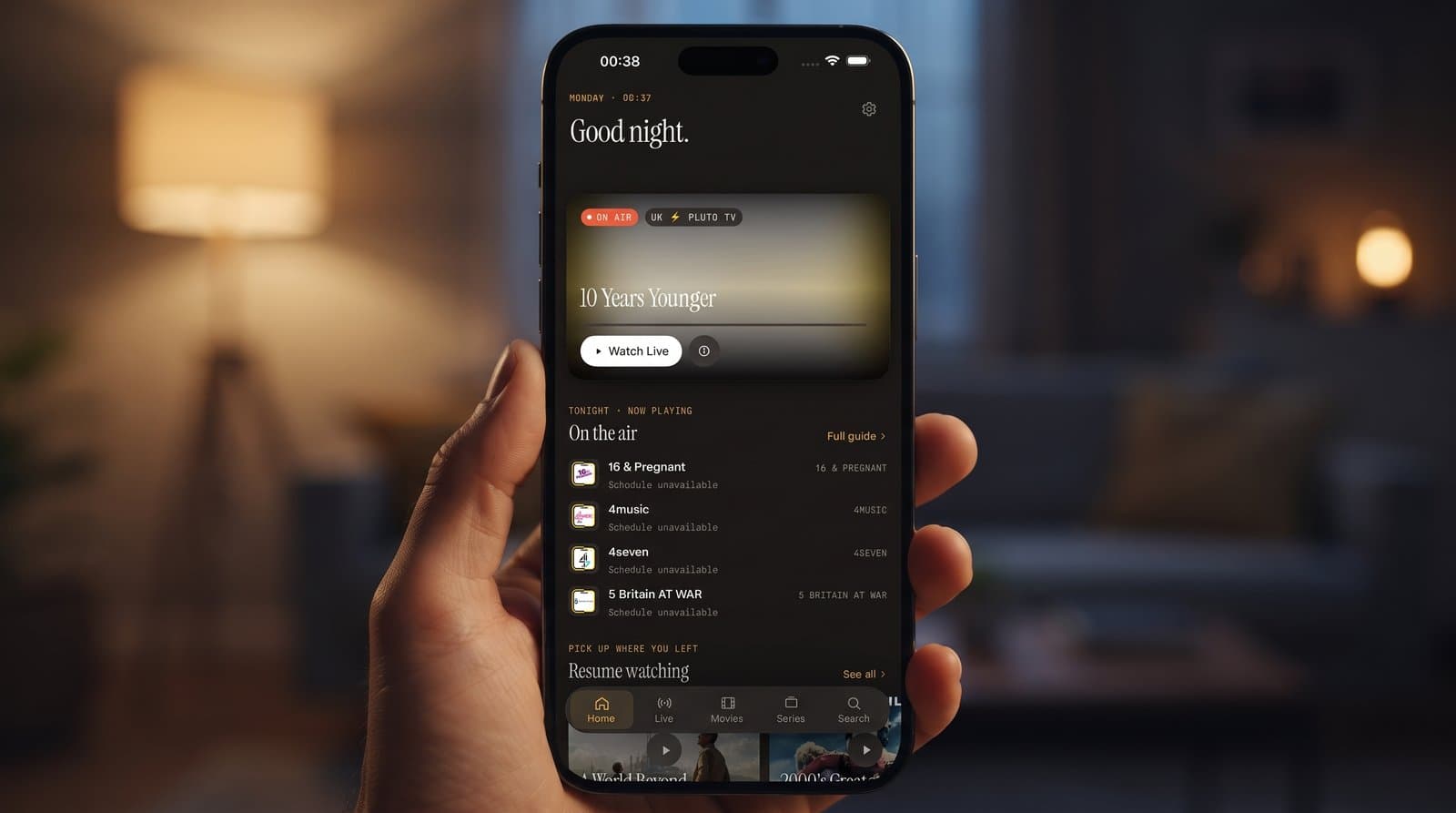
In practice, you get an EPG (Electronic Program Guide), a timeline that shows what's on now and later across your channels, with filters for Sports, Movies, Kids and Favorites. Live channels are grouped by country, with country filters, which helps if your lineup spans several regions. Movies and series sit in their own library, and universal search covers live TV, movies and series all at once. Favorites and Continue Watching mean you won't lose your place halfway through an episode. You can also combine several sources into one library instead of juggling separate apps. There are no ads and no tracking, and your login details stay on your device.
How Do You Get Set Up on Android?
Setup takes a few minutes on a phone, tablet or TV:
- Search "Maximus IPTV Player" on Google Play, or open the listing directly, and install it for free.
- Open the app and add a source: enter your Xtream Codes login or paste your M3U/M3U8 playlist link.
- Let the app load your channels, movies and series. Then use universal search to jump straight to what you want instead of scrolling.
- If you share the device, set up the parental lock. A PIN hides adult content, and on Android the lock turns itself back on automatically.
- Open the EPG to see what's live right now, or head to the movies and series library for on-demand viewing.
For a screen-by-screen walkthrough, see our Android phone setup guide. If you're coming from another player, our switching guide covers what to gather first.
What's Different Between the Android and iOS Versions?
The two versions share almost all their features, but a few platform differences are worth knowing before you switch phones or recommend the app to a friend:
- Devices: Android covers phones, tablets and Android TV / Google TV. iOS covers iPhone, iPad, Macs with Apple M1 or later (running the iPad app) and Apple Vision. There's no Apple TV app.
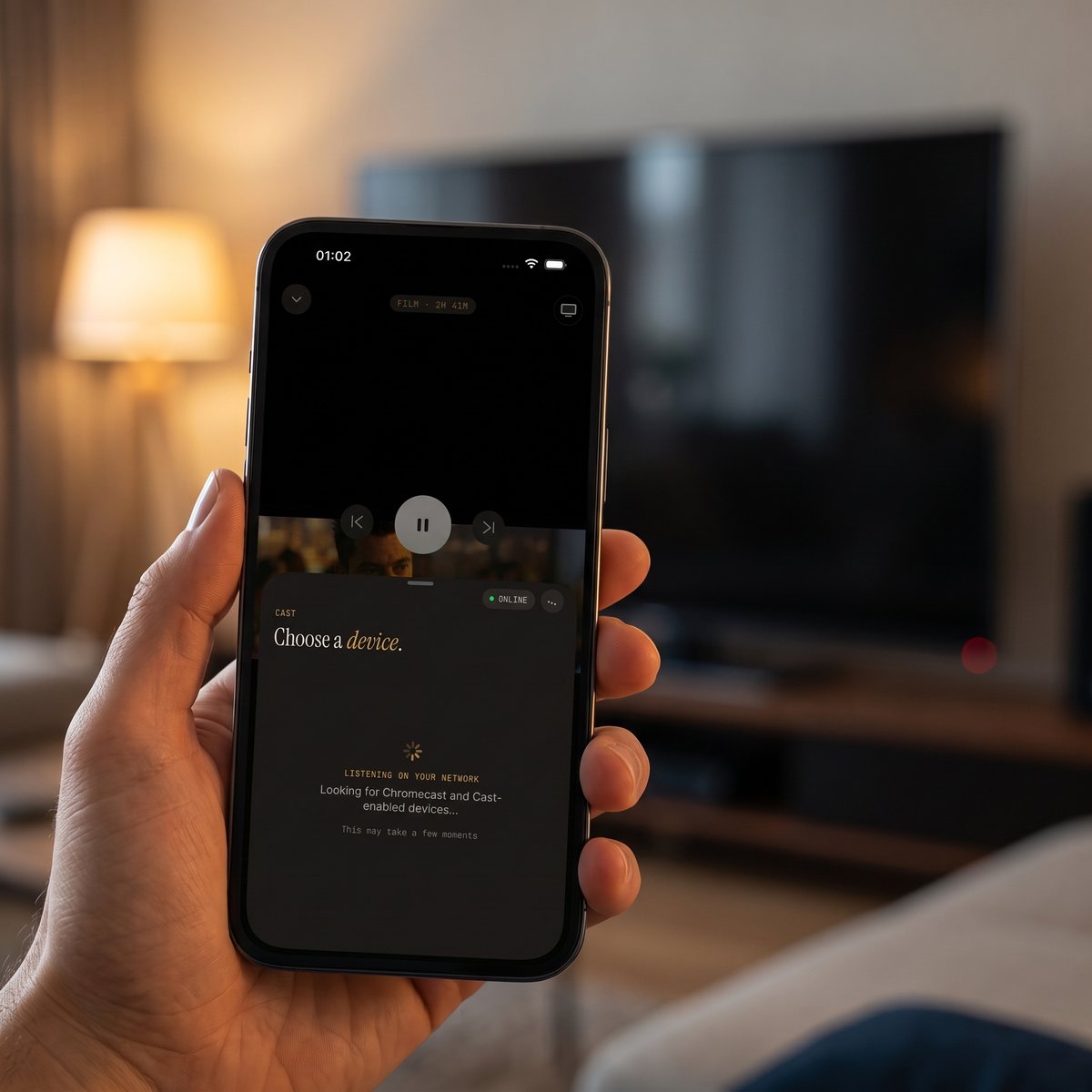
- Getting to a TV: On Android, you install Maximus on an Android TV or Google TV. On iOS, you cast from an iPhone or iPad with AirPlay (Apple's wireless streaming technology) or Chromecast (Google's casting standard). AirPlay is the only way to watch Maximus on an Apple TV.
- Casting: Only in the iOS app. The Android app has no Chromecast or other casting option.
- Picture-in-Picture and background playback: Android phones and tablets can keep a stream in a floating window or play audio in the background. The iPhone and iPad app doesn't offer Picture-in-Picture.
- Adding sources: Both support Xtream Codes and M3U/M3U8. iOS can also add a source by scanning a QR code or importing a file.
- Sync: iOS syncs your playback progress between iPhone and iPad through iCloud. Nothing syncs between iOS and Android, so set up each platform separately.
For a closer look at how the platforms compare on phone, tablet and TV, read iPhone vs Android for IPTV.
How Do You Watch Maximus on a TV From Android?
The easiest way is to install Maximus on the TV. If your TV or streaming box runs Android TV or Google TV, open Google Play on it, find Maximus, and install it from the same listing you used on your phone. The TV version is designed to be used from the couch with your remote.
What you can't do is cast from the Android phone or tablet app. There's no cast button on Android, so the phone won't send video to a Chromecast. It won't send to an Apple TV either, because Apple TVs use AirPlay, which only works from Apple devices. If your TV doesn't run Android TV or Google TV, an iPhone or iPad with the iOS app can cast to it with AirPlay or Chromecast, depending on what the TV supports.
Is Maximus Free to Use?
Yes, it's free to download on both Google Play and the App Store. There's an optional Premium subscription for more features. On Android, Premium unlocks the full TV guide, offline downloads, parental lock, source refresh and multiple sources. The monthly and annual plans start with a 7-day free trial, so you can try everything before you decide. Your channels still come from your own IPTV provider, and that subscription is separate from Maximus.
Frequently Asked Questions
Does Maximus IPTV Player provide IPTV channels or streams?
No. It's a player and organizer for content you already have legal access to through your own IPTV subscription or playlist. It doesn't sell, host or endorse any streams or providers.
Is Maximus available on Android TV or Google TV?
Yes. Android TV and Google TV are on the same Google Play listing as the phone and tablet app, with a native interface built for your remote.
Why can't I cast from my Android phone to an Apple TV?
Two reasons. The Maximus Android app doesn't include casting, and Apple TVs use AirPlay, which only works from Apple devices. To watch Maximus on an Apple TV, AirPlay from the iPhone or iPad app.
Do I need Premium to use the app?
No. It's free to download and start using. Premium on Android adds the full TV guide, offline downloads, parental lock, source refresh and multiple sources, with a 7-day free trial on the monthly and annual plans.
Will my sources and progress sync between my iPhone and my Android tablet?
No. There's no syncing between iOS and Android, so set up your sources on each platform. On Apple devices, iCloud syncs your playback progress between iPhone and iPad.
Where to Download Maximus
Whether you use an Android phone, tablet or TV, or an iPhone or iPad, Maximus is a free download with the same core features: a real EPG, country-organized live TV, a movies and series library, universal search, offline downloads and a parental lock, with no ads and no tracking. Android users can get Maximus IPTV Player on Google Play. iPhone and iPad users can download it from the App Store. If you've been waiting for a proper Android release that also works on your TV, this is the one to try.
Written by
Maximus IPTV Team