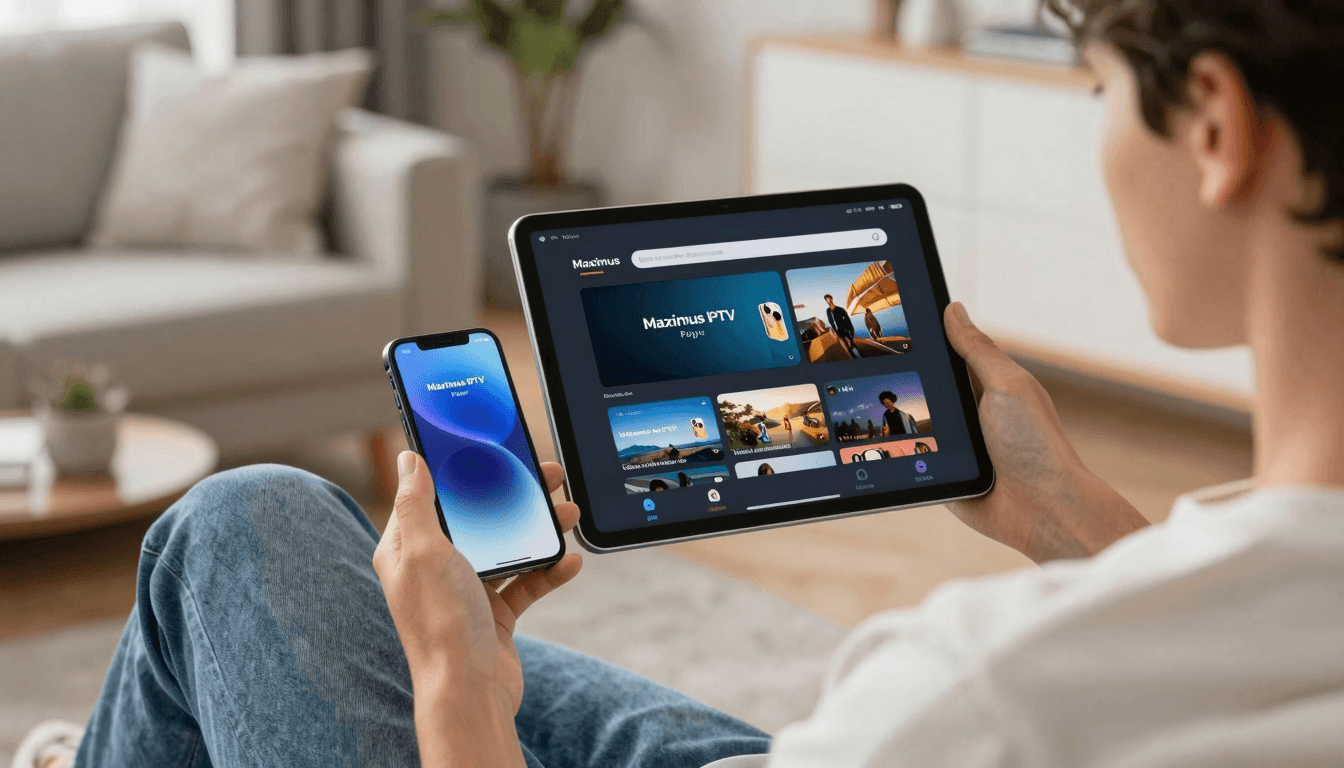
VPN and IPTV: Enhancing Your iOS Streaming Experience
With a deluge of contradictory advice online, many IPTV users are left wondering whether using a VPN with their IPTV service is a necessity or if it could actually hamper their viewing experience. Particularly for iOS users, the clash between accessibility, privacy, and streaming efficiency makes this decision more complex.
Key Takeaways
- Understand when a VPN is beneficial and when it might degrade your IPTV experience on iOS.
- Learn how to effectively use VPNs with Maximus IPTV Player to enhance privacy without sacrificing speed.
- Discover how VPN impacts access to geo-restricted content and overall streaming quality.
Does Using a VPN With IPTV Offer Benefits for iOS Users?
A VPN, or Virtual Private Network, creates a secure tunnel between your device and the internet, encrypting your online activity from prying eyes, which is crucial for privacy. However, when it comes to streaming IPTV on an iPhone or iPad, its benefits can extend beyond security. Using a VPN might allow you access to geo-restricted content, potentially unlocking more television shows and channels that aren't available in your region. Maximus IPTV Player supports this functionality seamlessly on iOS devices, ensuring that your encrypted connection doesn't interfere with your streaming quality.

However, it's important to be aware that not all VPNs are created equal. Some can significantly slow down your internet speed, leading to buffering and a frustrating viewing experience. Therefore, choosing a VPN provider that offers fast servers specifically optimized for streaming is essential.
How Can a VPN Impact Your IPTV Streaming Speed on iPhone?
The speed of your internet connection is critical to a buffer-free streaming experience. While a VPN encrypts your streaming data, which can protect against throttling by ISPs, it also has the potential to reduce the speed of your internet connection. Some users report decreased streaming quality and increased buffering times when using certain VPNs. To minimize these effects, it's advisable to select a VPN with high-speed servers and one that doesn't overcrowd its servers.
Are There Risks Associated With Using VPNs for IPTV on iOS?
Just as VPNs can offer significant advantages, there are risks involved as well. Some lesser-known or free VPN providers might use outdated encryption, which can compromise your data security. Additionally, using VPNs may violate the terms of service of some IPTV providers, potentially leading to banned accounts if detected.
Frequently Asked Questions
What is the best VPN to use with Maximus IPTV Player on iOS?
The best VPNs for streaming with Maximus IPTV Player are those that offer lightweight protocols, high-speed connections, and servers in multiple countries. Look for services that provide a clear no-logs policy and support for multiple devices.
How do I set up a VPN with Maximus IPTV Player on my iPhone?
Setting up a VPN on your iPhone involves downloading the VPN app from the App Store, logging in, connecting to a server, and then launching Maximus IPTV Player. It's straightforward and only takes a few minutes.
Can using a VPN with IPTV lead to account suspension?
It can, particularly if the IPTV service explicitly prohibits VPN use in their terms. Always review your IPTV provider's policy regarding VPN usage to avoid any potential issues.
Wrapping up, while a VPN can certainly enhance your IPTV experience on iOS by offering access to more content and preventing ISP throttling, it's crucial to choose the right service to avoid reducing your stream quality. For optimal performance, consider downloading Maximus IPTV Player from the App Store, which is designed to integrate smoothly with VPN services while delivering high-quality streaming.
Written by
Maximus IPTV Team