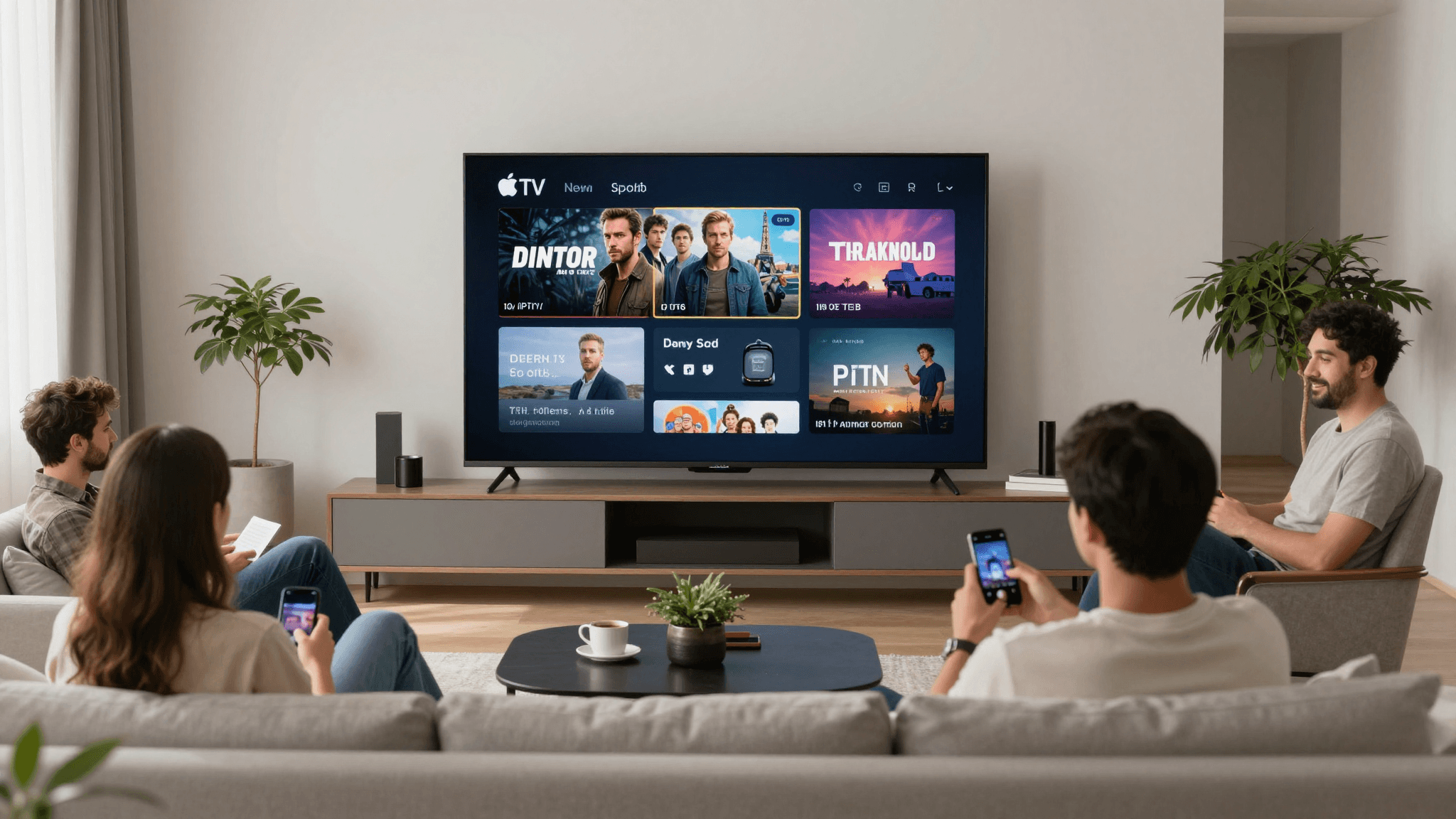
Ultimate Guide to IPTV on Apple TV
If you've ever struggled with finding a reliable IPTV player that integrates seamlessly with Apple TV, your search may just be over. Maximus IPTV Player offers a sophisticated solution that enhances your viewing experience with powerful features and intuitive controls.
Key Takeaways:
- Seamless Integration: Maximus IPTV Player is fully compatible with Apple TV.
- High-Quality Streaming: Supports up to 4K streaming quality.
- User-Friendly Features: Includes EPG, parental controls, and more.
Why Choose Maximus IPTV Player for Your Apple TV?
Maximus IPTV Player stands out as the premier choice for IPTV on Apple TV due to its robust feature set. It supports M3U playlists, 4K resolution, and a user-friendly electronic program guide (EPG). Whether you’re watching sports, movies, or live events, Maximus ensures a buffer-free experience with superior picture quality.
How Do I Set Up IPTV on My Apple TV with Maximus?
Setting up Maximus IPTV Player on your Apple TV is straightforward. Start by downloading the app from the App Store. Next, import your M3U playlist by entering the URL provided by your IPTV service provider. In just minutes, you can start enjoying unlimited streaming.
- Download Maximus IPTV Player from the App Store.
- Launch the app and go to the settings menu.
- Choose 'Add Playlist' and enter your M3U URL.
- Return to the main menu and select your content.

What Makes 4K IPTV Streaming Exceptional on Apple TV?
With Maximus, you can enjoy 4K streaming that brings cinematic clarity right to your living room. This quality is achieved through advanced buffering technologies and optimized server connections, ensuring minimal interruption and a high-definition experience.
How Can I Optimize IPTV Performance on Apple TV?
To optimize your IPTV streaming on Apple TV, ensure your internet connection is robust and stable. Use an Ethernet connection for better stability, or ensure your Wi-Fi is powerful enough to handle high-quality streams. Regularly updating the Maximus IPTV Player app also ensures you have the latest features and improvements.

Frequently Asked Questions
How do I resolve buffering issues on Apple TV?
Ensure your internet connection is fast and stable. Consider upgrading your plan or using an Ethernet connection for improved stability.
Can I use Maximus on other iOS devices?
Yes, Maximus IPTV Player is compatible with iPhone and iPad, providing a seamless streaming experience across all your devices.
Does Maximus support multiple playlists?
Absolutely! Maximus allows you to load and switch between multiple M3U playlists easily, making it versatile for all viewers’ needs.
In conclusion, Maximus IPTV Player is your go-to solution for streaming IPTV on Apple TV. With easy setup, superior streaming quality, and excellent support, it’s time to enhance your IPTV experience. Download Maximus from the App Store today and step into a world of high-definition IPTV streaming.
Written by
Maximus IPTV Team