UHF and IPTVX on Android and Google TV: What to Use
Is UHF available on Android? No: UHF – Love Your IPTV is an Apple-only app, with no version for Android phones, tablets or Android TV. Type "uhf iptv android" into Google and you'll land on roundup pages promising a Play Store link that, when you actually tap it, isn't there. It's one of the more-searched Android IPTV questions with almost no straight answer online, so here's the rest of it: IPTVX does have an Android app (including on Android TV and Google TV), and if you're on Android and want a player that also runs natively on your TV, Maximus IPTV Player already does both from the same app. This guide checks each claim against the apps' own store listings and websites instead of repeating whatever a roundup site says, so you know exactly what you'd actually be installing.
Want a player on Android or Google TV right now? Get Maximus IPTV Player on Google Play: one free download for phones, tablets and Android TV / Google TV.
Key Takeaways
- UHF – Love Your IPTV is iOS-only. It has no Android or Android TV app, and no listing under that name on Google Play — despite showing up in "uhf iptv android" search results.
- IPTVX is genuinely cross-platform. The same account syncs across iPhone, iPad, Mac, Apple TV, Android phones and tablets, and Android TV / Google TV.
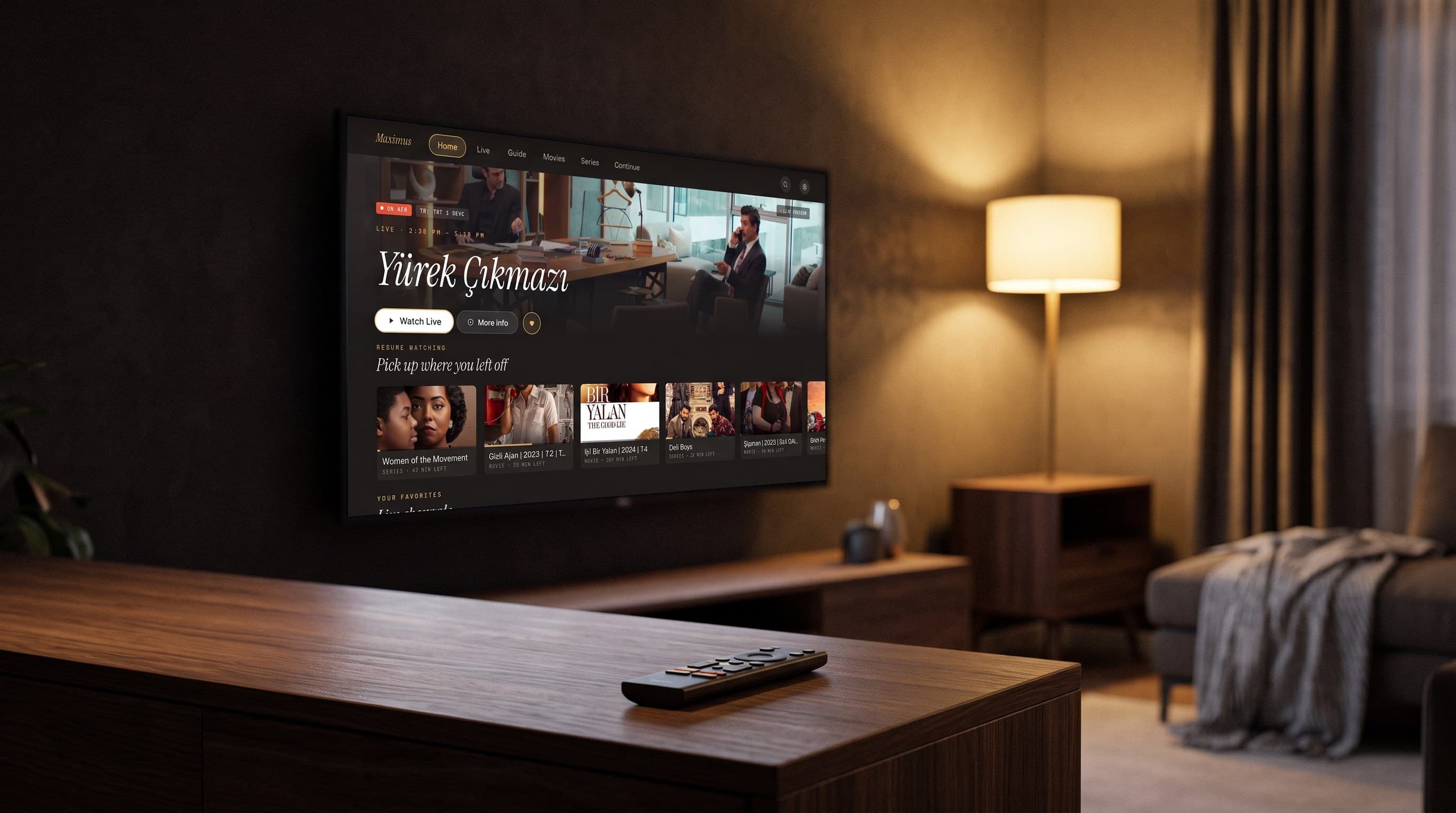
- Maximus IPTV Player is also one app across Android phones, tablets, and Android TV / Google TV — from the same Android app bundle, with no separate TV download.
- Neither UHF nor IPTVX nor Maximus supplies channels or content — all three are players. You bring your own Xtream Codes login or M3U/M3U8 playlist.
- Picture-in-Picture on Android works in Maximus on phones and tablets; there is no Chromecast/Google Cast support in the Maximus Android app.
Is UHF – Love Your IPTV Available on Android?
No — and this is worth stating plainly, because enough "IPTV player for Android" listicles imply otherwise that the confusion is understandable. UHF – Love Your IPTV is an Apple-only app: iPhone, iPad, and Apple TV, with roughly 100,000 downloads and a 4.5-star rating across about 7,100 reviews on the App Store. Searching "UHF" directly on Google Play returns nothing with that name — only unrelated apps that happen to share letters in their titles or descriptions. Users on UHF's own review threads have asked for a Google TV or Android build; as of this writing, none exists.
If a page tells you to install "UHF for Android," it's either confusing UHF with a different app, or sending you to something that isn't the app it claims to be. That's a real risk with IPTV players specifically: an app with a similar name and icon can request very different permissions than the one you meant to install. When you can't find an app under its exact name on the platform's own store, treat that as your answer, not as something to keep digging for on the fourth page of search results.
Is IPTVX Available on Android and Android TV?
Yes, and this one checks out. IPTVX is built for the same account to work across the Apple ecosystem (iPhone, iPad, Apple TV, Mac with Apple silicon, Apple Vision) and Android — phones, tablets, Android TV, Google TV, and even Fire TV devices through a sideloading path. IPTVX's own site describes data syncing "across Apple and eligible Android or Android TV devices," and the Android build is a direct install from Google Play, not a workaround. On Google Play, IPTVX currently shows roughly 2.5 million installs and a 4.3-star rating — a real, actively maintained Android presence, not a placeholder listing.
Like every player in this comparison, IPTVX doesn't include TV channels, movies, or a subscription of its own — you point it at your own Xtream Codes login (a server address, username, and password issued by your IPTV or streaming provider) or an M3U/M3U8 playlist (a plain-text file listing your channel and stream URLs), and it plays what that source provides.
Why Does UHF Show Up in Android IPTV Searches at All?
Mostly because of how "best IPTV app" content gets built. Aggregator sites and affiliate roundups often list the same well-known iOS names — UHF included — across every platform article they publish, regardless of whether an Android build actually exists, because the goal is to rank for "iptv player android" broadly rather than to check each claim. A handful of unrelated apps ("UHD IPTV Player," "IPTV Player," and similar generic names) also show up in the same searches and get mistaken for UHF because the names are close enough at a glance. None of that changes what's actually installable: on Android, there is no official UHF app to open.
How Does Maximus IPTV Player Compare on Android and Android TV?
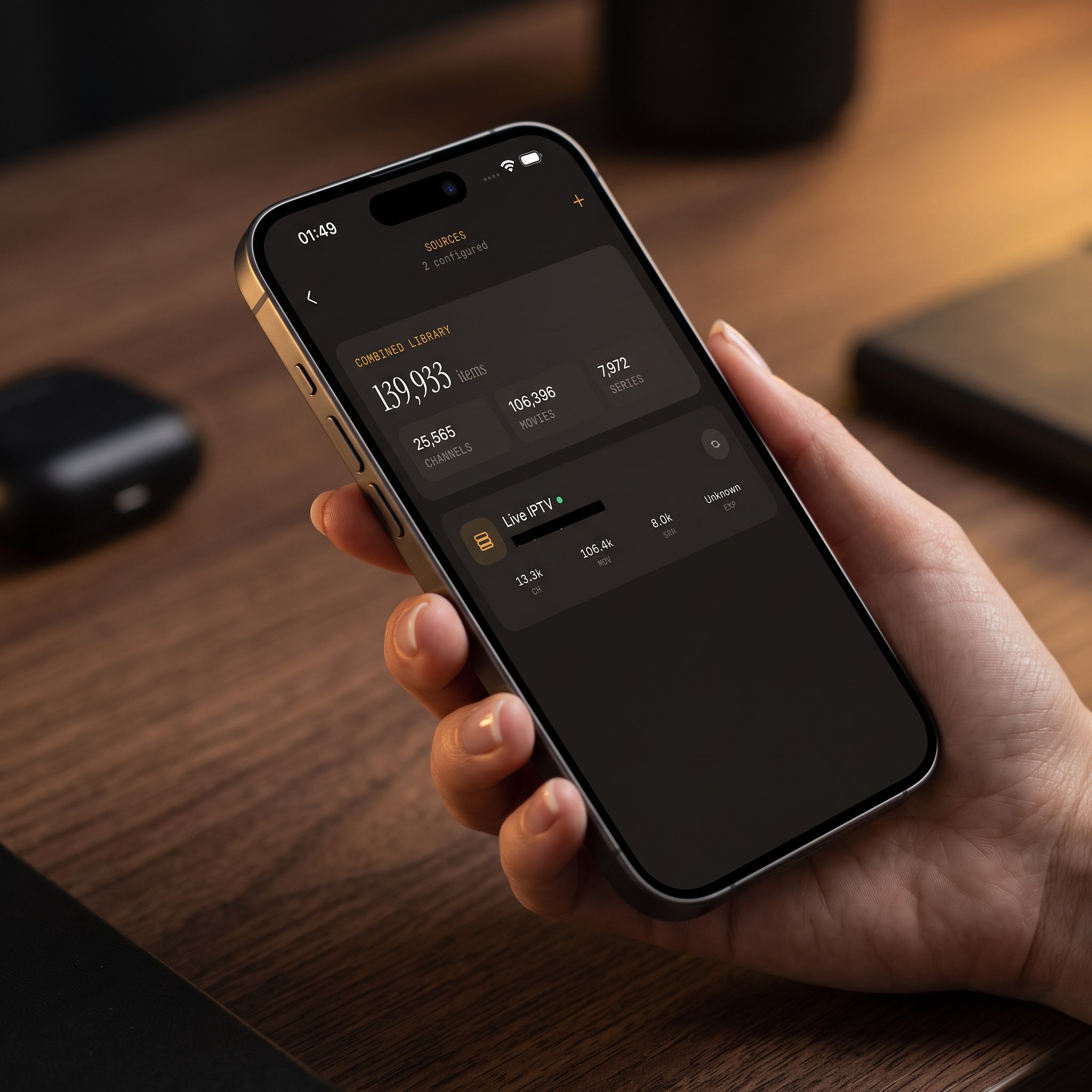
Maximus IPTV Player takes the same one-app, cross-device approach IPTVX does, built specifically for Android: phones, tablets, and Android TV / Google TV all run from the same Android app bundle (com.aegontech.maximus) on Google Play — no separate TV app to hunt for, no sideloading. Like UHF and IPTVX, Maximus is a player, not a content source: you add your own Xtream Codes login or M3U/M3U8 playlist, and you can combine more than one source in a single library.
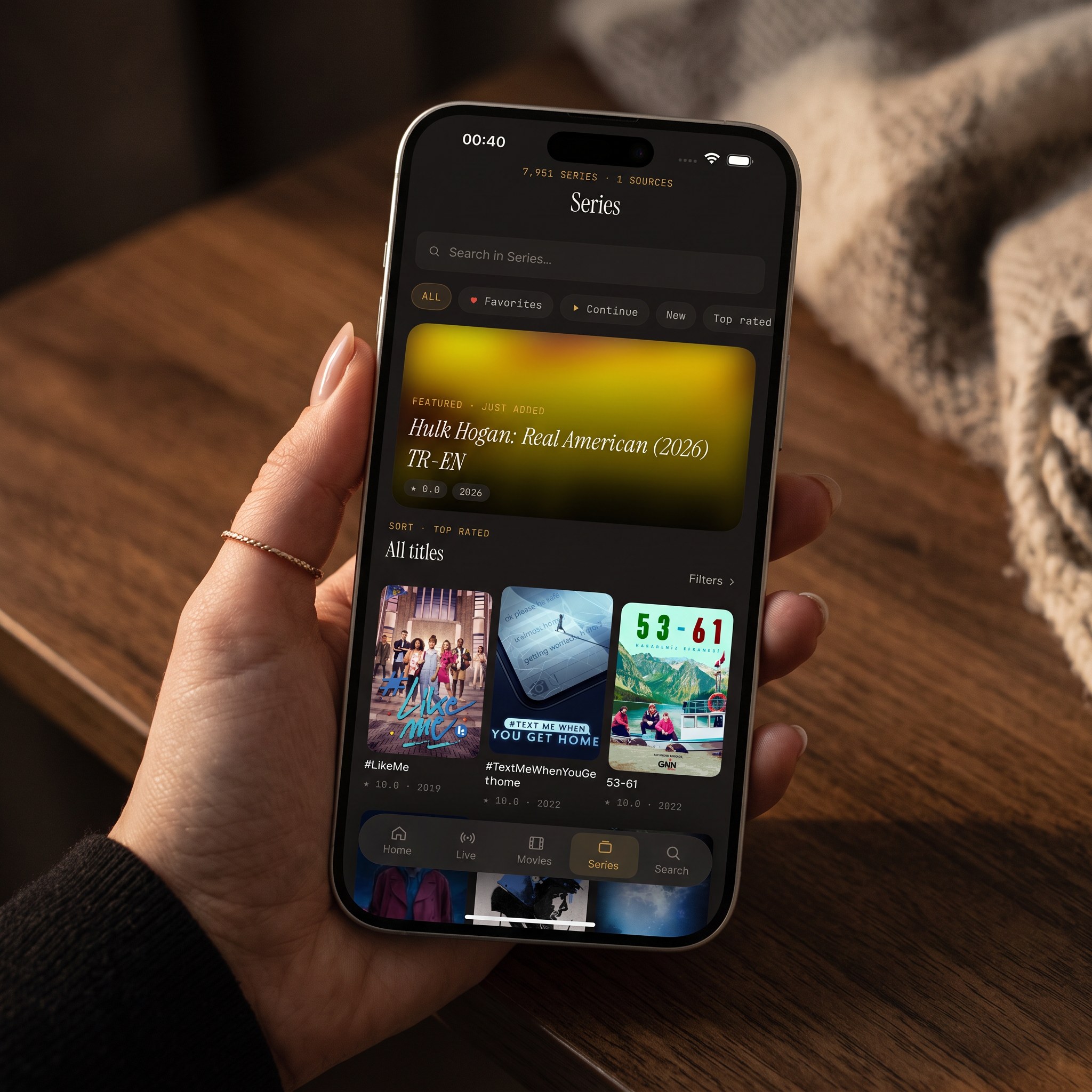
On Android specifically, Maximus includes a real EPG (electronic program guide — the TV Guide-style timeline showing what's airing now and next) with Sports, Movies, Kids, and Favorites filters; live channels grouped by country; a movies and series library with universal search; Favorites and Continue Watching; subtitle and audio track selection; 4K/HD/SD playback depending on the stream and device; offline downloads of movies and episodes; and a PIN parental lock that re-arms automatically. Android also gets Picture-in-Picture and background playback, which the iOS version doesn't have. One real gap to be upfront about: the Android app has no Chromecast or Google Cast support — casting from a phone to a TV is an iOS-only feature (via AirPlay) in the current Maximus lineup. Premium, where used, unlocks the full TV guide, offline downloads, parental lock, source refresh, and multiple sources, with a 7-day free trial on monthly and annual plans.
Which Android IPTV Player Should You Actually Use?
If you're specifically comparing UHF and Android, there's nothing to compare — install IPTVX or another genuine Android player instead, since UHF simply isn't there. If you're comparing IPTVX and Maximus IPTV Player on Android, the honest answer is that both are legitimate, actively maintained, cross-device players built around the same idea: bring your own Xtream Codes or M3U/M3U8 source and get one library across your phone, tablet, and TV. Where they differ is scope and focus — IPTVX also spans the Apple ecosystem from the same account, while Maximus is built and tuned specifically for the iOS-and-Android split, with Android TV support that ships in the same build as the phone app rather than as an add-on. Neither app can turn a bad or slow playlist into a good one; the player only ever plays what your source provides.
FAQ
Does UHF – Love Your IPTV have a Google Play version? No. UHF is available only on the Apple App Store, for iPhone, iPad, and Apple TV. There is no Android or Android TV build under that name.
Is IPTVX safe to install, and does it need my own playlist? IPTVX is a real, actively updated app on both the App Store and Google Play. Like any IPTV player, it doesn't include channels or a subscription — you supply your own Xtream Codes login or M3U/M3U8 playlist, and you should only use sources you're legally entitled to.
Does IPTVX work on Android TV or Google TV specifically, not just Android phones? Yes. IPTVX's Android build covers phones, tablets, Android TV, and Google TV from the same app, with remote-friendly navigation on the TV interface.
What makes Maximus IPTV Player different from IPTVX on Android? Both cover Android phones, tablets, and Android TV / Google TV from one app. Maximus adds Picture-in-Picture and background playback on Android, a PIN parental lock that re-arms automatically, and offline downloads — but has no Chromecast/Google Cast support on Android, where some competitors do. Neither app supplies content; both need your own source.
Maximus IPTV Player is free to download on Google Play for Android phones, tablets, and Android TV / Google TV, with an optional Premium subscription. If you're setting up an Xtream Codes login or M3U playlist and want it working the same way on your phone and your TV without installing a second app, get Maximus IPTV Player on Google Play.
Written by
Maximus IPTV Team