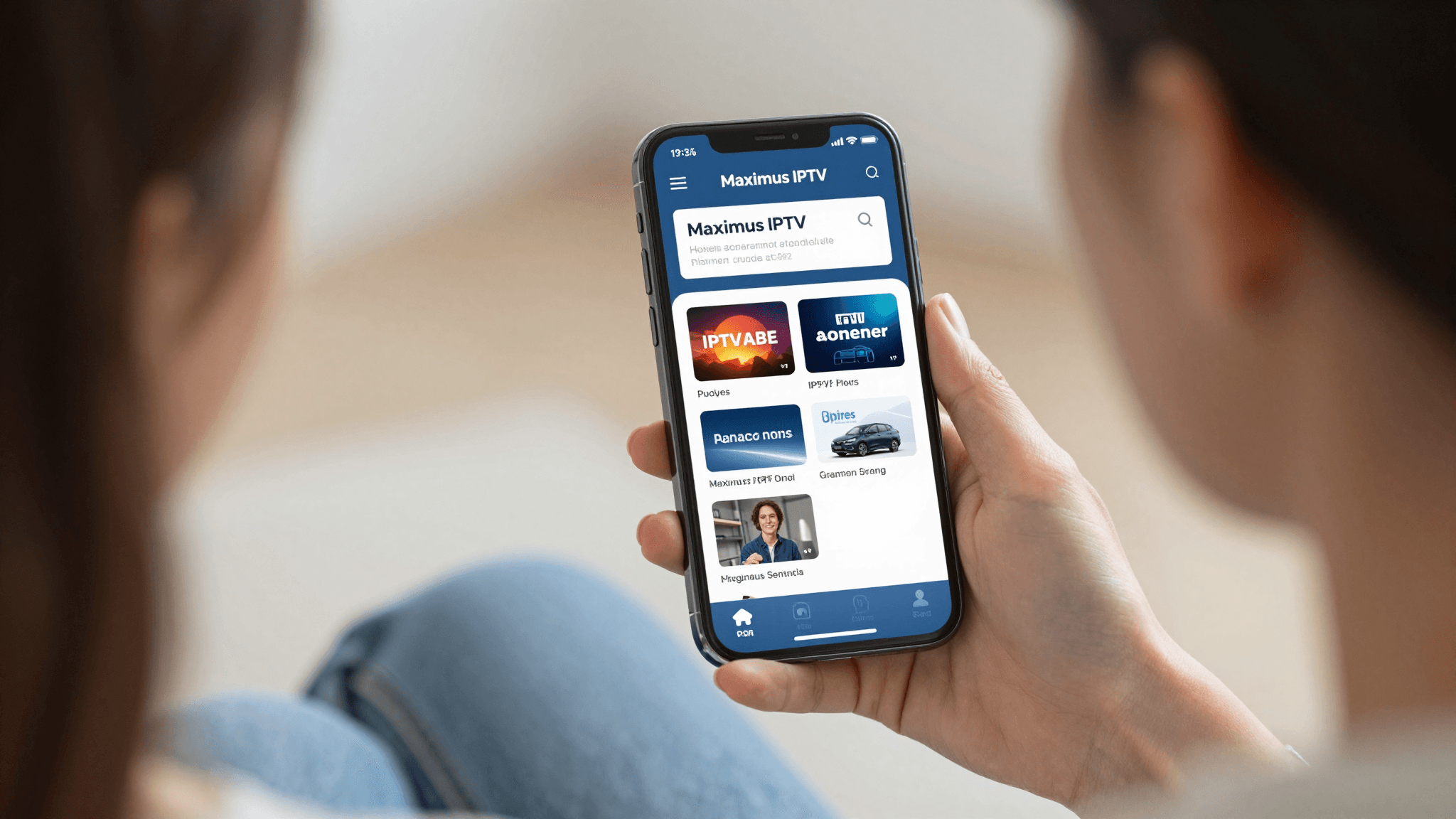
Streamline Your IPTV Experience: Organizing Channels on iPhone
Facing a sprawling list of channels on your IPTV app can be daunting — where do you even begin to find your favorite shows? With smart channel organization and favorites management in Maximus IPTV Player, that overwhelming list can quickly turn into a structured, easy-to-navigate library.
Key Takeaways:
- Efficient Organization: Sort and manage thousands of channels effortlessly.
- Favorites at Your Fingertips: Quick access to your most-watched channels.
- Tailored Viewing: Customize your IPTV experience to match your preferences.
How Do I Start Organizing My IPTV Channels on My iPhone?
Getting your channels sorted is easier than you might think. With the Maximus IPTV Player, you begin by categorizing channels into genres or themes, such as 'News', 'Sports', or 'Movies'. This not only tidies your viewing area but also makes it much faster to find what you're in the mood to watch.
Begin by opening your Maximus IPTV Player and navigating to the channel management section. Here, you can drag and drop channels into customized groups or use the smart search feature to quickly populate lists based on your viewing history and preferences.
Why Should I Use Favorites in My IPTV App?
Marking channels as favorites is crucial for tailoring your viewing experience. It puts your most-watched channels front and center, allowing you to access them instantly, without scrolling through hundreds, perhaps thousands, of other options. On your Maximus IPTV Player, setting up favorites is just a few taps away.
By selecting the star icon next to each channel or channel group in your list, you mark it as a favorite. These channels will then appear in a dedicated 'Favorites' tab, making them readily accessible every time you open your app.

What Techniques Can Enhance My IPTV Channel Navigation on iOS?
Enhancing your channel navigation can involve several approaches. Use the search function effectively; it’s not just for finding channels but also for filtering lists based on your current interests. Moreover, leveraging electronic program guides (EPG) can provide a comprehensive overview of channel schedules, which helps in planning your viewing in advance.
Additionally, integrating with other iOS features, such as Siri shortcuts, can allow voice-activated controls to enhance ease of use. Saying something like 'Hey Siri, open my favorite sports channels on Maximus' can instantly bring up your preferred content, thanks to the customization capabilities of the Maximus IPTV Player.
Frequently Asked Questions
How do I import channels into Maximus IPTV Player?
Importing channels into your Maximus IPTV Player is straightforward. You can upload your M3U playlist directly into the app, which then populates your channel's list based on the file's contents.
Can I share my customized channel lists with others?
Yes, with Maximus IPTV Player, you can share your curated lists and favorite settings with family and friends. This feature makes it easy to synchronize viewing preferences across different devices.
What if my channels are not loading after organization?
Ensure your internet connection is stable and that your M3U file is properly formatted. Sometimes, simply refreshing the connection or restarting the app can resolve loading issues.
Wrapping Up
Organizing your IPTV channels on an iPhone doesn’t have to be a chore. With the intuitive interface of Maximus IPTV Player, streamlined channel management is right at your fingertips. Ready to take control of your IPTV experience? Download Maximus IPTV Player from the App Store today and transform how you watch television.
Written by
Maximus IPTV Team