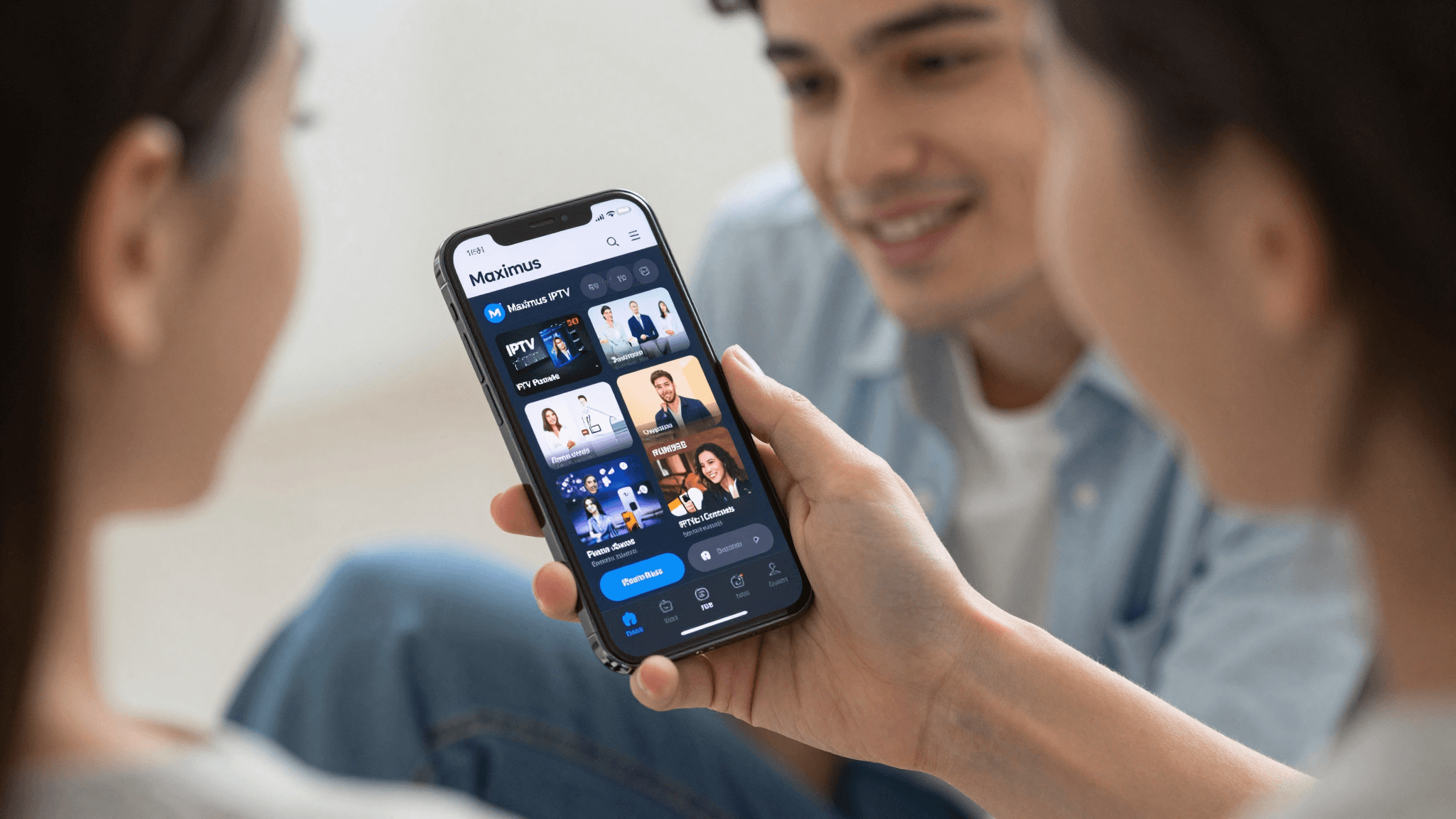
How to Effortlessly Organize Thousands of IPTV Channels on iPhone
Ever faced the daunting task of trying to find your favorite TV show amongst thousands of channels? If your IPTV channel list seems like an endless abyss, it's time for a structured approach using the Maximus IPTV Player on iOS.
Key Takeaways:
- Maximus IPTV Player provides advanced tools for organizing IPTV channels on iPhone.
- You can easily mark channels as favorites and create customized lists.
- Learn practical steps to manage extensive channel lists effectively.
How Can I Efficiently Sort My IPTV Channels on My iPhone?
The first step in managing your IPTV channels is using the sorting and filtering features of Maximus IPTV Player. This app allows you to arrange channels by genre, country, or your viewing habits, making it easier to find what you're interested in without scrolling endlessly.
Sorting capabilities extend to alphabetical organization or according to the frequency of how often you watch certain channels. Additionally, you can filter out channels you never watch to declutter your viewing space.

What Are the Benefits of Creating Custom Channel Groups in Maximus?
Creating custom channel groups in Maximus IPTV Player is akin to organizing apps into folders on your iPhone. You can group channels by type like News, Sports, Movies, or even family member preferences.
This not only personalizes your viewing experience but also significantly reduces the time spent searching for the right channel. For instance, during sports seasons, having all your sports channels in one group can save you from missing important live events.
How Do I Set Up Favorites for Quick Access in Maximus?
With Maximus IPTV Player, setting favorites is a straightforward process. Simply press and hold the channel logo to add it to your favorites list. This feature allows you to access your most-watched channels from a separate 'Favorites' tab, ensuring they're always just a click away, no matter how extensive your channel list is.
Frequently Asked Questions
How can I add channels to Maximus IPTV Player?
To add channels to Maximus IPTV Player, you need an M3U playlist URL provided by your IPTV service provider. Enter this URL into the app to sync and load your channels instantly.
Can I share my custom channel groups with other devices?
Yes, Maximus IPTV Player allows you to sync your settings across multiple iOS devices. This means you can maintain consistent channel groups on both your iPhone and iPad.
What should I do if my IPTV channels are not updating in Maximus?
Ensure your M3U playlist URL is correct and that your internet connection is stable. Restarting the app usually resolves most update issues. For persistent problems, contacting Maximus support may be advisable.
As the channel options in IPTV grow, the need for effective management tools becomes imperative. Maximus IPTV Player not only offers a user-friendly interface for iOS users but also integrates powerful features to customize and streamline your viewing experience. Try it today and transform how you watch IPTV on your iPhone. Available for download on the App Store.
Written by
Maximus IPTV Team