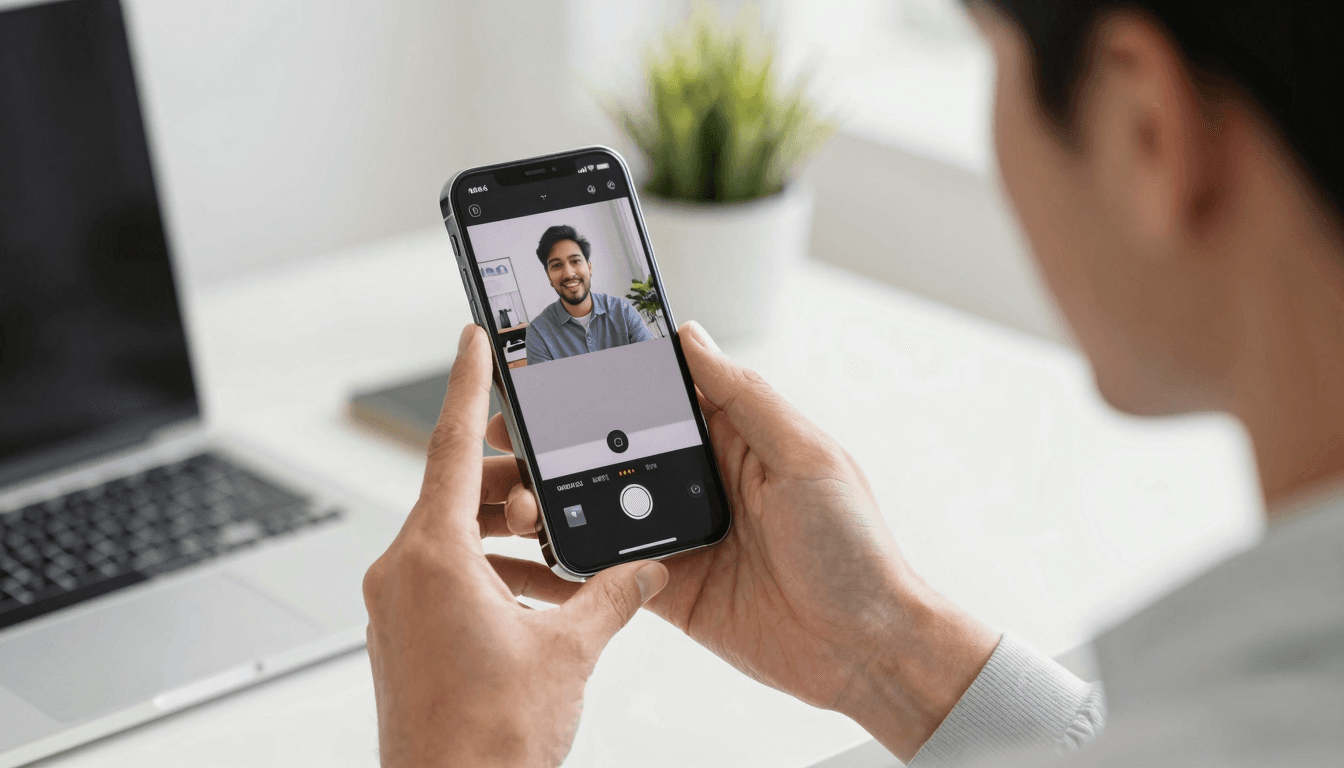
Multitask Like a Pro: Picture-in-Picture IPTV on iOS
Ever found yourself having to choose between watching your favorite live TV show and responding to an urgent email on your iPhone? With the Picture-in-Picture (PiP) feature in Maximus IPTV Player, you don’t have to make that choice. This feature offers the flexibility of watching your IPTV stream while using other apps on your iOS device, all without missing a beat.
Key Takeaways
- Maximus IPTV Player supports seamless Picture-in-Picture streaming on iOS.
- Watch live IPTV while using other iPhone apps.
- PiP enhances multitasking without sacrificing your entertainment.
How Does Picture-in-Picture Work on Maximus IPTV Player?
Picture-in-Picture (PiP) allows users to float a small video player over other apps on their iPhone, iPad, or even Apple TV. This means you can keep an eye on your favorite sports, news, or entertainment shows while texting, emailing, or browsing. Maximus IPTV Player leverages iOS's built-in PiP functionality to provide a smooth, resizable video window that stays on top without interruption.
Why is Picture-in-Picture Ideal for IPTV on iOS?
Picture-in-Picture enhances the utility of mobile devices by enabling users to watch live IPTV streams while performing other tasks. This feature is particularly beneficial for those who like to keep up with live events like sports or breaking news, ensuring they don't miss out while attending to daily tasks on their iPhone.
What Makes Maximus IPTV Player the Best Choice for PiP Streaming?
Maximus IPTV Player not only supports HD and 4K streaming but also ensures that the Picture-in-Picture mode functions smoothly across different iOS devices. Whether it’s an iPhone, iPad, or Apple TV, users experience minimal buffering and a seamless, resizable interface that contributes to a multitasking-friendly environment.

How to Enable PiP Mode in Maximus IPTV Player?
To activate Picture-in-Picture mode in Maximus IPTV Player, simply tap on the PiP icon during playback. The video stream will shrink to a small window, allowing you to navigate to any other app while it continues to play in the corner of your screen. Adjust the window size and screen position as per your convenience.
Frequently Asked Questions
What type of content can I watch in PiP mode?
You can watch any content streamed through Maximus IPTV Player in PiP mode. This includes live sports, TV shows, documentaries, and more.
Can I use PiP on all iOS devices?
Yes, Picture-in-Picture works across all iOS devices that support the iOS PiP feature. This includes various models of iPhones, iPads, and even Apple TV.
How does using PiP affect battery life on my iPhone?
Using Picture-in-Picture mode has a minimal impact on battery life more than normal usage. Since the video size is smaller and the audio is what you'll primarily be consuming, it utilizes less of your device’s resources.
As we wrap up, it’s clear that Maximus IPTV Player is your go-to solution for not just top-notch IPTV streaming but also for multitasking efficiently on any iOS device. Navigate to the App Store and get the Maximus IPTV Player today to begin your multitasking journey with IPTV.
Written by
Maximus IPTV Team