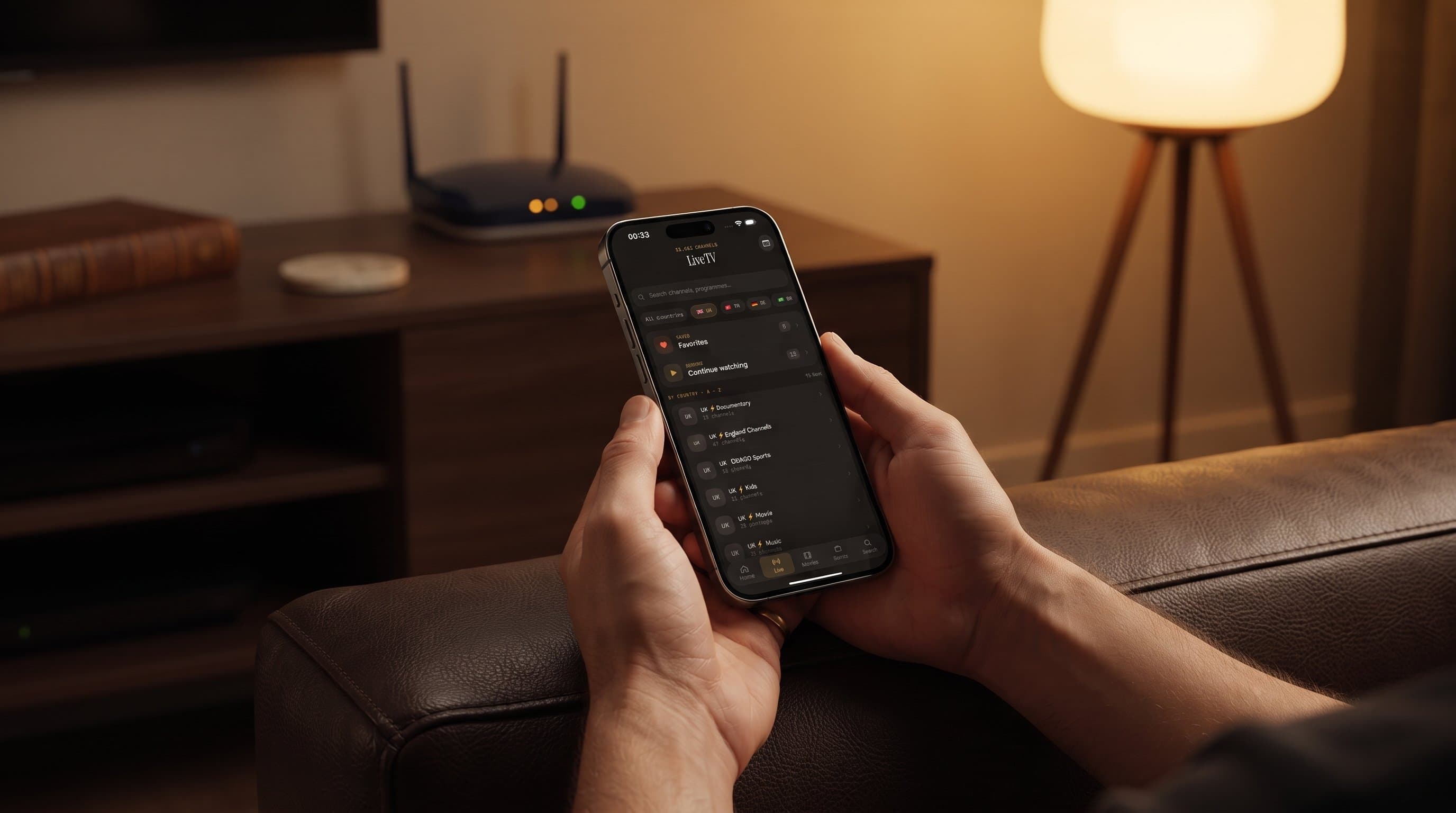
Buffering, Freezing, or a Blank Screen? The Maximus IPTV Player Troubleshooting Guide
It's the worst moment in cord-cutting: the match is tied, the finale is at its climax, and the picture on your phone freezes on a spinning wheel. If you've ever wondered why a stream buffers on one channel but not another, or why 4K looks perfect on Wi-Fi at home but chokes the moment you cast it, you're not imagining things — streaming quality depends on a chain of factors, and Maximus IPTV Player sits at just one link in that chain. This guide walks through the most common buffering, freezing, and blank-screen problems IPTV viewers run into, what's actually causing each one, and exactly what to check first, whether you're watching on an iPhone, iPad, Apple TV, or an Android phone or tablet.
Key Takeaways
- Most buffering isn't "the app" — it's bandwidth, device decoding power, or an overloaded source server, and each has a different fix.
- 4K playback typically needs a meaningfully faster, more stable connection than 1080p; when that headroom isn't there, dropping resolution is the fastest fix.
- If only one channel or group buffers while everything else plays fine, the problem usually lives on the provider's server, not on your device.
- Maximus IPTV Player's Sources screen is the first place to check when a specific playlist — not the whole app — is struggling.
- Casting problems are often local-network problems, not streaming problems, since the video has to travel twice: once to your phone, once again to your TV.
Why does my stream keep buffering?
Buffering happens when your device can't pull in video data as fast as it's playing it back, so the app pauses to let more of the file arrive. For live TV, that data usually comes to you as an HLS stream — HTTP Live Streaming, the standard Apple-originated protocol that breaks video into small downloadable chunks so playback can adapt in real time. The most common culprit is simply available bandwidth: Wi-Fi that's shared across a house full of devices, a weak signal in the room you're actually watching in, or an ISP that throttles video traffic during peak evening hours. Before assuming anything is wrong with the app itself, try moving closer to your router, closing other bandwidth-heavy apps, or running a quick speed test at the exact moment playback stutters — that single data point tells you more than anything else.
Why does 4K playback stutter but 1080p is fine?
Resolution changes everything about what your connection and your device need to do. As a rough guide, smooth 1080p streaming generally wants somewhere around 8-10 Mbps of stable throughput, while true 4K content can need 25 Mbps or more depending on how it's encoded — nearly triple the bandwidth for four times the pixels. On top of the network cost, your device also has to decode that larger stream in real time, and older phones or tablets can struggle with sustained 4K decode even when the network itself is fine. If 4K channels buffer but standard-definition ones don't, that's a strong signal you're bandwidth- or hardware-limited rather than looking at an app problem — dropping to a lower-resolution stream, when your source offers one, is usually the fastest practical fix.
Why is one channel affected but not the others?
This is one of the clearest diagnostic signals in IPTV troubleshooting. If Maximus IPTV Player plays most channels smoothly but one specific channel or one whole country group consistently buffers, the bottleneck is almost never your home network — it's the upstream server delivering that particular stream. IPTV sources are typically organized as M3U playlists (a plain-text list of stream URLs and metadata) or the newer M3U8 format (the same idea, built specifically around HLS chunked delivery), and some providers also offer a Stalker Portal connection, a server-based protocol that authenticates and serves channel lists dynamically rather than from a static file. Every one of those delivery methods depends on a server somewhere staying online and unclogged. When that server is overloaded — common during major sports fixtures — every viewer connected to it buffers, regardless of what app or device they're using.
Why did my stream freeze right after switching Wi-Fi networks or restarting my router?
A dropped or renegotiated connection can leave a video player holding onto a broken chunk request. If playback freezes hard right after a network change, the simplest fix is usually the most effective one: back out to the channel list and reopen the stream so the app requests a fresh connection, rather than waiting for the old one to recover on its own. If that doesn't resolve it within a few seconds, check whether other devices on the same network are also seeing slower speeds — a router that just rebooted can take a minute or two to fully renegotiate with your ISP before speeds return to normal.
Why does casting stutter even when direct playback is fine?
Casting adds a second network hop that direct playback doesn't have. When you cast from Maximus IPTV Player, the video isn't just traveling from the internet to your phone — depending on the method, it may also need to travel from your phone (or directly from the source) to your TV or streaming device over your local Wi-Fi. Maximus supports both major casting standards: AirPlay, Apple's screen- and media-mirroring protocol available on iPhone and iPad, and Chromecast (also called Google Cast), which — notably — works from the iOS app as well as Android, not just Android devices. If direct playback on your phone is smooth but casting stutters, the local link between your phone and your TV is the first thing to check: a 5GHz Wi-Fi band, a TV or streaming device close to the router, and fewer other devices competing for that same local bandwidth all measurably help.

When should I fix my playlist source instead of my network?
If buffering happens consistently on a specific provider or playlist regardless of time of day, device, or network, it's time to look at the source itself rather than your connection. Open the Sources screen inside Maximus IPTV Player — this is where every M3U, M3U8, or Stalker Portal connection you've added lives, each showing its own channel and series counts. A source with an unusually old "last updated" state, or one that consistently underperforms the others in the same combined library, is telling you the problem sits with that specific provider's infrastructure, not with the app pulling it in. In that case, the fix is on the provider side: refreshing the playlist URL if your provider issues a new one periodically, or reaching out to that provider about server load — not troubleshooting your phone or your Wi-Fi any further.

FAQ
Does Maximus IPTV Player cause buffering by itself? Buffering is almost always a function of network bandwidth, device decoding power, or the upstream provider's server load — not something the app introduces on its own. Maximus doesn't insert ads or background tracking that would compete for your bandwidth either; it's built to get out of the way and deliver your source's stream as directly as possible.
What's the difference between M3U and M3U8? Both are playlist formats that point to your streaming sources. M3U is the original plain-text format; M3U8 is the same concept adapted for HLS, the chunk-based streaming protocol most modern IPTV and live-TV delivery relies on. Most current providers issue M3U8 links, but Maximus supports both.
Why does EPG data sometimes look out of sync with what's playing? The EPG — Electronic Program Guide, the schedule grid showing what's airing now and next — is delivered separately from the video stream itself, usually on its own update schedule from your provider. A stream can play perfectly while its guide data lags slightly behind if the provider hasn't refreshed their schedule feed yet; that's a data freshness issue on the provider's end, not a playback problem.
Should I use a wired connection instead of Wi-Fi for 4K streams? If your streaming device (an Apple TV, an Android TV box, or a TV with Ethernet) supports a wired connection, it's one of the most reliable ways to guarantee the sustained throughput 4K needs, since it sidesteps Wi-Fi interference and congestion entirely.
Bottom line
Streaming problems feel like app problems in the moment, but nearly every buffering, freezing, or blank-screen scenario traces back to bandwidth, device decoding limits, local network hops, or the upstream provider's server — not the player itself. Maximus IPTV Player gives you the tools to diagnose which one you're dealing with: a Sources screen that shows exactly what's connected and how it's performing, support for M3U, M3U8, and Stalker Portal connections, and casting via both AirPlay and Chromecast so you can test where in the chain a problem actually lives. Maximus IPTV Player is free to download with an optional premium subscription, available for iPhone, iPad, and Apple TV on the Apple App Store and for Android phones, tablets, and Android TV / Google TV on Google Play — same app, same combined library, on every screen.
Written by
Maximus IPTV Team