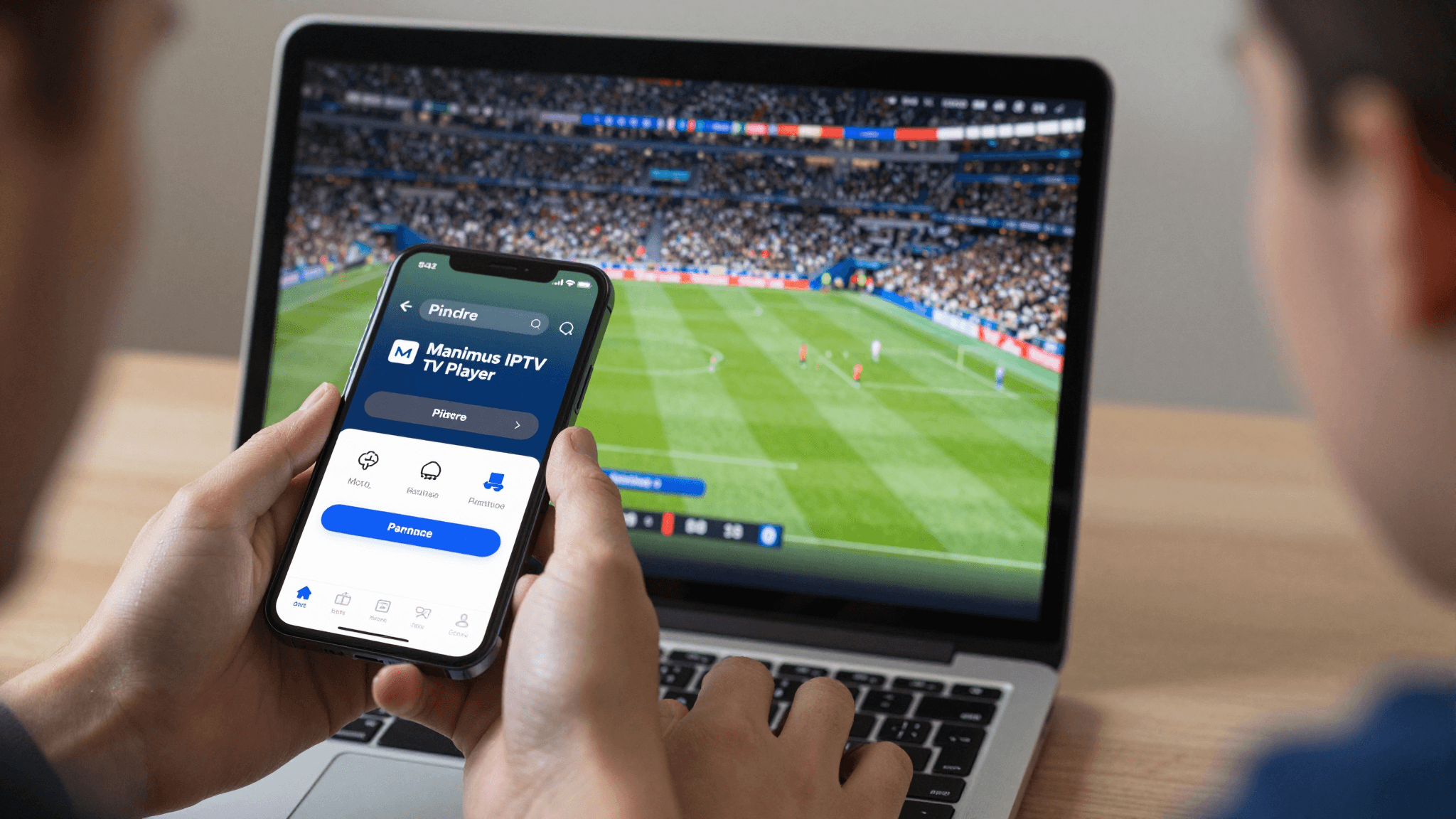
Master IPTV: Picture-in-Picture Viewing on Your iPhone
Ever found yourself in the dilemma of wanting to watch live TV on your iPhone but also needing to use another app? Let's dive into how Maximus IPTV Player seamlessly integrates Picture-in-Picture (PiP) mode, keeping you entertained while you stay productive or social on your iOS device.
Key Takeaways
- Maximus IPTV Player supports seamless Picture-in-Picture viewing, enabling multitasking on iOS.
- Continue watching your live IPTV streams while using other apps.
- Essential features and settings enhance your viewing experience without interruptions.
How Does Picture-in-Picture Enhance IPTV on iOS?
Picture-in-Picture mode allows you to watch an IPTV stream in a small, movable video pane on your screen while simultaneously using other apps. This is particularly useful during sports events or news, where you don't want to miss out on live moments but also need to remain engaged with other activities on your iPhone.
Maximus IPTV Player implements Picture-in-Picture perfectly by allowing you to shrink your video to a corner of your screen. This feature is intuitive and user-friendly, requiring just a tap to activate, with adjustable settings to suit your viewing preferences.

What Sets Maximus Picture-in-Picture Apart?
Unlike other players, Maximus not only offers Picture-in-Picture but ensures it is optimized for a variety of different use cases. Whether you're catching up on emails, browsing social media, or even navigating through different apps, your video remains crisp, with no lag or quality compromise.
The player also adjusts automatically to different screen orientations and app interactions, making your viewing experience fluid and uninterrupted. This integration of advanced streaming technology sets Maximus IPTV Player apart as the go-to solution for iOS IPTV streaming.

Frequently Asked Questions
How can I start using Picture-in-Picture in Maximus IPTV Player?
To use Picture-in-Picture in Maximus IPTV Player on your iPhone, simply swipe up from the bottom of the screen while your stream is active. The player will automatically adjust to a small window that you can move and resize as desired.
Does watching IPTV in Picture-in-Picture mode affect battery life?
While any active screen use impacts battery life, the Picture-in-Picture mode in Maximus is optimized for minimal battery consumption without sacrificing performance, allowing for extended viewing.
Can I use IPTV Picture-in-Picture while on a voice call?
Yes, Maximus IPTV Player supports multitasking, so you can maintain a voice call while watching your favorite shows through Picture-in-Picture mode.
Navigating iPhone features while enjoying uninterrupted IPTV is a seamless experience with Maximus IPTV Player. The app ensures you don't have to miss a second of your favorite live TV shows, sports, or news broadcasts, even when multitasking. Ready to take your IPTV experience to the next level? Try Maximus IPTV Player today, available for download on the App Store.
Written by
Maximus IPTV Team