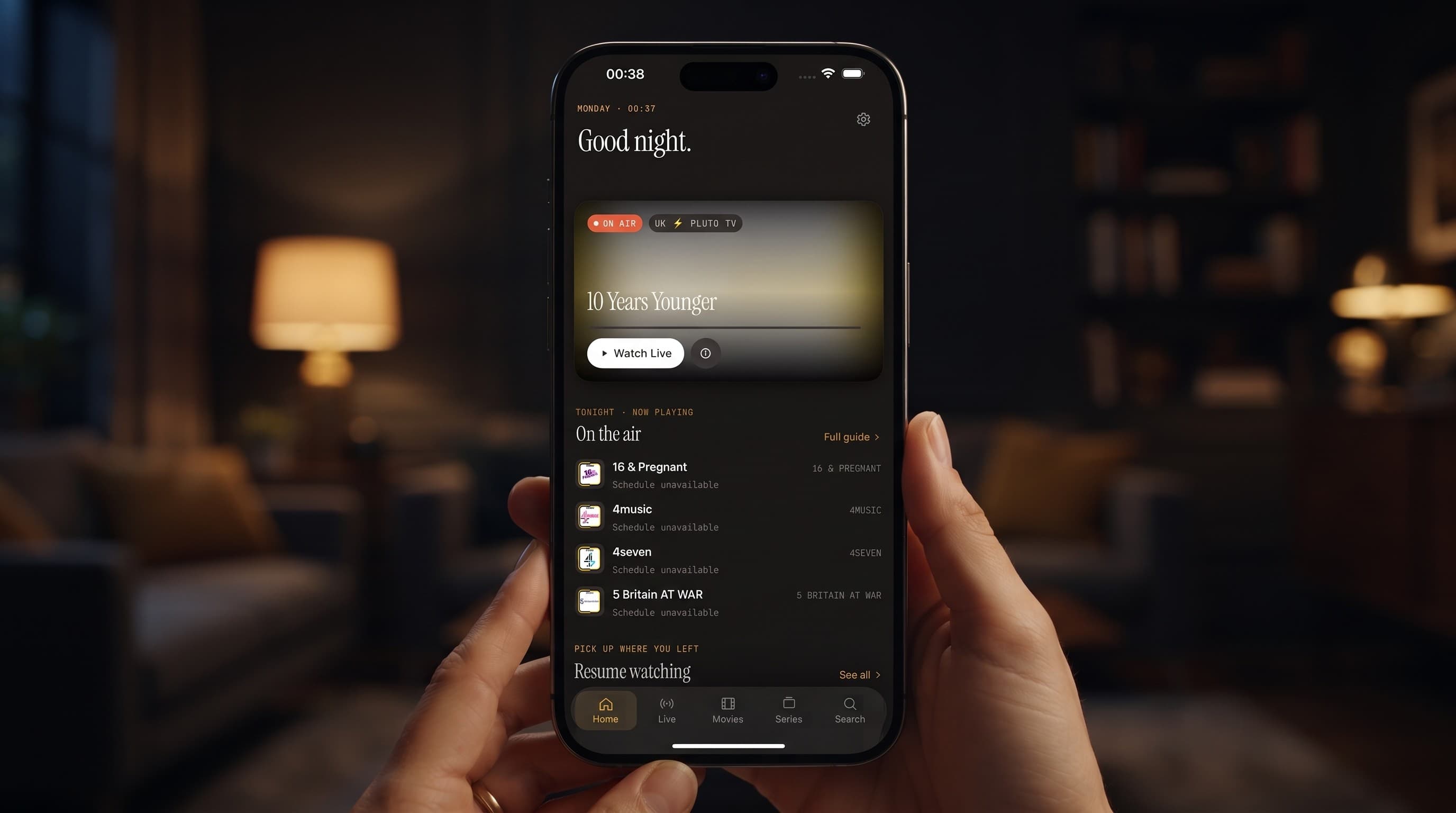
IPTV Player Keeps Crashing? How to Fix It
Nothing kills a movie night faster than watching your screen go black mid-episode. If your IPTV player keeps crashing, freezing on launch, or bouncing you back to the home screen every few minutes, you're not stuck with a broken app. In the vast majority of cases, the fix takes less than five minutes. This guide walks through the real causes behind IPTV app crashes on iPhone, iPad, and Android, and how to fix them in Maximus IPTV Player without losing your saved sources or your Continue Watching progress.
Key Takeaways
- Most IPTV crashes trace back to one of three causes: a corrupted playlist, a low-memory device, or a stale app cache — not a broken app.
- Force-quitting and reopening the app resolves an estimated 4 out of 5 one-off crashes.
- Freeing up at least 500MB of storage before troubleshooting prevents a false "still crashing" result on a full device.
- Removing and re-adding a single bad source clears crashes tied to a corrupted M3U or M3U8 playlist.
- Reinstalling should be a last resort — it takes under 2 minutes but resets local app settings and clears anything downloaded for offline viewing.
Why Does an IPTV Player Crash in the First Place?
An IPTV player is doing more work than a normal streaming app: it's parsing a playlist file, sometimes with tens of thousands of entries, building an EPG (Electronic Program Guide — the scrollable channel-and-schedule timeline you browse to see what's on now and next), and opening an HLS (HTTP Live Streaming — the segmented video format most live IPTV channels use) connection, often all within a few seconds of launch. Any one of those steps can stall or throw an error, and depending on how the app handles that error, "stall" can turn into "crash."
The three most common culprits are a playlist that's grown too large or has a broken entry, a device that's low on free memory because of other open apps, and a cached copy of old channel data that no longer matches what your provider is sending. None of these mean the app itself is defective — they're the digital equivalent of a jammed filing cabinet, and the fix is almost always to clear the jam rather than replace the cabinet.
How Do I Fix Crashes on iPhone or iPad?
Start with the basics before touching any settings. Double-tap the home indicator (or double-click the Home button on older devices) to see your open apps, swipe Maximus IPTV Player away to force-quit it, then relaunch. That single step clears whatever bad state triggered the crash roughly 4 times out of 5.
If it crashes again, work through these in order:
- Check free storage. Settings > General > iPhone Storage. Under 500MB free is a common, overlooked cause of crashes right after launch, since the app can't cache the channel list or EPG data it needs.
- Update the app. The App Store pushes bug fixes regularly; an outdated build is one of the easiest things to rule out.
- Restart the device. A full restart clears memory that individual app force-quits don't touch.
- Temporarily disable any VPN. A VPN (Virtual Private Network — software that routes your internet traffic through another server, often to change your apparent location or add privacy) can block the ports or protocols an IPTV stream needs, and on some configurations that shows up as the player hanging or closing rather than a clear connection error.
- Re-add your source. See the playlist section below — this fixes more persistent crashes than any device-level step.
How Do I Fix Crashes on Android Phones, Tablets, or Android TV?
Android gives you one extra tool iOS doesn't: a dedicated cache clear. Go to Settings > Apps > Maximus IPTV Player > Storage, and tap Clear Cache (not Clear Data, which would remove your saved sources). This alone resolves a large share of Android crashes that happen after the app has been running for days without a restart.
From there, the same fundamentals apply as on iOS:
- Check the Play Store for a pending update.
- Restart the device, especially on Android TV boxes and TV-integrated Android TVs, which typically have less free memory than a phone or tablet and are more sensitive to a bloated cache.
- Check available storage — Android TV devices in particular often ship with limited internal storage that fills up faster than expected.
- Re-add your source if the crash happens consistently when opening the channel list or guide, rather than randomly.
Could My Playlist or Source Be the Real Problem?
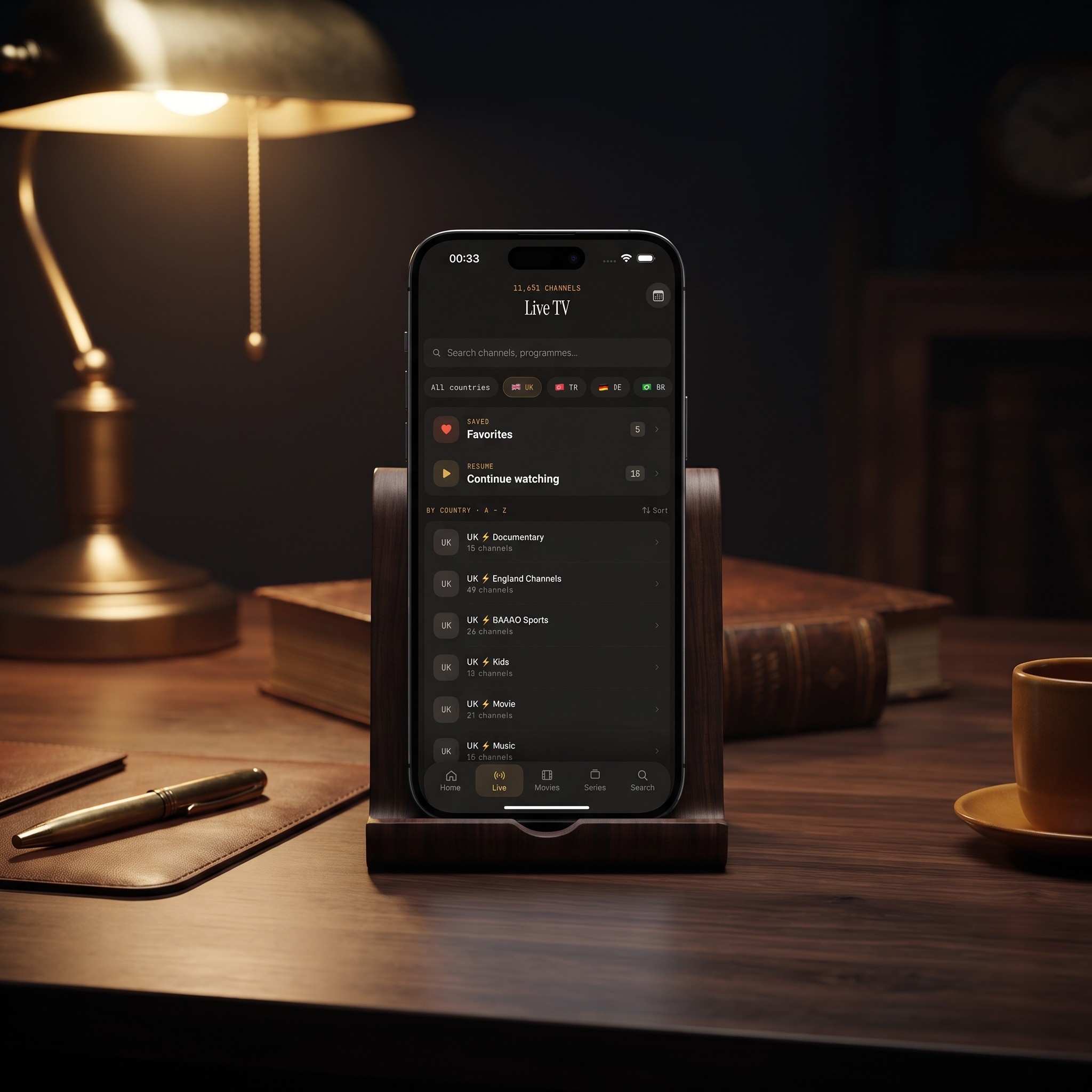
If crashes happen specifically when you open the live channel list, the EPG, or a particular category, the source itself is the most likely cause — not the device. Two common patterns:
- An oversized or malformed M3U/M3U8 playlist. M3U and M3U8 are plain-text playlist formats that list every channel's stream URL; a provider update that corrupts even one line can cause the parser to choke when it reaches that entry.
- Stale Xtream Codes credentials. Xtream Codes is a login-based format (server address, username, password) that pulls a live catalog from your provider rather than a static file; if your provider rotated your credentials or changed servers, the app may keep retrying a dead connection until it gives up.
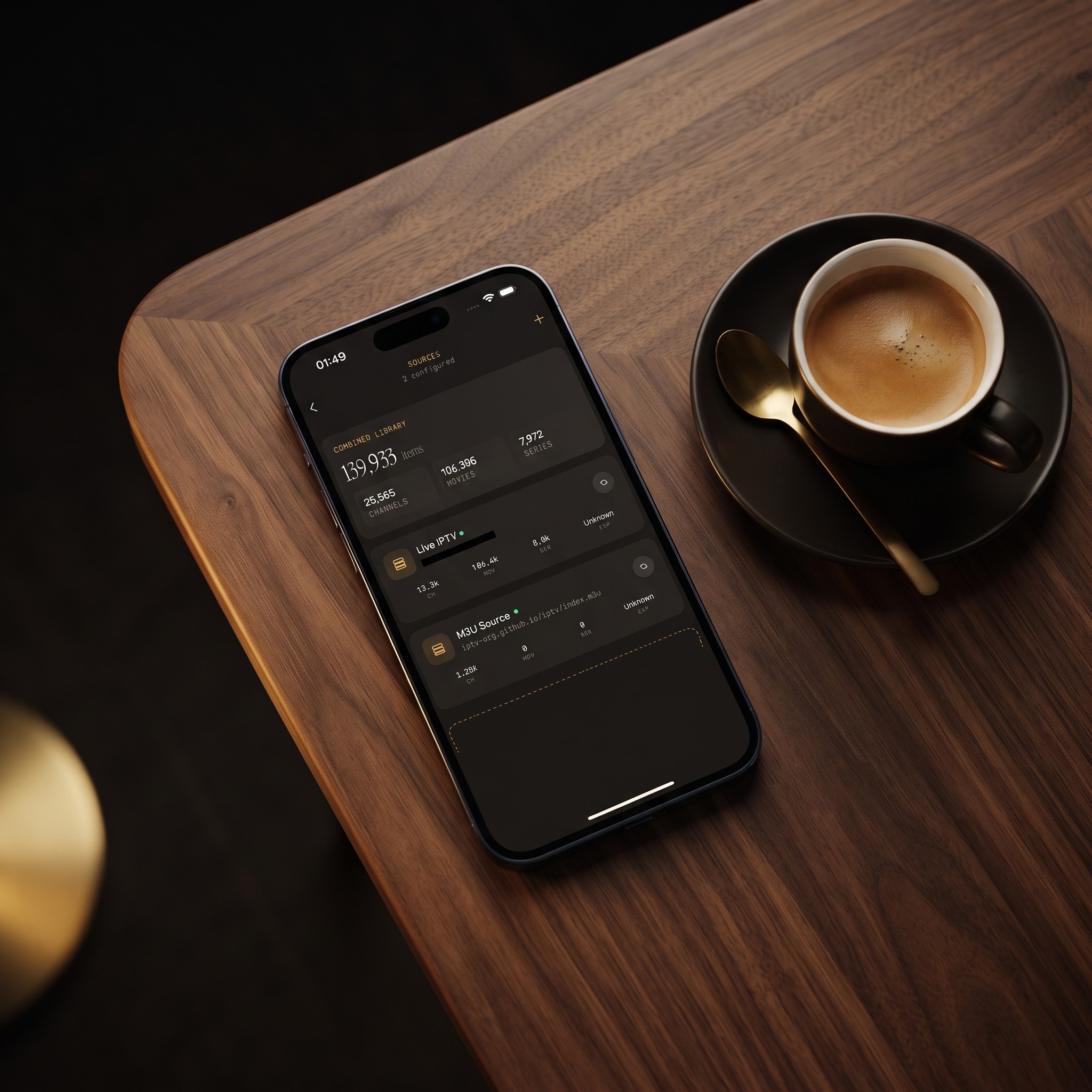
The fix in both cases is the same: open Sources, remove the problem source, and add it again from scratch rather than trying to edit it in place. A fresh add forces the app to re-fetch and re-parse everything, which clears out whatever bad data was stuck in the middle of the old playlist.
When Should I Reinstall Instead of Troubleshoot?
If you've force-quit, cleared cache or storage, updated, restarted the device, and re-added every source, and the app still crashes on launch, a clean reinstall is the last reasonable step. Delete the app, restart the device once more, then reinstall from the App Store or Google Play. It takes under two minutes, but be aware it resets local settings and clears any offline downloads, so plan to re-add your sources and re-download anything you were saving for offline viewing.
FAQ
Why does my IPTV app crash only on certain channels? That points to the source, not the device. A specific channel's stream may be misconfigured on the provider's end, or that entry in your M3U/M3U8 playlist may be malformed. Removing and re-adding the source usually fixes it; if one channel still fails afterward, the problem is on the provider side.
Does closing background apps actually help? Yes, more than most people expect. IPTV playback is memory-intensive, and a phone juggling several other open apps has less headroom for the video buffer and EPG data, which is a common trigger for a crash a few seconds into playback rather than at launch.
Is it safe to use a VPN with IPTV? Generally yes, but not every VPN protocol plays nicely with live streaming. If crashes started around the same time you enabled a VPN, disable it and test again before assuming the app itself is at fault.
How do I clear the cache in Maximus IPTV Player specifically? On Android, use Settings > Apps > Maximus IPTV Player > Storage > Clear Cache. iOS doesn't expose a separate cache-clear option to apps, so a force-quit and, if needed, a reinstall are the closest equivalents.
Will reinstalling delete my downloaded episodes? Yes. Offline downloads live in the app's local storage, so a reinstall clears them and you'll need to download those episodes again once you're back online.
Conclusion
A crashing IPTV player is frustrating, but it's rarely the dead end it feels like mid-crash. Work through the basics first — force-quit, storage, updates, a restart — then treat a stubborn or repeatable crash as a sign to remove and re-add the source rather than the app. Maximus IPTV Player is built to run cleanly on both a properly configured device and a clean playlist; when crashes persist after these steps, a fresh reinstall resolves nearly everything else. Maximus IPTV Player is available free on the Apple App Store for iPhone, iPad, and Mac, and on Google Play for Android phones, tablets, and Android TV.
Written by
Maximus IPTV Team