IPTV Error Codes Explained: 403, 404, 429 and 5xx
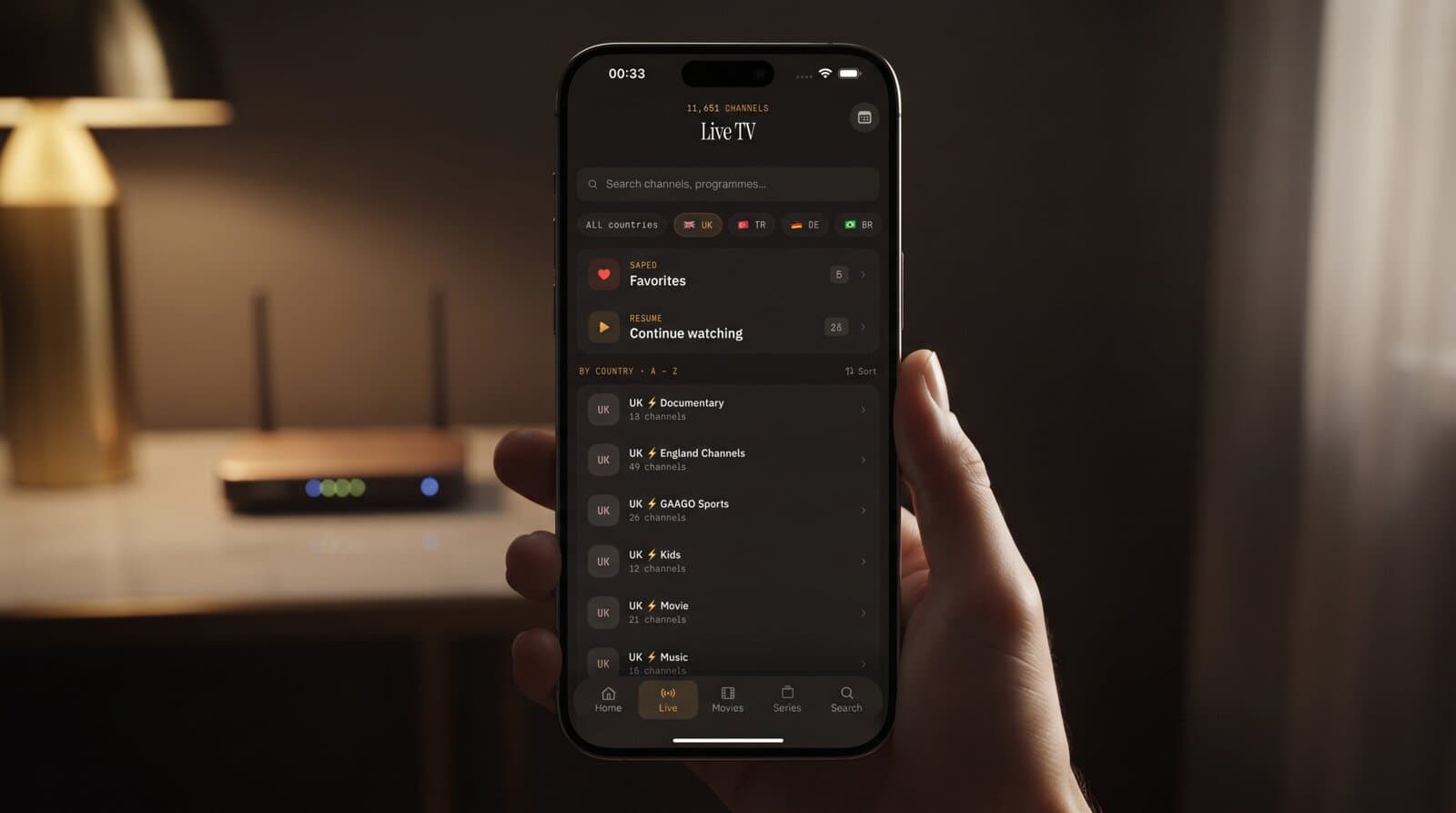
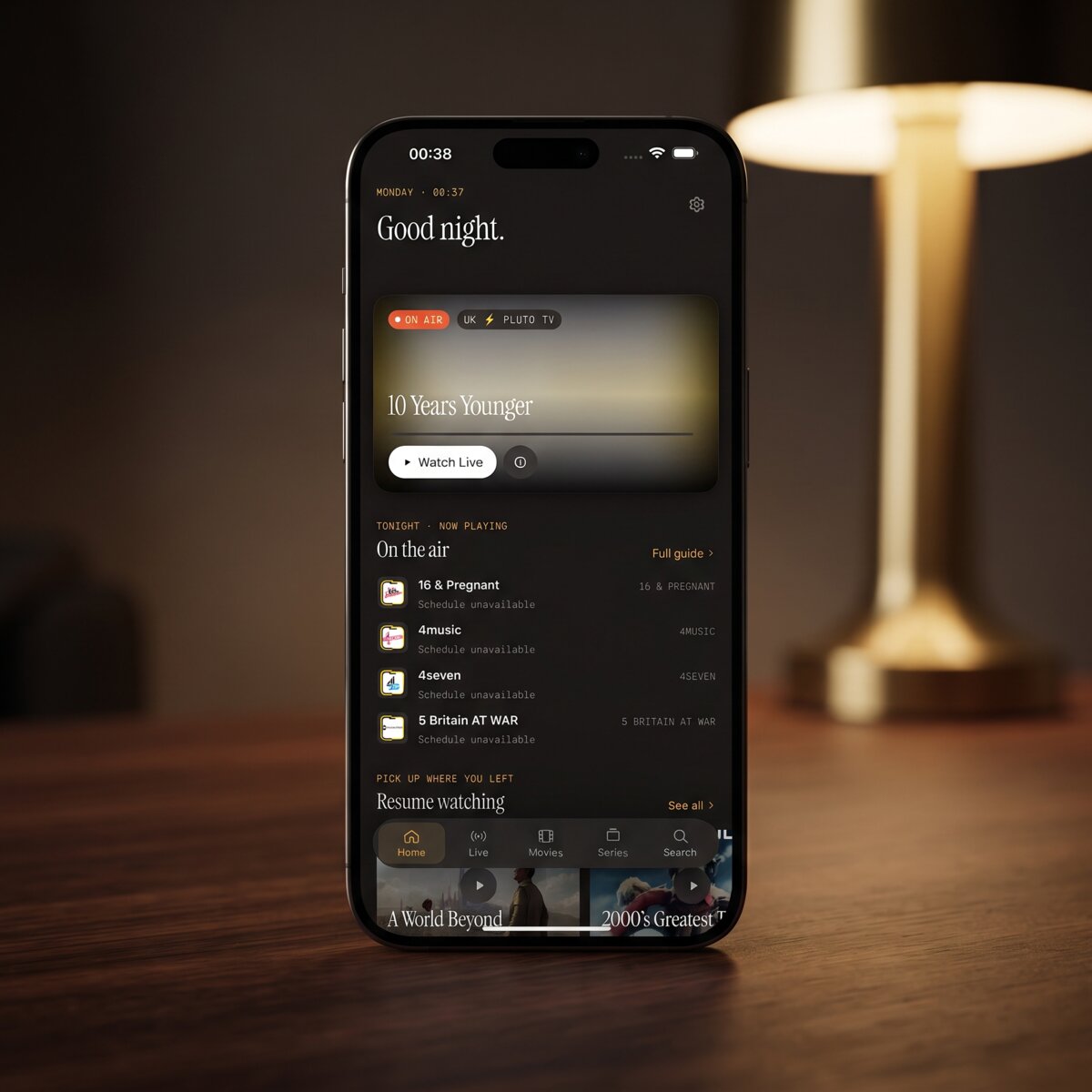
You press play on a channel you watched yesterday, and instead of a picture you get a cryptic number: 403, 404, 429, maybe a vague "stream error." It feels like the app is broken, but those numbers are actually the most useful clue you will get. Each one is a short message from a server, and once you can read it, you can usually fix the problem in a couple of minutes. This guide explains what the most common IPTV error codes mean, who is responsible for each, and what to try first. We use Maximus IPTV Player as the example throughout, a free-to-download player for iPhone, iPad, and Android that plays your own legal playlist or Xtream Codes login.
Key Takeaways
- Most IPTV errors are HTTP status codes: three-digit answers a server sends back when your player asks for a playlist, a guide, or a video stream.
- Codes starting with 4 (400 to 499) mean the request was refused or the thing was not found. Codes starting with 5 (500 to 599) mean the server itself had a problem.
- 401 and 403 usually point to your login or access rights, 404 to a dead or changed address, 429 to too many requests, and 5xx to something you cannot fix from your side.
- A player like Maximus IPTV Player only displays the result. The playlist and the streams come from your provider, so the fix is often a check of the details you typed in.
- Work through the problem in order: confirm the login, confirm the address, wait a few minutes, then check your network.
What does an IPTV error code actually mean?
Every time your player loads something, it makes a request over HTTP (HyperText Transfer Protocol, the language web servers speak). A request might ask for your playlist, your EPG (Electronic Program Guide, the TV schedule data), or a live video segment. The server answers with a three-digit status code.
The first digit tells you the category:
- 2xx means success. You never see these because the picture simply plays.
- 3xx means redirect. The address moved and your player follows it automatically.
- 4xx means a client error: the request was wrong, unauthorized, or pointed at something missing.
- 5xx means a server error: the request was fine but the server failed to answer.
Many video streams are delivered in HLS (HTTP Live Streaming), which cuts a channel into small chunks of a few seconds each and fetches them one after another. That is why a stream can start fine and fail minutes later: one chunk request got an error even though the previous hundred worked.
Not every player shows the raw number. Some display a friendly sentence, and some only say the stream failed. The advice below still applies, because the cause behind the sentence is the same.
What does error 401 or 403 mean on an IPTV stream?
401 Unauthorized means the server wants credentials and did not get valid ones. 403 Forbidden means the server understood who you are and still refuses the request. In IPTV, both usually come down to one of these:
- A typo in your login. With an Xtream Codes login (a username, password, and server address that many providers give you), one wrong character is enough. Re-enter all three fields slowly instead of editing one.
- An expired or paused subscription. Your provider may have switched your account off. Log in to the provider's own website to check its status.
- Too many devices on one account. Many accounts allow only one or two simultaneous connections. If a family member is watching on another screen, your stream can be refused.
- A blocked network. Some providers restrict certain networks or countries. A VPN (Virtual Private Network, a service that routes your traffic through another location) can trigger this, or it can fix it. If you recently turned one on or off, flip it back and test again.
If the error appears only on your phone but not on the provider's own web page, the likely culprit is how the credentials were entered. Maximus IPTV Player keeps your credentials on the device and supports Xtream Codes logins and M3U playlists on both iPhone and Android, so you can delete the source and add it again cleanly if you suspect a typo. To rule out the login itself, enter it in our free Xtream Codes checker: it shows whether the server accepts it, the account status and the connection limit.
Why do I get a 404 Not Found error?
404 means the server is reachable, but the exact address you asked for does not exist. For IPTV that tends to mean one of three things:
- The playlist link changed. An M3U playlist is a text file of channel names and stream addresses. Providers sometimes rotate the link, and an old copy of it returns 404. Ask your provider for the current link.
- A single channel was removed or renamed. If only one channel gives 404 while the rest play, the channel's stream address is gone on the provider side. Refreshing the playlist usually pulls in the new address.
- A cut-off link. Long links can get shortened when pasted from a message app or email. Paste it into a plain notes app first and check that it ends the way it should.
A useful test: if a whole source gives 404 on everything, suspect the link. If a single channel gives 404, suspect the channel. That one question saves a lot of troubleshooting time.
What is error 429 and why does it keep appearing?
429 Too Many Requests is the server asking you to slow down. It is a rate limit. Typical triggers:
- Rapid channel flipping. Jumping through 20 channels in 10 seconds sends 20 stream requests, and some servers answer by pausing you for a minute or two.
- Repeated playlist refreshes. Reloading a large playlist again and again in a row can hit the same limit.
- Several devices on the same internet connection. Your whole household may share one public address, so the server sees their requests as yours.
The fix is simply patience: wait two to five minutes without pressing anything, then try one channel. If the code returns right away, the limit is probably on the provider's side and not something you caused.
What do 500, 502, 503 and 504 errors mean?
These are 5xx errors, and they all mean the same thing in practice: the problem is on the server, not on your phone.
- 500 Internal Server Error is a generic failure somewhere inside the server.
- 502 Bad Gateway means one server asked another for help and received a bad answer.
- 503 Service Unavailable means the server is overloaded or down for maintenance. Big live events are a classic cause, since thousands of viewers arrive at once.
- 504 Gateway Timeout means a server waited too long for another one and gave up.
You cannot fix these by changing settings, and reinstalling the app will not help either. The best response is to wait 10 to 15 minutes and retry. If an entire evening of channels fails, contact your provider, because their servers are the ones struggling. Maximus IPTV Player plays what the provider delivers, so a provider outage looks the same in any player.
How do I tell a provider problem from an app problem?
Use three quick checks, in this order:
- Try a second player or the provider's web page. If the same error shows up everywhere, it is the source. If only one app fails, look at that app's settings.
- Try a different network. Switch from Wi-Fi to mobile data, or the reverse. If the error disappears, your router, DNS settings, or VPN is involved.
- Try a different channel type. A live channel, a movie, and a series episode often come from different servers. If only movies fail, the problem is likely isolated to one part of the provider's system.
A fourth check is worth doing on an Apple device. If a stream stutters and then dies, check whether you are casting. AirPlay and Chromecast casting work from iPhone and iPad, and a weak Wi-Fi link can turn a slow stream into a hard failure. Test playing on the phone itself first.
What should I check before contacting support?
Before you message your provider, gather four facts. It turns a vague complaint into something they can act on within minutes:
- The exact error text or number and which screen it appeared on.
- Whether it affects one channel, one category, or everything.
- The time it started, since outages are logged by time.
- What you already tried, such as re-entering the login or testing another network.
If the problem is the source and not your device, you also have a backup option. Maximus IPTV Player supports multiple sources in one library, so a second legal playlist or login can keep you watching while the first one is being repaired. Premium on Android unlocks multiple sources, and the app itself is free to download.
How can I avoid most IPTV errors in the first place?
A few habits prevent the majority of the codes above:
- Save your login details somewhere safe so you can re-enter them without guessing.
- Keep one active stream per connection if your plan limits you.
- Avoid refreshing the playlist repeatedly within a few minutes.
- Use a stable network for live sports, and a wired or strong Wi-Fi connection on a TV.
- Only use playlists and subscriptions you are legally entitled to use. Content is the user's own responsibility, and legitimate providers fix outages far faster than unreliable ones.
FAQ
Is a 403 error always my fault? No. It often means your account is blocked, over its device limit, or expired, and some of those are decided by the provider. Re-enter your login first, then check the account status on the provider's website.
Does reinstalling the app fix IPTV errors? Rarely. Reinstalling only helps if the app saved a wrong login. For 404, 429, and 5xx codes, the cause is outside the app.
What is the difference between 404 and 503? A 404 means the address does not exist, so the link or channel is wrong. A 503 means the address is right but the server is overloaded or down. A 404 needs a new link; a 503 needs patience.
Why does the same channel work for a minute and then fail? HLS streams are fetched in small chunks. If a single chunk request gets an error such as 429 or 503, playback stops even though earlier chunks worked. Retrying after a short wait normally restores it.
Can a VPN cause IPTV errors? Yes. A VPN changes your location and address, and some providers refuse connections from certain networks. If errors started after enabling one, turn it off and test again.
Conclusion
Error codes feel intimidating, but they are just a server's short answer. A 4xx code points you at your login or link, a 429 asks for patience, and a 5xx tells you the problem sits with the provider. Work through the checks in order and most issues are solved in minutes. If you want a clean player to run your own legal playlist, Maximus IPTV Player is free to download on the Apple App Store for iPhone and iPad, and on Google Play for Android phones, tablets, and Android TV.
Written by
Maximus IPTV Team