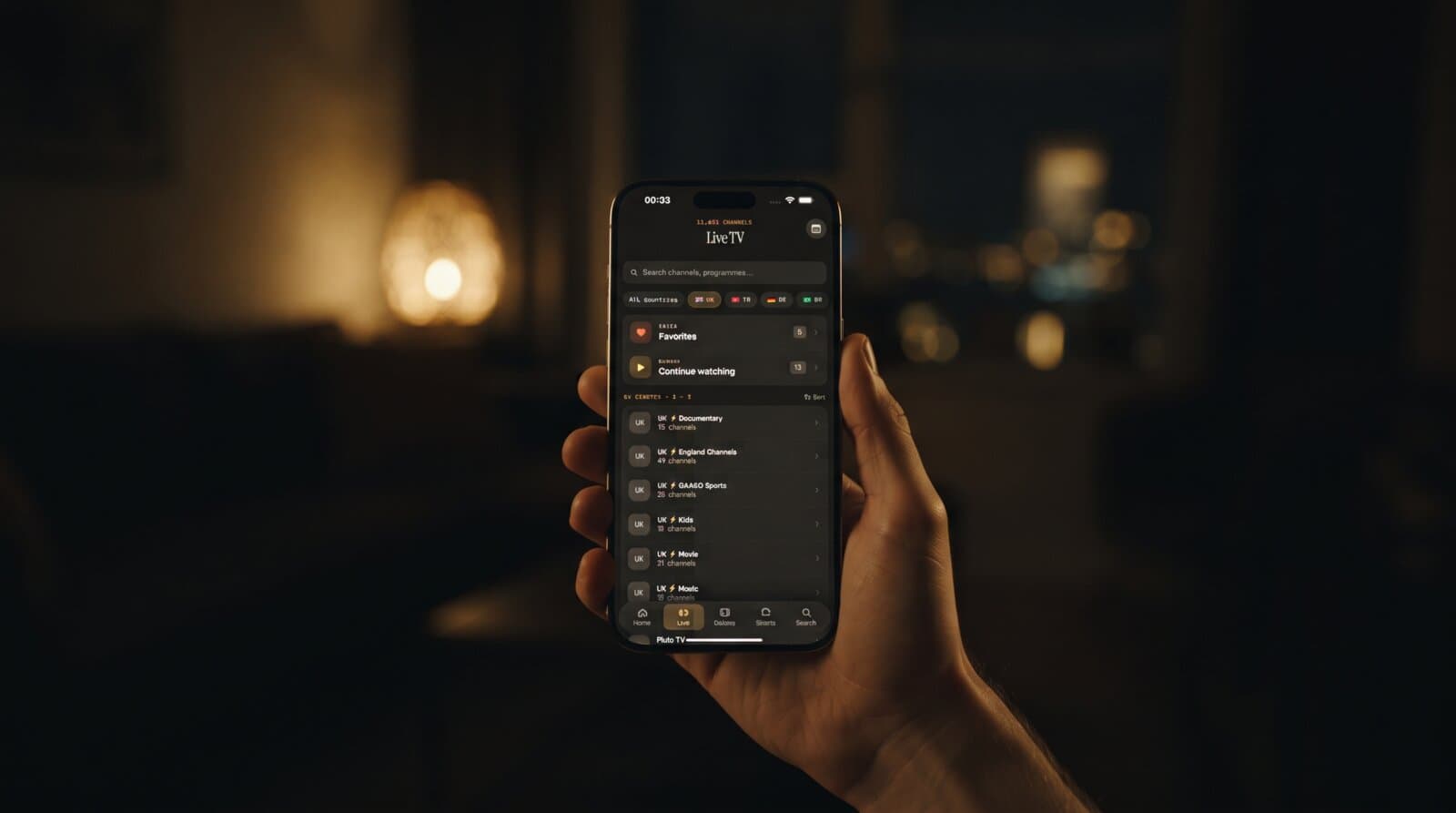
IPTV Channel Logos Missing? Why They Won't Load
Your playlist loads, the channel names are all there, and yet every row shows the same grey placeholder where a logo should be. It looks broken, but it usually isn't. Missing channel logos are one of the most common IPTV complaints, and the cause is almost always in the playlist data rather than in your player. This guide explains where logos come from, why they vanish, and how to fix them in Maximus IPTV Player on iPhone, iPad and Android.
Key Takeaways
- Channel logos are not stored in the app. Your source supplies a web address for each logo, and the player downloads the picture from it.
- A missing logo almost always means the address is empty, dead or blocked, not that playback is broken.
- A typical playlist with 5,000 channels can carry 5,000 separate logo links, so even a small share of dead links leaves hundreds of blank tiles.
- Missing logos never stop a channel from playing, and you can still find channels by name, group and search.
- Fixes happen at the source: your provider's playlist, or a copy of it that you edit yourself.
Where do IPTV channel logos actually come from?
A player app is a viewer. It does not own a library of broadcaster artwork. When you add a source to Maximus IPTV Player, the source describes every channel with a handful of fields: a name, a group, a stream address, and usually a logo address.
How that looks depends on the source type:
- M3U playlist. M3U is a plain text file that lists streams, one entry after another. Each entry can carry a logo field, commonly written as a tvg-logo attribute holding a web address that points to an image file.
- Xtream Codes login. Xtream Codes is a login-based format where the player asks a server for its channel list through an API (a set of requests a server answers automatically). Each channel in the answer includes an icon field with the logo address.
- EPG data. The EPG, or electronic program guide, is the schedule that shows what is on now and next. Guide files sometimes include their own channel icons, but the guide is mainly about programme titles and times.
In all three cases the pattern is the same: your source gives the player an address, and the player fetches the picture. If the address is wrong, the picture cannot appear. Maximus IPTV Player never invents a logo, which is why you will not see a wrong channel wearing someone else's badge.
Why are my logos blank while the channels play fine?
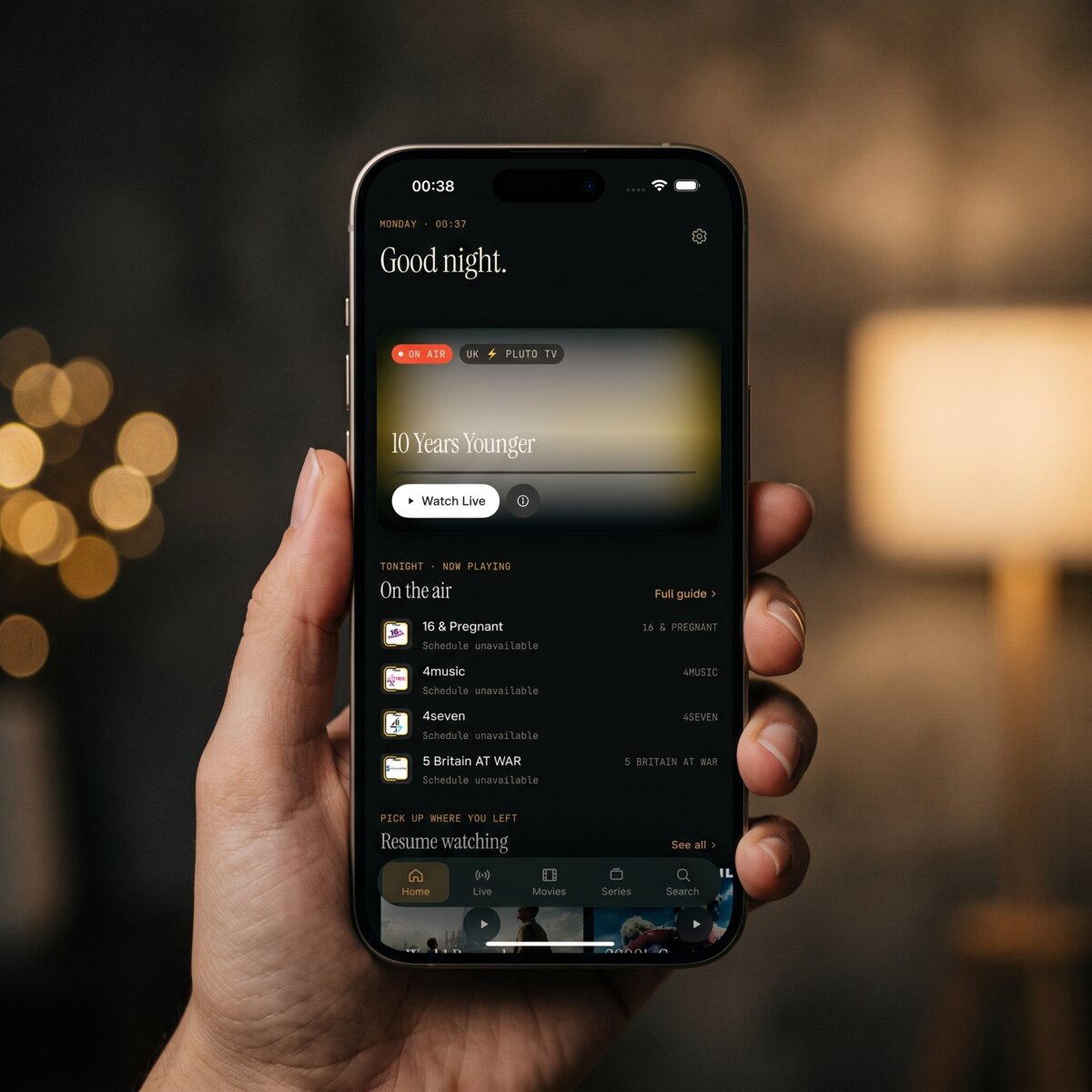
Playback and artwork travel on separate routes. The video comes from a stream address, while the logo comes from a different image address, often hosted on a completely different server. One can work while the other fails. These are the usual reasons, roughly from most to least common:
- The logo field is empty. Some playlists simply ship without logos. Nothing is wrong with your app or your connection.
- The image link is dead. Playlists age. The site that hosted a logo can move files, rename folders or shut down, and every channel pointing there goes blank at once.
- The image host blocks apps. Some image servers refuse requests that do not come from a web page, and others slow down when thousands of tiles ask at once.
- The link uses plain HTTP. Many phones and tablets prefer secure HTTPS addresses, and an old http link to a logo may be refused by the operating system or a network filter. An HTTPS version of the same image often loads fine.
- The file is huge or the wrong type. A logo that weighs several megabytes, or a file that is not really an image, can fail to render on a mobile connection.
- You are on a restrictive network. School, hotel, office and some public Wi-Fi networks block image hosts the same way they block other sites.
Is it my connection or my playlist?
A two-minute test sorts this out. Open the same source on mobile data and then on home Wi-Fi.
- If logos appear on one network and not the other, the first network is filtering image hosts. Nothing is wrong with the playlist.
- If logos are blank on both, the data itself is the problem: empty fields or dead links.
- If only some groups are blank while others show logos, the playlist was assembled from several lists and only part of it carries artwork.
- If logos appear after a few seconds and the list fills in gradually, you are seeing slow image hosting rather than missing data.
Remember that streaming and artwork use different servers. A channel that plays in 4K but shows a blank tile is normal behaviour for a playlist with broken image links.
How do I get logos back in Maximus IPTV Player?
Start with the least effort and work down. Maximus IPTV Player is a free download, and the steps below work on both stores' versions of the app.
- Check the Live TV list on a fresh load. Close the app fully, reopen it and give the list a few seconds on a strong connection. Large lists with 10,000+ channels fill in progressively.
- Confirm the source is current. Open your sources and check that the playlist or login is still the one your provider gave you. Old links are the top cause of blank artwork. On Android, Premium includes source refresh; on iPhone and iPad you can re-add the source if the data looks stale.
- Switch the source type if you have the choice. If your provider offers both an M3U link and an Xtream Codes login, try the other one. They can point at different logo sources.
- Ask your provider for the logo field. If logos are blank on every network, the provider's data is the issue. Support teams can usually tell you whether the playlist includes logos at all.
- Edit a personal copy if you maintain your own M3U. If you manage the file yourself, a text editor lets you correct broken logo addresses or switch them to HTTPS. Keep a backup of the original first.
If you use several sources in one library, a single blank source will not affect the others, because each one brings its own data.
Can I use the app well without logos?
Yes. Logos are cosmetic, and the parts of Maximus IPTV Player built for speed do not depend on them. On both platforms you can:
- Search by name. Universal search finds channels, movies and series by title, so a blank tile never hides anything.
- Browse by country. Live TV is grouped by country, which keeps a long list manageable even when every tile looks identical.
- Use Favorites. Star the 10 or 20 channels you actually watch and they sit at the top with their names, regardless of artwork.
- Resume where you stopped. Continue Watching keeps your recent items together.
A workable habit: favorite your core channels first, then sort out artwork later, or never.
What about movie and series posters?
Posters follow the same rules as channel logos. Movies and series come with their own image address for each title, often from a metadata service, and a missing poster means the address was empty or unreachable. If posters are blank but titles, descriptions and episode lists load, the cause is the image link. If the whole library is empty, check the source connection instead.
Frequently asked questions
Do missing logos mean the playlist is fake or broken? No. Playlists with a working stream and no logo field are common. Logos are optional data, and many sources leave them out.
Will reinstalling the app bring logos back? Usually not. The app cannot create images the source does not provide. Reinstalling only helps if the problem was a stale local copy, and re-adding the source achieves the same thing with less effort.
Why do some logos appear and others do not in the same list? Because every channel has its own link. Some point to live images and some to dead ones, so a list can be a mix of both.
Are logos slowing down my list? Rarely, but thousands of image requests on a weak connection can make a big list feel slow at first. It settles once the pictures load.
Do logos differ between iPhone and Android? The source data is the same on both. What can differ is the network and the device, so test on both Wi-Fi and mobile data if one device shows logos and the other does not.
Can Maximus IPTV Player supply logos for me? The app shows what your source provides. It does not replace missing artwork with guesses, which keeps the list accurate.
The short version
Blank logos are a data problem, not a playback problem. Check the network, check whether the source includes logos at all, try the alternative source type, and lean on search, country groups and Favorites while you sort it out. Your channels still play.
Ready to try a clean, ad-free player? Download Maximus IPTV Player for iPhone and iPad from the Apple App Store, or get it for Android phones, tablets and Android TV on Google Play.
Written by
Maximus IPTV Team