IPTV Black Screen? Why the Picture Won't Load
Sound is playing. You can hear commentary, dialogue, even ad jingles. But the screen is black. If you've searched "IPTV black screen" or "IPTV no picture but sound works" while using Maximus IPTV Player or any other IPTV app, you already know this is one of the most confusing problems to diagnose — because everything looks broken, but half the pipeline is clearly working. Audio decode, network connection, and app launch all succeeded. Only video failed.
This is different from three other IPTV headaches: buffering (a spinning wheel while the stream loads), out-of-sync audio (picture and sound both play, just not together), and an app that crashes outright. A black screen with live audio is its own animal, and it usually comes down to one of four causes: HDCP handshake failures during casting, a video codec your device can't decode, a dead video feed from the source itself, or a rendering surface that got confused when the app went to the background. Maximus IPTV Player runs on iPhone, iPad, Mac (Apple silicon), and Android — phones, tablets, and Android TV / Google TV — and each platform hits a slightly different version of this bug. Here's how to tell them apart and fix them.
Key Takeaways
- Audio playing with no video almost always means the video decode or render step failed — the network and audio pipeline are fine.
- HDCP (High-bandwidth Digital Content Protection) mismatches between your streaming device and TV or AV receiver are one of the most common causes when the black screen only happens while casting or connected through an HDMI switch.
- Many IPTV sources encode in H.265/HEVC, which compresses roughly 40-50% more efficiently than H.264 — great for bandwidth, but older set-top boxes and budget Android TV sticks without an HEVC-capable hardware decoder will fail to render the picture even though the audio track decodes fine.
- If the black screen follows you to a different channel or source, the problem is your device or connection. If it's isolated to one channel, the problem is upstream at the source.
- On Android, backgrounding and returning to the app can leave the video surface in a bad state — a fresh relaunch, not just resuming, usually clears it.
Why does my IPTV app play sound but show a black screen?
Video and audio are decoded separately, on separate tracks, even though they arrive in the same stream. A device can successfully decode AAC or MP3 audio while completely failing to decode the video track sitting right next to it. That's why you get sound with nothing on screen instead of the app just closing or timing out — audio decoding is comparatively cheap and works on almost every device, while video decoding depends on hardware support, licensing, and how the source encoded the stream.
Is it an HDCP or casting problem?
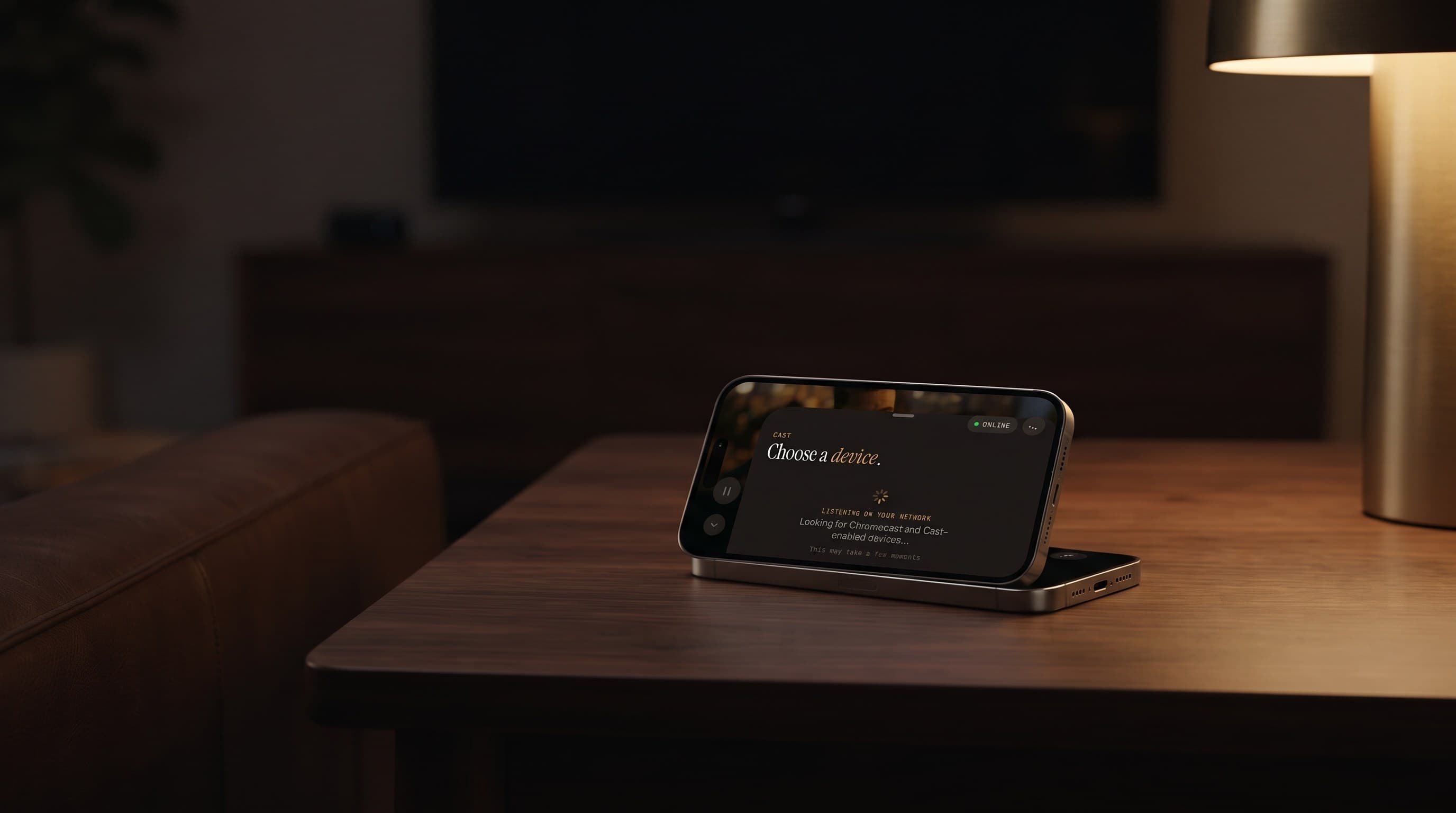
If the black screen only shows up when you're using AirPlay (Apple's wireless casting protocol) or Chromecast (Google's equivalent, also called Google Cast) — and the same channel plays fine directly on the phone or tablet screen — start here. HDCP is a copy-protection handshake between the source device and the display, and the two most common versions in the wild, HDCP 1.4 and HDCP 2.2, don't always negotiate cleanly through a multi-device chain. When it fails (an HDMI switch or soundbar in the middle of the chain is a frequent culprit, and so is a TV several years old running an outdated HDCP version), many devices intentionally blank the video while still passing audio through, since audio isn't gated by HDCP the same way. On iPhone and iPad, try AirPlaying directly to the TV instead of through a receiver or switch, or plug the TV's HDMI cable straight into the display instead of an intermediate device, then retest. Android has no built-in casting in Maximus IPTV Player at all, so if you're on Android and seeing this, HDCP over casting isn't your cause — skip to the codec section below.

Could the video codec be the real issue?
This is the single most common cause on Android TV boxes and budget streaming sticks. Many IPTV providers now encode channels in H.265/HEVC to save bandwidth, especially for HD and 4K feeds — a channel that needed roughly 8 Mbps in H.264 can often hold the same picture quality at 4-5 Mbps in HEVC. HEVC decoding needs either a dedicated hardware decoder chip or enough CPU headroom to software-decode it — and a lot of Android TV hardware shipped before roughly 2019 either lacks that chip entirely or only supports it at lower resolutions. The result is exactly this symptom: the audio track (usually a lightweight AAC stream) decodes without issue while the video track silently fails. If this only happens on your Android TV box or stick and the exact same channel plays with picture on your phone, that's close to a confirmed diagnosis. There's no universal software fix for a missing hardware decoder — the practical options are watching that specific channel on a device that does support HEVC, or asking your source provider if they offer an H.264 fallback stream for older hardware.
Is this a problem with the stream, my network, or my device?
Run a quick three-way test before assuming it's your app or device:
- Switch channels. If a different channel plays picture normally, the first channel's source is the problem — the provider's encoder may have a stuck or dead video feed while the audio pipeline keeps running. This happens upstream, on the provider's server, and no player-side fix touches it.
- Switch networks. Try switching from Wi-Fi to cellular data (or vice versa) on your phone or tablet. If the black screen follows you across networks on the same channel, it isn't a bandwidth problem.
- Switch devices. If the same channel is black on one device and shows picture on another, you've isolated it to hardware or software on that specific device — which points back to the codec issue above.

How do I fix a black screen in Maximus IPTV Player?
Work through these in order — each one rules out a layer:
- Force-close and relaunch the app, rather than just switching back to it. On Android in particular, backgrounding the app can leave the video rendering surface in a stale state that a simple resume doesn't clear, even though playback controls still respond.
- Reconnect your source. In Sources, remove and re-add your Xtream Codes login or M3U playlist (a plain-text file listing your channel stream links). A corrupted cache of the channel list can point at a dead stream URL that no longer matches what the provider is actually serving.
- Try the channel on a different device or platform (iPhone vs. Android TV, for example) to separate a source-side issue from a device-side one, using the three-way test above.
- Update the app. Video decoder compatibility and codec handling improve across releases on both the App Store and Google Play.
- Restart your streaming device, especially Android TV boxes and sticks, which can accumulate memory pressure across many hours of use in a way that specifically affects hardware video decoding before anything else visibly breaks.
- If it's isolated to casting, play the channel directly on the phone or tablet screen instead of through AirPlay or Chromecast to confirm HDCP as the cause, then address the HDMI chain between your streaming device and TV.
None of these steps require touching your subscription or playlist provider unless the three-way test points there — most black-screen cases trace back to the device's decoder or the HDMI chain, not your IPTV source itself.
FAQ
Why does the sound work but not the picture in IPTV apps generally, not just Maximus? Because audio and video are decoded independently. Almost any device can decode common audio formats, but video decoding — especially for HEVC/H.265 — depends on hardware support that not every device has, so it's the layer most likely to silently fail while everything else keeps working.
Does restarting my router fix a black-screen issue? Rarely, on its own — a router restart addresses bandwidth or connectivity problems, but a black screen with working audio usually isn't a bandwidth issue, since the stream is clearly still being received and partially decoded.
Is a black screen a sign my IPTV subscription is broken? Not by itself. Because audio is still playing, the connection to your source is working. A dead subscription or expired login typically produces a channel that won't load at all (or an error), not sound with no picture.
Does this happen on iPhone and iPad, or just Android? Both, though the common cause differs. On iOS it's most often an HDCP/casting issue during AirPlay. On Android, especially Android TV boxes and sticks, it's more often a codec (HEVC hardware decode) limitation.
Will a factory reset of my streaming box fix it? Only if the issue is corrupted device state rather than a missing hardware decoder or a dead source feed — try the cheaper steps above (force-close, re-add the source, try another channel) before a full reset.
Maximus IPTV Player is built to make your own legal IPTV subscription or M3U playlist easy to watch across every screen you own — iPhone, iPad, Mac with Apple silicon, and Android phones, tablets, and Android TV / Google TV. When something like a black screen shows up, it's almost always a device or HDMI-chain quirk like the ones above, not a sign anything is fundamentally wrong with your setup.
Download Maximus IPTV Player on the Apple App Store for iPhone, iPad, and Mac, or on Google Play for Android phones, tablets, and Android TV.
Written by
Maximus IPTV Team