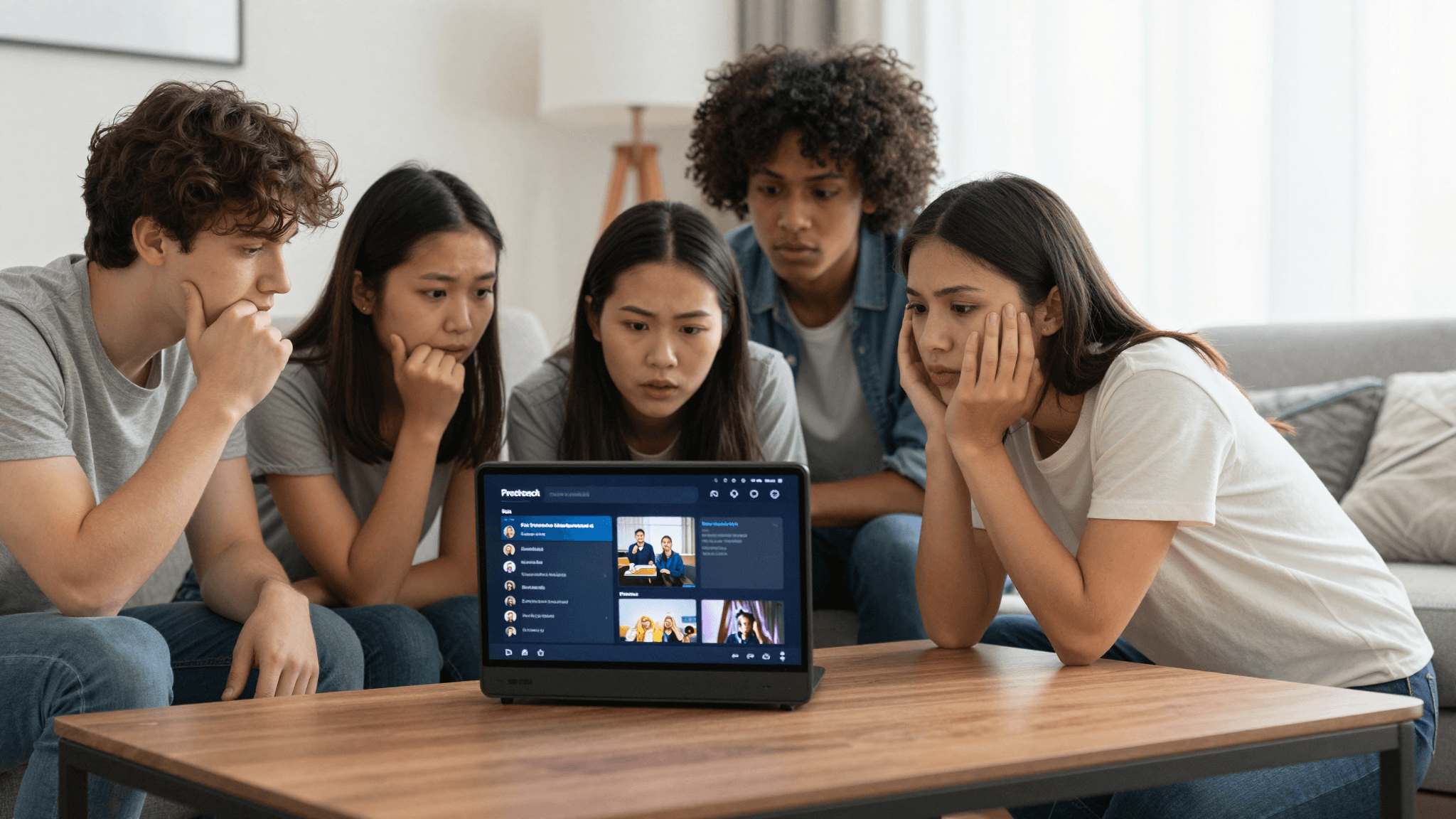
Fixing IPTV Playlist Issues on iOS: A How-To Guide
Ever had that frustrating moment when your IPTV playlist, which worked perfectly yesterday, refuses to load today? It's not just annoying; it disrupts your entire streaming experience. How can you identify and fix the most common issues that cause your M3U playlist to stop working on an iOS device?
Quick Key Takeaways:
- Understand why IPTV playlists fail on iOS and how to diagnose issues.
- Learn step-by-step fixes tailored for maximized playback on Maximus IPTV Player.
- Discover top tips to maintain consistent playlist performance on your iPhone or iPad.

What Causes IPTV Playlist Issues on iOS Devices?
Your beloved IPTV playlists can encounter several issues due to various reasons. The most common cause is an outdated or corrupted M3U file. This can happen if the server hosting the IPTV streams goes down, or there are network connectivity issues. Other factors include outdated app versions, incorrect URLs, or expired streaming links.
To effectively fix your IPTV playlist, it's crucial to first diagnose the type of problem:
- Server Issues: Check if the server is online and responding.
- File Corruption: Ensure your M3U file isn’t corrupted or improperly formatted.
- App Issues: Make sure your Maximus IPTV Player is updated to the latest version.
How Can You Diagnose an Unresponsive M3U Playlist?
When dealing with an unresponsive M3U playlist on your iPhone, start by verifying the URL or the file itself. Here’s how you can do it easily:
- Check if the URL is accessible from another device - this confirms whether the issue is with the server or your specific device.
- Review the format of your M3U file - a misplaced comma or typo can render the entire file unusable.
- Ensure there are no expired links in your playlist that might be causing the entire file to fail.
What Are the Best Practices for Maintaining a Healthy IPTV Playlist?
To keep your IPTV experience smooth, consider these best practices:
- Regularly update the URLs and check their validity.
- Use a reliable IPTV management tool to organize and maintain your playlists.
- Regular updates of your Maximus IPTV Player app can help manage better compatibility with advanced streaming formats.

Frequently Asked Questions
What should I do if my IPTV stream keeps buffering?
The first step is to check your internet connection strength and speed. If your connection is stable, try reducing the stream's quality settings to see if buffering decreases.
How can I reset my M3U playlist on Maximus IPTV Player?
You can reset your M3U playlist in Maximus IPTV Player by navigating to the settings menu, selecting 'Manage Playlists', and then choosing the ‘Delete’ option for your current playlist. After this, you can load a new playlist file.
Where can I report issues with my Maximus IPTV Player?
For any technical issues with Maximus IPTV Player, you can contact the support team via the ‘Support’ section in the app or visit the 'Help' section on the maximusplayer.com website.
In conclusion, understanding the root of your IPTV playlist issues and applying the correct fixes can enhance your streaming experience on iOS devices. For the smoothest and most reliable IPTV streaming, download Maximus IPTV Player from the App Store.
Written by
Maximus IPTV Team