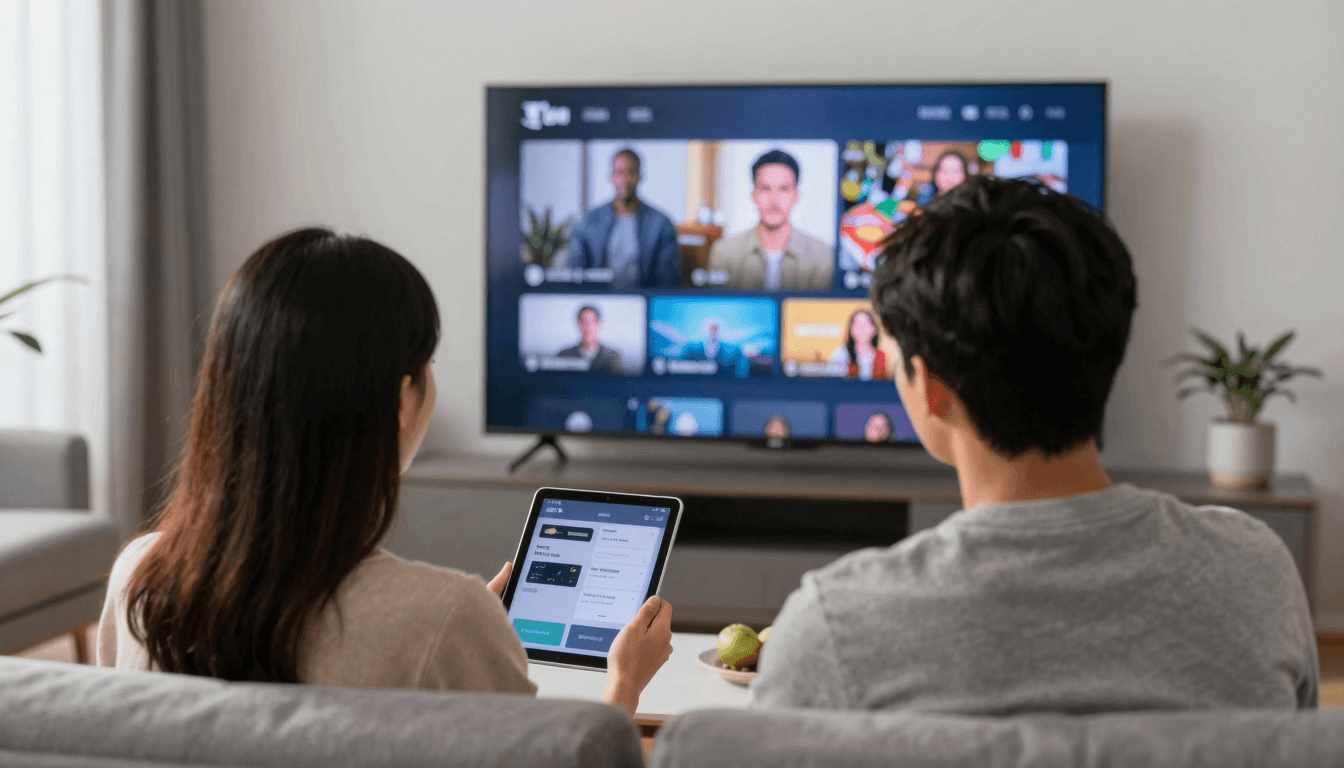
AirPlay vs. Chromecast: Best for IPTV on Your iOS Device?
Ever wanted to enjoy your IPTV on a bigger screen but felt undecided whether to use AirPlay or Chromecast from your iOS device? You're not alone. Choosing the right streaming method affects not just quality but also ease of use, compatibility, and enjoyment of your media.
Key Takeaways
- Understand the key differences between AirPlay and Chromecast for IPTV streaming on iOS.
- Learn which casting method offers better quality and reliability for your iPhone or iPad.
- Discover how Maximus IPTV Player enhances your streaming experience on both platforms.
What Are the Basic Differences Between AirPlay and Chromecast?
AirPlay, developed by Apple, is a wireless streaming feature that allows iOS users to broadcast audio and video from their devices directly to Apple TV and other AirPlay-compatible devices. Chromecast, created by Google, functions similarly but requires a Chromecast dongle connected to your TV. It streams content by receiving a signal from your mobile app and then fetching and displaying it from the cloud.
While AirPlay supports streaming directly from device to screen, Chromecast can often provide a more versatile viewing experience since it isn't limited to Apple products, supporting a wider array of apps and services.
Which Offers Better Streaming Quality for IPTV on iOS?
When it comes to streaming quality, AirPlay typically offers a more reliable and higher resolution experience because it directly mirrors your device's screen. This is particularly advantageous when using apps like Maximus IPTV Player that support high-resolution video output, up to 4K. Chromecast might sometimes lag behind due to its dependency on internet speed for fetching content from the cloud.
Maximus IPTV Player is optimized to work seamlessly with both casting technologies, ensuring that you always get the best possible resolution and performance.

How Does Each Affect Battery and Resource Usage on iOS Devices?
Streaming via AirPlay generally consumes more battery because it replicates everything on your device's screen—down to the last pixel. In contrast, Chromecast offloads the video playback work to the dongle, which fetches and decodes the video on its own, potentially saving your device’s resources.
However, if you are streaming IPTV through the Maximus IPTV Player, the app is fine-tuned to minimize battery and resource usage, making both options viable even for prolonged viewing sessions.
What Should I Consider Regarding Compatibility and Ease of Setup?
AirPlay offers streamlined compatibility if you already are invested in the Apple ecosystem. Its setup involves fewer steps, mainly because AirPlay functionality is built into iOS devices and many other audio and video products from Apple.
Chromecast, while requiring an initial setup and possibly an external application, supports not just iOS but also Android, Windows, and Mac, offering a more flexible setup for families or environments with multiple operating systems.

Frequently Asked Questions
What is needed to use AirPlay with Maximus IPTV Player on iOS?
You just need an AirPlay-compatible device connected to the same Wi-Fi network as your iOS device.
Can I use Chromecast with apps other than Maximus IPTV Player?
Yes, Chromecast supports many apps and devices including iOS, providing versatility across different platforms.
Does using Chromecast or AirPlay require additional fees?
Neither AirPlay nor Chromecast incurs additional fees for use apart from the initial purchase of required hardware like the Chromecast dongle.
As you choose between AirPlay or Chromecast for streaming IPTV on your iOS device, consider your current tech ecosystem, the video quality you desire, and the potential impact on your device’s resources. For seamless streaming and high-quality IPTV experience, download the Maximus IPTV Player from the App Store. It's designed to offer optimal performance on both streaming platforms, making it a top choice for iOS IPTV users.
Written by
Maximus IPTV Team